




Here's how it works
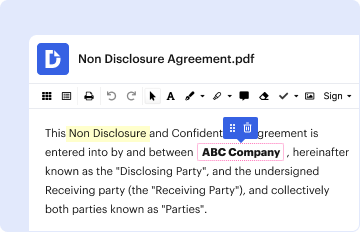
01. Edit your partially disabled veteran plate nc rules online
Type text, add images, blackout confidential details, add comments, highlights and more.
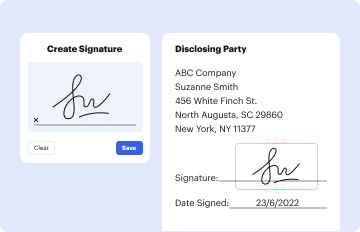
02. Sign it in a few clicks
Draw your signature, type it, upload its image, or use your mobile device as a signature pad.
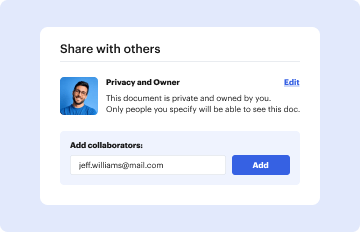
03. Share your form with others
Send how many disabled veteran plates can you get via email, link, or fax. You can also download it, export it or print it out.
How to use or fill out north 33a va with our platform

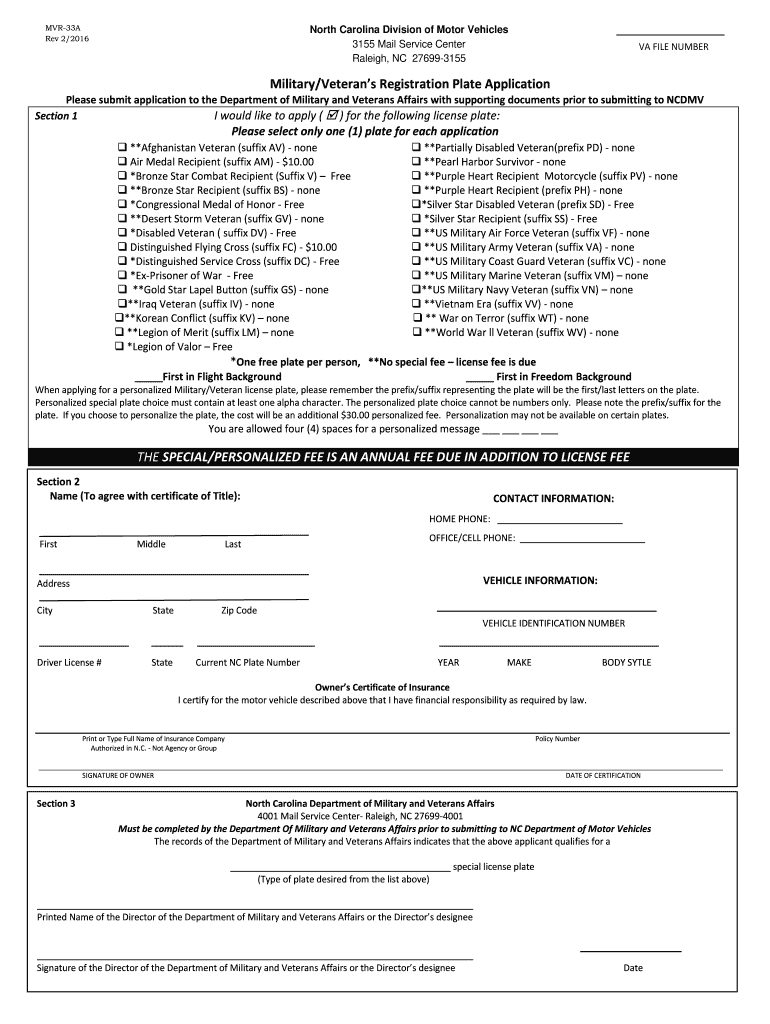
- Click ‘Get Form’ to open the north 33a va application in the editor.
- In Section 1, select the type of military/veteran license plate you wish to apply for by checking the appropriate box. Remember, only one plate can be selected per application.
- If you want a personalized plate, note that it must contain at least one letter and cannot consist solely of numbers. Fill in your desired message using up to four spaces provided.
- Proceed to Section 2 and enter your contact information, including your name, home phone, office phone, and cell phone. Ensure that your name matches the certificate of title.
- Fill in your vehicle information such as city, state, zip code, vehicle identification number (VIN), driver’s license number, and current NC plate number.
- Lastly, sign and date the form in Section 2 to certify that you have financial responsibility for the vehicle described above.
Start filling out your north 33a va application online for free today!
Fill out north 33a va online
It's free
It's free
See more north 33a va versions
We've got more versions of the north 33a va form. Select the right north 33a va version from the list and start editing it straight away!
Security and compliance
At DocHub, your data security is our priority. We follow HIPAA, SOC2, GDPR, and other standards, so you can work on your documents with confidence.
Learn more


Related forms
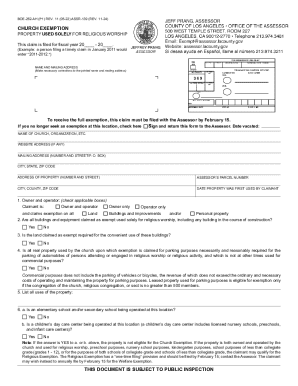
Boe-262-ah (p1) Rev 11 (05-22) Assr-139 (rev 11-24)
The document is a claim form for church property tax exemption, specifically for properties used solely for religious wo ...
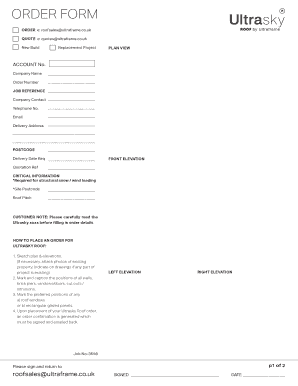
Uk order form ultraframe
The document is an order form for Ultrasky roofs, detailing the necessary information and steps required to place an ord ...

Wcb c966
The document is an 'Employer's Authorization of a Representative' form used by employers to authorize a representative t ...

Consent and Declaration For Treatment Prodedure - extcontent covenanthealth
The document is a Consent and Declaration form for treatment or procedures on behalf of a Formal Patient or a person und ...
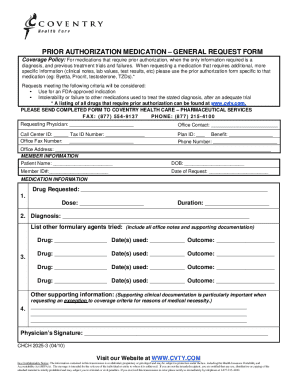
Prior Authorization Medication Request Form
The document is a prior authorization medication request form for Coventry Health Care, outlining the criteria and neces ...
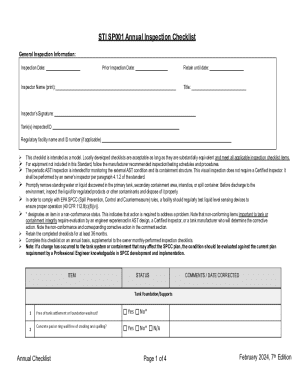
SP001 7th Edition - final 02092024
The STI SP001 Annual Inspection Checklist is a comprehensive guide for inspecting Aboveground Storage Tanks (ASTs) to en ...
Acknowledgment of Risk and Release of Liability
The document is an acknowledgment of risk and release of liability form for participants aged 19 or older engaging in eq ...
01jt form intructions form
The document provides detailed instructions for completing the Transfer Altering Tenancy form 01JT, including guidelines ...