




01. Edit your form online
Type text, add images, blackout confidential details, add comments, highlights and more.

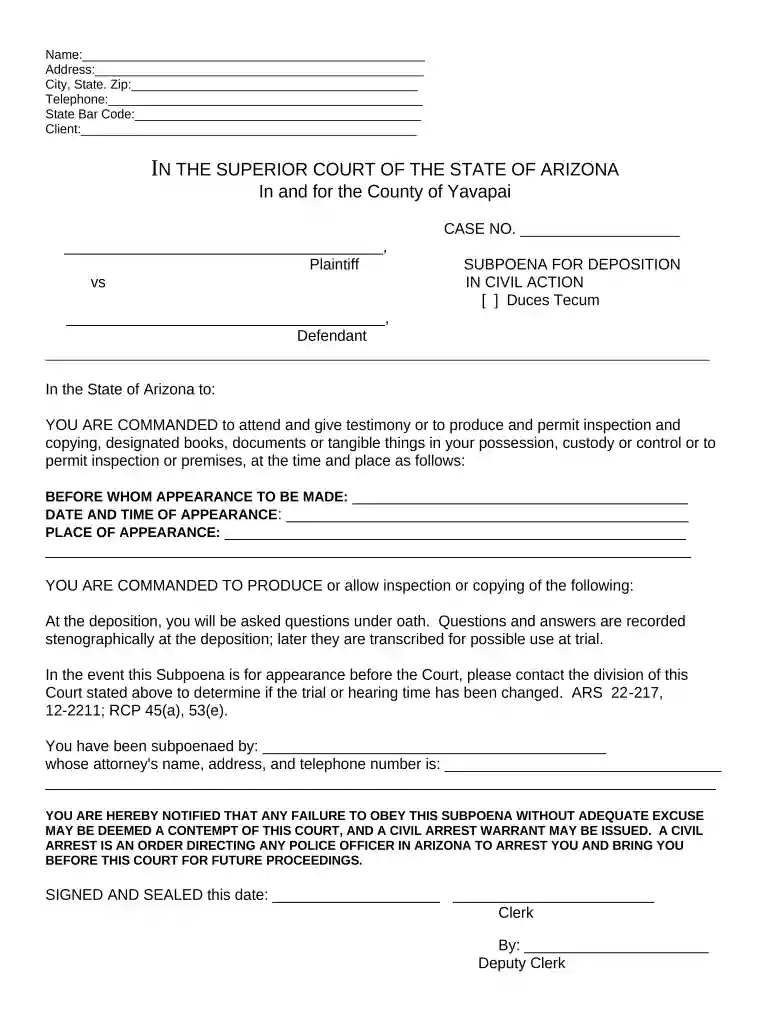
Type text, add images, blackout confidential details, add comments, highlights and more.

Draw your signature, type it, upload its image, or use your mobile device as a signature pad.

Send it via email, link, or fax. You can also download it, export it or print it out.

Start using our platform today for free to streamline your document editing and signing process!
At DocHub, your data security is our priority. We follow HIPAA, SOC2, GDPR, and other standards, so you can work on your documents with confidence.
The Board may issue subpoenas for the attendance of witnesses and for the production of books, records, documents and other evidence on its own volition or atRead more
In its 2010 annual report Peabody notes that the New York Office of the Attorney General Subpoena wrote to Peabody on June 14, 2007 and referred to theRead more
SERVICE INSIDE ARIZONA only: You must be able to serve the subpoena within the state of Arizona. WARNING: There are additional requirements for aRead more


