




Here's how it works

01. Edit your dochub com fillable form online
Type text, add images, blackout confidential details, add comments, highlights and more.

02. Sign it in a few clicks
Draw your signature, type it, upload its image, or use your mobile device as a signature pad.

03. Share your form with others
Send itd forms via email, link, or fax. You can also download it, export it or print it out.
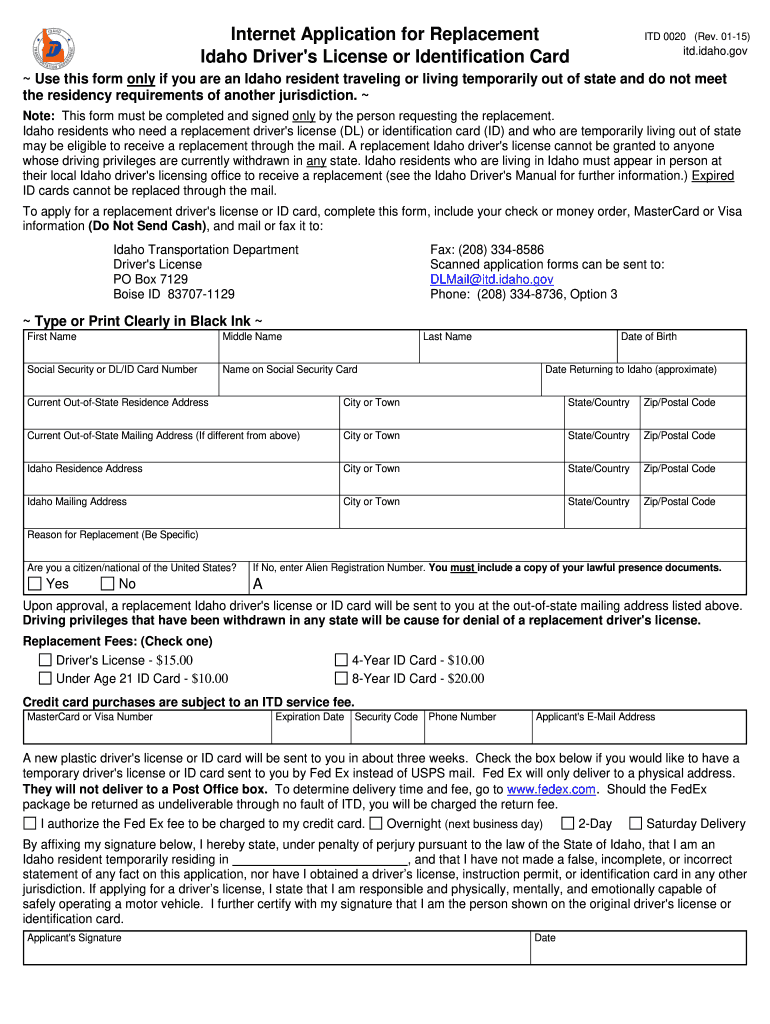
How to use or fill out itd 0020 with our platform

- Click ‘Get Form’ to open the itd 0020 in the editor.
- Begin by entering your First Name, Middle Name, and Last Name in the designated fields. Ensure that you type clearly.
- Provide your Social Security or DL/ID Card Number along with your Date of Birth. This information is crucial for identification purposes.
- Fill in the Current Out-of-State Residence Address, including City or Town, State/Country, and Zip/Postal Code. If your mailing address differs, complete that section as well.
- Indicate your Idaho Residence Address and Mailing Address if applicable. Be sure to include all required details.
- Specify the Reason for Replacement and confirm your citizenship status by selecting 'Yes' or 'No'. If 'No', provide your Alien Registration Number.
- Select the appropriate Replacement Fees option and enter your credit card information if paying by card.
- Sign and date the form at the bottom to certify that all information is accurate before submission.
Start using our platform today to easily fill out and submit your itd 0020 form online for free!
Fill out itd 0020 online
It's free
Security and compliance
At DocHub, your data security is our priority. We follow HIPAA, SOC2, GDPR, and other standards, so you can work on your documents with confidence.
Learn more


Related forms

Blake mouton managerial grid online test
The document presents the Blake and Mouton Managerial Grid Leadership Self Assessment Questionnaire, designed to evaluat ...
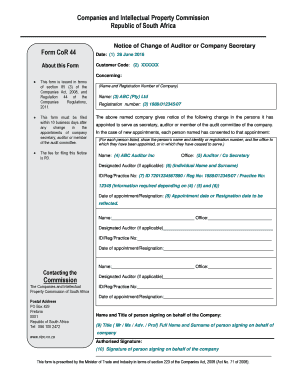
Property mandate template
The document is a notice from the Companies and Intellectual Property Commission of South Africa regarding the change of ...
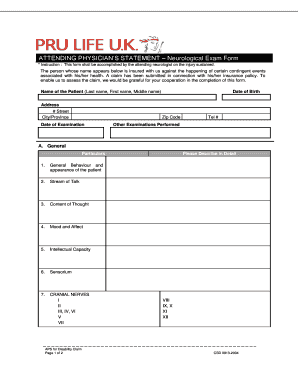
Kyc form template uk
The document is an Attending Physician's Statement for a Neurological Exam, which must be completed by the attending neu ...

Slow pitch softball lineup template
The document is a roster and release of liability form for participants in the Molson Slo-Pitch National 2012 Fall Ball ...

Stf online apply
The document is a personal information form for participants of the Special Task Force (STF), collecting details such as ...

Form a1
The document is an application form (VAT-A1) for the grant of registration under the Haryana Value Added Tax Act, 2003. ...

Certificate of fact
The document is a Certificate of Fact form used to make a statement regarding vehicle or vessel information, including d ...