




Here's how it works

01. Edit your printable home bakery order form pdf online
Type text, add images, blackout confidential details, add comments, highlights and more.

02. Sign it in a few clicks
Draw your signature, type it, upload its image, or use your mobile device as a signature pad.

03. Share your form with others
Send dochub com fillable form via email, link, or fax. You can also download it, export it or print it out.
How to use or fill out home bakery order form pdf with DocHub

- Click ‘Get Form’ to open the home bakery order form in our platform's editor.
- Begin by filling out the 'Student Information' section. Enter the student's name, local phone number, cell phone number, and email addresses. Ensure all details are accurate for effective communication.
- Next, complete the 'Parent Information' section. Provide your name, address, city, state, zip code, phone number, and email address. This information is crucial for order confirmation and contact purposes.
- In the 'Fresh Bakery Cake Information' section, select your desired cake flavor and frosting from the options provided. Don't forget to add a personalized message on the cake and card.
- Indicate the preferred pick-up date for your child's cake. Remember that cakes can be collected at the Office of University Relations.
- Fill out the 'Payment Information' section by selecting your credit card type and entering your card details. Alternatively, choose an alternate payment method if applicable.
- Finally, review all entered information for accuracy before submitting your order form via mail or fax as instructed at the bottom of the document.
Start using our platform today to easily fill out your home bakery order form for free!
Fill out home bakery order form pdf online
It's free
Security and compliance
At DocHub, your data security is our priority. We follow HIPAA, SOC2, GDPR, and other standards, so you can work on your documents with confidence.
Learn more


Related forms

Informal Final Settlement: Affidavit, Motion and Order - courts ky
The document AOC-850 is an Informal Final Settlement form used in the Commonwealth of Kentucky's Court of Justice for se ...
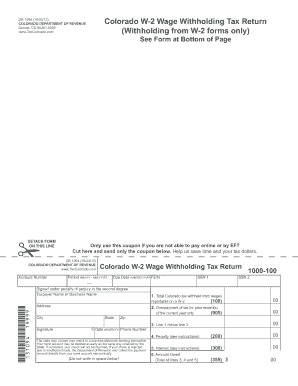
Colorado W-2 Wage Withholding Tax Return - Colorado - colorado
The document is the Colorado W-2 Wage Withholding Tax Return (Form DR 1094), which employers use to report income taxes ...
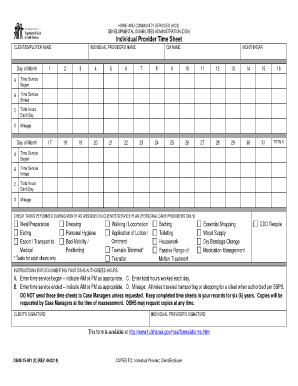
Individual Provider Time Sheet - dshs wa
The document is a time sheet for individual providers working under the Developmental Disabilities Administration (DDA) ...

26r analysis instructions
The document is a form (Form 26R) issued by the Commonwealth of Pennsylvania's Department of Environmental Protection fo ...

Mississippi Birth Certificate Application
The document is an application form for obtaining a certified birth certificate from the Mississippi State Department of ...

NMDPS - Welcome to NewMexico
The document is an INFORMATION REQUEST form used to request information from DMV records. It includes sections for reque ...
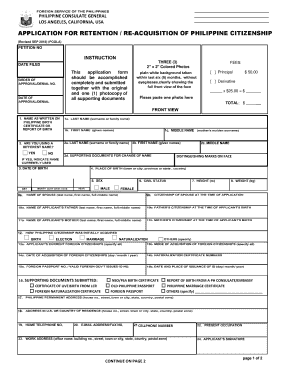
2018 PH Application for Retention Re-Acquisition of Citizenship - Los Angeles
The document is an application form for the retention or re-acquisition of Philippine citizenship, issued by the Philipp ...
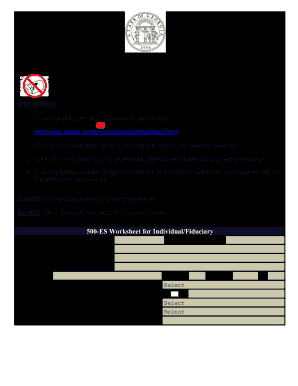
2014 500 es 2015 form
The document provides instructions for individuals and fiduciaries in Georgia on how to file estimated tax payments usin ...