




Here's how it works



How to use or fill out az el paso natural policies with our platform

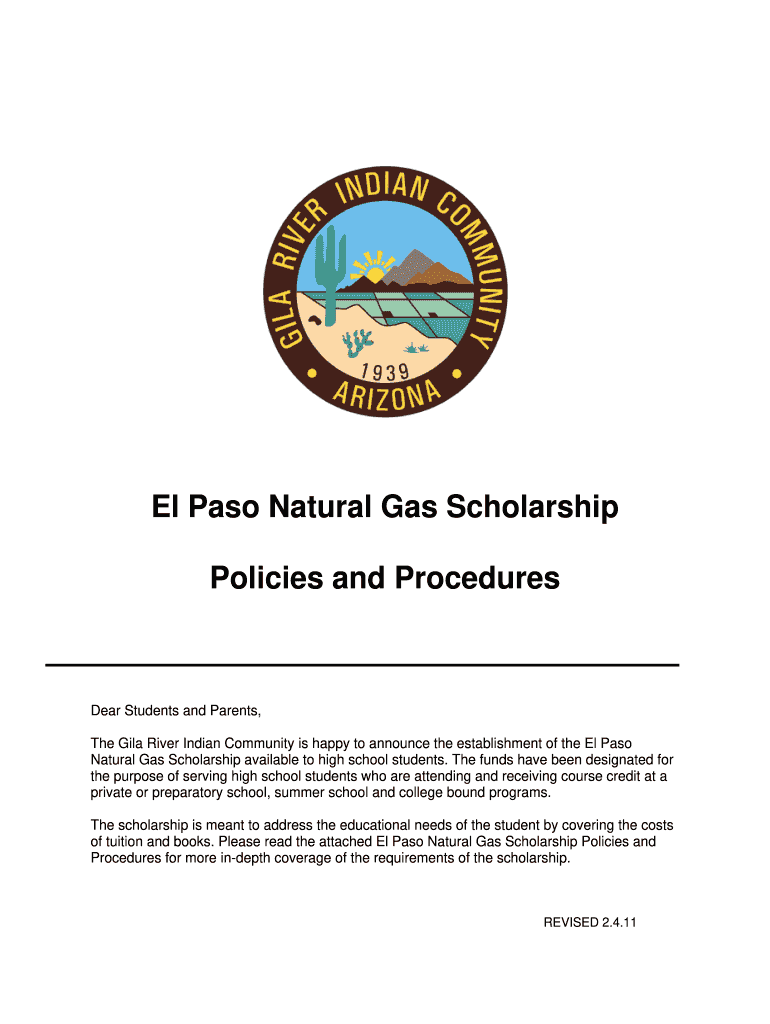
- Click ‘Get Form’ to open the El Paso Natural Gas Scholarship application in the editor.
- Begin by filling out your personal information in Section I. Ensure that you provide your full name, Social Security Number, and contact details accurately.
- In Section II, specify the school you plan to attend and provide its address. Include details about any previous schools attended and your academic year.
- Complete the Release of Information Form by signing and dating it. This authorizes the necessary parties to access your academic and financial information.
- Review the Scholarship Agreement and Code of Conduct sections carefully. Sign where indicated to confirm your understanding of the scholarship requirements.
- Once all sections are completed, save your document. You can then submit it directly through our platform or print it for physical submission.
Start using our platform today for free to streamline your scholarship application process!
It's free
See more az el paso natural policies versions
| Versions | Form popularity | Fillable & printable |
|---|---|---|
| 2011 | 4.9 Satisfied (213 Votes) |
Got questions?
How do I sign my az el paso natural policies free of charge?
Most eSignature services require users to have a paid subscription. With DocHub, there are two options for you to create an electronic signature to your az el paso natural policies without being charged:
- You can do it during a 7-day trial period;
- You can sign up for a free plan.
The second option, though, has restrictions on the number of signatures, sign requests, emails, and documents for adjusting available per month. You can check for full information here.
How do you edit az el paso natural policies on iOS?
You can easily edit fill out your az el paso natural policies on any iOS device. Open an internet browser of your liking, go to the DocHub site, authorize or create a new account, add your file for editing, and make your desired changes. Our service is mobile-friendly, so utilizing its functions on your phone will be a no-brainer, even on the first try.
Security and compliance
At DocHub, your data security is our priority. We follow HIPAA, SOC2, GDPR, and other standards, so you can work on your documents with confidence.
Learn more


