
Catalogue Order Forms
Increase efficiency with our modifiable Catalogue Order Forms templates. Modify and tailor forms to fit your specific business requirements in just a few clicks.

Create a new Catalogue Order Form
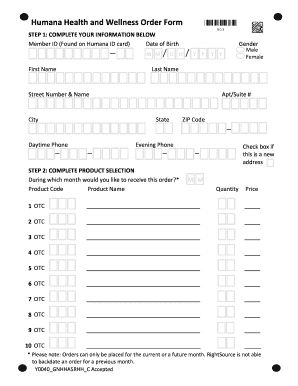
Humana otc

Edward r hamilton bookseller company order form
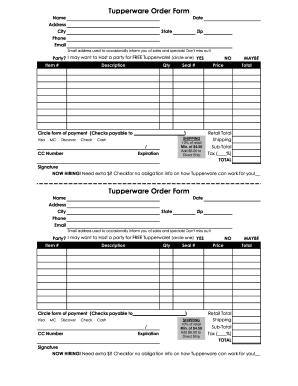
Tupperware online order form
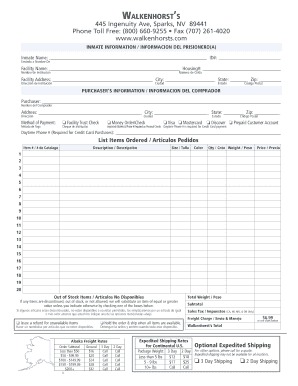
Walkenhorst catalog online
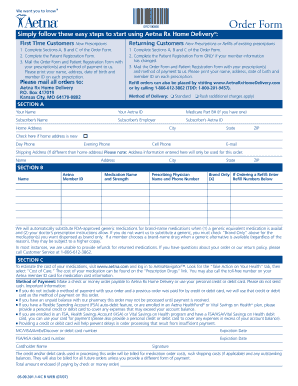
Cvs otc catalog aetna 2021
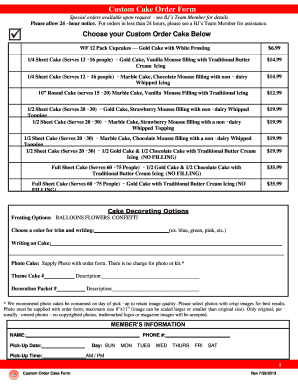
Bjs cake order form

Tupperware order form
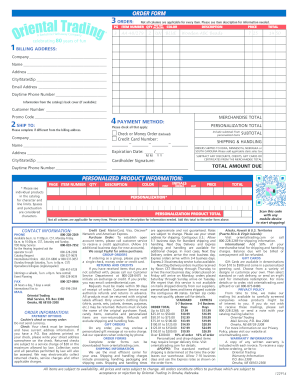
Oriental trading catalog 2014 form
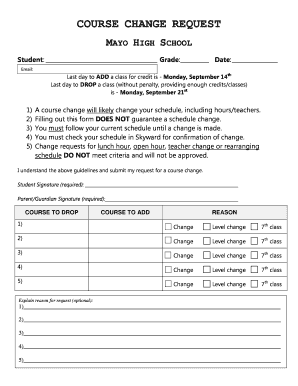
Course change request mayo high school
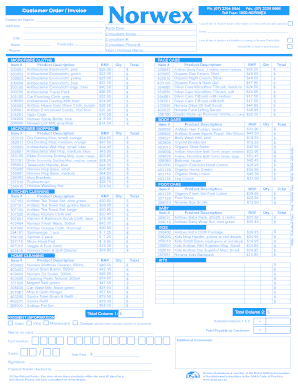
Norwex order form
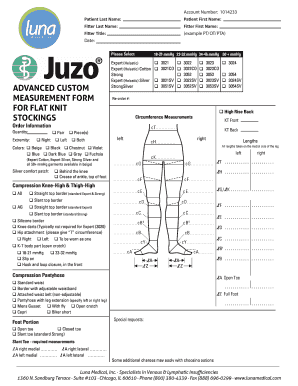
Juzo custom order form
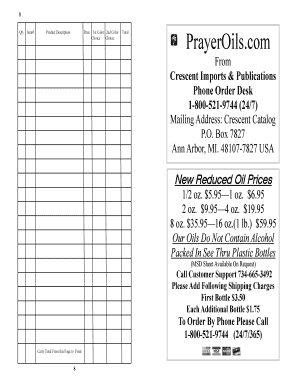
Crescent imports coupon
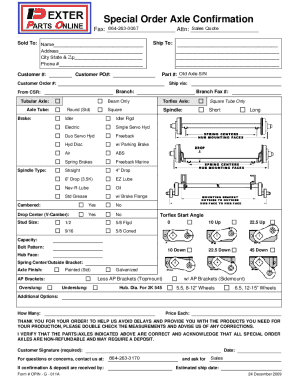
Special Order Axle Confirmation - Dexter Parts Online
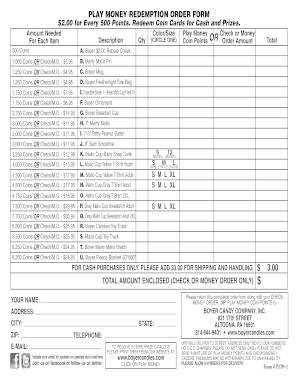
Boyercandies com prize catalog
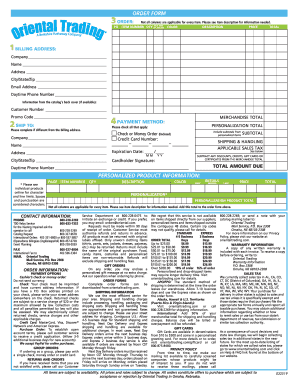
Oriental trading order form
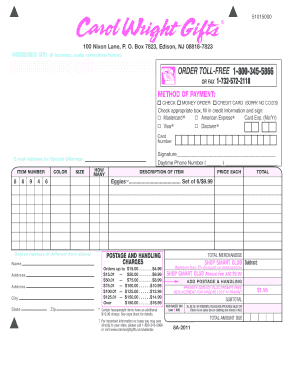
Carol wright mail order catalog

Mary kay consultant order form 2022
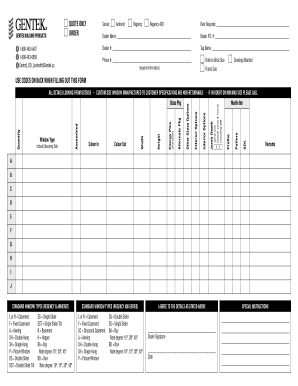
Lambeth Window Order Form - Gentek
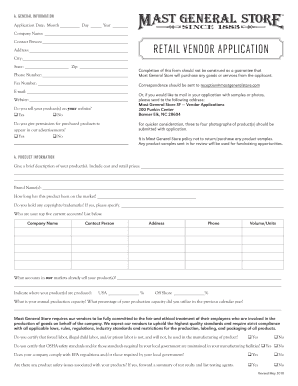
Mast general store vendor application
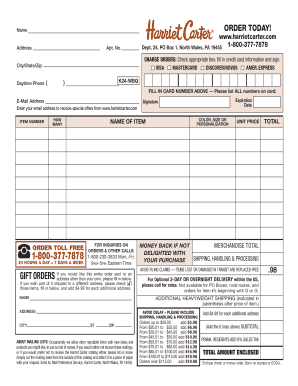
Harriet carter catalog
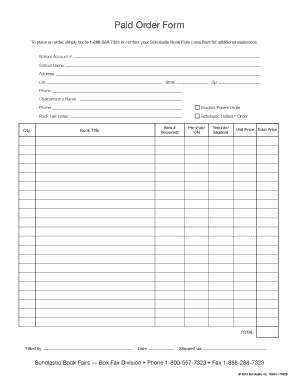
Scholastic book fair order form
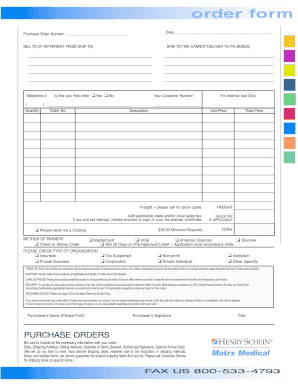
Henry schein order form
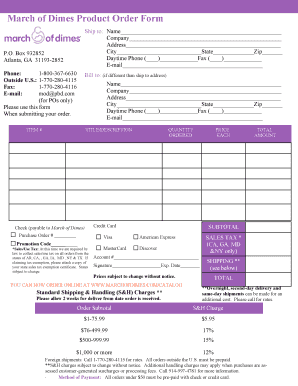
March of dimes catalog

Hilco vision catalog
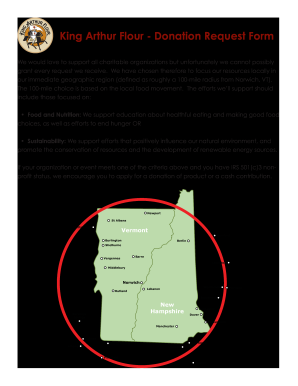
King arthur catalog request
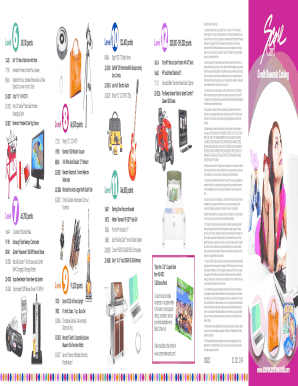
Scorecard rewards catalog download
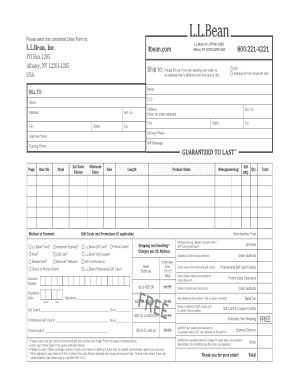
Ll bean order form

Plant Order Form - Plants In Design Inc.

Dva direct order form
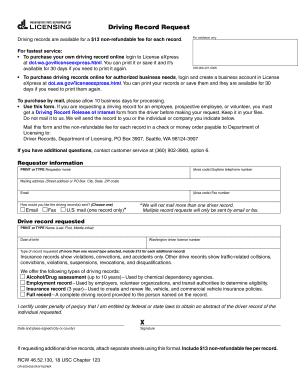
Wa dol driving record

Dr leonard's catalog online

2023 Over-the-Counter (OTC) Benefit Catalog - Keystone First VIP
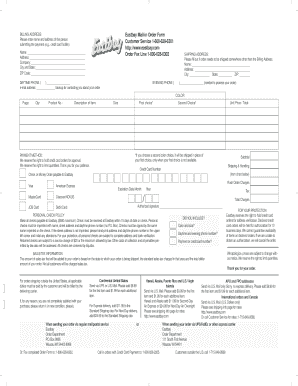
Order eastbay catalog

Order a Cake Online - Harris Teeter
Get and handle Catalogue Order Forms online
Boost your document operations using our Catalogue Order Forms library with ready-made form templates that meet your needs. Get your document template, modify it, complete it, and share it with your contributors without breaking a sweat. Begin working more efficiently together with your forms.
How to use our Catalogue Order Forms:
- Open our Catalogue Order Forms and search for the form you need.
- Preview your document to ensure it’s what you want, and click on Get Form to begin working on it.
- Change, add new text, or point out important information with DocHub tools.
- Prepare your form and save the adjustments.
- Download or share your form with other recipients.
Explore all the opportunities for your online file administration with the Catalogue Order Forms. Get your free free DocHub profile right now!
Video Guide on Catalogue Order Forms management

Commonly Asked Questions about Catalogue Order Forms
Can I use Google Forms as an order form?
Creating an order form in Google Forms doesnt have to be a complex task. By following these step-by-step instructions, you can build a user-friendly, customized order form tailored to your business needs.
What is a catalog request form?
A catalog request is a request for any item that you can search for and select in the catalog. A noncatalog request is a request for an item not found in the catalog. For noncatalog requests, information is manually entered for the item. 1 Introduction. Overview of Procurement Business Process Model.
How do I make a purchase order form?
Heres a breakdown of the typical purchase order form format: Header. Buyer and seller details, addresses, contacts, and a unique PO number. Date and delivery. Issue date and expected delivery date. Itemized list. Payment terms. Shipping/billing. Signatures. Logo and branding.
How can I make my own order form?
Must-have components for creating an order form. Contact information. Name, email address, phone number, and shipping address are necessary pieces of information to gather from your buyers. Product description. Payment information. Shipping and handling. Order summary. Terms and conditions. Visuals. Order confirmation.
What is included in an order form?
The core part of the order form is where customers specify what they want to purchase. It includes descriptions of the products or services, quantities desired, pricing information like unit prices, and any customization options available. Payment information.
How do I create a sales order form?
Steps to Create an Order Form Decide what to sell. Choose a form builder tool. Customize the template with proper fields. Add photos of the products. Customize the order form with branding. Set up a payment method. Set up a success message. Share the order form.
Related Templates

BANK OF CAMDEN - fdic
The document is an ORDER TO CEASE AND DESIST issued by the Federal Deposit Insurance Corporation (FDIC) against the Bank ...

OP-1209611 - federalreserve
The document is a proposal by Crystal Edwards regarding a study on the handling of disputes by credit bureaus, specifica ...
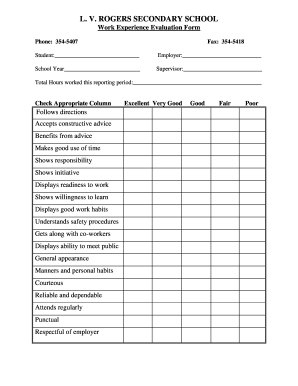
Work experience evaluation form for student
The document is a Work Experience Evaluation Form from L. V. Rogers Secondary School, designed to assess students' perfo ...
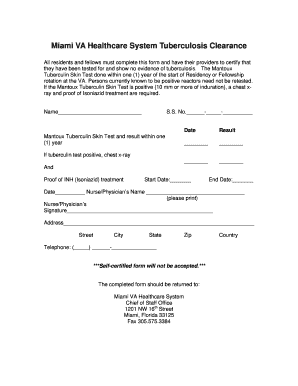
TB clearance - Miami VA Healthcare System - miami va
The document outlines the tuberculosis clearance requirements for residents and fellows at the Miami VA Healthcare Syste ...

CITY PLAN ACTION REQUEST PROCESS
The document outlines the process for requesting changes to the City Plan in Philadelphia, managed by the Department of ...

Teacher of the month nomination example
The document is a nomination form for the Teacher of the Month award, requesting details about the nominee, including th ...
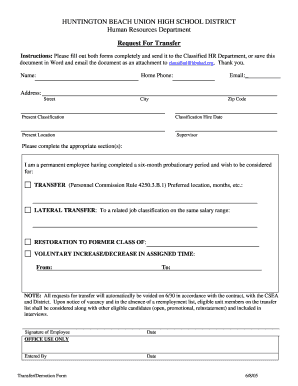
Transfer papers for school
The document is a transfer request form for employees of the Huntington Beach Union High School District's Human Resourc ...

FEDERATION FESTIVALS RATING SHEET JR 3-9
The document is a rating sheet for the National Federation of Music Clubs Junior Federation Festivals, designed to evalu ...