
Award certificate Donation Forms
Monitor all your fundraising contributions easily with Award certificate Donation Forms catalog. Get them anytime, anywhere, and never miss important donation information again.

Create a new Award certificate Donation Form
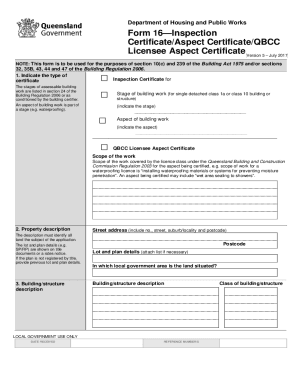
Form 16 qld
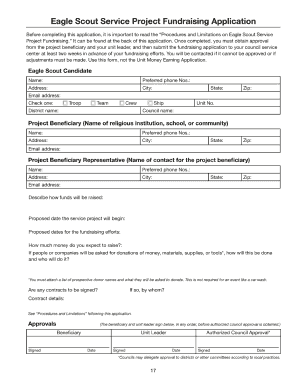
Eagle scout fundraising application

Papa john's donation request
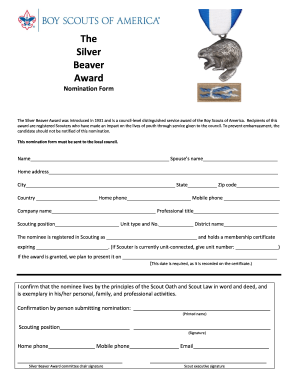
Silver beaver award
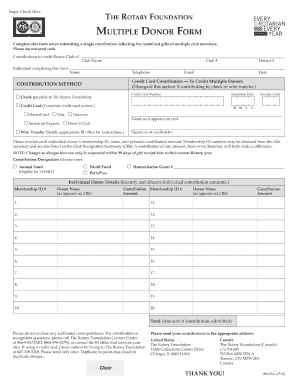
Rotary foundation forms
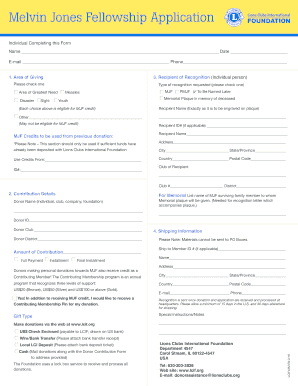
Lions club jones fellowship
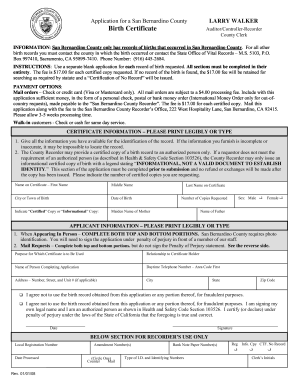
Application san bernardino birth
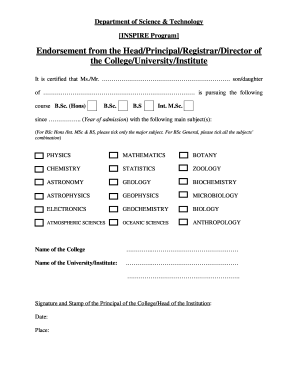
Endorsement form for inspire scholarship 2021
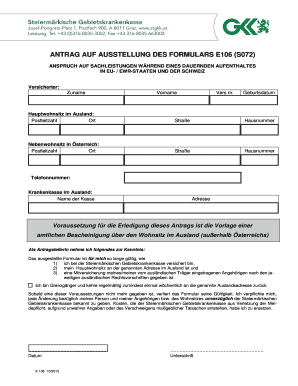
S072 formular

Walmart donation request form 2022
Narfe f 100
Bill and melinda gates foundation grant application form 2021
Acd 31050 nm taxation
Melvin jones application form
Interment rights certificate
Subcontractor affidavit
Nazarene memorial roll
175 W Jackson Blvd

Chief association application form
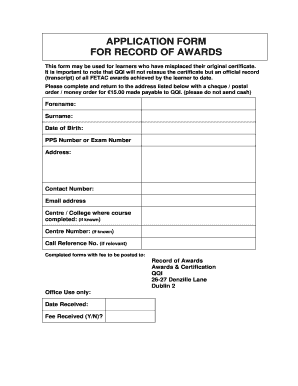
Fetac certificate replacement
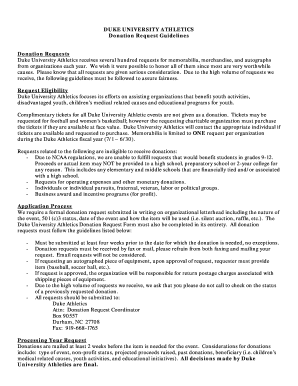
Duke athletics donation
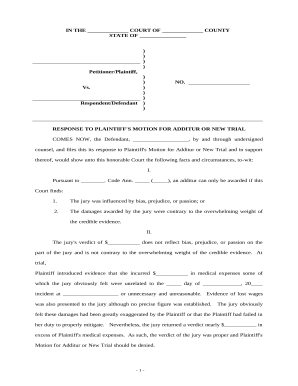
Additur
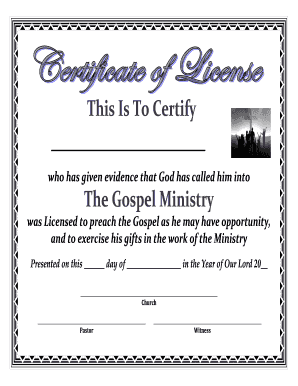
Certificate of License
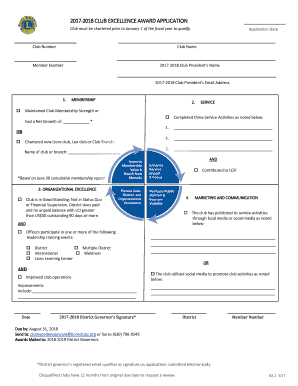
Lions club application

Alaska certificate use

Wv expungement forms
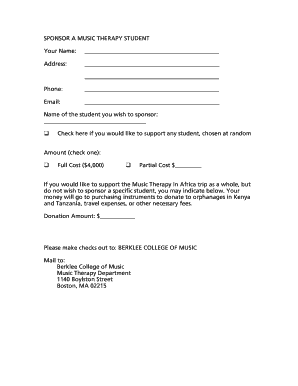
Download a donation form (pdf, 29 3 KB) - Berklee College of Music - berklee

Quilts of valor nomination form

DENTAL IMPLANT CONSENT FORM - Dr Toscano
Enhance your template administration with Award certificate Donation Forms
Your workflows always benefit when you can obtain all of the forms and documents you need on hand. DocHub gives a a huge collection of document templates to alleviate your everyday pains. Get hold of Award certificate Donation Forms category and quickly browse for your form.
Begin working with Award certificate Donation Forms in several clicks:
- Access Award certificate Donation Forms and locate the form you require.
- Click Get Form to open it in our online editor.
- Start adjusting your document: add fillable fields, highlight sentences, or blackout sensitive facts.
- The application saves your modifications automatically, and after you are all set, you are able to download or share your file with other contributors.
Enjoy easy record administration with DocHub. Discover our Award certificate Donation Forms collection and find your form today!
Video Guide on Award certificate Donation Forms management

Commonly Asked Questions about Award certificate Donation Forms
How to create an awards certificate?
Award certificates typically include: An image or theme. A title. A presentation line. The name of the recipient. The name of the person or organization giving the award. A description of how the award was earned. A date. A signature.
How do I create a certificate template in docs?
How to Make a Certificate on Google Docs Step 1: Document Setup. Start by launching Google Docs and opening a new blank document. Step 2: Creating the Border. Step 3: Arranging Text. Step 4: Adding Signatures and Logos. Step 5: Review and Download.
How do I create a certificate of authenticity in Word?
Create a certificate using a Word template Launch the Microsoft Word application from your Desktop or the taskbar. Click in the Search box on the New screen, type certificate and press Enter. Next, select a certificate template that fits your requirements and click Create.
How do I find certificates in Word?
View certificates On the File tab, click Options. In the left pane, click Trust Center. In the left pane, click Email Security. Under Encrypted e-mail, click Settings. Under Certificates and Algorithms, click Choose. Click the certificate that you want, and then click View Certificate.
How do you draft a certificate of appreciation?
What should you include in a certificate of appreciation? Issuers logo to add authority. Title - usually Certificate of Appreciation Recipients full name with a picture (adding a picture is optional, but recommended to personalize the certificate) A word of thanks for event attendees/speakers/donors, etc. (
How do I get a certificate template in Word?
Heres how: Open a new document in Microsoft Word. In the search bar, type certificate. Browse through the available templates and choose the one that suits your needs. Customize the selected template with your organizations information and the details of the recipients.
Is there a certificate template in Microsoft Word?
Heres how: Open a new document in Microsoft Word. In the search bar, type certificate. Browse through the available templates and choose the one that suits your needs.
What is a certificate of donation?
A statement confirming that the organization is a registered 501(c)(3) organization, along with its federal tax identification number. The date the donation was made. The donors name.
Related Templates
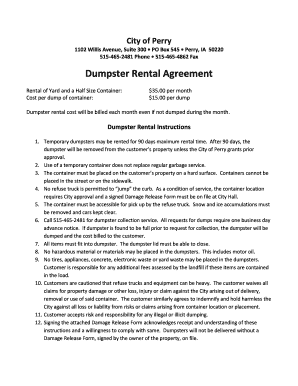
Willis avenue po box
The document outlines the terms and conditions for renting a dumpster from the City of Perry, including rental costs, us ...
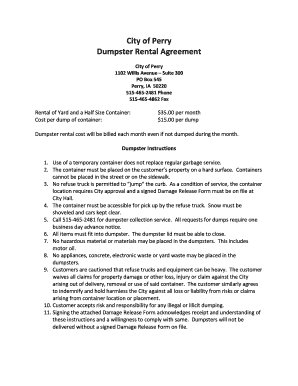
City of Perry Dumpster Rental Agreement - perryia
The document outlines the Dumpster Rental Agreement for the City of Perry, detailing rental costs, usage instructions, a ...
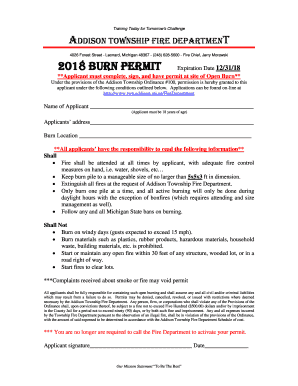
PDF Burn Permit - Addison Township
The document is a 2018 burn permit issued by the Addison Township Fire Department, outlining the conditions and responsi ...
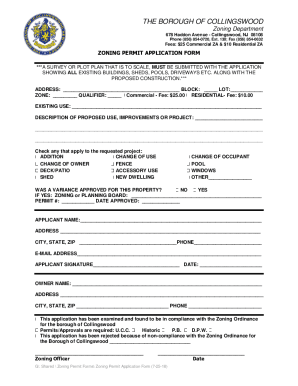
Zoning & Planning Permits - Collingswood, New Jersey
The document is a Zoning Permit Application Form for the Borough of Collingswood, NJ. It outlines the requirements for s ...
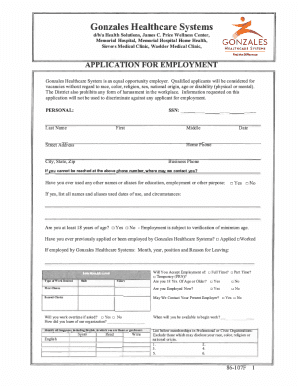
Office of the Maine AG: Consumer Protection: Privacy
The document is an employment application for Gonzales Healthcare Systems, outlining the company's commitment to equal o ...

EAST MISSOULA VOLUTEER FIRE DEPT app 1 doc
The document is an application form for volunteer firefighters at the East Missoula Rural Fire Department. It outlines t ...
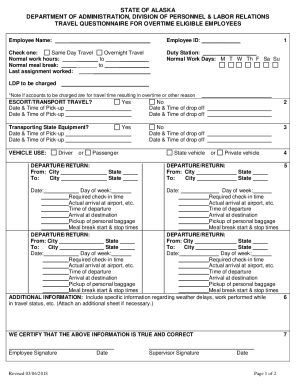
Doa alaska Home, Department of Administration, State of Alaska
The document is a Travel Questionnaire for overtime eligible employees in the State of Alaska, requiring them to provide ...
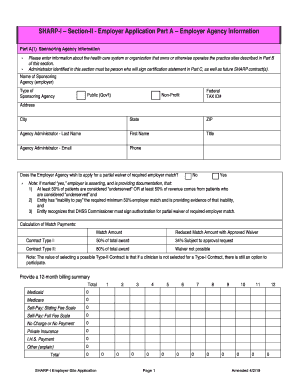
SHARP Program Employer Application - Alaska Department of
The document provides detailed instructions for submitting an Employer Application to Alaska's SHARP Program, which aims ...