




Here's how it works

01. Edit your form 12 qld online
Type text, add images, blackout confidential details, add comments, highlights and more.

02. Sign it in a few clicks
Draw your signature, type it, upload its image, or use your mobile device as a signature pad.

03. Share your form with others
Send form 12 template via email, link, or fax. You can also download it, export it or print it out.
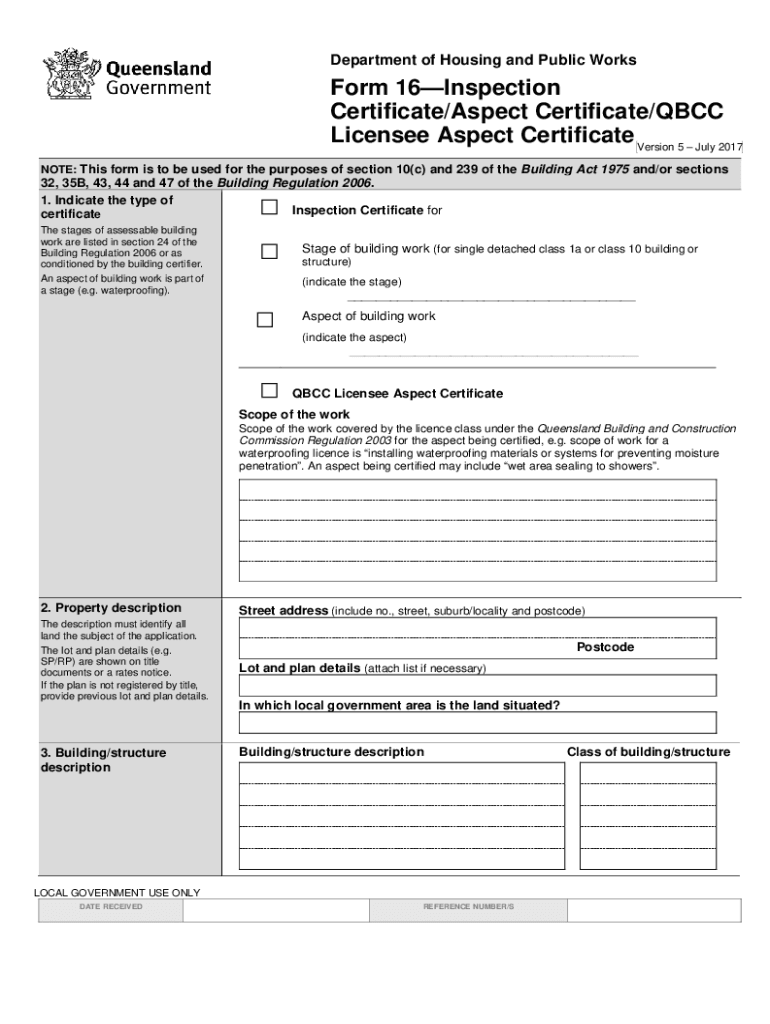
How to use or fill out form 16 qld with our platform

- Click ‘Get Form’ to open it in the editor.
- Begin by indicating the type of Inspection Certificate required. Specify the stage of building work and any relevant aspects, such as waterproofing.
- Provide a detailed property description, including the street address, lot and plan details, and local government area.
- Describe the building or structure clearly, ensuring to include all necessary details for identification.
- In the certification section, outline the extent of work covered by this certificate and reference any relevant documentation.
- Fill in the building certifier's details, including their name, contact information, and license number.
- Finally, ensure that the form is signed by the appropriate certifier or competent person before submission.
Start using our platform today to fill out your form 16 qld online for free!
Fill out form 16 qld online
It's free
It's free
See more form 16 qld versions
We've got more versions of the form 16 qld form. Select the right form 16 qld version from the list and start editing it straight away!
Got questions?
We have answers to the most popular questions from our customers. If you can't find an answer to your question, please contact us.
Contact us
Is Form 16 required for a home loan?
Form 16 is frequently required by lenders as part of the documentation process for a home loan application, but it is not the main factor in determining loan approval. Even if you dont have Form 16, you can verify your income and qualify for a house loan in other ways.
What is Form 16 in QLD?
When is a Form 16 needed? This form is to be completed when an inspecting person inspects a stage of assessable building work, as stated in a notice for inspection and is satisfied that all relevant aspects of the stage of work have been completed and comply with the building development approval for the work.
What is a Form 15 used for in QLD?
Form 15 can be used to DocHub standard or generic designs of materials, systems, methods of building or that building elements comply with the BCA or a provision of the QDC.
What is Form 16 and why do I need it?
Form 16 helps you easily file your income tax returns. It is proof that the employer did submit the money to the authorities that it deducted as TDS from your salary. It also details how your tax was computed based on the investment declarations you made at the beginning of the financial year.
What is Form 15 used for in QLD?
A Form 15 is required when specific components or systems within a building necessitate expert design to ensure compliance with building standards. Examples include: Structural Components: Elements like concrete footings, slabs, or prefabricated trusses that require precise engineering to maintain structural integrity.Mar 20, 2025
Security and compliance
At DocHub, your data security is our priority. We follow HIPAA, SOC2, GDPR, and other standards, so you can work on your documents with confidence.
Learn more


Related forms

GUARANTEE BY INDIVIDUAL(S) FOR APPLICATION TO HANG SENG COMMERCIAL
The document is a guarantee form for individuals applying for the Hang Seng Commercial Card Programme on behalf of a lim ...

200, Denver, CO 80290
The document is an Authentication Request Form from the Colorado Secretary of State for obtaining an Apostille or Certif ...
Article 78 proceeding - New York State Unified Court System
The document provides guidance on how to respond to a summons and complaint in the New York County Supreme Court, Civil ...

Fax: 216-383-6319
The document is a sign permit application form from the Department of Building, Zoning & Housing in Richmond Heights, Oh ...
CDP Verification of Supervision Experience & Statement of Qualifications. This form is used to verify a supervisor 's experience and qualifications as a Chemical Dependency Professional in Washington State. - doh wa
CDP Verification of Supervision Experience & Statement of Qualifications. This form is used to verify a supervisor 's experience and qualifications as a Chemical Dependency Professional in Washington State. - doh wa
The document outlines the verification process for chemical dependency professionals in Washington State, detailing the ...
Wedding questionnaire pdf
The document is a Wedding Day Questionnaire designed to collect essential information from the bride and groom regarding ...
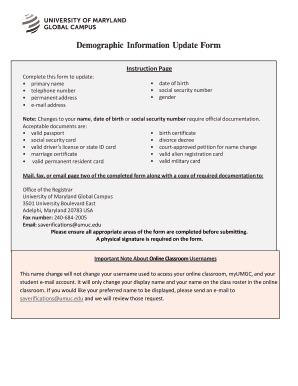
Information update form
The document is a Demographic Information Update Form for students at the University of Maryland Global Campus. It allow ...
People also ask
What is the purpose of an inspection certificate?
An inspection certificate is a document used to signify that shipped goods have been inspected in order to DocHub that they conform with the terms stated on the sales contract. It is only required on specific goods, such as industrial equipment, perishable items, and meat.
What is a form 43 QLD?
When is a Form 43 used? (sections 68 and 70 of the BR 2021) A QBCC licensee completes this form, if they have carried out the aspect work (or authorised under the QBCC Regulation) that is subject to a building development approval for a single detached class 1a building or a class 10 building or structure.