
Hotel confirmation Booking Templates - Page 2
Personalize and arrange Hotel confirmation Booking Templates with DocHub. Access adaptable online document modification tools and ensure the safety and compliance of your forms.

- 1
-
2
Enhance your template management with Hotel confirmation Booking Templates
Your workflows always benefit when you are able to find all the forms and documents you need on hand. DocHub provides a a huge collection of document templates to alleviate your everyday pains. Get hold of Hotel confirmation Booking Templates category and quickly browse for your document.
Start working with Hotel confirmation Booking Templates in several clicks:
- Access Hotel confirmation Booking Templates and find the form you require.
- Click Get Form to open it in the editor.
- Start editing your file: add fillable fields, highlight paragraphs, or blackout sensitive information.
- The app saves your adjustments automatically, and after you are ready, you can download or share your file with other contributors.
Enjoy seamless file management with DocHub. Explore our Hotel confirmation Booking Templates online library and discover your form right now!
Video Guide on Hotel confirmation Booking Templates management

Commonly Asked Questions about Hotel confirmation Booking Templates
What to say to confirm a reservation?
Thank you for making a reservation. We are expecting you on [date/time]. We look forward to your visit and hope we will be enjoying your meal experience at [restaurant name] as much as we will be enjoying your company.
How do you ask a client to confirm a booking?
Explain Why You Need The Information They Are Confirming For example, you can ask a customer, Could you please confirm your order number so that I can look it up in our system? Or you can ask your fellow professional, Can you confirm the date and time of the meeting?
How do you write a reservation confirmation letter?
You should include the following information: the guests name, arrival and departure dates, room type and number, rate and taxes, total amount, and any special requests or amenities. You should also thank the guest for choosing your hotel and express your excitement to welcome them.
How to confirm a reservation via email?
The email starts with an appropriate greeting, such as Dear [Guest Name]. Then, clearly list the most important information about the booking. This should include the time and date of the experience; the number of employees expected to join; payment details; and meeting location.
How do you write a confirmation message?
Here is how to write a confirmation email in 10 steps: Specify the recipients. Add the email addresses of the recipient or recipients in the email address bar. Write a subject line. Craft a greeting. State the purpose of the email. List the details. Request additional information. Ask questions. Express gratitude.
How does a booking confirmation look like?
For example, a hotel booking confirmation would include the guests name and contact details, date of arrival, number of nights reserved, price of the booking, property address, check-in and check-out times, cancelation policy information, and so on.
What does a booking confirmation look like?
The booking confirmation should contain the arrival and departure time and date, the number of guests and the guests name and contact information like email and phone number, booking number and booking date, room rates and number of nights, as well as any additional charges like breakfast, transportation etc.
How to make a hotel reservation?
Booking the Hotel Once you have selected your hotel room, you can reserve it online through the hotel website. You will need to provide basic information about yourself for the booking, such as your full name and your travel dates. You can also reserve the room by calling the hotel directly.
How to make a hotel reservation by email?
When writing an email to a hotel, you can start with Hello or Dear (hotel name). Say clearly the dates you want, the room type and whether you want breakfast or not. Dont forget to mention any additional information or special requests. Ask them to confirm your booking.
How do you write a booking confirmation?
Email: Dear [Guest Name], We are pleased to inform you that your booking for [Experience Name] is confirmed. The team at [Your Company Name] is very excited to welcome [Corporation Name] and its employees on [Date]. If you have any questions or requests, please dont hesitate to docHub out to us.
Related Templates

Professors in the United States - Wikipedia
The document is an application form for academic employment at California State Polytechnic University, Pomona. It requi ...

Membership intake recruitment packet checklist - University of
The document is a Membership Intake/Recruitment Packet for the National Pan-Hellenic Council at the University of Wiscon ...
Sau affidavit sample
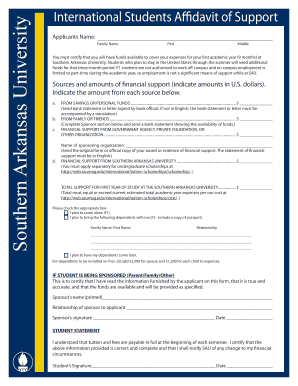
The document is an affidavit of support for international students applying to Southern Arkansas University. It requires ...
University of georgia landfill operator form
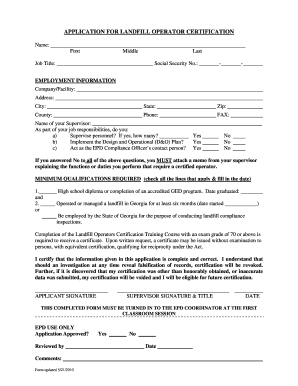
The document is an application form for landfill operator certification, requiring personal and employment information, ...
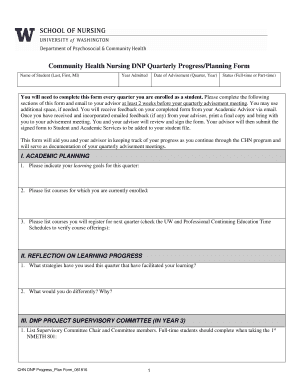
Community Health Nursing DNP Quarterly Progress Planning Form
The document is a Community Health Nursing Doctor of Nursing Practice (DNP) Quarterly Progress/Planning Form that studen ...
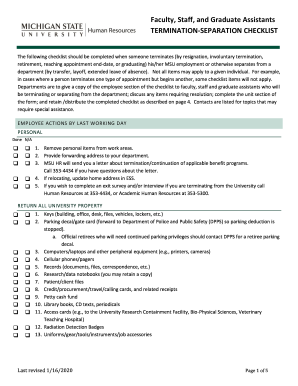
Michigan termination checklist
The document is a Termination-Separation Checklist for faculty, staff, and graduate assistants at Michigan State Univers ...

ACSI Children's Tuition Fund 2014-2015 Family Application to be
The document is an application form for the ACSI Children’s Tuition Fund (CTF) for the 2014-2015 school year, intended f ...
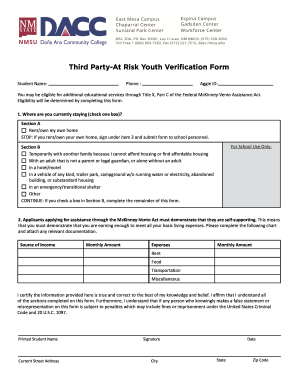
Third Party-At Risk Youth Verification Form
The document is a Third Party-At Risk Youth Verification Form designed to determine eligibility for additional education ...