Handle Home Booking Templates easily online

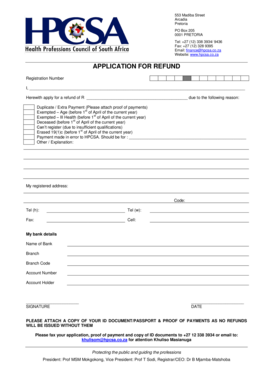
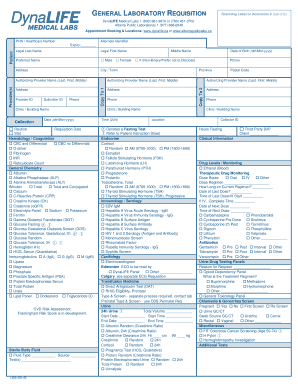
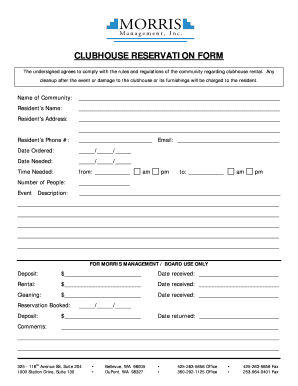
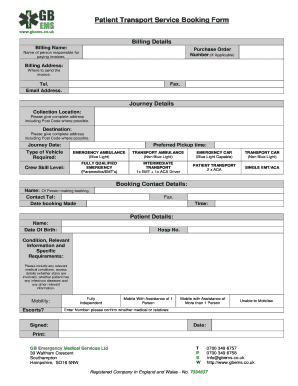
Document management can overpower you when you can’t discover all the forms you need. Fortunately, with DocHub's vast form categories, you can find all you need and swiftly take care of it without changing among applications. Get our Home Booking Templates and start utilizing them.

The best way to manage our Home Booking Templates using these easy steps:

  1. Examine Home Booking Templates and select the form you need.
  2. Preview the template and click on Get Form.
  3. Wait for it to upload in our online editor.
  4. Alter your template: include new information and pictures, and fillable fields or blackout some parts if needed.
  5. Complete your template, conserve adjustments, and prepare it for delivering.
  6. When ready, download your form or share it with your contributors.

Try out DocHub and browse our Home Booking Templates category without trouble. Get your free account right now!


Video Guide on Home Booking Templates management

video background

Commonly Asked Questions about Home Booking Templates

To make your own Hotel Booking Form template for WordPress, apply this guideline: Pick from a list the Hotel Booking Form template specially made for WordPress. Open the chosen template. Press the Use Template option. Edit all the attributes and features of the Hotel Booking Form to match the WordPress style.
How to add Booking Forms to HTML Website After editing your Booking Forms template, sign in to your Elfsight account. Get the unique form code. Enter the form code into your HTML editor. Congrats! You have added the Booking Forms widget to the HTML webpage successfully.
What should be on a Booking Request Form? The information that should be on a booking form depends on what type of booking youre collecting information for. Some common fields to include are customers contact details (name, email, phone number), date and time of booking, and payment information.