
Retail daily Balance Sheet Templates - Page 2
Access ready-made Retail daily Balance Sheet Templates and easily customize them online. With DocHub, you can gain relevant information into your financial state and make data-driven decisions.

Create a new Retail daily Balance Sheet Template

Personal Financial Statement Form - FNB - Pacific Western Bank
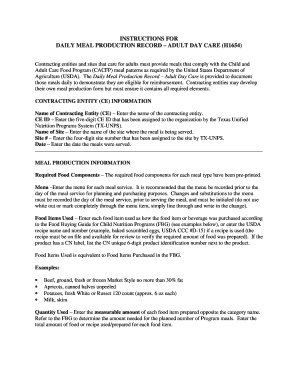
Meal production record
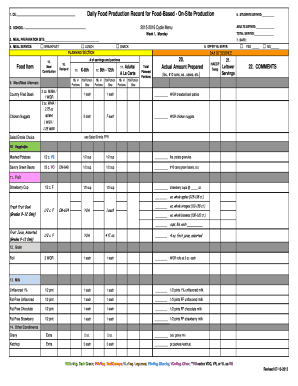
Daily Food Production Record for Food-Based - On-Site Production
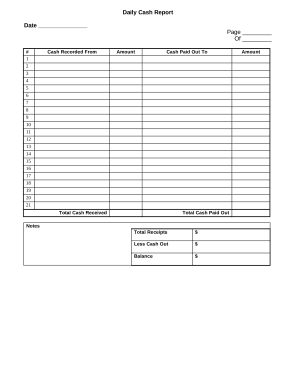
Daily Cash Report

Indo zambia bank statement
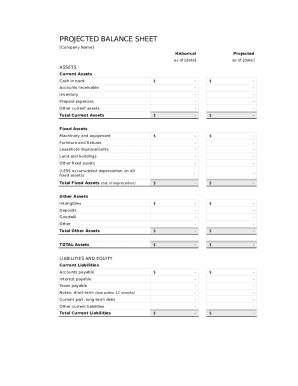
Balance sheet template fillable
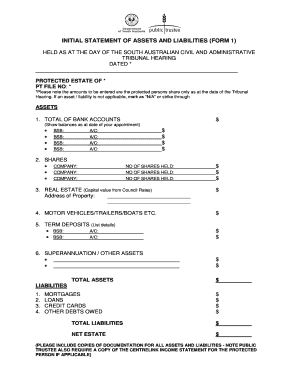
Initial statement assets
- 1
-
2
Get and manage Retail daily Balance Sheet Templates online
Boost your form management using our Retail daily Balance Sheet Templates category with ready-made form templates that suit your requirements. Access your document, modify it, fill it, and share it with your contributors without breaking a sweat. Start working more efficiently together with your forms.
How to use our Retail daily Balance Sheet Templates:
- Open our Retail daily Balance Sheet Templates and look for the form you require.
- Preview your form to ensure it’s what you want, and click Get Form to begin working on it.
- Modify, add new text, or highlight important information with DocHub features.
- Complete your form and save the modifications.
- Download or share your document with other recipients.
Explore all the opportunities for your online document administration using our Retail daily Balance Sheet Templates. Get a free free DocHub profile today!
Video Guide on Retail daily Balance Sheet Templates management

Commonly Asked Questions about Retail daily Balance Sheet Templates
Does QuickBooks have a balance sheet template?
The QuickBooks Online balance sheet template makes it easy The difference between assets and liabilities is displayed at the bottom as the equity or net worth of the business. Simply choose Reports Balance Sheet in QuickBooks Online and the pre-installed template is populated with your data in seconds.
How do I create a monthly balance sheet in QuickBooks?
Start with a Balance Sheet Standard report. On the Display tab, change the From and To dates to include the months you want to report on. Choose Month for the Display columns by field. Click OK to run the report.
How do I create a daily balance sheet in Excel?
Step-by-Step Guide to Creating a Daily Balance Sheet in Excel Start with a Basic Template: Begin by opening a new Excel spreadsheet. Label Your Columns: Your balance sheet should include columns for assets, liabilities, and equity. Input Daily Transactions: Regularly input the daily transactions under each category.
How do I make a balance sheet for a shop?
How to make a balance sheet Invest in accounting software. Create a heading. Use the basic accounting equation to separate each section. Include all of your assets. Create a section for liabilities. Create a section for owners equity. Add total liabilities to total owners equity.
How do I customize my balance sheet in QuickBooks desktop?
Go to the Reports menu, then select Company Financial Profit Loss Standard. Select Customize Report. Go to the Display tab: Set the From and To date fields to the years you want to display on the report.
Can I create my own balance sheet?
You can create a personal balance sheet by completing the following steps, including getting all relevant documents, listing your assets and liabilities, and calculating your net worth.
Does QuickBooks create a balance sheet?
QuickBooks does the math for you and can rapidly turn out accurate balance sheets so you dont have to spend all that time crunching numbers.
Does QuickBooks have a balance sheet by class?
Learn what transactions create unclassified, unbalanced, or other incorrect amounts on Balance Sheet by Class report in QuickBooks Desktop. Balance Sheet by Class lets you see your balance sheet by fund, location, or other classes that you set up.
Related Templates
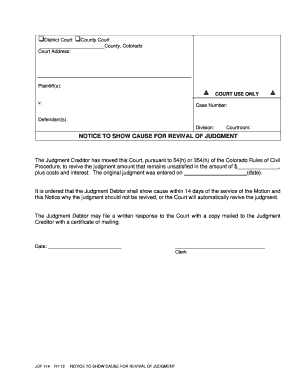
Jdf114 form
The document is a legal notice from a Colorado court informing the Judgment Debtor that the Judgment Creditor has reques ...
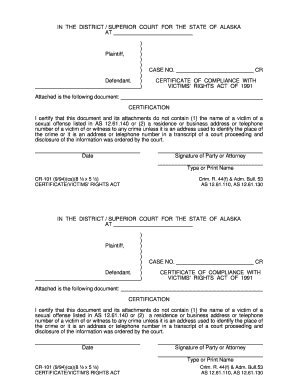
CR-101 (9 94)(cs)(8 x 5 ) Crim R 44(f) - Alaska Court Records
The document is a Certificate of Compliance with the Victims' Rights Act of 1991, certifying that it does not disclose t ...
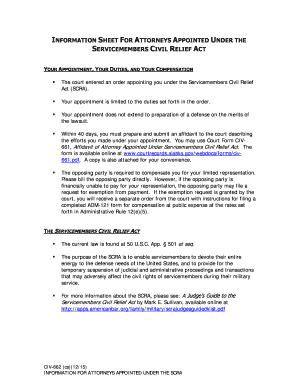
Alaska servicemembers civil act
This document serves as an information sheet for attorneys appointed under the Servicemembers Civil Relief Act (SCRA). I ...
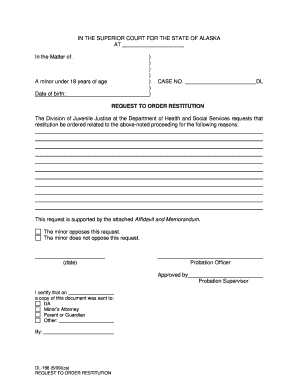
Dl166 form
The document is a formal request to the Superior Court of Alaska for ordering restitution related to a minor under 18 ye ...

Get estafa computerhoy search
The document provides guidance on how to identify and avoid scams perpetrated by con artists who blend into community gr ...

Read reporting form template
The document is a reporting form for the 'Read for a Lifetime' program managed by the Illinois State Library. It require ...

Reading is a Family Affair - Illinois Secretary of State
The document emphasizes the importance of family involvement in children's reading development. It provides practical ti ...

California comparecencia reconsiderar
The document is a notice for a court appearance to reconsider a fee waiver. It outlines the importance of attending the ...