
Logo Application Forms
Browse and edit Logo Application Forms templates with a free DocHub account. Complete, distribute, or print your documents and accelerate document submission process without holdups.

Create a new Logo Application Form
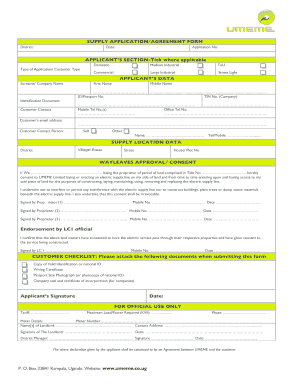
Umeme job application forms
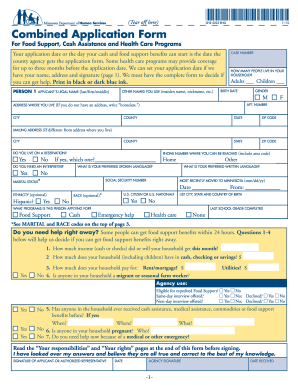
Combined application form

Naivas supermarket job application form
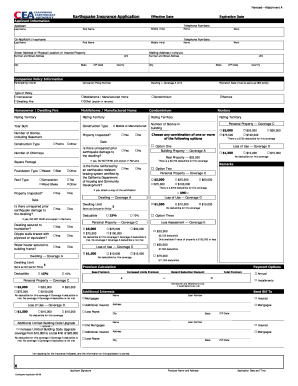
Cea application form
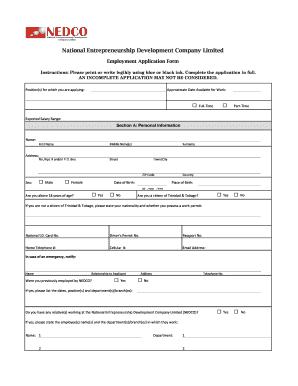
Nedco application form

Health insurance application form pdf 2011
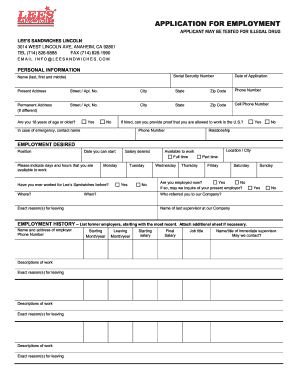
Lee's sandwiches application form

Aldi application form
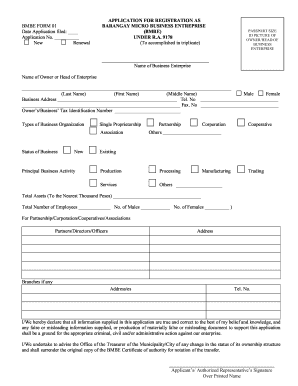
Bmbe application form
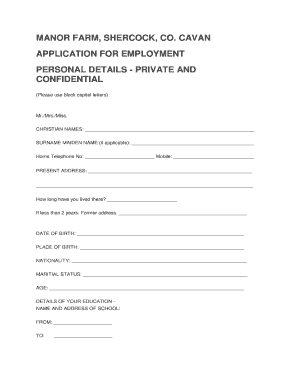
Manor farm jobs
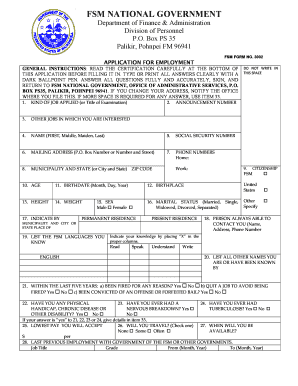
Fsm job application form
Capstone application form

Trademark application form
NCC Supplier Application for Registration - National Contracts
Tembo sacco loan forms

Sandu application form
Lucky star application

Mcgrath application form
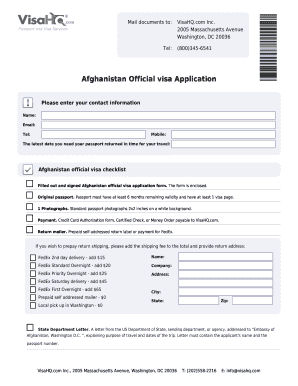
Visa application afghanistan
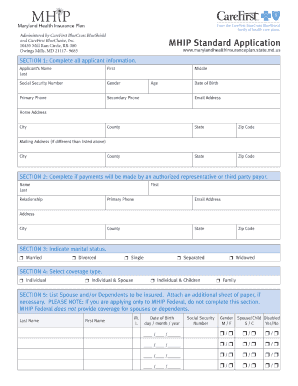
Mhip enrollment application fill in form

Application Form - Prime Care
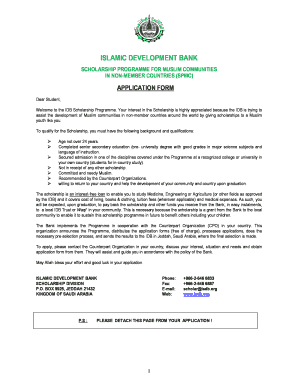
Isdb scholarship application form

H 2b visa application forms
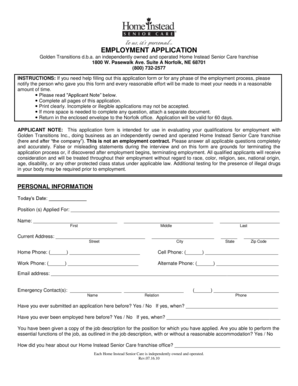
Home instead application form
Pakistani passport application form pdf

Download tenancy application form - Jim Aitken + Partners
Westpac png application forms
Hellenic academy application form
Immploy application form
Maran tankers application form

Newton dee application form
Application for Apple Health (Medicaid) health care ... - Wa
Sevacare application form

Debonairs franchise application form

Dunlop application forms
Loyola foundation application form
-
1
- 2
Supercharge your productiveness with Logo Application Forms
Document management takes up to half of your office hours. With DocHub, you can easily reclaim your time and increase your team's efficiency. Access Logo Application Forms online library and discover all document templates relevant to your daily workflows.
Effortlessly use Logo Application Forms:
- Open Logo Application Forms and use Preview to get the suitable form.
- Click on Get Form to begin working on it.
- Wait for your form to upload in the online editor and begin modifying it.
- Add new fillable fields, icons, and pictures, adjust pages order, etc.
- Fill out your document or set it for other contributors.
- Download or deliver the form by link, email attachment, or invite.
Improve your daily document management with our Logo Application Forms. Get your free DocHub account right now to discover all forms.
Video Guide on Logo Application Forms management

Commonly Asked Questions about Logo Application Forms
Is it possible to add an image into a form?
In Microsoft Forms, open the form you want to edit. Select the question to which you want to add a picture. Select Insert media (picture icon) on the right side of the question. In the Insert media pane, select Image.
What are the best logo template sites?
LogoMakr is a free logo making site specializing in creating simple logos for small brands. The designs arent complex, but it still offers a good and effective library of logo templates and elements. What Are The Best Sites for Logo Design? 11 Best Logo Makers 2024 Unlimited Graphic Design blog best-sites-for-logo-design Unlimited Graphic Design blog best-sites-for-logo-design
How to create a Google Form with a logo?
Follow these steps to add a logo to your Google Form as a header: Step 1: Create a Google Form. Go to the Google Forms home page. Step 2: Go to the Customise Theme Icon. Step 3: Go to the Choose Image option. Step 4: Upload the image. Step 5: Browse the image. Step 6: Adjust the image. Step 7: Save changes.
How do I add a logo to a form in Access?
Insert a logo into a form or report Open the form or report in Layout view. How? On the Design tab, in the Header/Footer group, click Logo. The Insert Picture dialog box appears. Browse to the folder where your logo file is stored, and then double-click the file. The logo is added to the form or report header.
What is the application used to make logo?
With its comprehensive digital design toolset, docHub Illustrator is ideal for any logo, icon, or graphic design project. Use vector graphics to scale your logo design from business card size to billboard size with no loss of quality guaranteeing the best presentation in every situation. Best logo design software - docHub docHub phen creativecloud tools docHub phen creativecloud tools
How to create a Google Form with images?
You can add an image to a question or an answer for multiple choice or checkbox questions. In Google Forms, open a form. Click a question or answer. To the right, click Add image . Upload or choose an image. Click Select.
How to create a form with a logo?
Add a picture or logo to a form header In Microsoft Forms, open the form you want to edit. Select the form header section. Select Insert Image (picture icon). Search for images in Bing, a OneDrive folder, or your computer or device. Image Search - To search for pictures and images online, select Image Search. Add a picture or logo to a form header - Microsoft Support Microsoft Support en-us office add-a-pi Microsoft Support en-us office add-a-pi
What is the best application to create a logo?
The best logo design apps Logo Maker : Design Creator by Md Kamal Uddin. Logo Maker Shop (by: PIXO) Logo maker (by: Bizthug Pte Ltd) Watercolor Logo Maker (by: Tap Flat Apps) ICONA (by: RoadRocks) DesignMantic Logo Maker (by: Right Solution) LogoScopic Studio (by: RoadRocks) The 8 Best Logo Design Apps to Try In 2024 | VistaPrint US VistaPrint hub logo-design-apps VistaPrint hub logo-design-apps
Related Templates
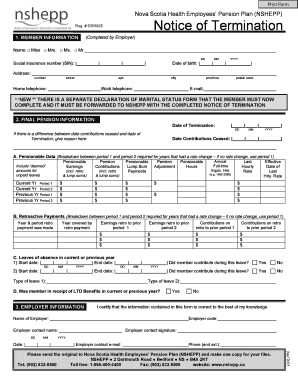
Nshepp
The document is a Notice of Termination for the Nova Scotia Health Employees’ Pension Plan (NSHEPP), which outlines the ...

Prank eviction notice
The document discusses a joke eviction notice template, highlighting the legal aspects of eviction notices, tenant right ...
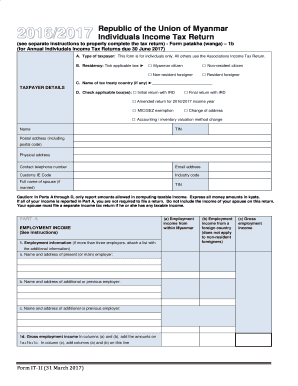
Republic of the Union of Myanmar Individuals Income Tax Return - IRD
The document is the 2016/2017 Individual Income Tax Return form for taxpayers in Myanmar, detailing the requirements and ...
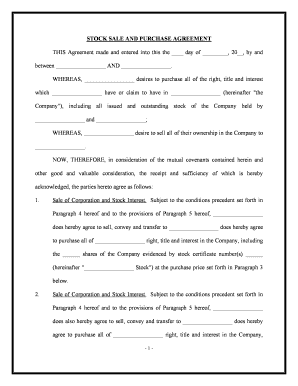
Stock purchase agreement
The document is a Stock Sale and Purchase Agreement outlining the terms under which one party agrees to purchase all sto ...
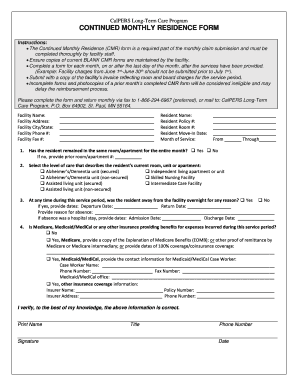
Continued monthly residence form - CalPERS Long Term Care
The document outlines the procedures for completing the Continued Monthly Residence (CMR) form required for monthly clai ...
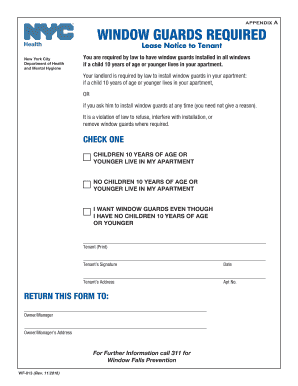
Wf 013
The document is a lease notice from the New York City Department of Health and Mental Hygiene, informing tenants that wi ...
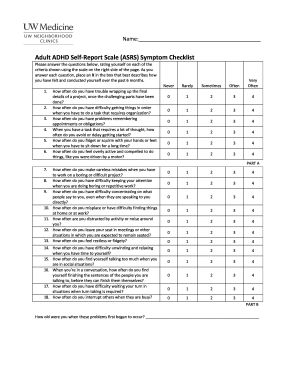
Quick Adult ADHD Screening Quiz: Adult ADHD Self-Report
The document contains a series of self-report questionnaires designed to assess symptoms related to Adult ADHD, bipolar ...