
Friend google Application Forms
Explore Friend google Application Forms documents and pick the one that best fits your needs. Edit, fill out, and send your forms with other contributors and safely store finished templates in your DocHub profile.

Create a new Friend google Application Form

Permission letter for child to travel with friend
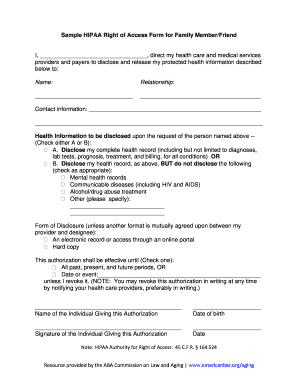
Hipaa access form

Holland america friends and family pdf
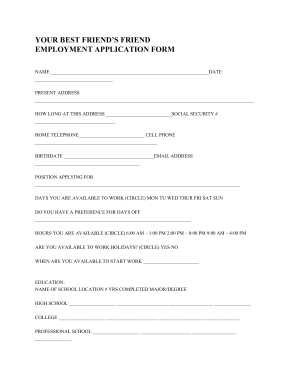
Friend application
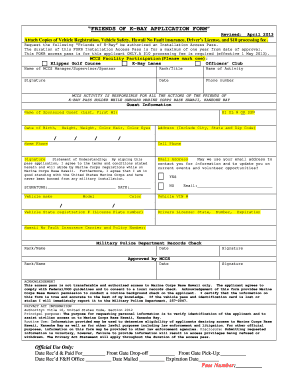
Friends of kbay
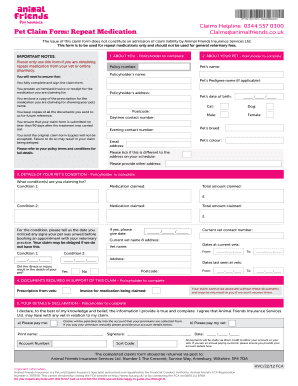
Animal friends claim form printable
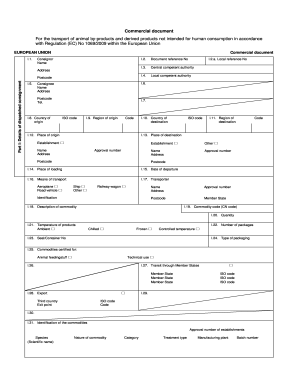
Animal friends claim form pdf

Friend in deed springfield il form

Friend of the court fillable form 4052
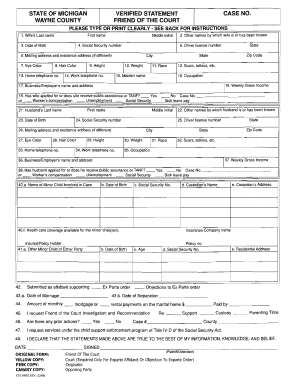
Wayne county friend of the court forms
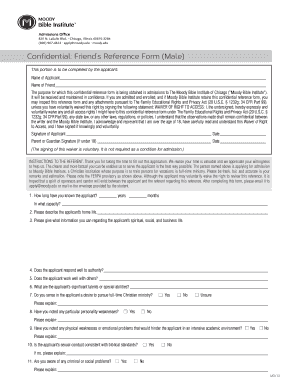
Friend reference form sample
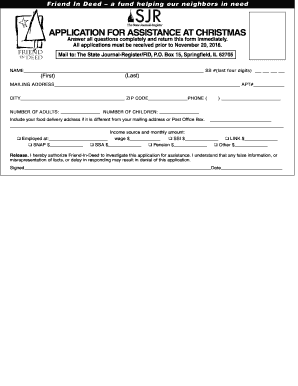
Friends in need application
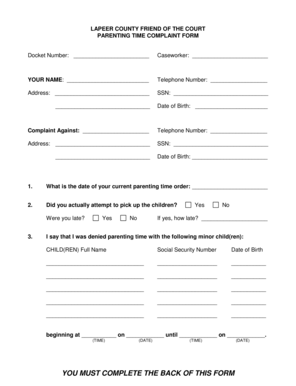
Lapeer foc
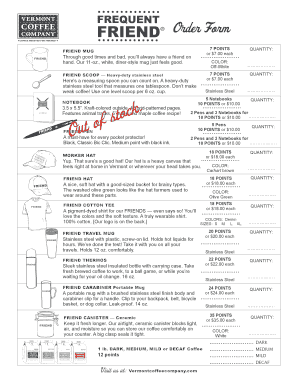
Vermont coffee company stuff
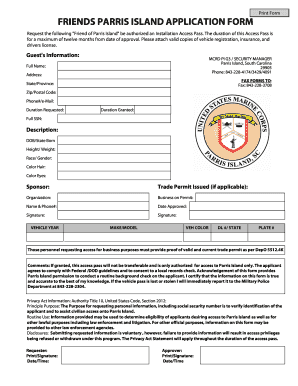
Friends of parris island

Sample of invitation letter for a friend to visit philippines
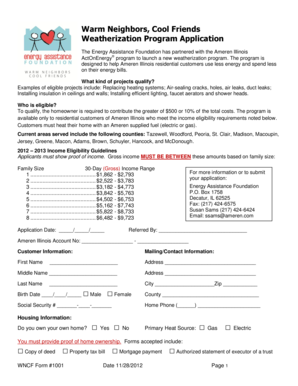
Warm neighbors cool friends application

A Membership Application - German American FriendShip Society of ...
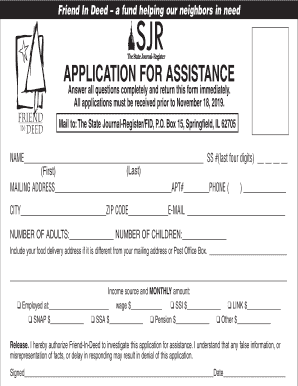
Friend in deed springfield il

Refer a Friend - Credit Card Referral ProgramAmerican Express
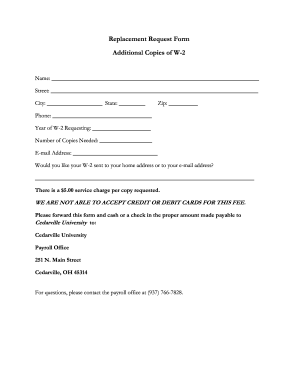
Request form additional w

Friends feedback form
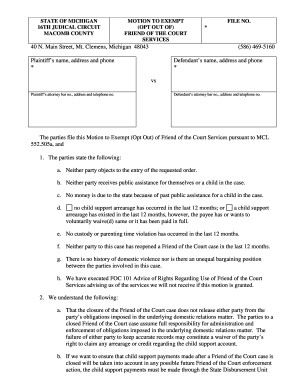
Friend of the court macomb county

Oakland county friend of court
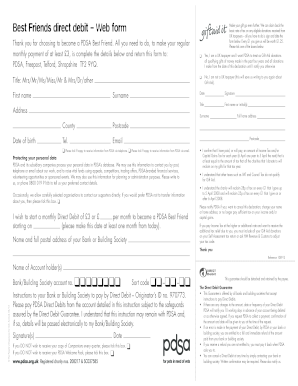
Best friend application google form
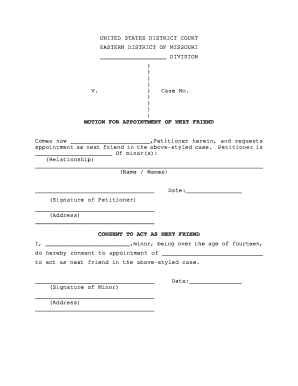
Next friend missouri
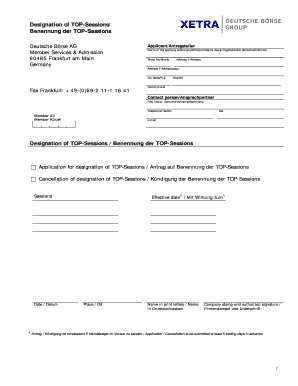
Fwb application form
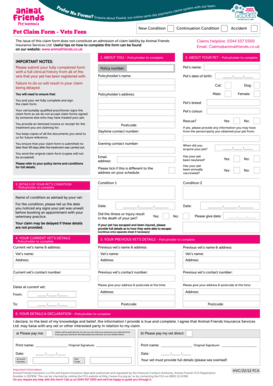
Animal friends claim form download
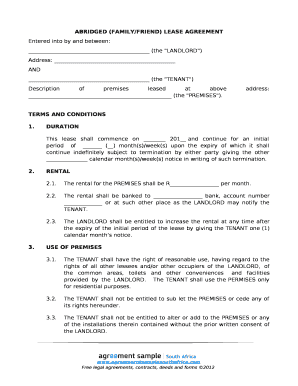
ABRIDGED (FAMILY/FRIEND) LEASE AGREEMENT
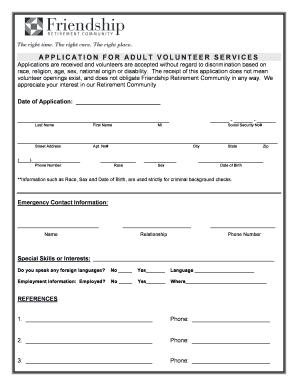
Friendship applications
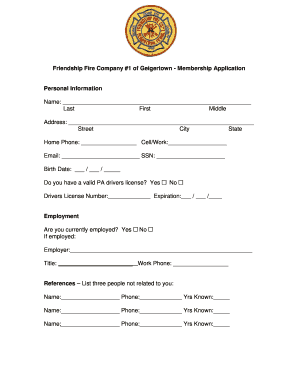
Friend application
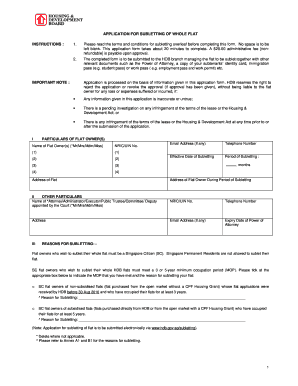
Hdb subletting application form
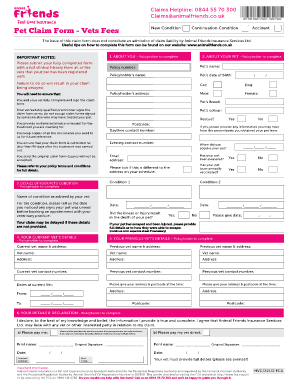
Animal friends claim form pdf
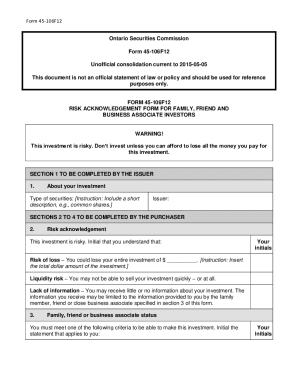
Unofficial Consolidation: Form 45-106F12 Risk Acknowledgement Form for Family, Friend and Business A
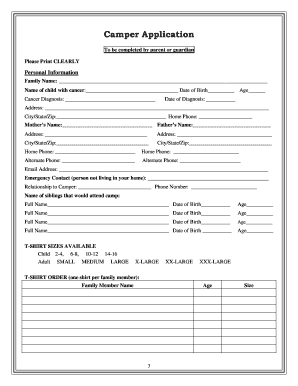
Family Pre-Application - Jason's Friends Foundation
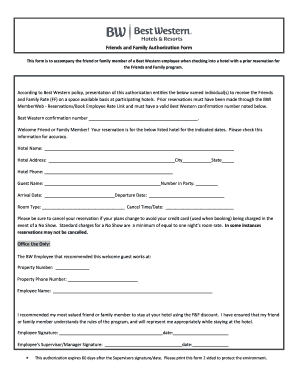
Friends and Family Authorization Form
-
1
- 2
Get and handle Friend google Application Forms online
Accelerate your file management with our Friend google Application Forms online library with ready-made templates that suit your needs. Access the document template, alter it, complete it, and share it with your contributors without breaking a sweat. Start working more efficiently together with your forms.
How to use our Friend google Application Forms:
- Open our Friend google Application Forms and search for the form you require.
- Preview your form to ensure it’s what you want, and click Get Form to start working on it.
- Modify, add new text, or point out important information with DocHub features.
- Complete your form and preserve the changes.
- Download or share your form template with other people.
Explore all of the opportunities for your online document management with the Friend google Application Forms. Get a totally free DocHub account right now!
Video Guide on Friend google Application Forms management

Commonly Asked Questions about Friend google Application Forms
What questions should I ask a friend on Google Forms?
Whenever arranging a get-together party, make a contact form with Google Forms by asking some spectacular questions like what is their favorite color, what food they love, which city they want to visit, etc., to know your friends more closely.
How to do Google Forms with friends?
Send a form for others to edit Open a form in Google Forms. In the top right, click More . Click Add collaborators. Click Invite people. In the Add editors window, add email addresses to share it with others. Click Send.
What are the 3 ways to share Google Forms with someone?
0:00 0:36 Or you have this option which allows you to embed. Your form or quiz into something like a websiteMoreOr you have this option which allows you to embed. Your form or quiz into something like a website or Another Place. Using this embed code. And thats how.
How do I create a Google Form for an application?
How to create a Google Forms job application Open Google Drive. Click the + New button. Select Google Forms. Give your form an appropriate title. Modify the first question. Click the dropdown menu for question type. Slide the toggle button next to Required. Click the + button.
Related Templates
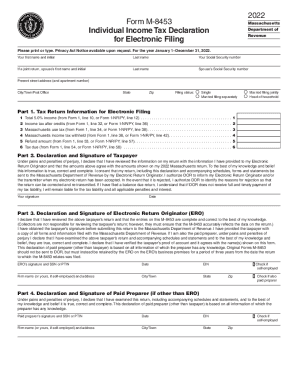
PA-8453 (EX) 10-21 - PA Department of Revenue
The document is Form M-8453, an Individual Income Tax Declaration for Electronic Filing for the year 2022, issued by the ...
2022 Instructions for Form 945 - IRS
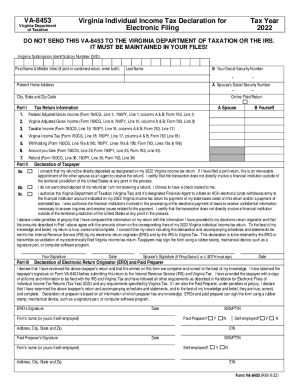
The document VA-8453 is the Virginia Individual Income Tax Declaration for Electronic Filing for the tax year 2022. It s ...
How to fill out form aoc 830
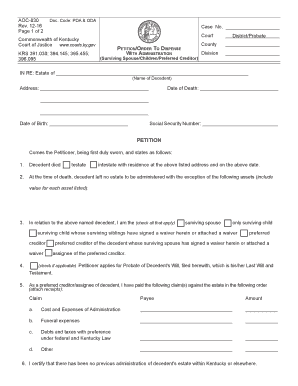
The document is a legal petition and order to dispense with the administration of an estate in Kentucky, specifically fo ...
Maine form 941p me: Fill out & sign online - DocHub
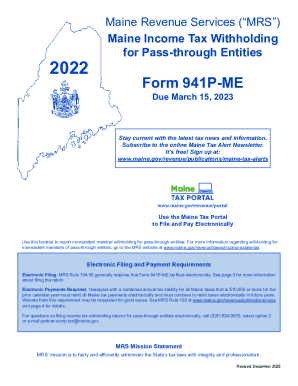
The document provides guidelines for Maine Income Tax Withholding for Pass-through Entities, specifically detailing the ...
Application for or Request to Cancel Elective Coverage (U-3S)
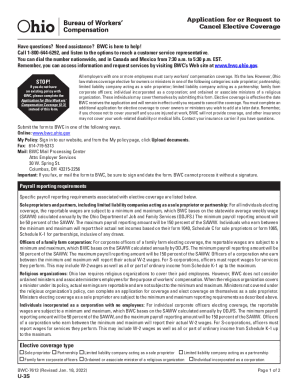
The document is an application form for employers in Ohio to request the cancellation of elective workers' compensation ...
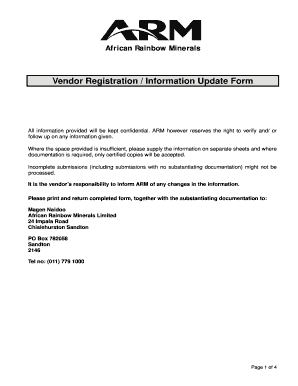
Vendor Registration / Information Update Form - ARM
The document is a Vendor Registration and Information Update Form for African Rainbow Minerals (ARM). It outlines the re ...
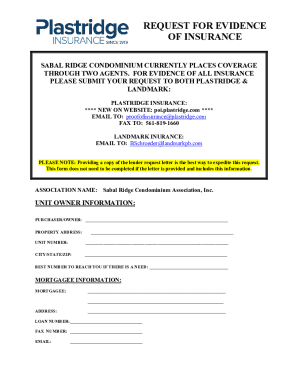
Home InsuranceForemost Insurance Group
The document is a request for evidence of insurance for the Sabal Ridge Condominium, detailing the process to obtain thi ...
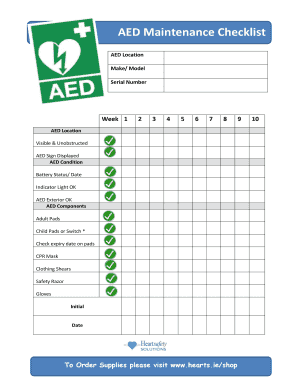
AED Location
The document is an AED Maintenance Checklist that outlines the necessary weekly checks for an Automated External Defibri ...