
Date Application Forms
Simplify your application submission workflow with Date Application Forms. Customize and distribute ready-to-use templates without switching from your DocHub profile.

Create a new Date Application Form
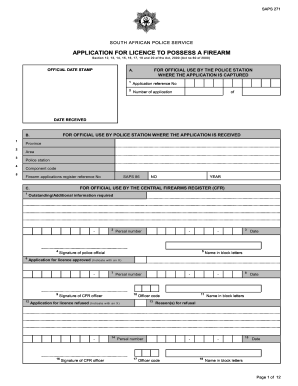
Saps application form
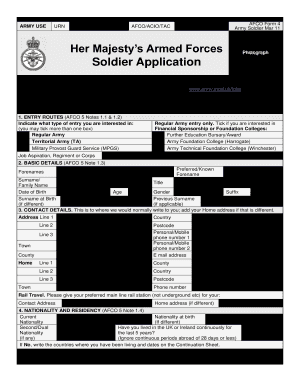
British army application form
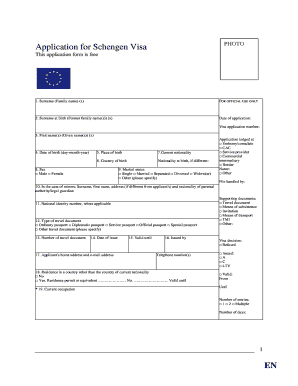
Belgium visa application form pdf

Des application
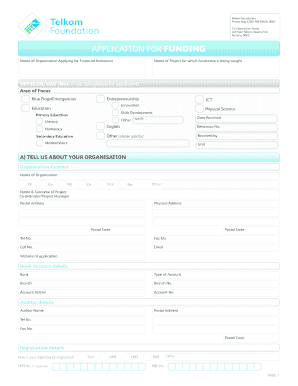
Npo funding application forms 2021 pdf

Job application form
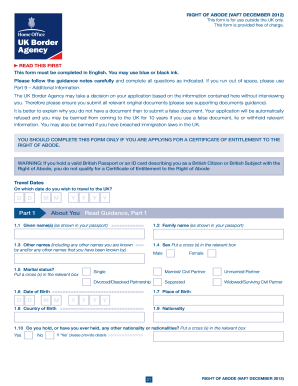
Right of abode application form
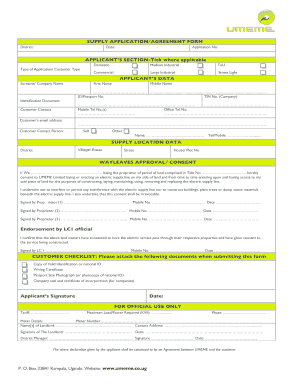
Umeme job application forms
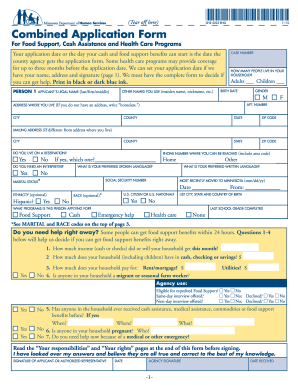
Combined application form
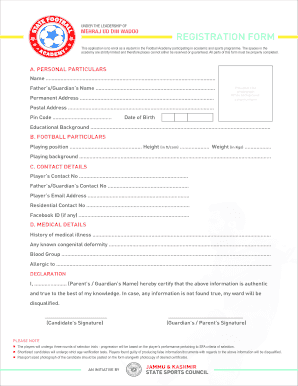
Soccer academy registration form
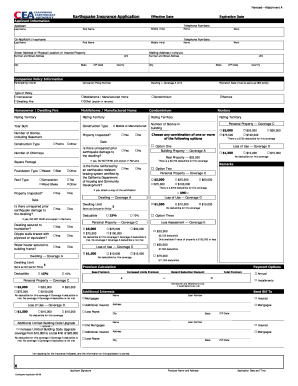
Cea application form

Health insurance application form pdf 2011
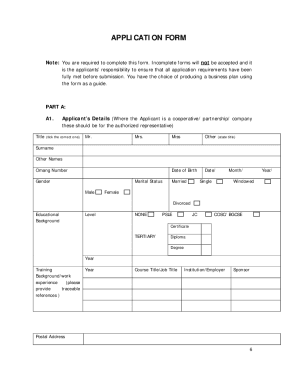
Ydf application form 2022

Ambition 24 application form

Aldi application form
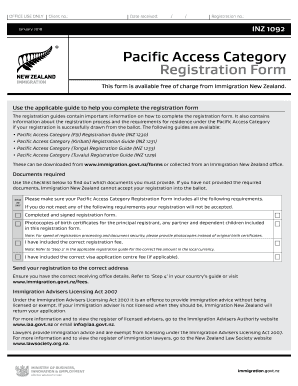
Pacific access category 2022 open date
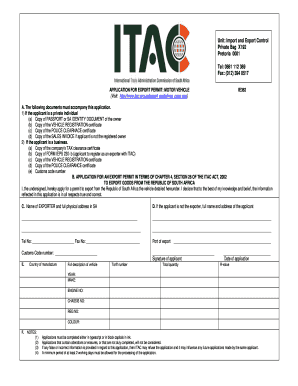
Itac application form for motor vehicle
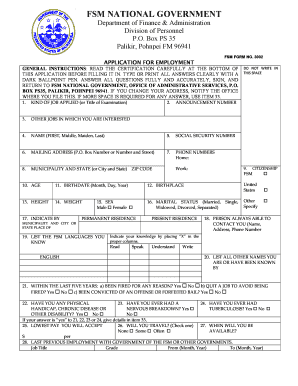
Fsm job application form
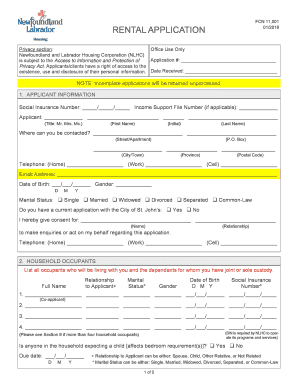
Nl housing application

Fbi application form
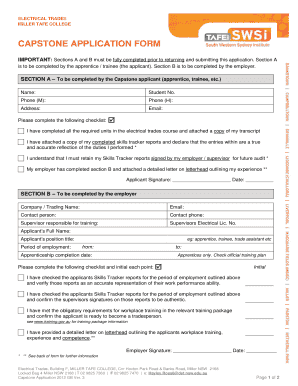
Capstone application form
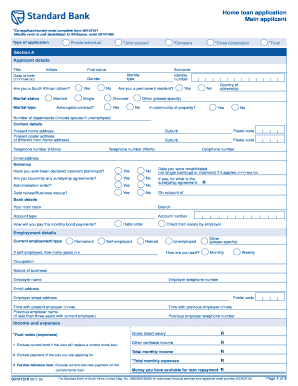
Standard bank forms download
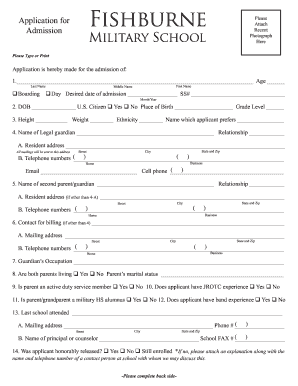
Application for military school
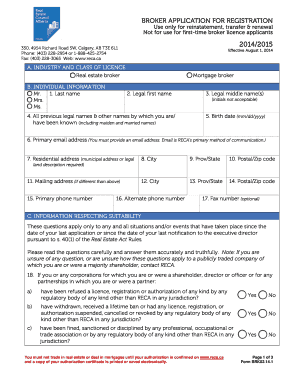
Registration form canada
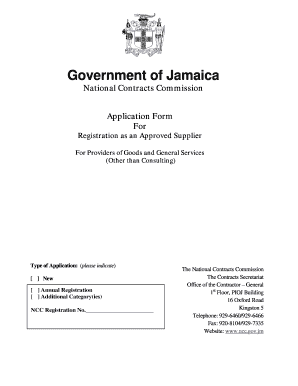
NCC Supplier Application for Registration - National Contracts
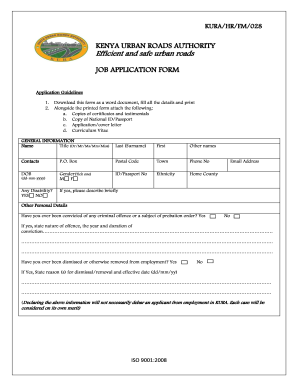
Kura job application form

Application Form - Prime Care
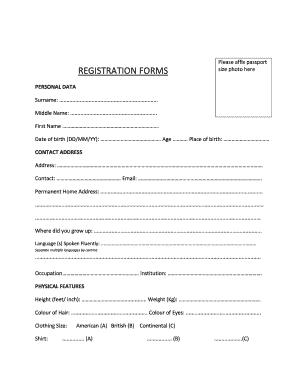
Registration forms - Miss Ghana
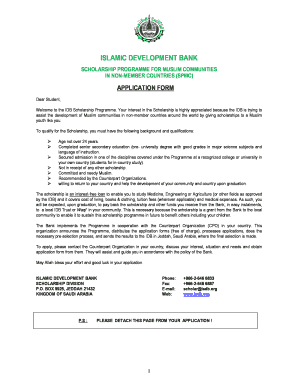
Isdb scholarship application form

H 2b visa application forms
Hestony driver application form 2022
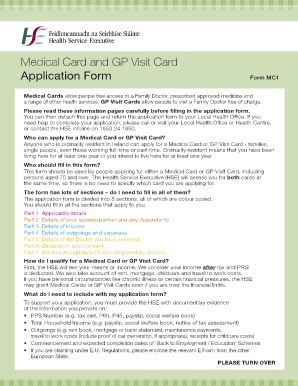
Gp application form
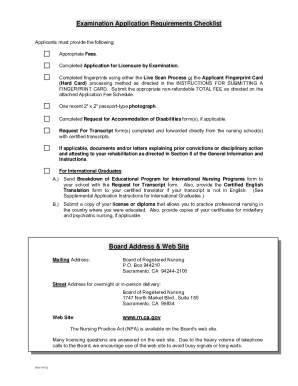
Nclex rn application form
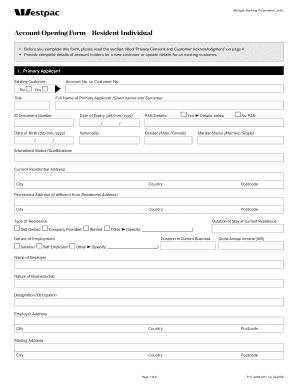
Westpac png application forms
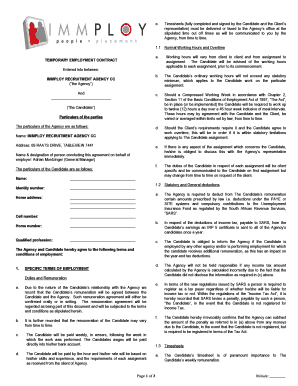
Immploy application form
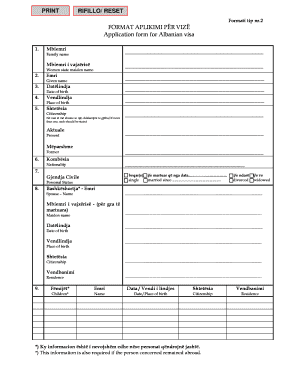
Albania visa application form pdf
-
1
- 2
Increase your output with Date Application Forms
Document managing occupies to half of your office hours. With DocHub, it is easy to reclaim your time and improve your team's productivity. Access Date Application Forms collection and explore all templates related to your day-to-day workflows.
Easily use Date Application Forms:
- Open Date Application Forms and employ Preview to find the relevant form.
- Click on Get Form to start working on it.
- Wait for your form to open in our online editor and start modifying it.
- Add new fillable fields, symbols, and images, modify pages order, etc.
- Fill your template or set it for other contributors.
- Download or deliver the form by link, email attachment, or invite.
Boost your day-to-day document managing with our Date Application Forms. Get your free DocHub account right now to discover all forms.
Video Guide on Date Application Forms management

Commonly Asked Questions about Date Application Forms
How do I fill the date in an application form?
The international standard recommends writing the date as year, then month, then the day: YYYY-MM-DD.
How do I make a simple application form?
How to structure an effective job application form Name of applicant. Contact information (phone and email) Education. Work experience. Professional references (optional) Availability (e.g., weekends, night shift) Applicants signature and date.
How to make a dating application form?
Questions for Dating Application Form Name. The answer should be a text input. Date of birth. The answer should be a date input. Gender. The answer should be a single choice: Martial Status. The answer should be a single choice: Occupation. The answer should be a text input. Address. Phone number. Email Address.
How do I create a simple online form?
How to use Google Forms Step 1: Set up a new form or quiz. Go to forms.google.com. Step 2: Edit and format a form or quiz. You can add, edit or format text, images or videos in a form. Step 3: Send your form for people to fill in. When you are ready, you can send your form to others and collect their responses.
What is a sample application form?
A sample application form is filled out by an applicant to apply for a specific job, course, or other opportunities. Sample applications can be used by employers and educational institutions to recruit and screen applicants.
Related Templates
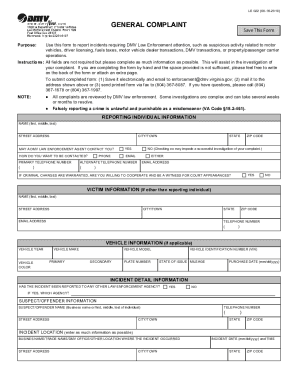
GENERAL COMPLAINT - Virginia Department of Motor Vehicles
The document is a form (LE 022) used to report incidents that require attention from DMV Law Enforcement, including susp ...
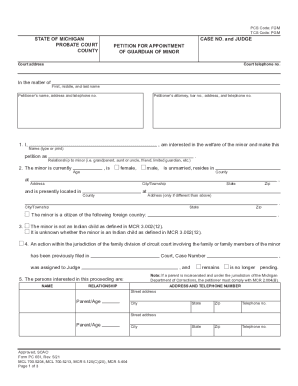
PC 655, Report for Court Review of Minor - Michigan Courts
The document is a petition for the appointment of a guardian for a minor in the State of Michigan. It outlines the neces ...

Star of Tomorrow Application - edit
The Chicagoland USBC Star of Tomorrow Award offers scholarships to outstanding youth bowlers who meet specific eligibili ...
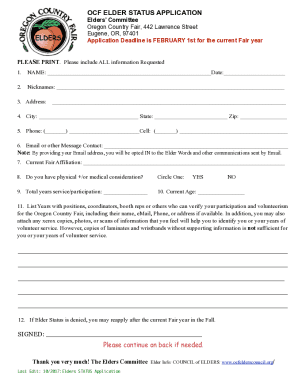
Fillable Online Elders Status Application - Oregon Country Fair
The document is an application form for obtaining Elder Status at the Oregon Country Fair, managed by the Elders' Commit ...
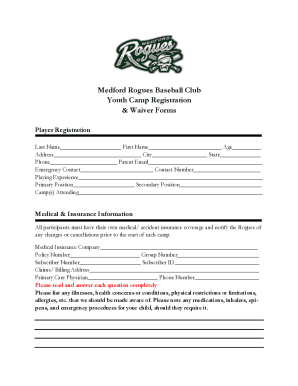
Medford Rogues Baseball Club Youth Camp Registration
The document is a registration and waiver form for the Medford Rogues Baseball Club Youth Camp. It collects personal inf ...
Change made on:
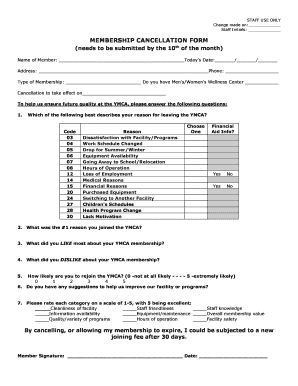
The document is a Membership Cancellation Form for the YMCA, requiring members to provide personal information, reasons ...

Planning and Development - islipny Town of IslipPlanning and Development - islipny Planning and Deve
Planning and Development - islipny Town of IslipPlanning and Development - islipny Planning and Deve
The document is a brochure and application for the Housing Rehabilitation Program offered by the Town of Islip Community ...