
Creator software Application Forms
Enhance your application management with Creator software Application Forms. Select from dozens of documents for individual and business use and begin editing them immediately.

Create a new Creator software Application Form
Temporary tag generator
Birth certificate maker

Report card maker

Va form 21 8940 2011-2019

Western union receipt generator

Death certificate form

Warrant template
Create an irrevocable trust online

Ptosb14
Letterhead maker
Kaizer chiefs academy application forms 2022
Vehicle Wrap amp Window Graphic Order Form

Contract application form

Bvn enrollment desktop application

Rcg e games bingo print
Job application form builder
Commercial Rental Lease Application Questionnaire - Virginia
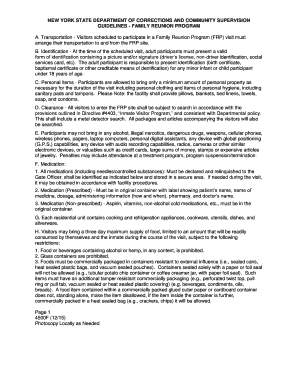
Form #4500F - doccs ny
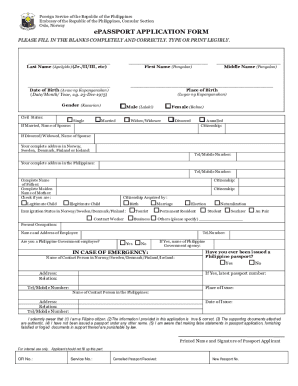
Duly accomplished application form

Tricare plus

Application for bulk bill claim adjustment (DB018)
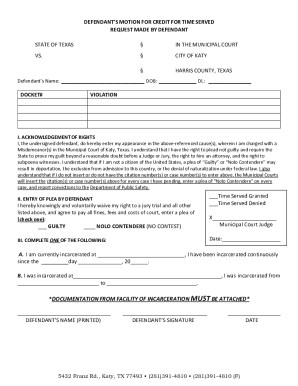
Forms & Helpful LinksCity of Katy, TX
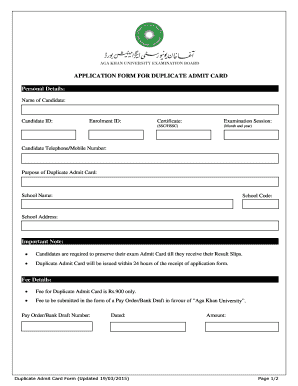
Admit card maker

Fl2 form
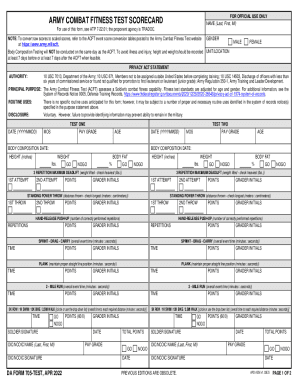
Da form 705
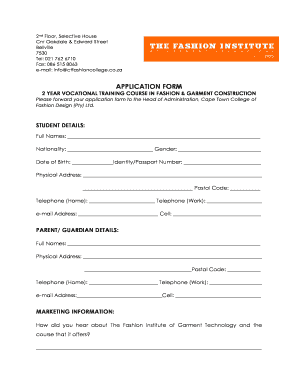
Apprentice form for fashion designer
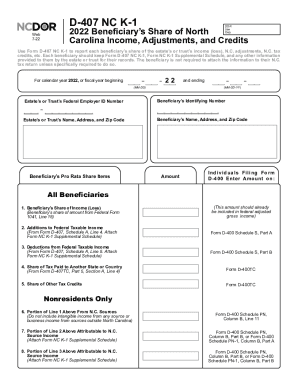
Nc d 407 form
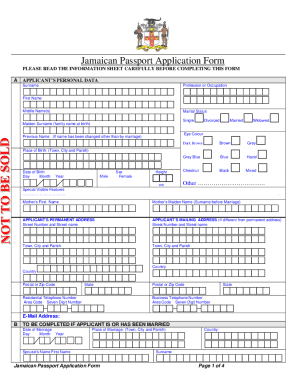
Jamaican passport
Handle Creator software Application Forms quickly online
Document administration can overwhelm you when you can’t discover all of the documents you require. Fortunately, with DocHub's considerable form library, you can get all you need and swiftly handle it without the need of changing among applications. Get our Creator software Application Forms and start utilizing them.
How to use our Creator software Application Forms using these basic steps:
- Check Creator software Application Forms and choose the form you require.
- Review the template and click on Get Form.
- Wait for it to open in the online editor.
- Modify your template: add new information and images, and fillable fields or blackout some parts if needed.
- Complete your template, save adjustments, and prepare it for delivering.
- When ready, download your form or share it with your contributors.
Try out DocHub and browse our Creator software Application Forms category without trouble. Get your free account today!
Video Guide on Creator software Application Forms management

Commonly Asked Questions about Creator software Application Forms
Which app can I use to create a form?
The best online form builders at a glance Best for Google Forms Quickly creating powerful forms for free Jotform Starting from a template Feathery Advanced logic Typeform Conversational forms8 more rows
What software is best for creating forms?
The best online form builder of 2024 in full: Jotform. Create great-looking forms without coding knowledge. Formstack. The great-looking form builder. Feathery. Best online form builder for privacy. Typeform. The well-designed form builder. WuFoo. Online forms for rich data collection. Microsoft Forms. Zoho Forms. Cognito Forms.
What is the best tool to create a form?
Via Google Forms. Via Microsoft Forms. via Feathery. Via Zoho Forms. Via Ninja Forms. Via Hubspot. Via OnePageCRM. Via LeadGen App.
How can I create a free application form?
The first step is simple. Log in to your MightyForms account or create a new one for free so you can have access to your dashboard and start building your first form. You can start building your form from scratch or select one of the several application form templates available for you to customize.
Is there a free form creator?
Whether you need to create a form for school, work, business, or personal needs, Canvas free form builder got you covered! Our easy-to-use tool lets you make printable survey forms, quizzes, sign-up forms, order forms, and many more.
How do I create my own form?
Create a form using a template Start at forms.office.com. Select My forms. Select a template. Select PreviewComputer or Mobile. Select Back to choose another template or edit the selected template. To edit a template, select a question to edit. Edit the question and/or the options specific to each type of question.
What is the best app to create forms?
Top Form Builder Apps 123FormBuilder Best for multipurpose form creation. docHub Best for users who want to get signatures. Google Forms Best for Google Suite users. Zoho Forms Best for Zoho Suite users. Microsoft Forms Best for Microsoft Suite users. Gravity Forms Best for WordPress Users.
Related Templates
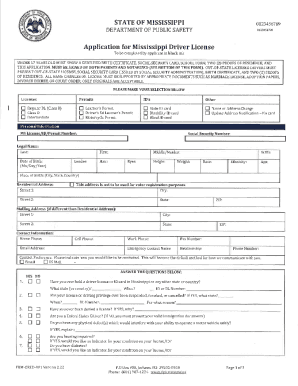
Application for Mississippi Driver's License
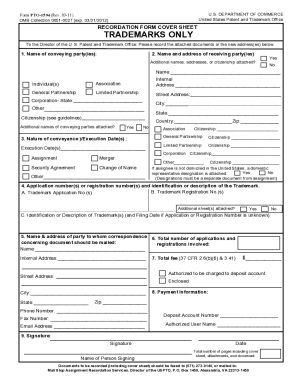
Form PTO 1594 PTO 1594 Trademark Recordation Form Cover Sheet
The document is a Recordation Form Cover Sheet (PTO-1594) used by the U.S. Patent and Trademark Office for recording tra ...
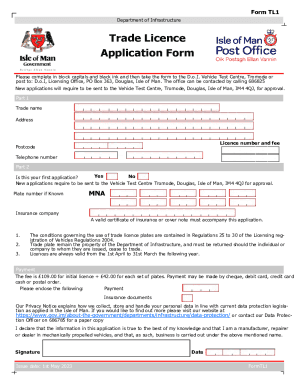
Trade Licence Application Form
The document is a Trade Licence Application Form (Form TL1) from the Department of Infrastructure in the Isle of Man. It ...

Employee Uniform Requisition
The document is an Employee Uniform Requisition form used to record the issuance of uniform items to employees at Afford ...

Forms LibraryWisconsin Department of Health ServicesMedicaiddhcf - Washington, D CForms LibraryWisco
Forms LibraryWisconsin Department of Health ServicesMedicaiddhcf - Washington, D CForms LibraryWisco
The document is an application form for Medicaid Certified Personal Care Providers in Wisconsin to gain access to the we ...
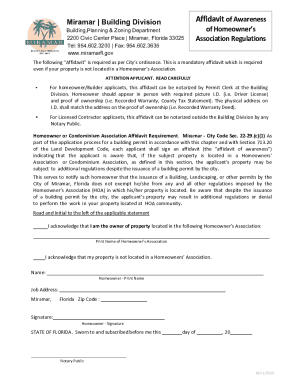
Affidavit of Awareness of Homeowner's Association Regulation
The document is an 'Affidavit of Awareness' required by the City of Miramar for applicants seeking building permits. It ...

California Nonresident Tuition Exemption Request
The California State University Nonresident Tuition Exemption allows certain nonresident students, including U.S. citize ...
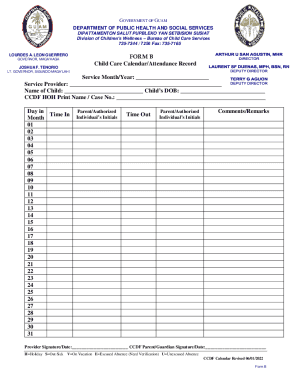
Guam Department of Public Health and Social Services Web
The document is a Child Care Calendar/Attendance Record form issued by the Government of Guam's Department of Public Hea ...