
Best job Application Forms
Navigate and adjust Best job Application Forms templates with a free DocHub account. Complete, send, or print your forms and accelerate document submission workflow without holdups.

Create a new Best job Application Form

Safeway job application form
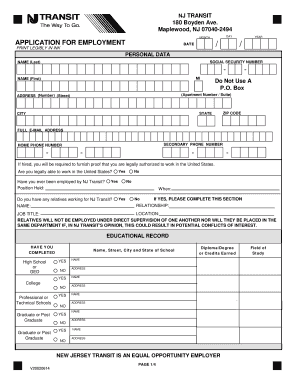
New jersey transit job application
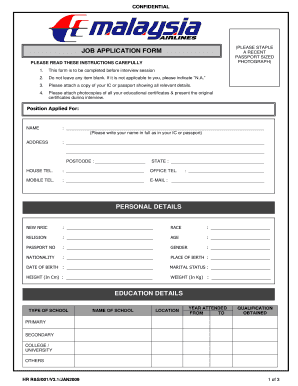
Job application form
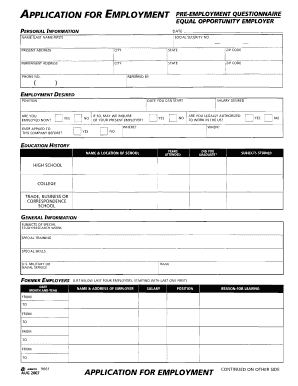
Application for employment pre employment questionnaire
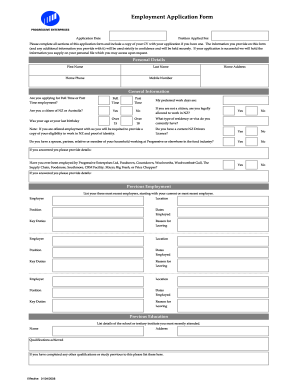
Countdown application
Spar sms number for job application

Dollar tree job application online pdf
Domino's jobs application form online

Job application form

Camp bow wow job application form
Uk starbucks job application
Tdcj job application form
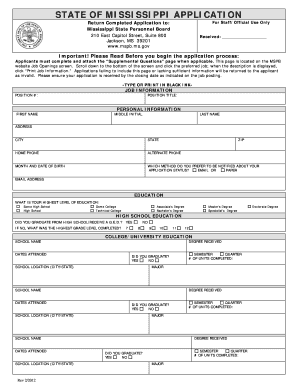
Ms job application form

Short form application
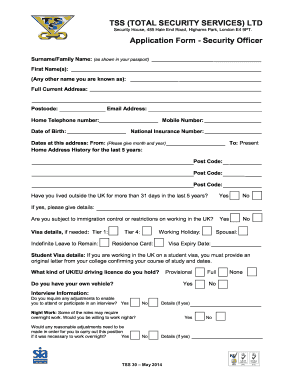
Tss security job application form
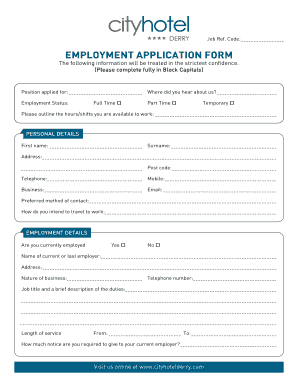
Hotel job application form

EMPLOYMENT APPLICATION - Golds Gym
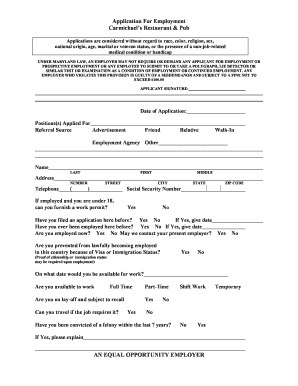
Restaurant job application template
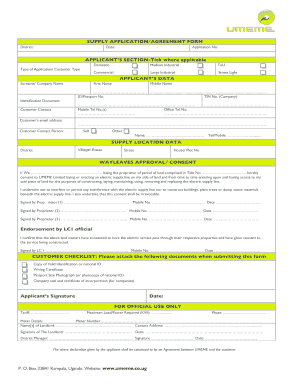
Umeme job application forms
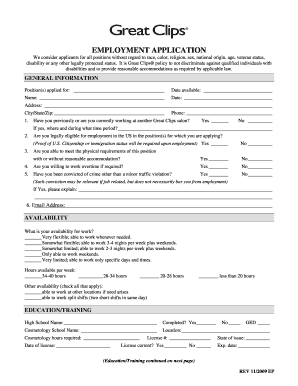
Application form pdf

Naivas supermarket job application form
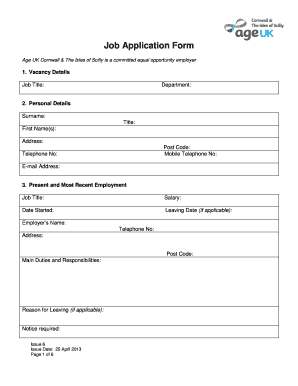
Job application form template uk

New zealand new employment
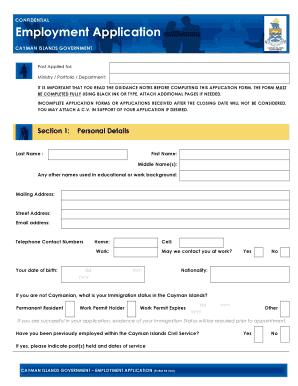
Cayman islands government job application form

Aldi application form
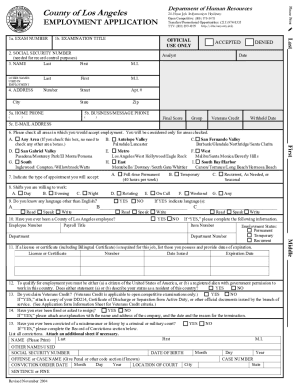
Job application
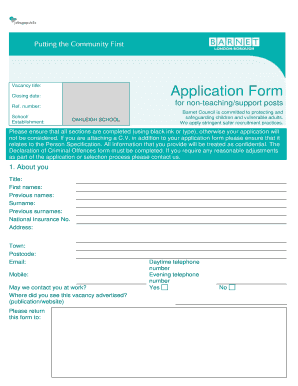
Barnet job application form non teaching
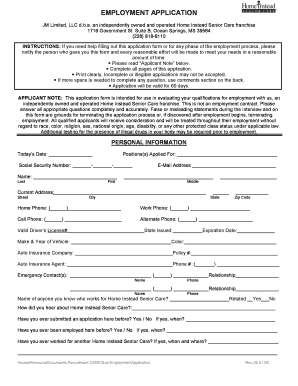
Application form for care homes
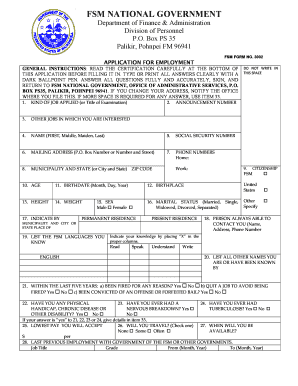
Fsm job application form

Application employment form
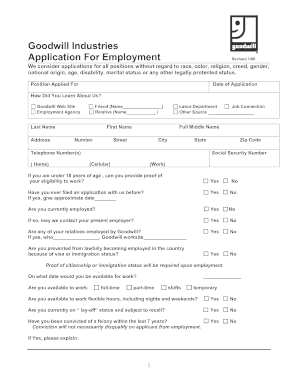
Goodwill Job Application Form Careers - FreeDownloads.net
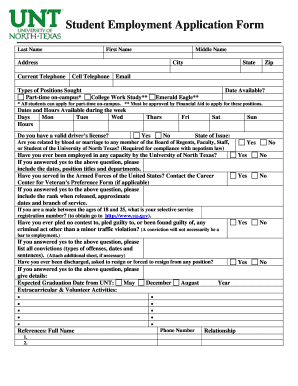
Student Employment Application Form - studentaffairs.unt.edu - studentaffairs unt
Job Application Form Template - ifsf.net
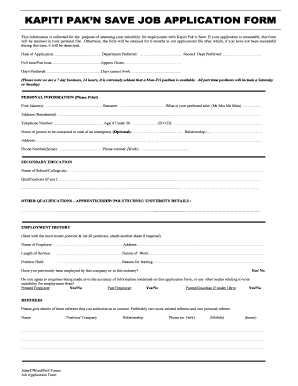
Pak n save job application form
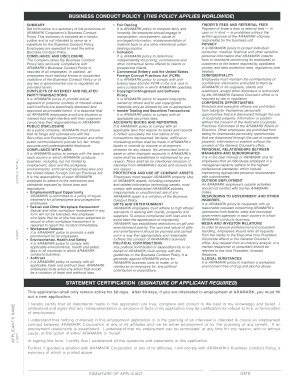
Aramark job application form
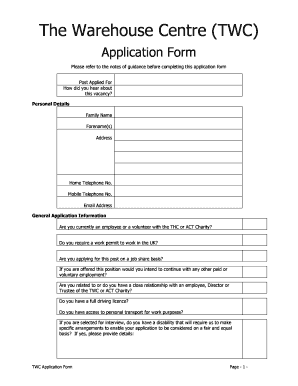
Centre application form
-
1
- 2
Transform your form managing with Best job Application Forms
Your workflows always benefit when you can locate all the forms and documents you will need on hand. DocHub provides a huge selection of documents to relieve your daily pains. Get a hold of Best job Application Forms category and quickly browse for your form.
Begin working with Best job Application Forms in a few clicks:
- Open Best job Application Forms and find the document you need.
- Click Get Form to open it in our editor.
- Start modifying your form: add fillable fields, highlight paragraphs, or blackout sensitive information and facts.
- The application saves your adjustments automatically, and after you are all set, you are able to download or share your form with other contributors.
Enjoy easy record administration with DocHub. Explore our Best job Application Forms collection and find your form right now!
Video Guide on Best job Application Forms management

Commonly Asked Questions about Best job Application Forms
How do I write a job application in Word?
At the start of the letter, mention your professional title, the job position you are applying for and where you read the job advertisement. In the same paragraph, you can detail the qualifications, skills and work experiences that make you suitable for the position. Keep your writing clear and concise.
How do I create an electronic application form?
Step by Step for building an application form with high completion rate Step 1 - Sign up to MightyForms. Step 2 - Drag and Drop fields. Step 3 - Design your form. Step 4 - Add integrations and features for form automation. Step 5 - Share your application form. Be straight to the point. Think about the information you need.
What is a form that employers ask job applicants to fill out?
Employers use job application forms to gather information from prospective employees. The questions on these forms typically introduce candidates, share their contact information and detail their work history.
What is a form used to apply for a job?
Resumes and cover letters are great to have, but a job application form provides an opportunity to collect additional information about the persons employment history, work background, contact information, eligibility, and more for human resources purposes.
How do I create a Google form for a job application?
How to create a job application form in Google Forms step-by-step Open Google Forms. Add your job application form questions to Google Forms. Creating a forms.app account. Choosing a starting option. Adding questions and fields to your job application form. Customizing the design of your job application form.
How to create a fillable job application?
How to structure an effective job application form Name of applicant. Contact information (phone and email) Education. Work experience. Professional references (optional) Availability (e.g., weekends, night shift) Applicants signature and date.
Is there a way to autofill job applications?
Stop spending hours manually filling out the same information for every job application. All it takes is one-click of Huntrs Job Application Autofill tool for you to completely fill out a job application form. Save time, apply to more jobs faster.
How should you fill out a job application?
Research your salary. Read the application before filling it out. Before you start to fill out a job application, read through it first. Take your time. Answer completely and truthfully. Include your resume. Fill out job information chronologically. Put in the extra effort. Research your salary. Proofread your application.
Related Templates

Generic authorized representative form
The document is an Authorized Representative Form for the Santa Clara Family Health Plan (SCFHP), allowing members to de ...

Non-Emergency Medical Transportation (NEMT) Driver Roster transportation
The document is a Non-Emergency Medical Transportation (NEMT) Driver Roster form that transportation providers must comp ...

Dhs 250 02
The document is an application form for the Joint Duty Program within the Department of Homeland Security. It requires p ...

Bursary Application Form - Greenwich Steiner School
The document is an application form for a bursary for the 2018-2019 academic year at Greenwich Steiner School. It requir ...

Building Permit Application - City of Horseshoe Bay
The document is a comprehensive building permit application for the City of Horseshoe Bay, detailing requirements for ob ...

Form 5748
The document is a form (Form 5748) from the Missouri Department of Revenue for applying for or renewing a Dealer, Auctio ...
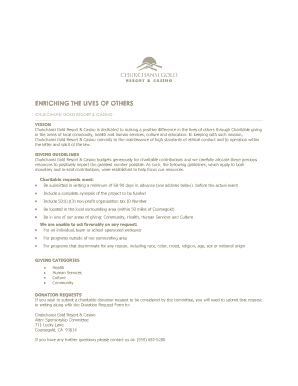
Donation Request Form - Chukchansi Gold Resort & Casino
Chukchansi Gold Resort & Casino aims to positively impact the community through charitable giving focused on health, hum ...