
Get any PDF form from the DocHub library of ready-made templates - Page 936
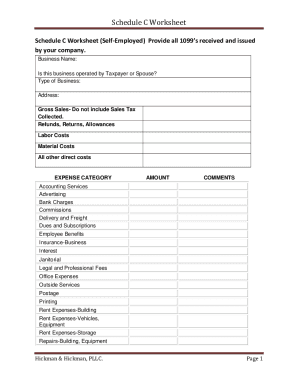
Schedule C Worksheet
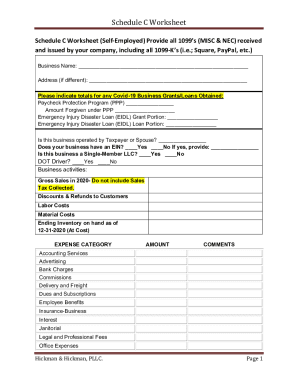
Schedule C Worksheet (Self-Employed) Provide all 1099s (MISC & NEC) received
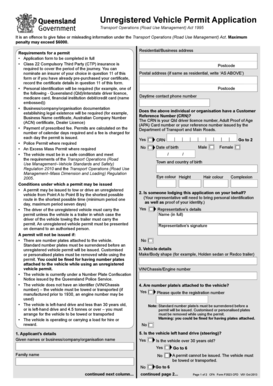
Unregistered vehicle permit qld
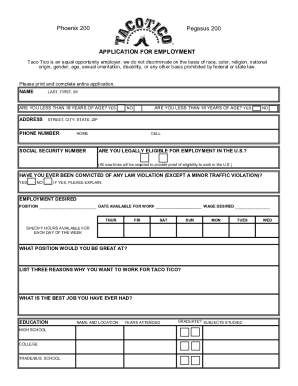
Taco Tico Full Time Shift Leader Job in Lexington, KY

Dear Summer Teen Applicant: Thank you for your recent
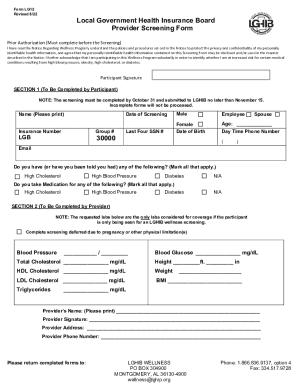
VOLUNTARY HEALTH SCREENING

Advanced Placement (AP) Reader Expense Voucher
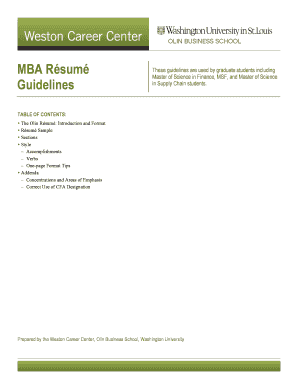
MBA Resume Guidelines in Supply Chain students

Form 5310A Rev June 1997 Notice of Plan Merger or Consolidation Spinoff or Transfer of Plan Assets o

Form 5310a fillable
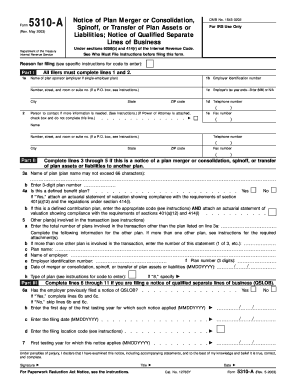
Vermont 0697 Form 5310a Notice Of Plan - State Legal Forms

5310-A

City of bradenton sub form

Form 5310-A (Rev November 2010) - irs

3461
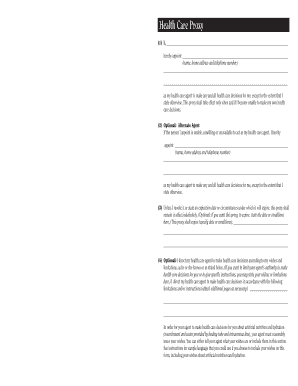
Health Care Proxy Form - Westchester Medical Center
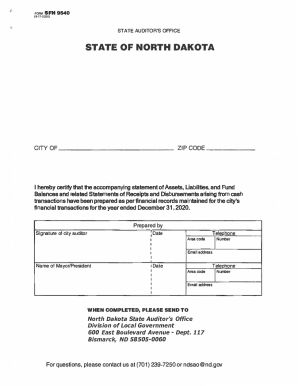
Revenues Expenditures Expenses (Schedule 01)
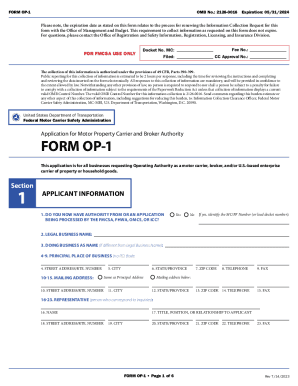
FMCSA Form OP-1
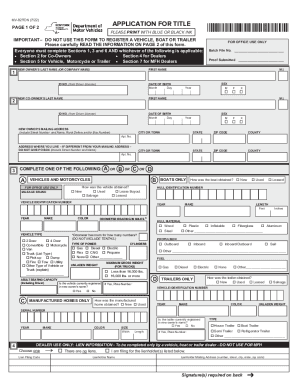
Ds: Application, for, Title, New, York, State, Department, of, Motor, Vehicles, MV-82TON (7 22)
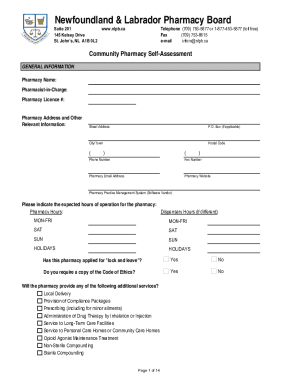
THE NEWFOUNDLAND DOG - WORLD'S MOST POWERFUL

VP-185 One and The Same Affidavit 2 23 - Nevada DMV
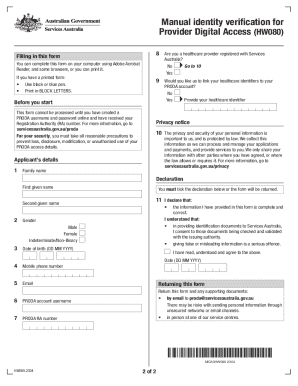
Manual Identity Verification for Provider Digital Access (HW080)
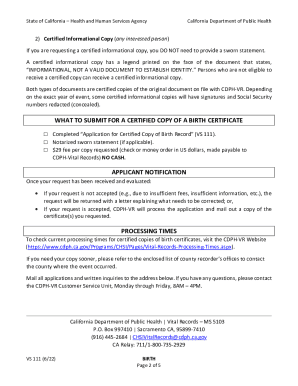
How to Obtain a Certified Copy of a Birth Record
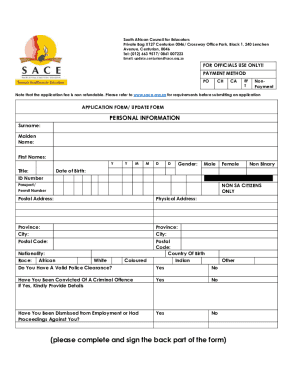
(please complete and sign the back part of the form)
PDF Application for a Driver's License or Photo ID Card - WV Department
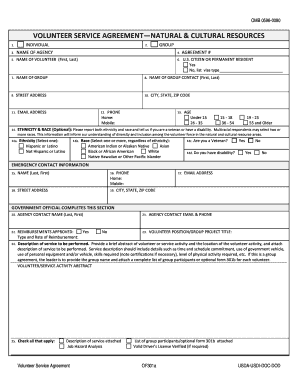
Warrant Officer Intermediate Level Education (WOILE)US

Alabama work permit

San bernardino county recorder forms fillable

Wage Tax Form model opgaaf gegevens loonheffingen

Mary Kay Form - Fill Out and Sign Printable PDF Template
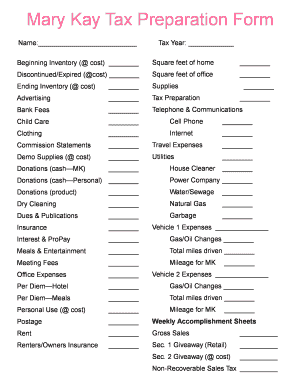
Mary kay tax worksheet 2020

Palmetto community action partnership
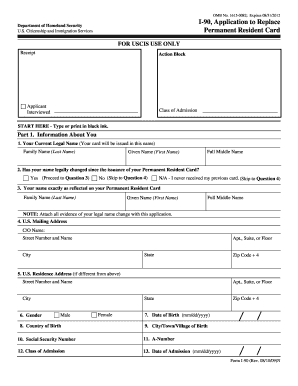
I 90 form pdf

Certified Firefighter - WV Division of Motor Vehicles - WV
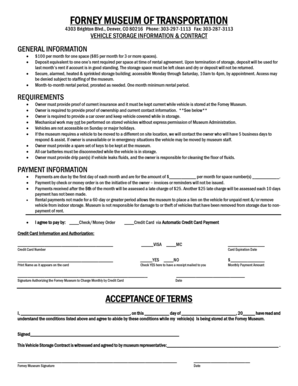
VEHICLE STORAGE INFORMATION amp CONTRACT - forneymuseum
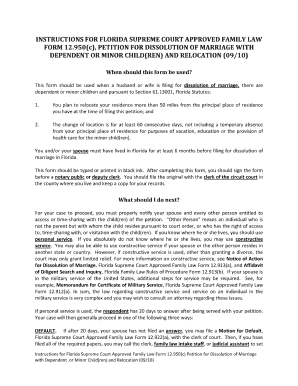
Florida supreme court approved family law form 12901b1
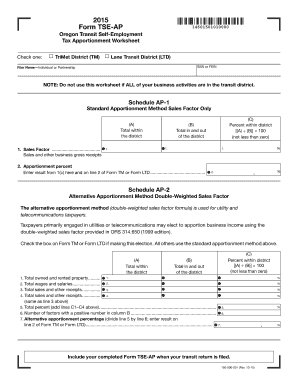
Or tse ap 2021
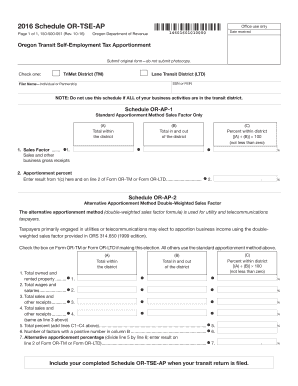
Schedule or tse ap
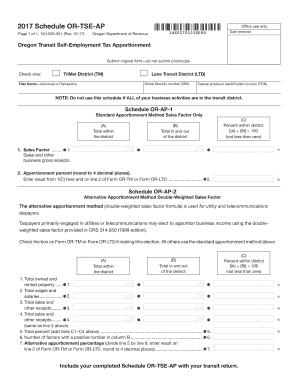
Page 1 of 1, 150-500-051 (Rev
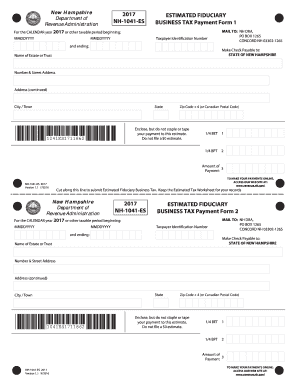
2017 NH-1041-ES ESTIMATED FIDUCIARY BUSINESS TAX
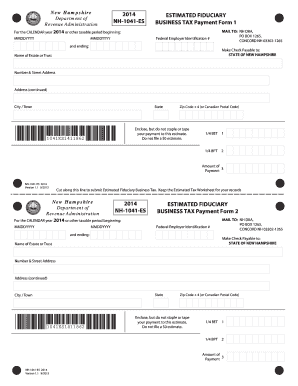
NH-1041-ES
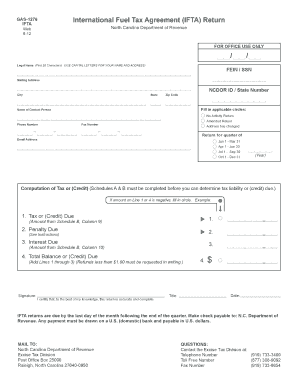
GAS-1276
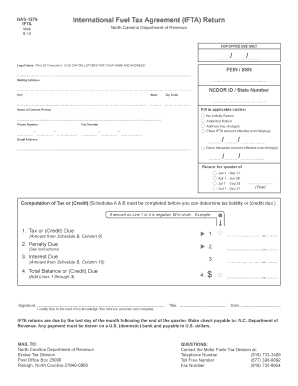
GAS-1276

RA 010

Business Tax Forms and Publications for 2021 Tax Filing
Release oflnformation Unit

NORTHERN ROCKIES
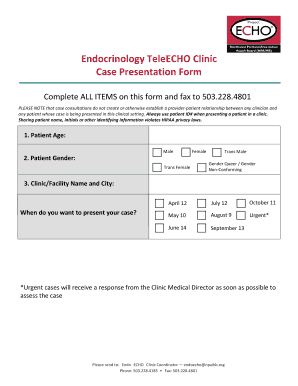
Complete ALL ITEMS on this form and fax to 503
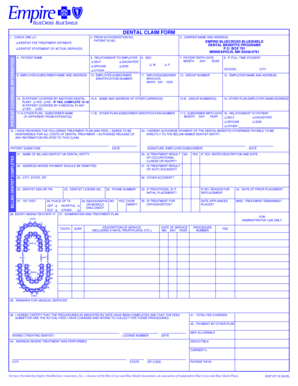
Empire dental claim form
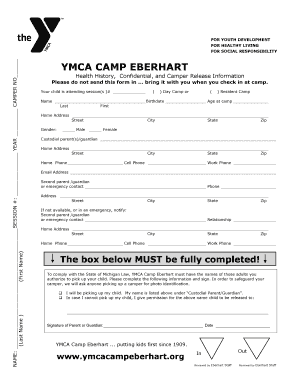
Ymca camp eberhart health form

Health net prior

Blank enrollment forms
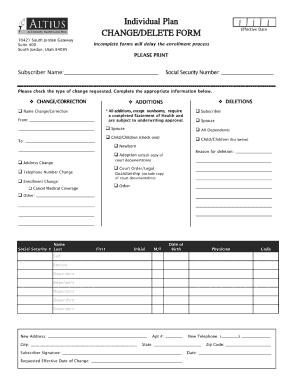
Utah altius change form
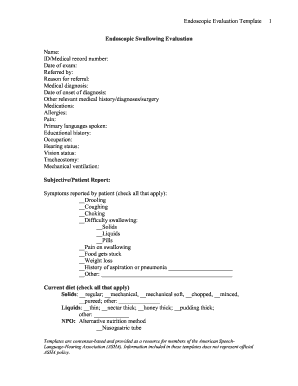
Barium swallow report template

Caloptima health network selection form

MPL Secure (miscellaneous E&O) - Beazley

Download a
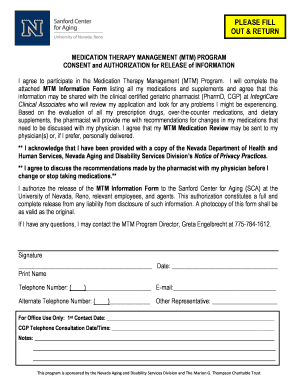
OUT & RETURN - dhs unr
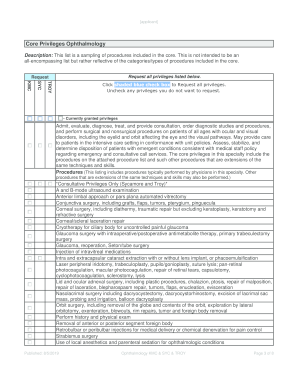
Ophthalmology kmc
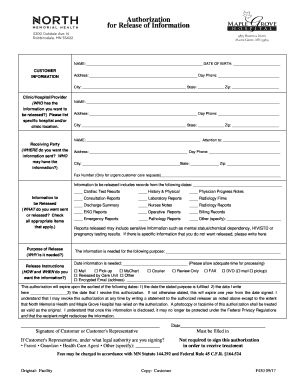
North memorial information

Volunteer immunization
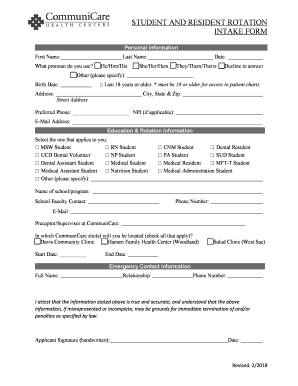
Rotation intake
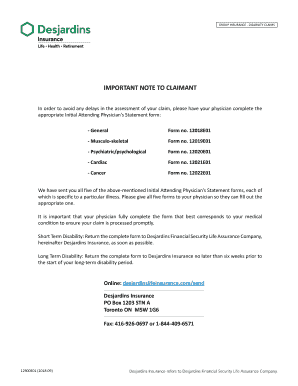
Disability Insurance Claims: Questions and - Disabled World
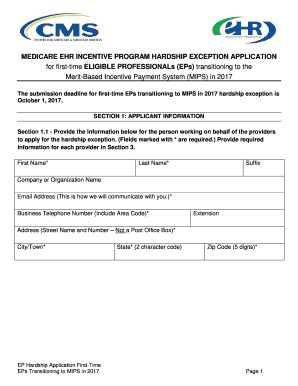
Hardship fund application form

Providence hospital mobile al
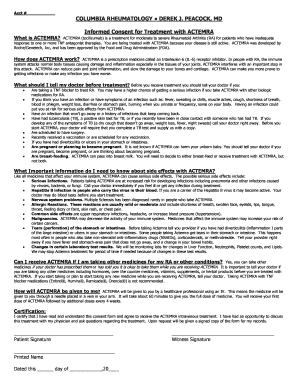
Columbia rheumatology informed consent actemra form edit
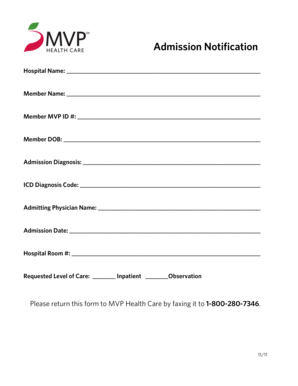
Mvp notification form
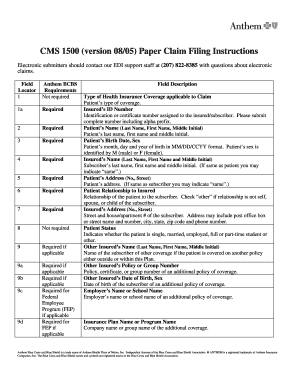
Cms 1500 paper instructions
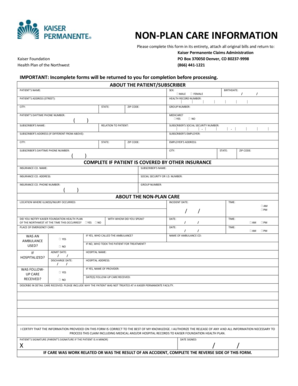
Non plan care
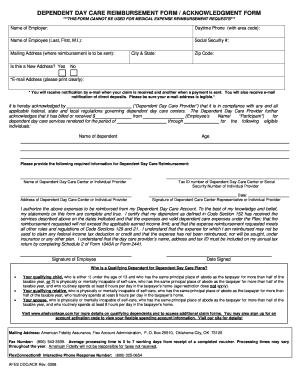
Form daycare reimbursement form

Northeast Guidance C - Records Deposition Service Inc
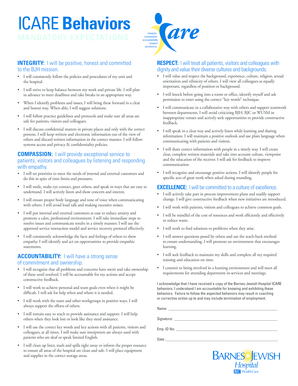
Barnes icare form mandatory pdf
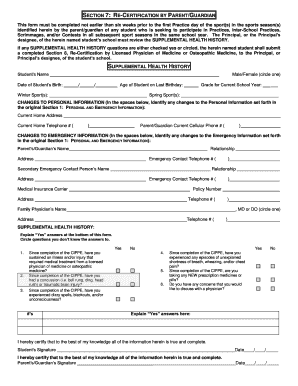
Re certification parent
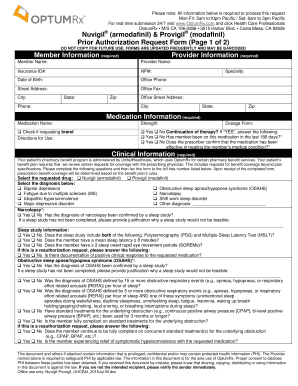
Provigil prior authorization form optumrx
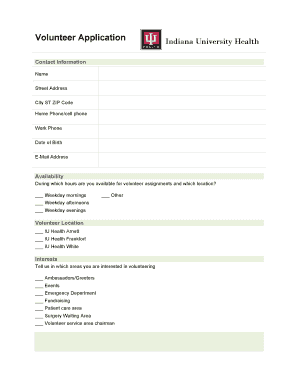
In iu volunteer form
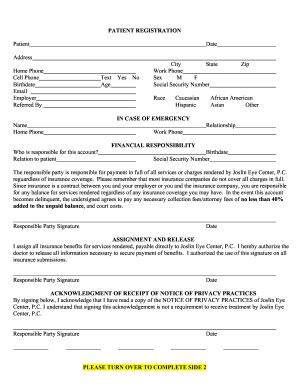
Joslin eye center patient form blank
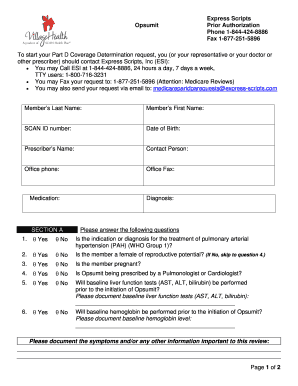
Opsumit scripts
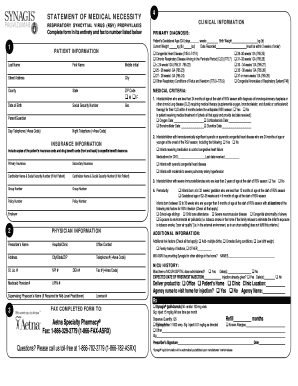
Statement necessity virus prophylaxis form get
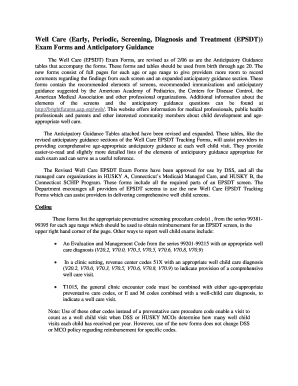
Well care exam exam forms
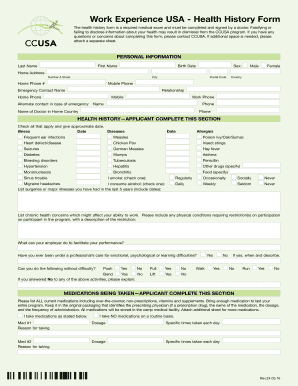
Ccusa form
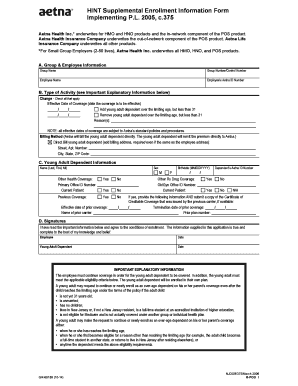
Aetna supplemental form
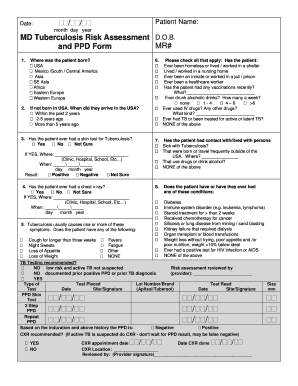
Tuberculosis risk ppd form

2015 anthem health application form 490773 create

Ira 15d form

Form medicare unit jurisdiction dme form
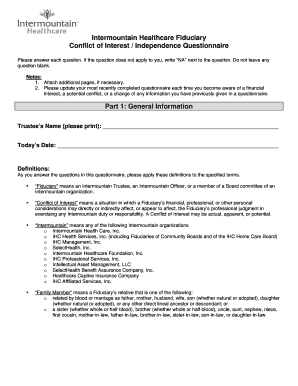
Intermountain conflict interest form

Captioncall form
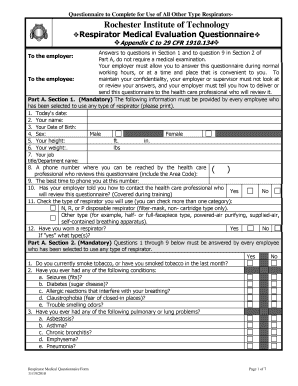
Respirator medical appendix c

Medicaid care prior authorization form

Instructions 1139h epsdt form
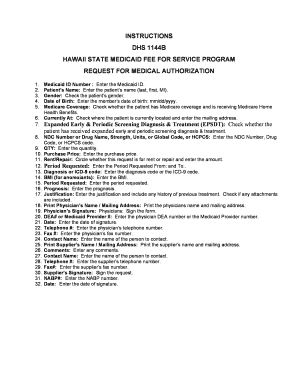
Form 1144b form
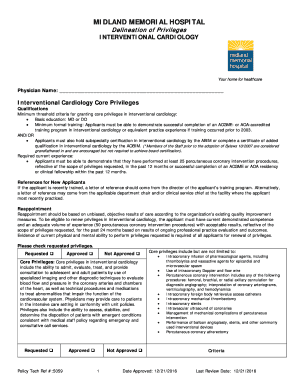
2016 memorial policy delineation cardiology
Aacn ccrn k synergy log form a pdf
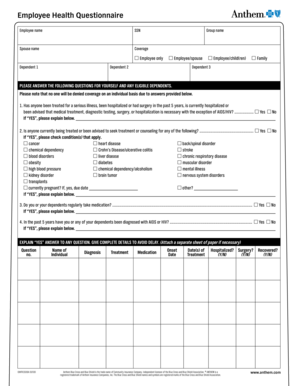
Louisiana employee health medical history questionnaire

Transamerica claim claim form get
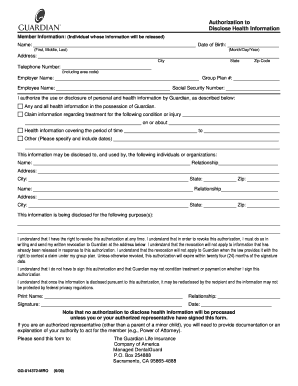
Gg authorization information form online

Dhs1139a instructions credentialing form

Lutheran tb questionnaire form
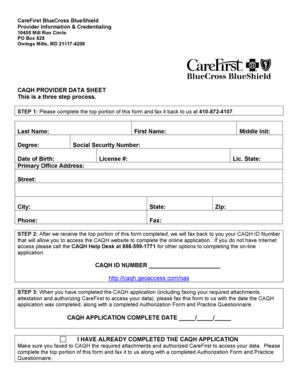
Caqh provider data sheet

Dhs 1147 instructions
Benefit from the DocHub online library of fillable PDF forms
Searching the PDF forms doesn't have to be a tedious and time-consuming process. With the DocHub online library, it has become easier to find the fillable PDF forms and modify them in your browser. The service allows you to adjust the document to your needs using powerful editing tools.
You can use online document editing features to modify almost any type of document with ease. You just need to find the template of your choice, open it in the editor, and use the toolbar to make the necessary corrections.
Follow this guide to get your document done with DocHub:
- Find the PDF template you need.
- Click the Get Form button to open the file in the editor.
- Use the toolbar to fill out and edit the document.
- Easily add and highlight text, insert images, checkmarks, and symbols.
- Drop new fillable fields, and rearrange or delete pages from your file.
- Save changes and download your record.
DocHub empowers everyone to streamline document editing, signing, and distribution, and form completion. Create an account and benefit from our well-organized PDF Forms library and comprehensive editor.