
Get any PDF form from the DocHub library of ready-made templates - Page 935
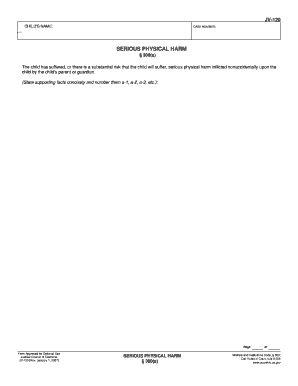
Serious physical harm form print
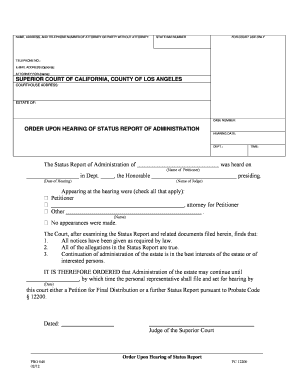
Status report administration
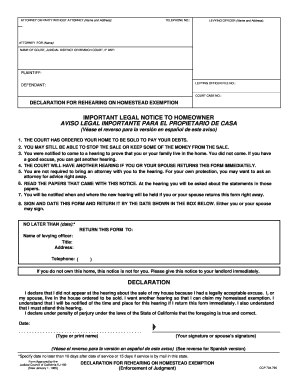
1985 ca ej 182 exemption download
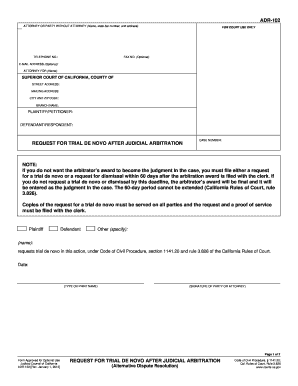
Request trial judicial

Jv620
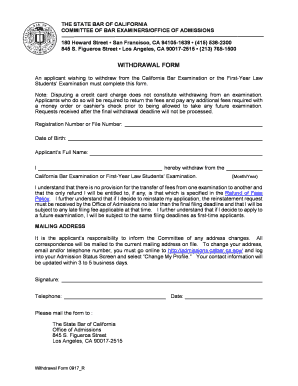
California withdrawal

126 provision form fillable
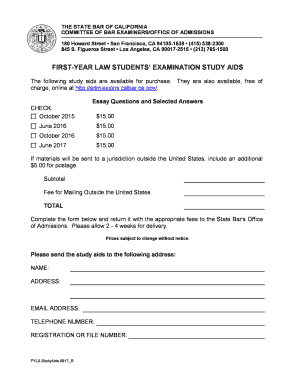
Ca study aids

Supplement petition re
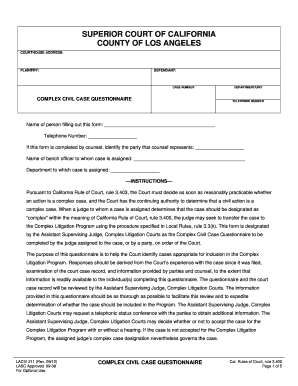
Laciv211
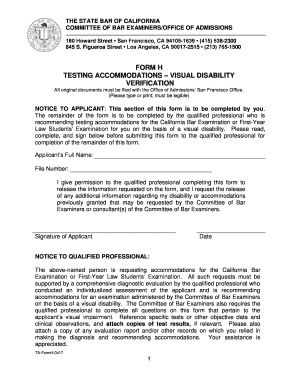
Ca disability bar
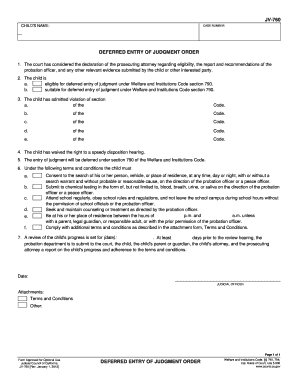
Jv760 form
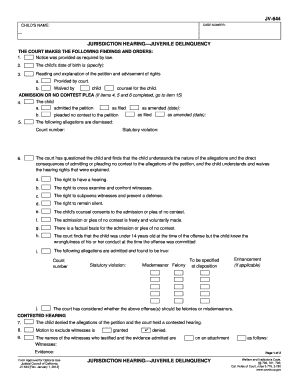
Jv 644
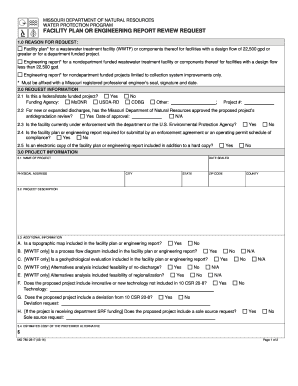
Facility Plan or Engineering Report Review Request, Form
Utah consumer complaint form
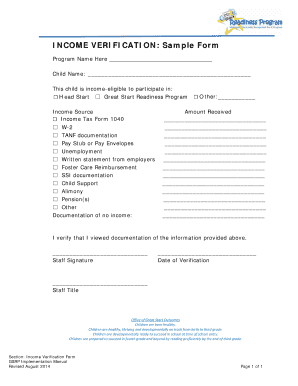
Mi
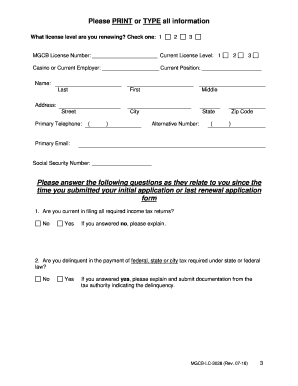
RENEWAL - State of Michigan
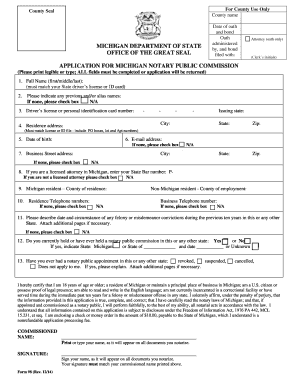
Application for Michigan Notary Public Commission - State of Michigan
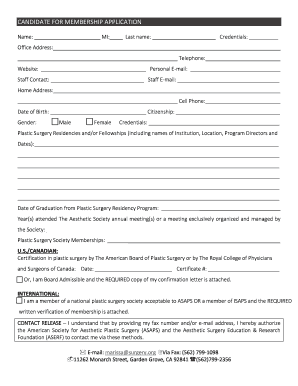
Asaps application
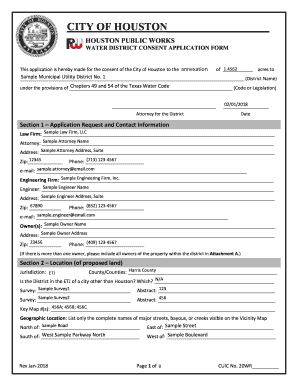
Water
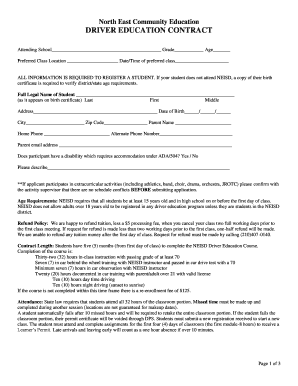
Neisd driver education
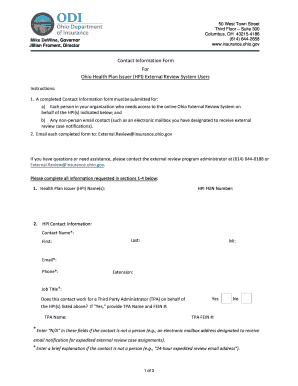
Ohio contact
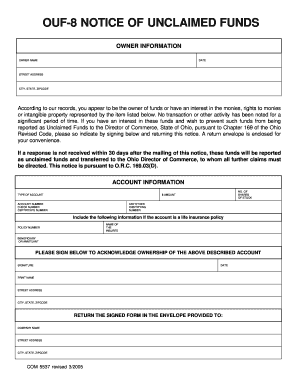
OUF-8 NOTICE OF UNCLAIMED FUNDS
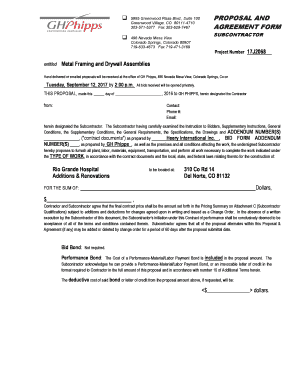
Agreement drywall assemblies
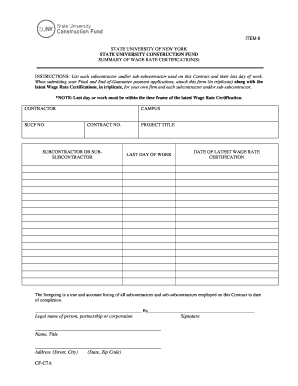
Summary wage certification
Llc warrant notice
Bankruptcy form b104

Amended and Restated Articles of Incorporation Form DC-5
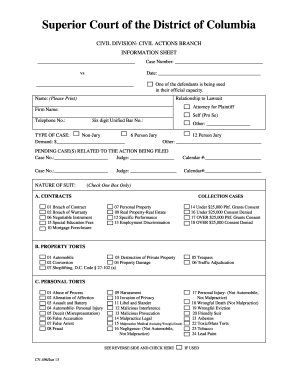
CIVIL DIVISION- CIVIL ACTIONS BRANCH - dccourts
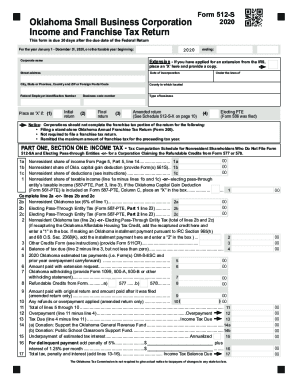
State and Local Tax Filing and Payment Extensions Due to
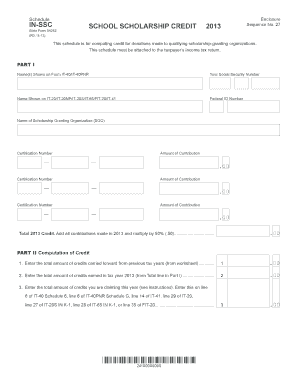
IN-SSC
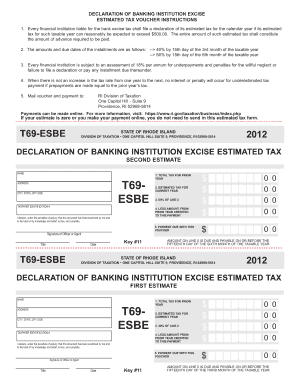
Every financial institution liable for the bank excise tax shall file a declaration of its estimated
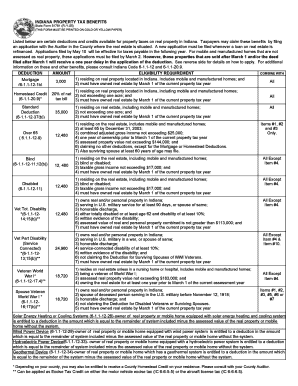
51781 form
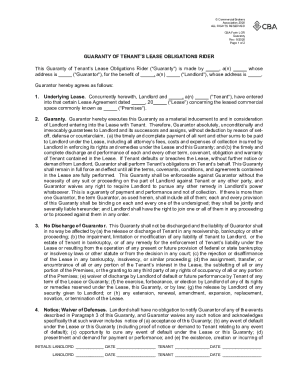
LOR docx
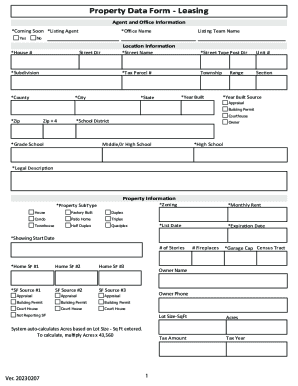
Leasing Data Form 2-23

30 ready-to-use real estate SMS templates to save you time
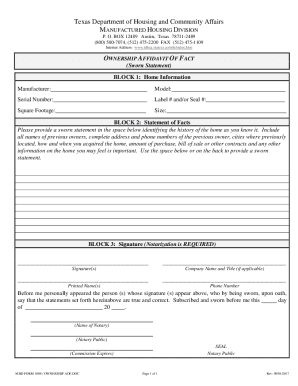
Fillable Online tdhca state tx Field Verification
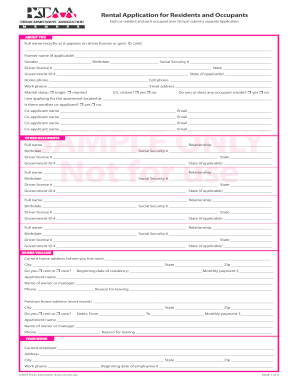
Beginning date of residency: Monthly payment $
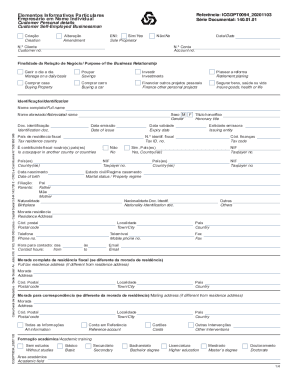
Caixa Geral de Dep sitos Customer Information Form

Vertical turbine fire pump cad drawing
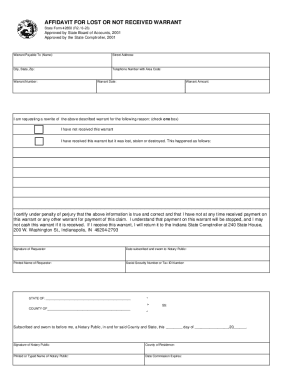
State Form 42850 Affidavit for Lost or Not Received Warrant
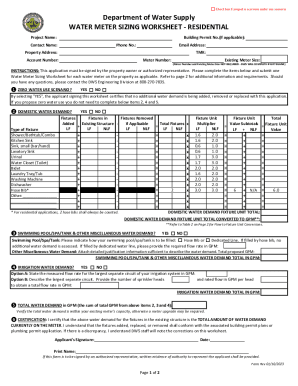
WATER SUPPLY PLAN Completeness Cross-Walk PWS

Everything you need to know about the Early Payment

Georgia tire fee report
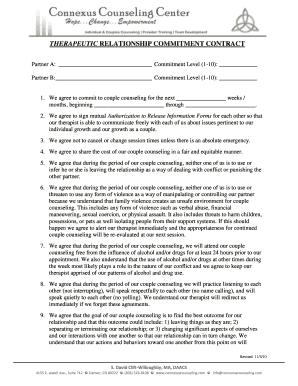
Relationship contract

Obituary worksheet
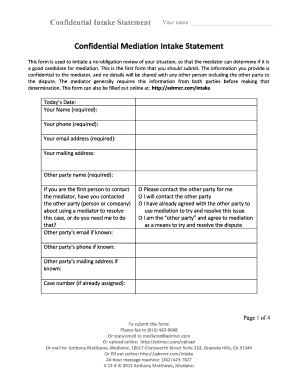
Confidential Mediation Intake Statement
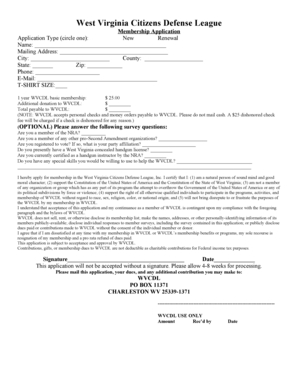
Wvcdl
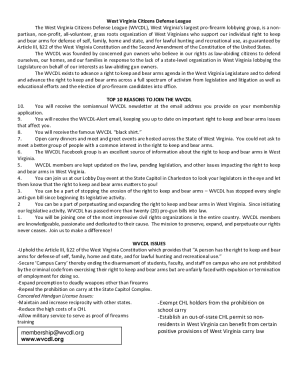
Firearms Organizations - Law Office of Gary B Wells, PLLC
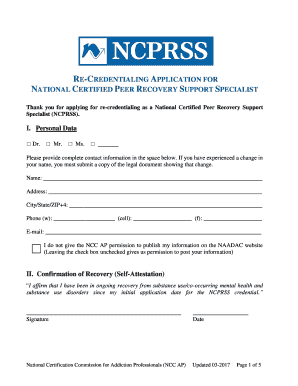
NCCAP NCPRSS Renewal Application -3 2017 dc
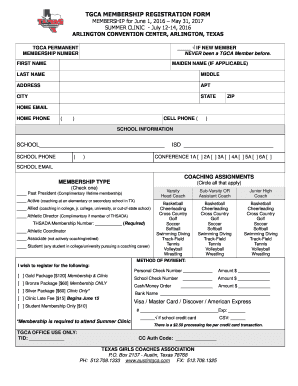
Tgca membership form
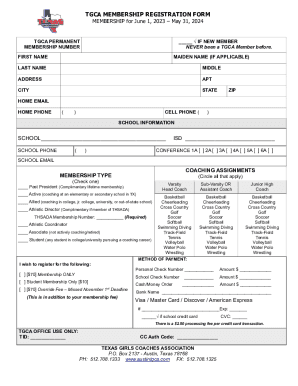
ANNUAL MEMBERSHIP APPLICATION & RENEWAL FORM
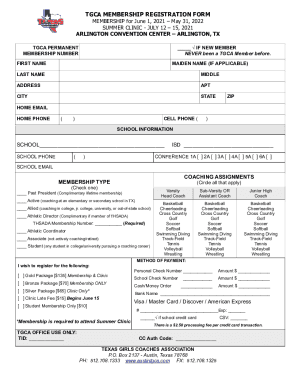
TGCA MEMBERSHIP REGISTRATION FORM

Physical education medical excuse
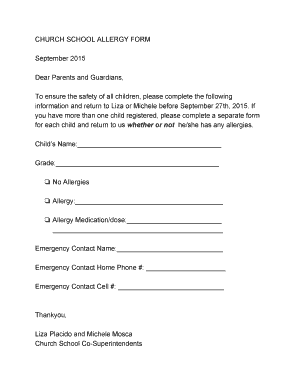
CHURCH SCHOOL ALLERGY FORM September 2015 Dear - fpcyorktown
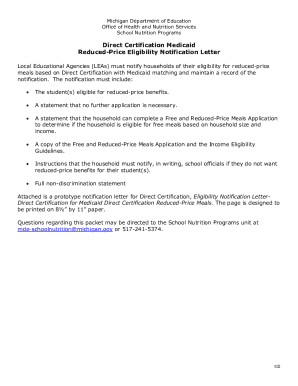
USDA Lifts Up School Meals Successes in Celebration of
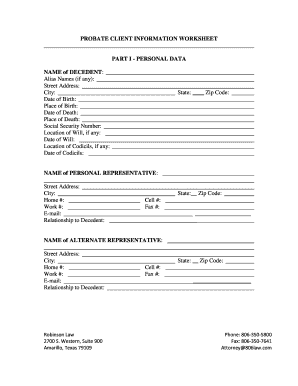
PROBATE CLIENT INFORMATION WORKSHEET
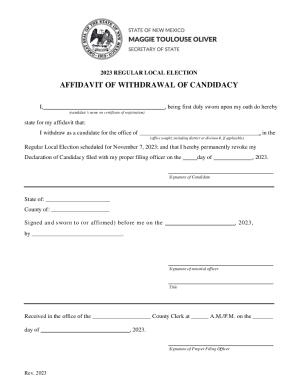
AFFIDAVIT OF WITHDRAWAL OF CANDIDACY - Saffire
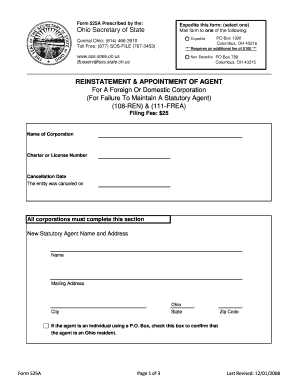
Form 525A Prescribed by the:
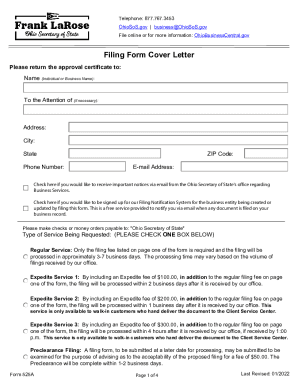
Cmr242 LLC filing sheet 533a
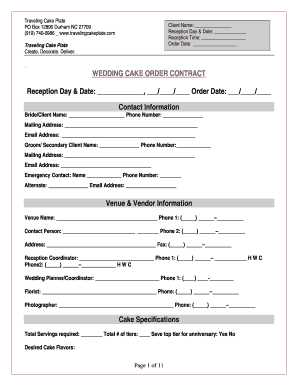
WEDDING CAKE ORDER CONTRACT Reception Day & Date
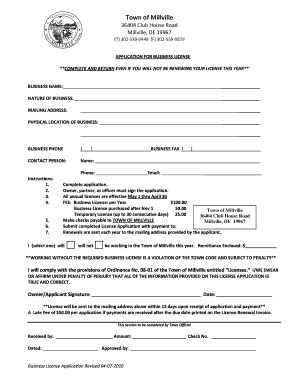
Trading licence item change application form
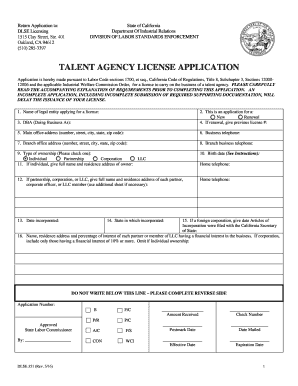
Talent agent license

Talent Agency Paper Application

Application for registration as a Taxpayer or Changing of Registered Particulars: Trust
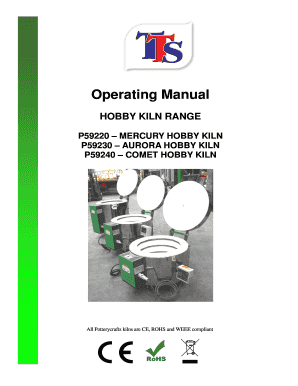
Top loader Mercury, Aurora & Comet Manuals for TTS pub - piscesart co
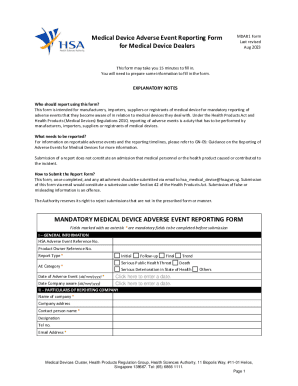
FAQ - German SAE Report Form
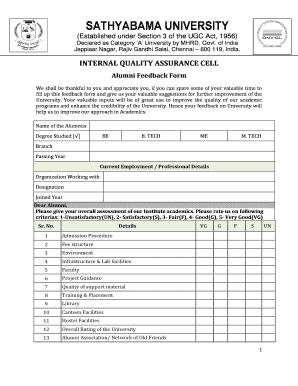
Alumni feedback form
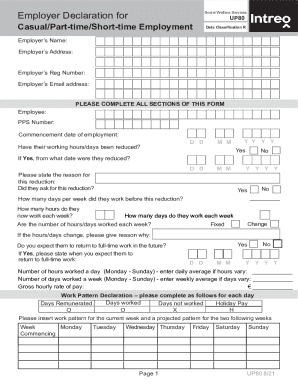
Employee-Commencement-Form-HR-2

Queensland Law SocietyForm 6 (LPA)Notice by a Practising Certificate Holder of a Conviction of an Of
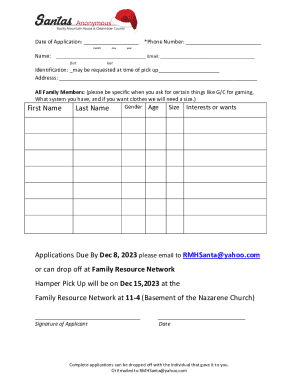
Asking 'the pleasure of your company' in an invitation
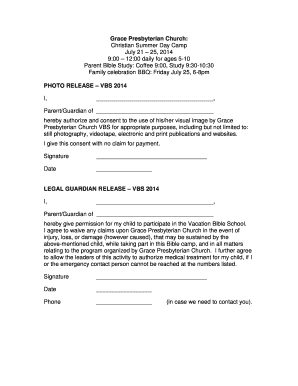
VBS Waiver Form 2014 Revised doc - graceorleans
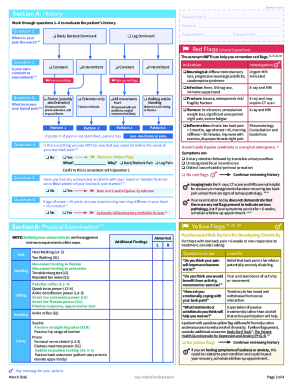
Clinically Organized Relevant Exam (CORE) Back Tool
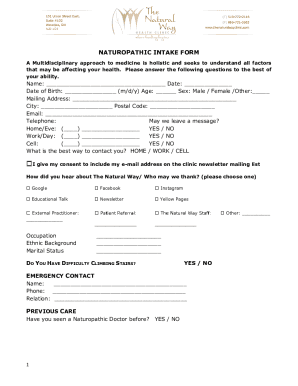
Fillable Online NATUROPATHIC INTAKE FORM
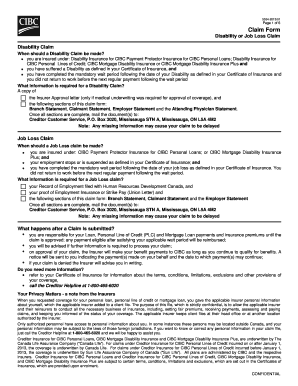
Disability or Job Loss Claim Form 5534-2013 01
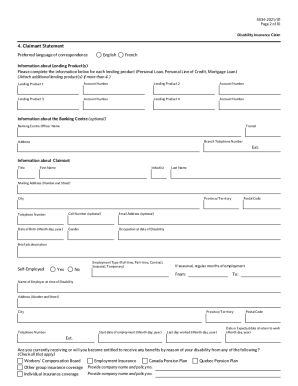
Disability Insurance - Forms and PublicationsDisability Insurance - Forms and PublicationsDisability

NATUROPATHIC INTAKE FORM - thenaturalwayclinic
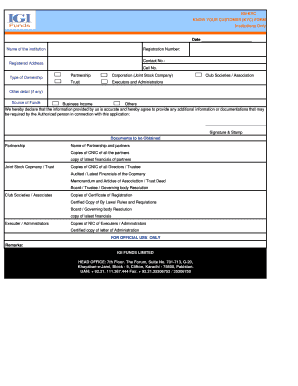
Kyc form excel format
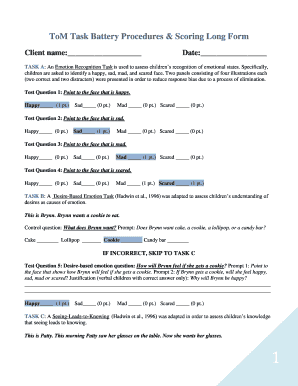
ToM Task Battery Procedures & Scoring Long Form

Med form

Prior Authorization Criteria Form - Caremark

Mutual Of America Beneficiary Designation Form
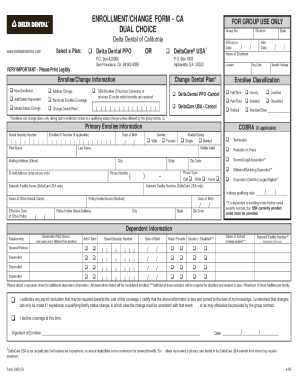
ENROLLMENT CHANGE FORM - CA DUAL CHOICE
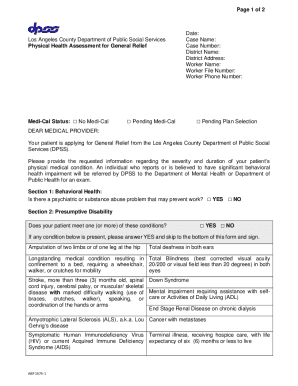
Page 1 of 2 Date: Los Angeles County Department of Public Social

Food Safety Plan - Yavapai County Community Health Services

Health Inspections and Food Safety

Marriage coupon arkansas form

WISCONSIN DEPARTMENT OF HEALTH SERVICES Division of Health

Cavity clearance form
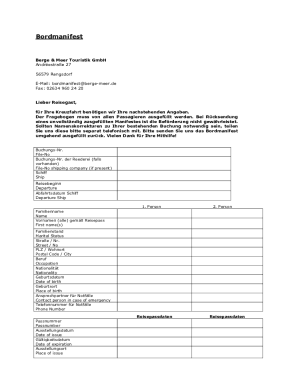
Bordmanifest Form
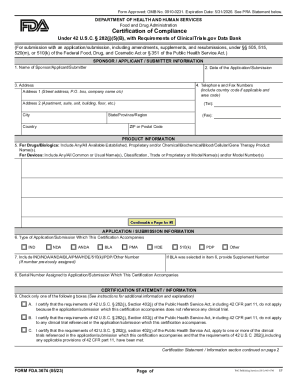
FORM FDA 3674 Certification of Compliance Under 42 U S C 282(j)(5)(B), with Requirements of Clinical
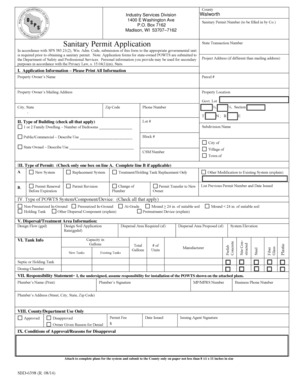
Sbd6398 sanitary application download

High school graduation certification form

Elizabeth building department

Functional analysis screening tool pdf
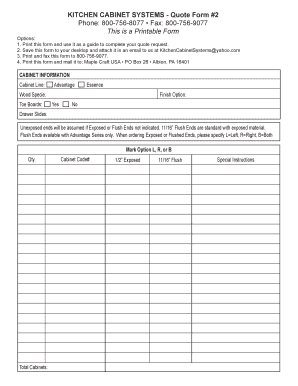
KITCHEN CABINET SYSTEMS - Quote Form #2
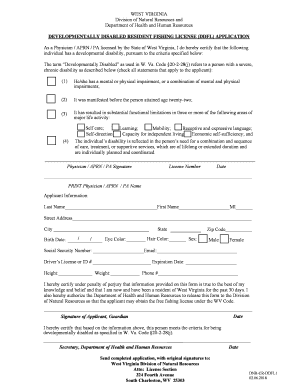
DEVELOPMENTALLY DISABLED RESIDENT FISHING LICENSE (DDFL

Form NHCT-12: Annual Report - NH

Probation la
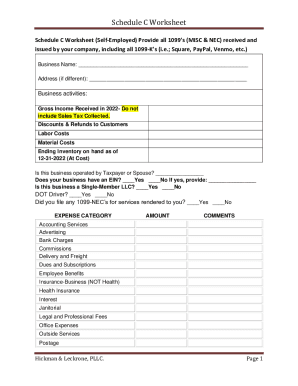
Schedule C Worksheet (Self-Employed) Provide all 1099s (MISC & NEC) received and
Benefit from the DocHub online library of fillable PDF forms
Searching the PDF forms doesn't have to be a tedious and time-consuming process. With the DocHub online library, it has become easier to find the fillable PDF forms and modify them in your browser. The service allows you to adjust the document to your needs using powerful editing tools.
You can use online document editing features to modify almost any type of document with ease. You just need to find the template of your choice, open it in the editor, and use the toolbar to make the necessary corrections.
Follow this guide to get your document done with DocHub:
- Find the PDF template you need.
- Click the Get Form button to open the file in the editor.
- Use the toolbar to fill out and edit the document.
- Easily add and highlight text, insert images, checkmarks, and symbols.
- Drop new fillable fields, and rearrange or delete pages from your file.
- Save changes and download your record.
DocHub empowers everyone to streamline document editing, signing, and distribution, and form completion. Create an account and benefit from our well-organized PDF Forms library and comprehensive editor.