
Get any PDF form from the DocHub library of ready-made templates - Page 49
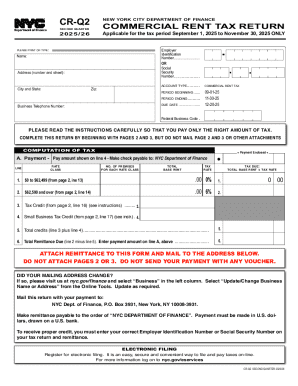
Nyc Commercial Rent Tax Form - Fill Online, Printable
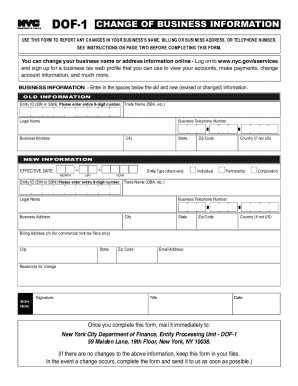
DOF-1 Change of Business Information
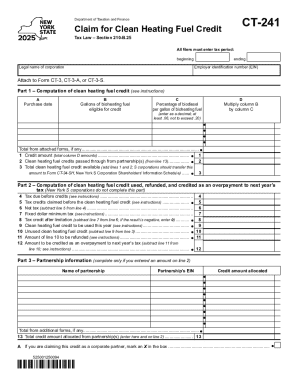
Form IT-241 Claim for Clean Heating Fuel Credit Tax Year
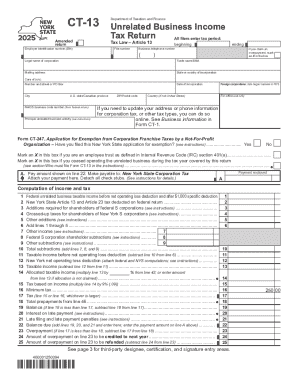
Form CT-13 Unrelated Business Income Tax Return Tax Year 2025

Instructions for Forms C-3-S New York S Corporation Franchise Tax Returns Tax Year 2025
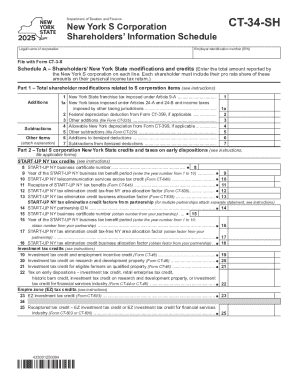
E-file-supported corporation tax forms - Tax NY
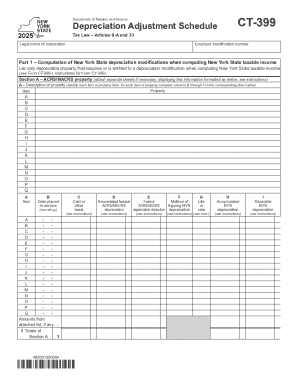
Form ct 399 instructions: Fill out and sign online
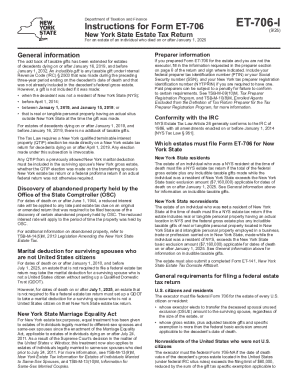
Form ET-706 New York State Estate Tax Return for an
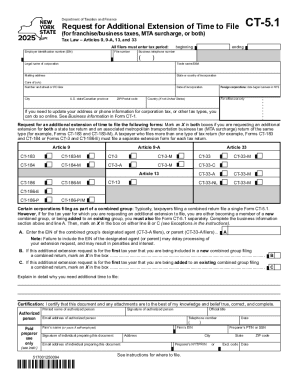
Instructions for Form CT-5 1 Request for Additional Extension
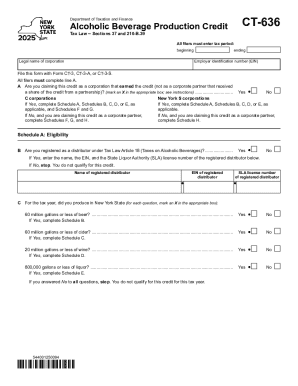
Form CT-636 Alcoholic Beverage Production Credit Tax
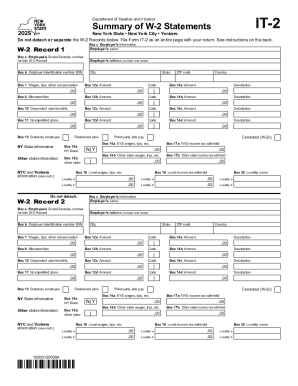
Summary of Federal Form W-2 Statements, IT2 - Tax NY
Form IT-1099-R Summary of Federal Form 1099-R Statements Tax Year 2025
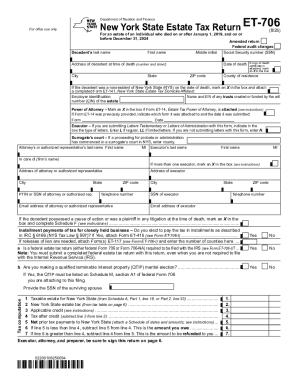
Form ET-706 New York State Estate Tax Return for an estate of an individual who died on or after Jan
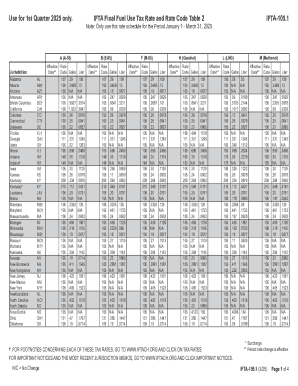
Traveling to all 50 states in the US
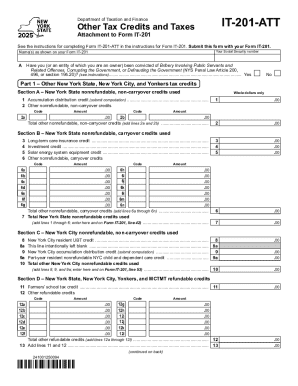
New York State Tax Form IT-201-ATT
Instructions for Form IT-201-X Amended Resident Income Tax Return Tax Year 2025
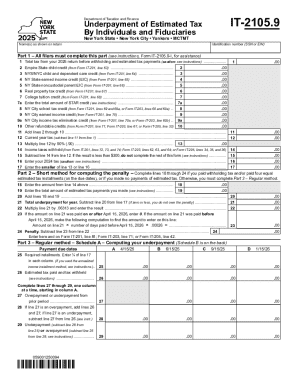
Instructions for Form IT-2105: Estimated Income Tax
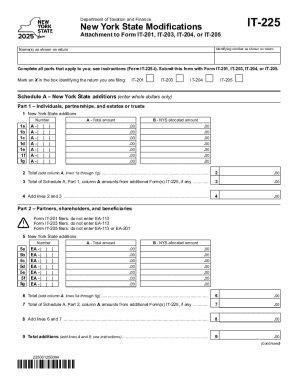
Attachment to Form it 201 or it 203 Tax Ny Gov
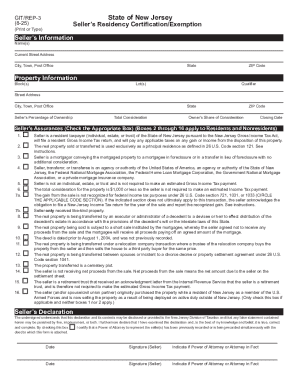
GIT REP-3 Seller's Residency Certification Exemption GIT REP-3 Seller's Residency Certification Exem

Form IT-239 Claim for Credit for Taxicabs and Livery Service Vehicles Accessible to Persons with Dis
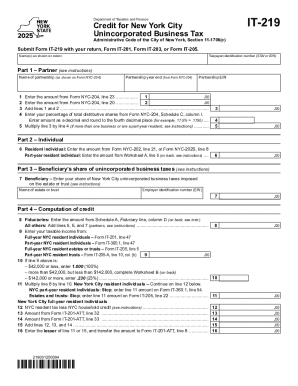
Instructions for Form IT-219 Credit for New York - Tax NY
Instructions for Form IT-214 Claim for Real Property Tax Credit for Homeowners and Renters Tax Year
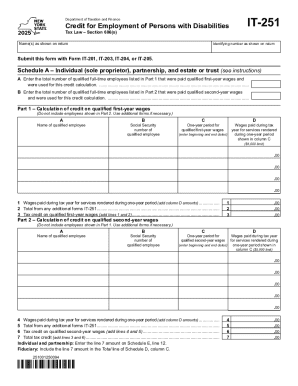
Claim for Credit for Employment of Persons with Disabilities

New York Innovation Hot Spot Deduction Form IT-223
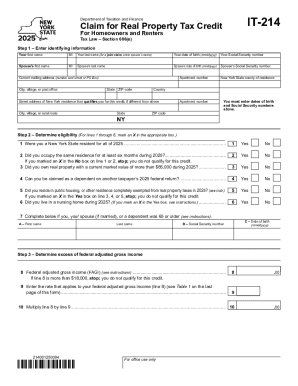
IT-214 Claim for Real Property Tax Credit - PDF Live
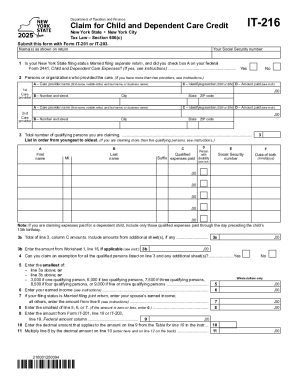
Form IT-216 Claim for Child and Dependent Care Credit Tax Year 2025
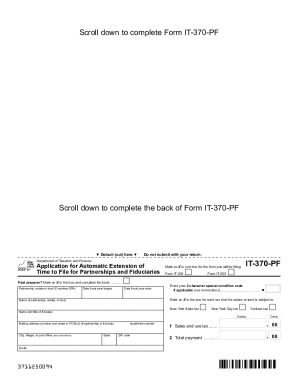
Form IT-370-PF Application for Automatic Extension of Time to File for Partnerships and Fiduciaries
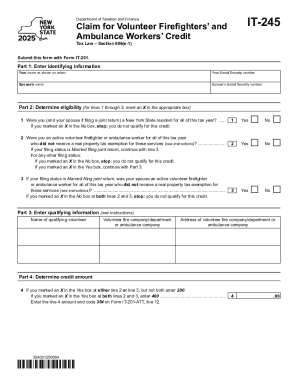
Form IT-245-I Instructions for Claim for Volunteer Firefighters
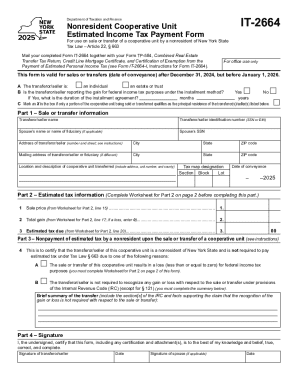
Form IT-2664 Nonresident Cooperative Unit Estimated Income Tax Payment Form Tax Year 2025
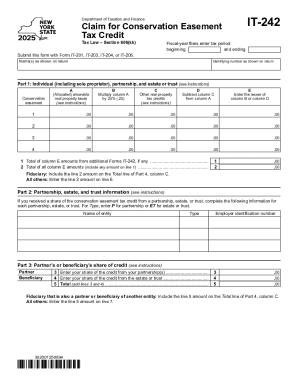
Form IT-242 Claim for Conservation Easement Tax Credit Tax Year 2025
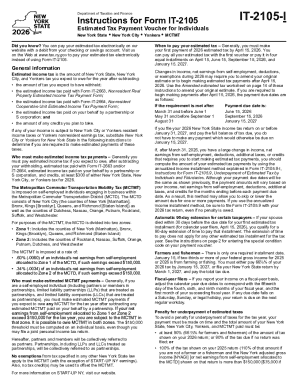
Instructions for Form IT-2105 Estimated Tax Payment
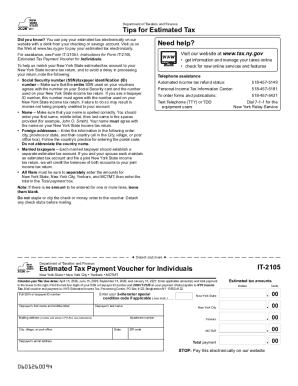
Form IT-2105 Estimated Income Tax Payment Voucher Tax Year 2026

2025 PA Schedule F G - Multiple Owner or Lessor Prorations Income Annualization (PA-1000 F G)
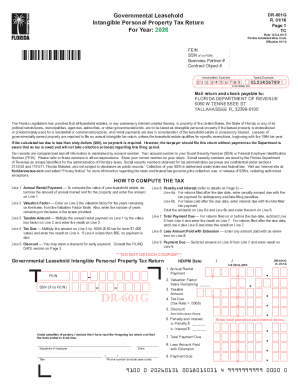
Florida Governmental Leasehold Intangible Personal Property Tax Return
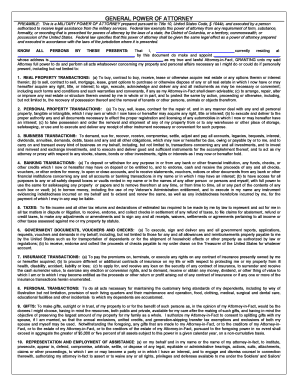
General power attorney form

Clean air force camp creek form
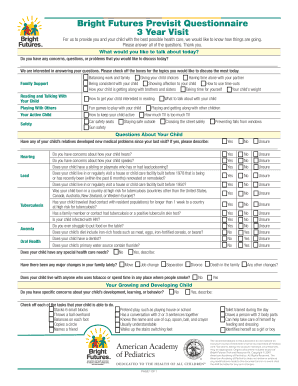
Bright Futures Previsit Questionnaire 3 Year Visit For us to provide you and your child with the bes
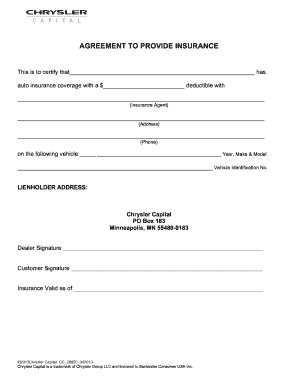
CC-28850 (Agreement to Provide Insurance (General) docx
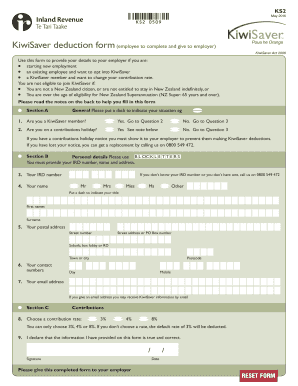
Kiwisaver deduction form
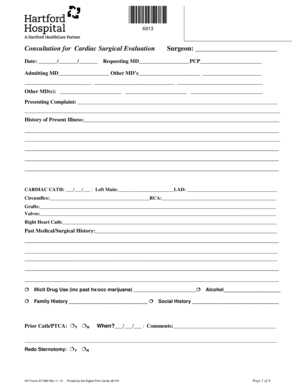
Consultation for Cardiac Surgical Evaluation 571890 Hartford Hospital Forms - harthosp
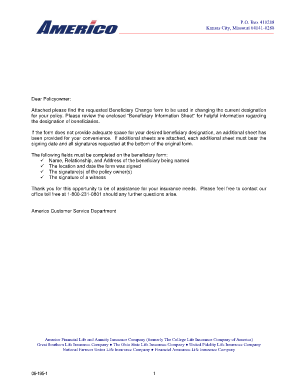
Change of Beneficiary Form - Americo
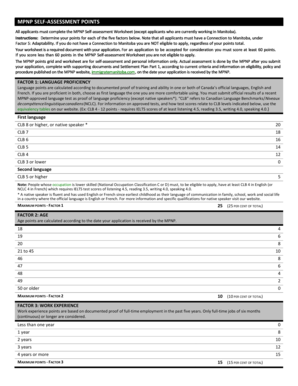
Mpnp self assessment worksheet
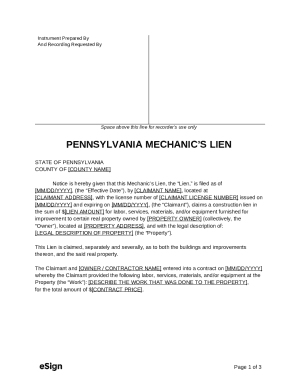
Free Pennsylvania Mechanic's Lien FormPDFWord
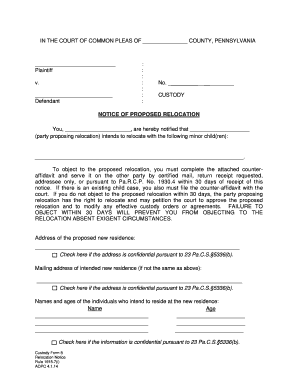
?Form 8 Notice Of Proposed Relocation With Court Case - pacourts
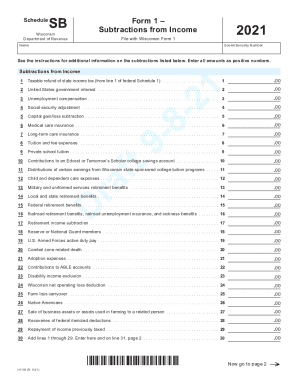
Form 1 subtractions from income
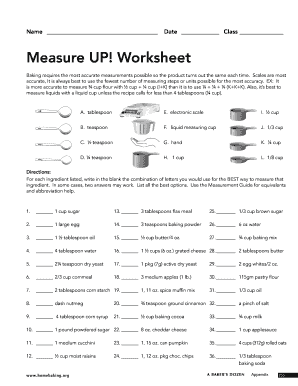
Measure up worksheet key

Request for reserve component assignment orders
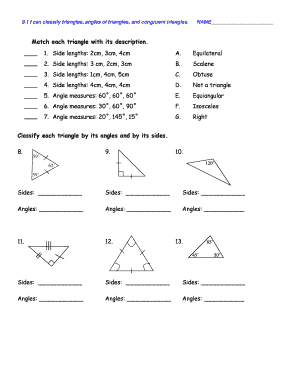
9 1 i can classify triangles angles of triangles and congruent triangles
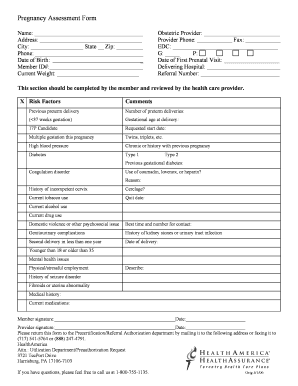
Pregnancy report form
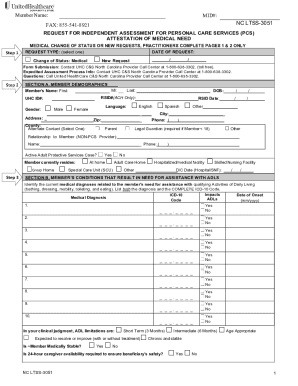
Request for Independent Assessment for Personal Care Services (PCS) Attestation of Medical Need - Un
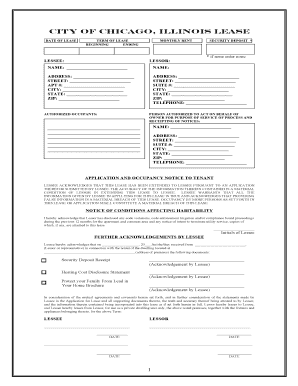
City-of-chicago-illinois-residential-lease-agreement-template docx

Postpartum Running Readiness Assessment Score Sheet

Delineation of Clinical Privileges

Ft10201 nys form
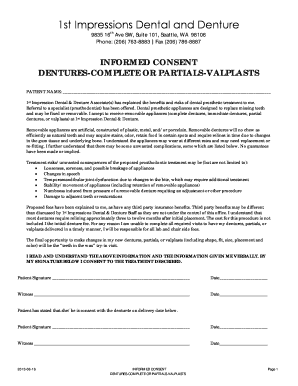
Denture delivery consent form
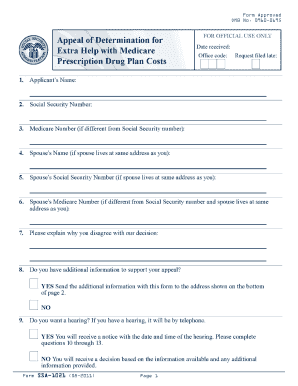
Ssa 1021

Nueces county process request sheet
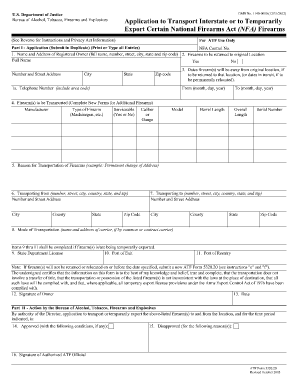
Atf e form example form
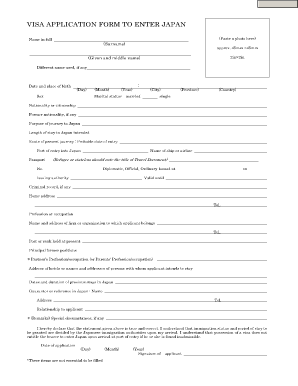
Visa application form enter japan

Statement of Disputed ACH Items - Wells Fargo
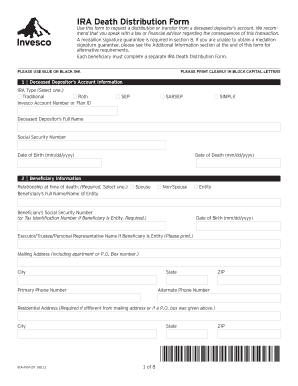
Ira death distribution form
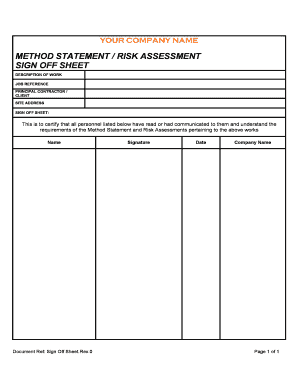
METHOD STATEMENT RISK ASSESSMENT

Payroll Tax Form 04 Employment Agency Contracts Chain of - sro vic gov

Student history worksheet

Agreement of owner with respect to transfer of account for electrical energy
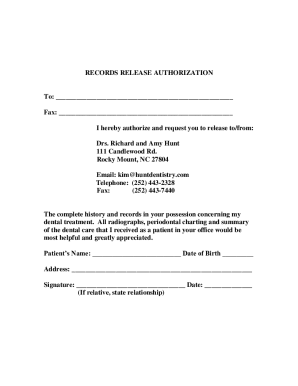
RECORDS RELEASE AUTHORIZATION
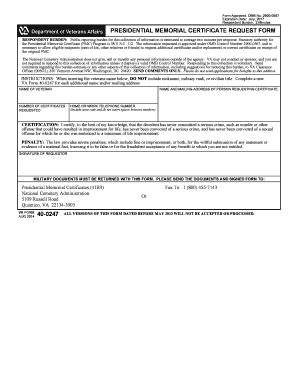
Presidential memorial certificate sample

Duplicate of title
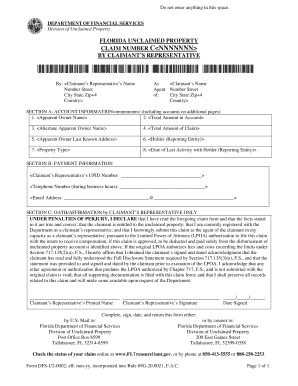
FLORIDA UNCLAIMED PROPERTY CLAIM Unclaimed Property

AGRICULTURAL FINANCIAL STATEMENT

Town of Brookhaven Long Island - brookhaven

RETURN TO SCHOOL FORM ACCOMMODATIONS

Community paramedic referral form

Class of 1961 questionnaire for 50th reunion

General Prior Authorization Form - AmeriHealth
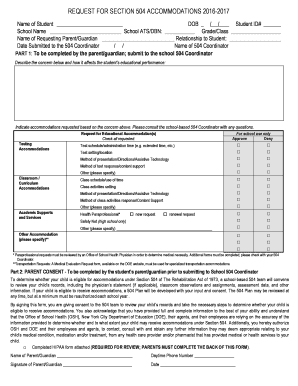
Request for section 504 accommodations - New York City - schools nyc
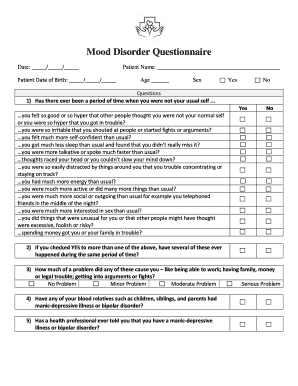
Mood disorder questionnaire

STATE OF ILLINOIS CERTIFICATE OF DEATH - Fill and Sign

Bisson Moving and Storage Job Application
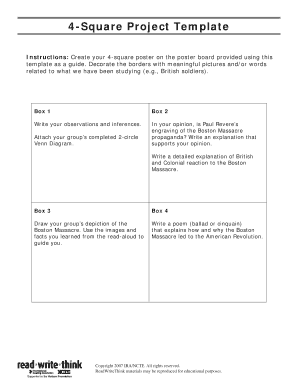
4-square project template
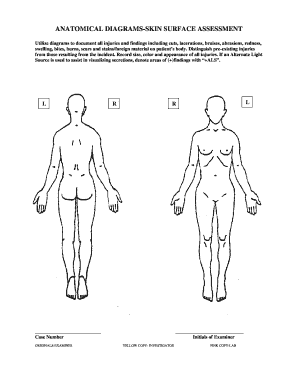
ANATOMICAL DIAGRAMS-SKIN SURFACE ASSESSMENT
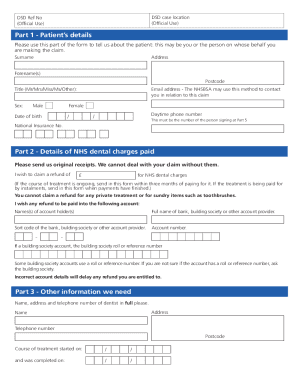
Hc5(d) refund claim form
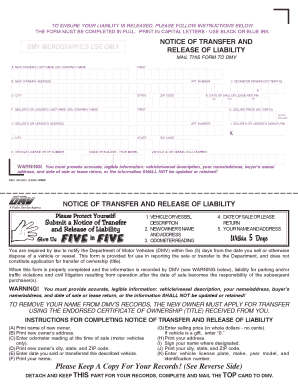
Notice of transfer and release of liability
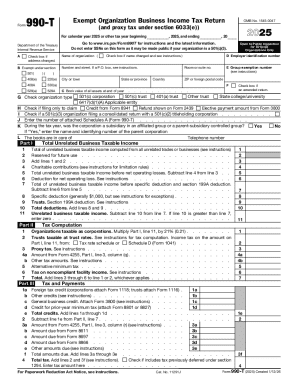
2025 Form 990-T Exempt Organization Business Income Tax Return (and proxy tax under section 6033(e))

Cancer research sponsorship form
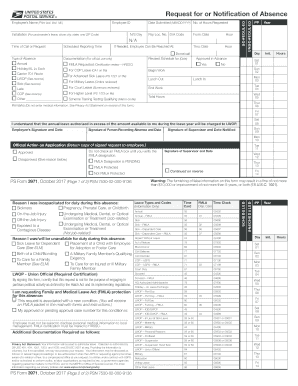
Form 3971
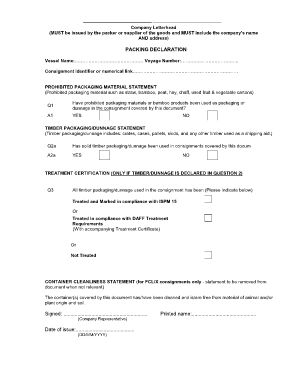
Packing declaration sample
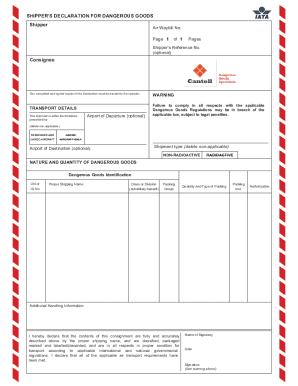
PDF Dangerous Goods Shipper's Declaration fillable form - IATA
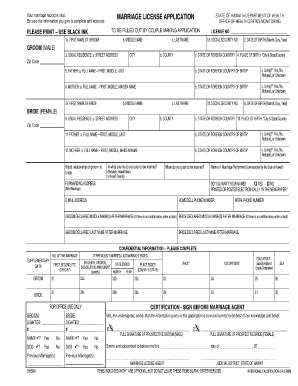
Print temporary marriage certificate hawaii

Machon shoshanat yerushalayim
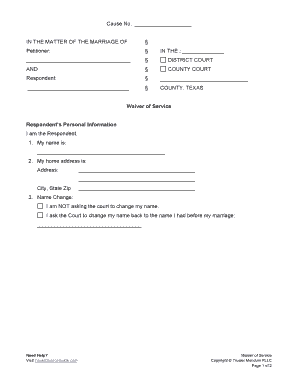
Waiver of Service for Divorce without Children Form - Texas Divorce
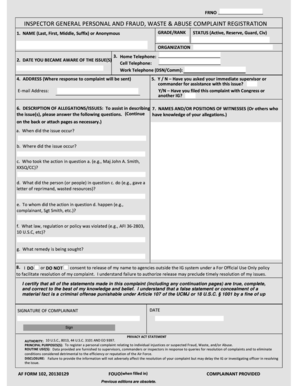
Afjrotc form 102
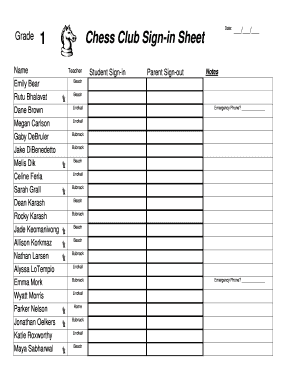
Chess Club Sign-in Sheet - il-chess
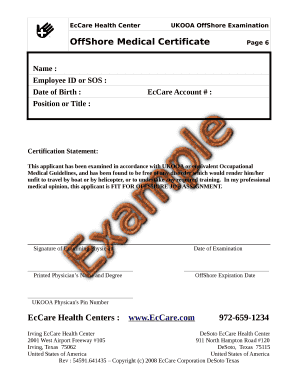
Offshore medical certificate

Form for a rule for 102 louisiana divorce
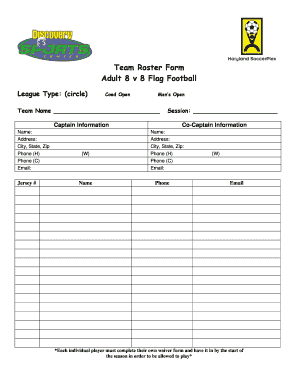
Team Roster Form Adult 8 v 8 Flag Football - mdsoccerplex

Modulo richiesta nominativo fornitore

SIENTRA OPUS SILICONE GEL BREAST IMPLANT
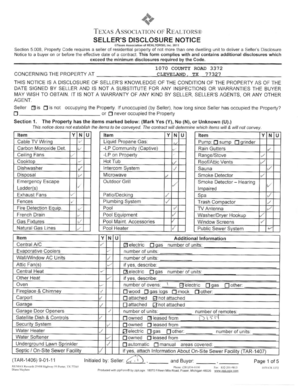
Seller's disclosure notice

Georgia lien form
Benefit from the DocHub online library of fillable PDF forms
Searching the PDF forms doesn't have to be a tedious and time-consuming process. With the DocHub online library, it has become easier to find the fillable PDF forms and modify them in your browser. The service allows you to adjust the document to your needs using powerful editing tools.
You can use online document editing features to modify almost any type of document with ease. You just need to find the template of your choice, open it in the editor, and use the toolbar to make the necessary corrections.
Follow this guide to get your document done with DocHub:
- Find the PDF template you need.
- Click the Get Form button to open the file in the editor.
- Use the toolbar to fill out and edit the document.
- Easily add and highlight text, insert images, checkmarks, and symbols.
- Drop new fillable fields, and rearrange or delete pages from your file.
- Save changes and download your record.
DocHub empowers everyone to streamline document editing, signing, and distribution, and form completion. Create an account and benefit from our well-organized PDF Forms library and comprehensive editor.