
Get any PDF form from the DocHub library of ready-made templates - Page 2123
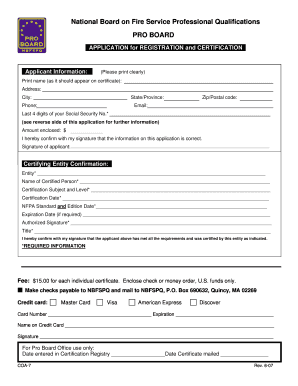
Application for national registration and national certification coa 7
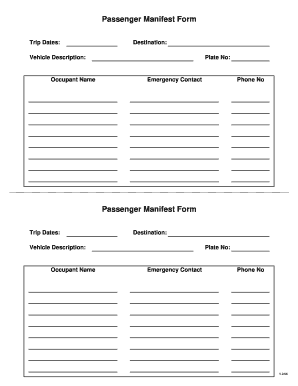
Passenger manifest form
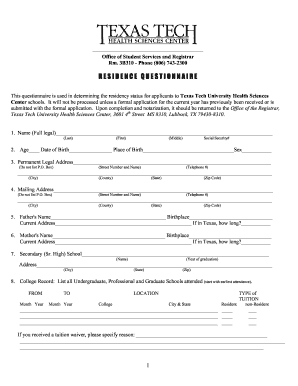
Ttuhsc questionnaire

Bronc riding school
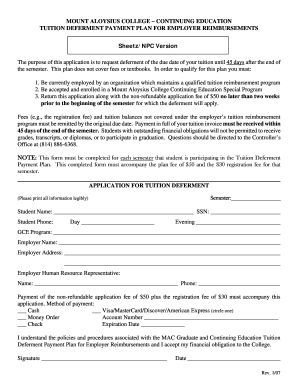
Sheetz tuition reimbursement form

Moore business forms retirees
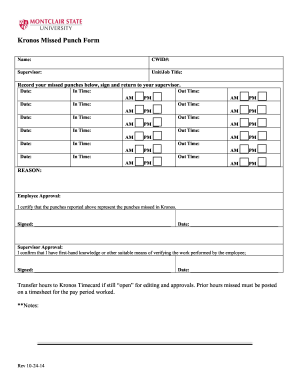
Miss punch
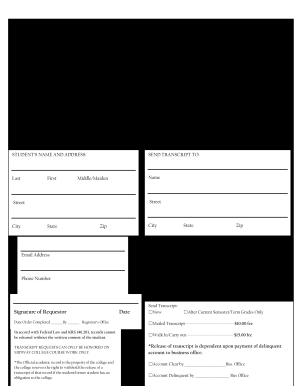
Midway university transcript request
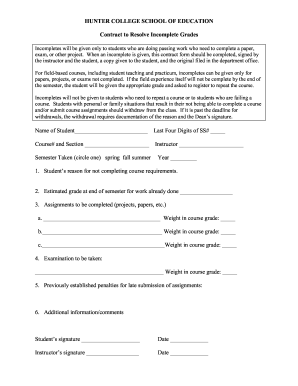
Hunter incomplete
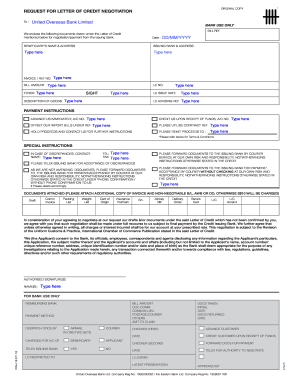
Lc amendment letter format in word
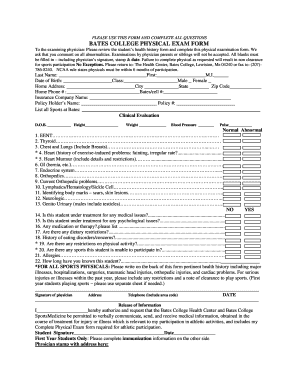
College sports physical form
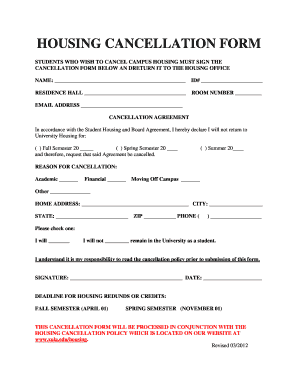
Xula housing application
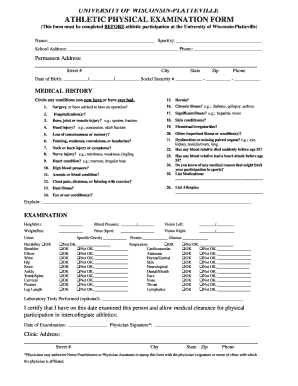
Athletic physical examination form - University of Wisconsin - Platteville - uwplatt

Consent for treatment form
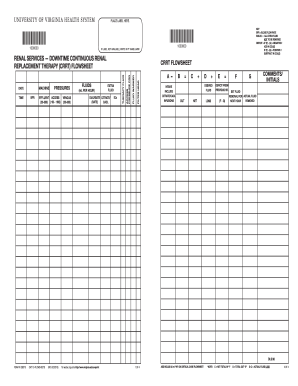
Prismaflex crrt flowsheet

Texas personal history statement
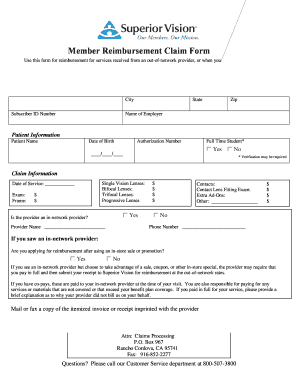
Superior vision authorization request form

Flu shot waiver form california

Texsite
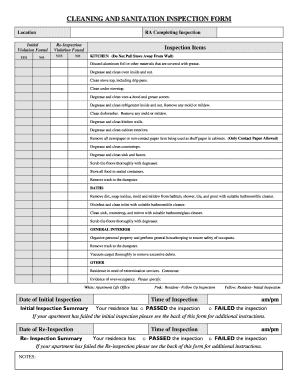
School cleaning checklist pdf
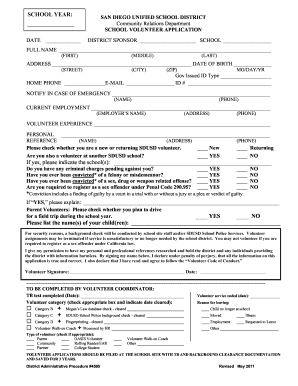
San diego school volunteer
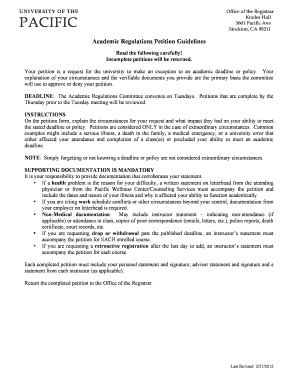
Uop arc petition form

Stephens college transcript
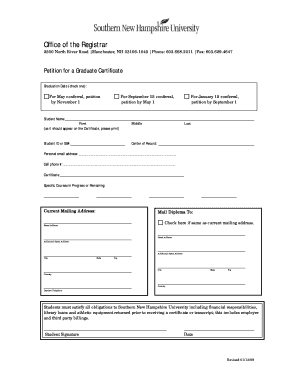
Snhu petition to graduate
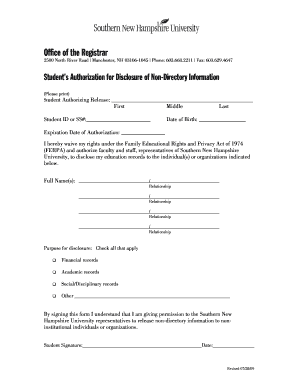
Snhu ferpa form
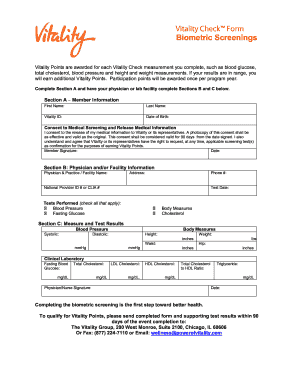
Vitality check form
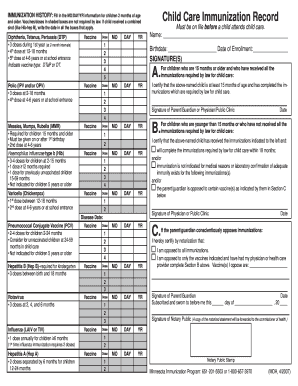
Mn child care immunization record form
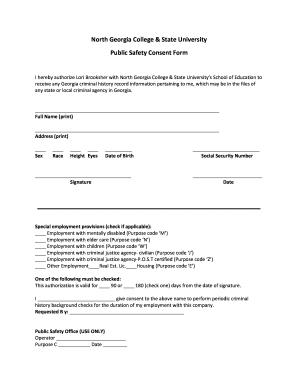
Background check consent form georgia
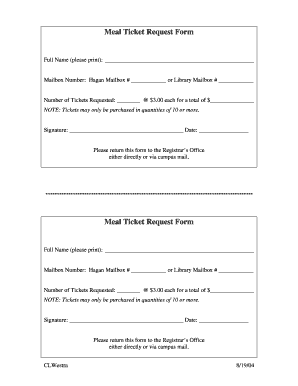
Food stub sample
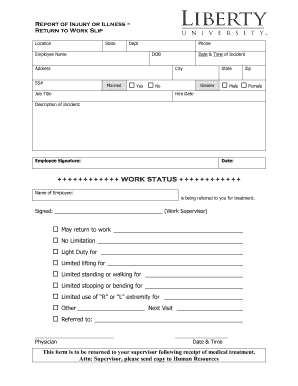
Pfdfiller
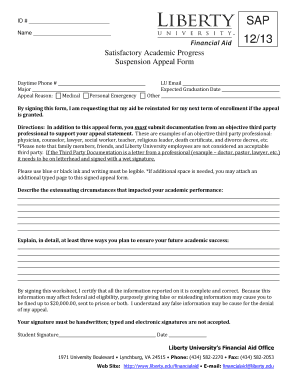
Liberty university sap appeal form
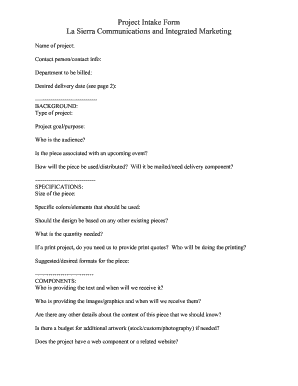
Communications project intake
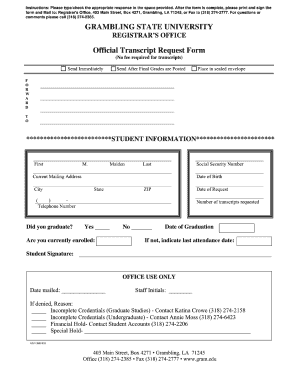
Grambling state university transcript request 2009 form
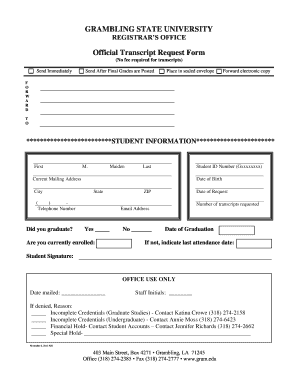
Grambling state university registrar office form
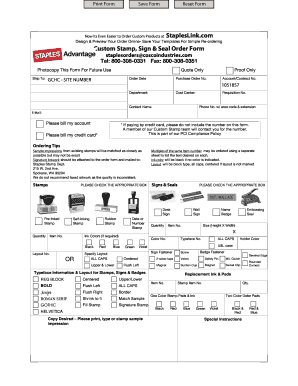
Staples advantage custom stamp order form

Aslpi payment proctor print
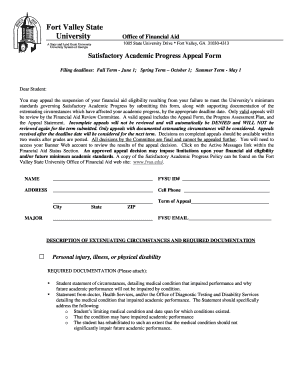
Fvsu appeal 2011-2019 form
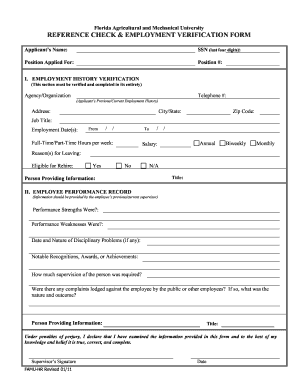
Notarized letter for proof of income
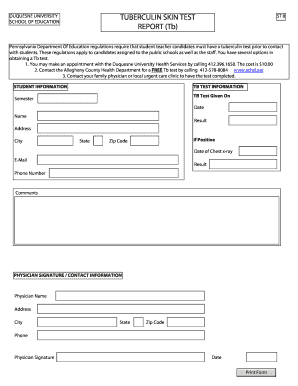
Tb test form pdf

Printable travel profile template
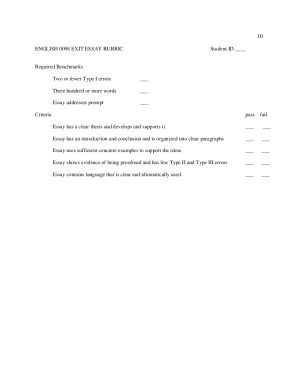
Mr price account application

Printable harassment form
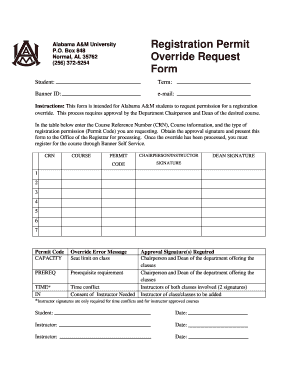
Aamu override form
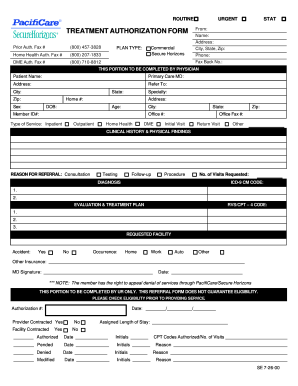
Pacificare treatment
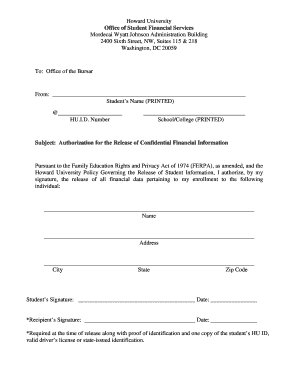
Howard ferpa form blank
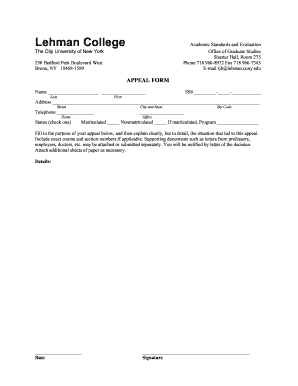
Lehman appealing
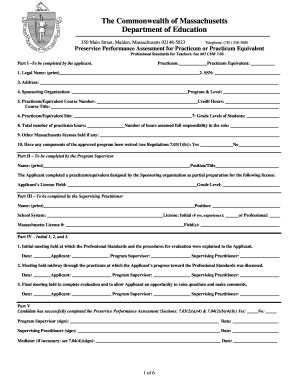
Ppa form
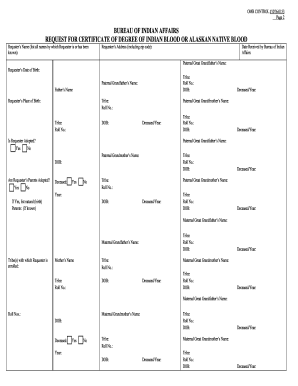
Filling out the cdib form

Parkland hospital doctors note
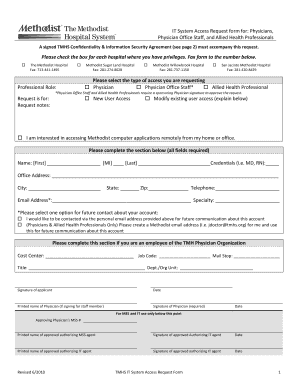
Methodist hospital discharge papers

Sanford release of information

Chop dermatology expedited appointment form
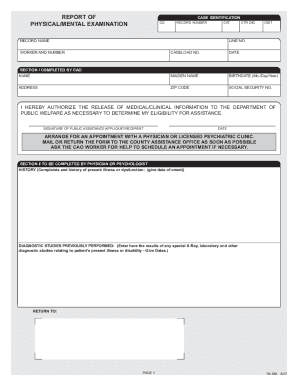
Pa 586 form
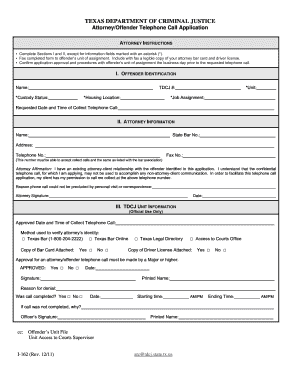
I 162
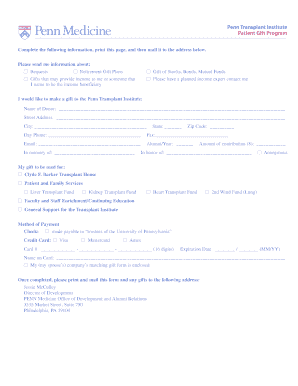
Penn medicine letterhead
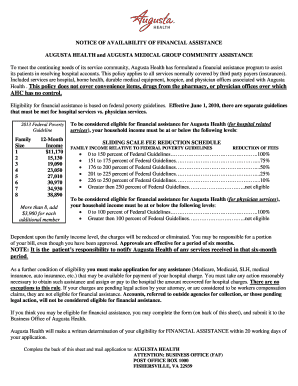
Augusta health financial aid forms
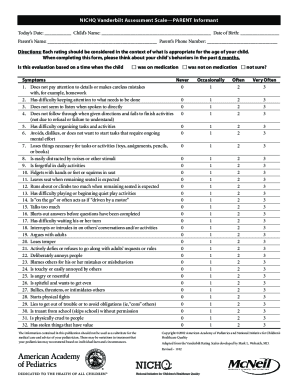
Nichq vanderbilt assessment scale
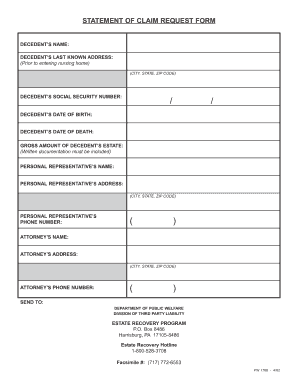
Pa estate recovery statement of claim request form
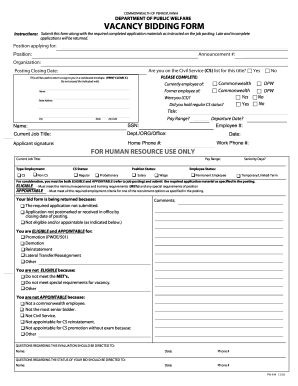
Welfare form pw 944
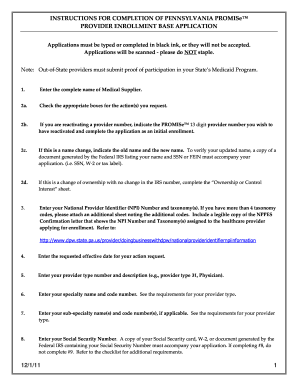
Filler promise provider enrollment base application 2011 form

Toledo hospital doctors note form
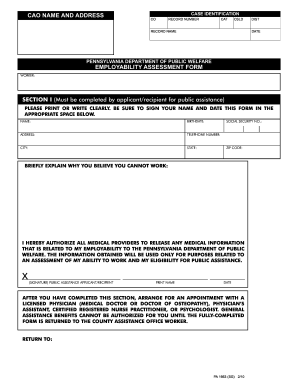
Pa 1663
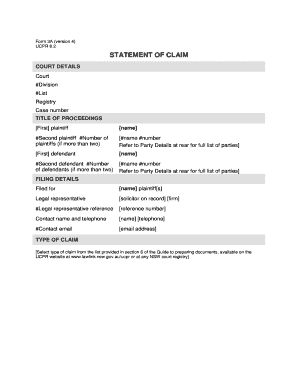
Statement of claim form
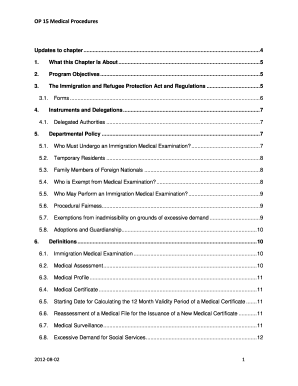
Imm 1017b
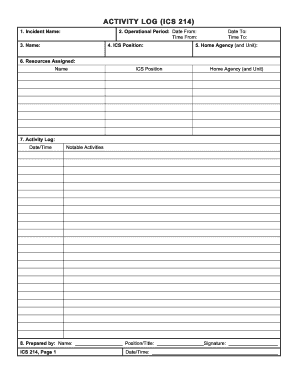
Ics forms
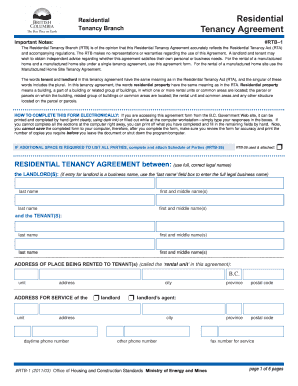
2011 rtb 1 form
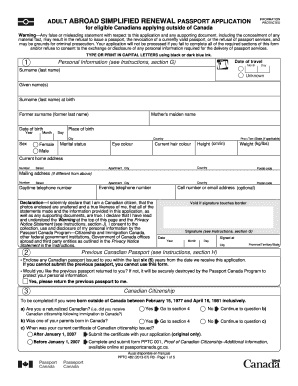
Canadian passport 2013 form
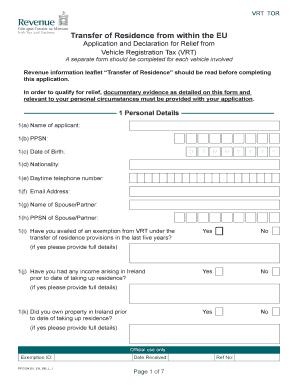
Tor form ireland
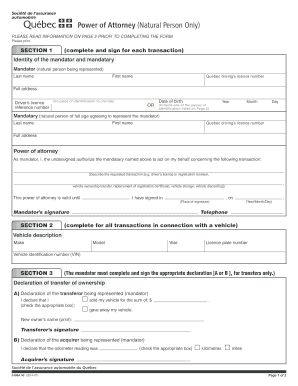
Transfer of vehicle ownership forms saaq
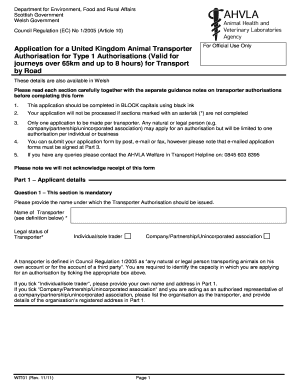
Uk environment rural affairs
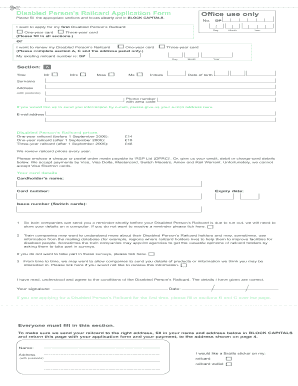
Disabled railcard application form
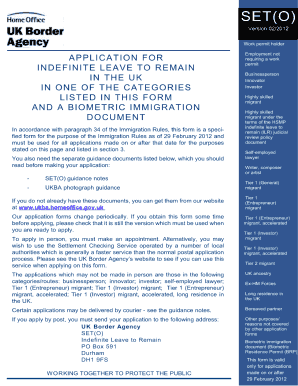
Fill set o form online 2012

Impossible to fill inz1007 pdf 2012 form

Form 20 declaration

Nsw liscens renew

Rf200 form
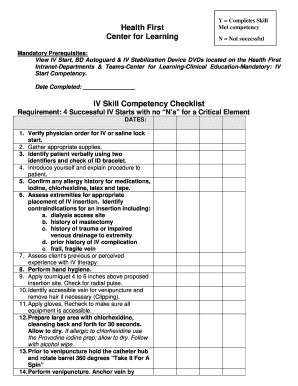
Iv therapy competency checklist
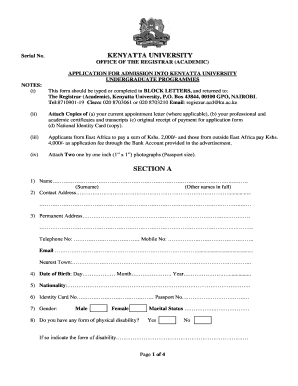
Kenyatta university website
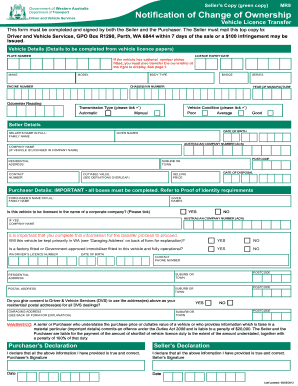
2012 WA Form MR9 2012-08-05
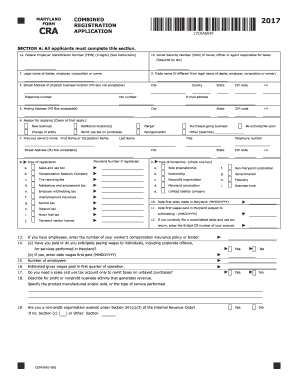
Maryland form cra 2017
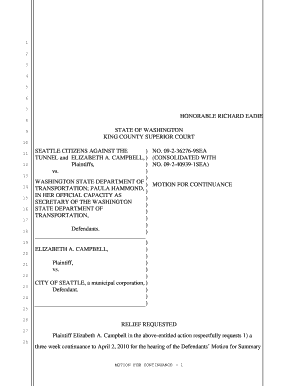
Motion continuance county superior court
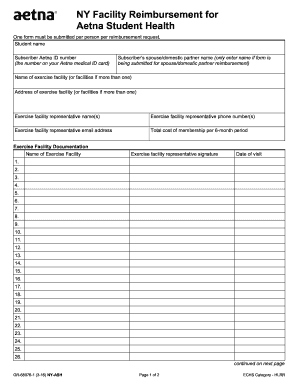
NY Facility Reimbursement Form - Gannett Health Services - gannett cornell

Hud form 51000
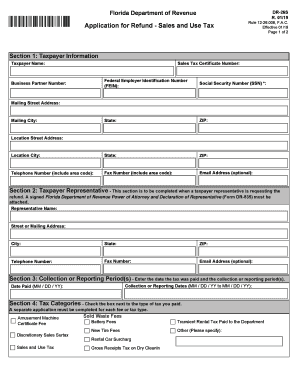
Fl revenue form sales tax
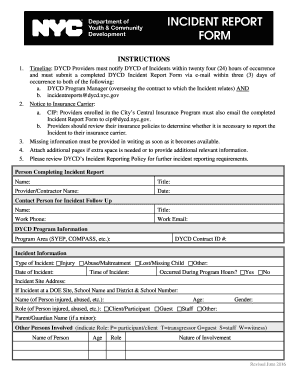
Dycd incident report
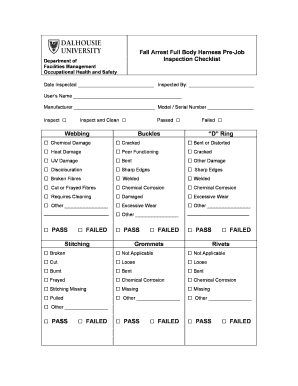
Full body harness checklist pdf

Dtf 719 form 2020
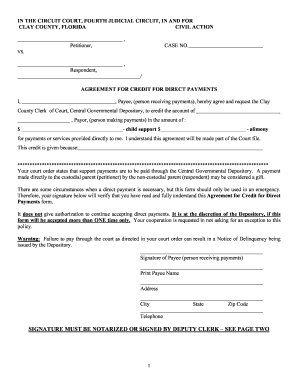
Child Support Credit Affidavit - Clay County Clerk of the Circuit Court
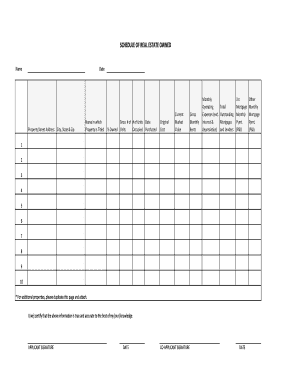
Schedule of real estate owned form
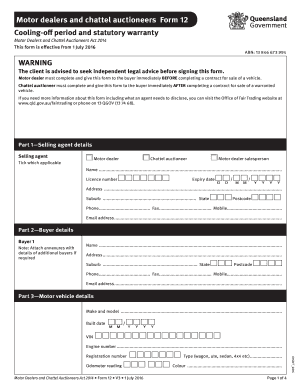
Form 12 motor dealer
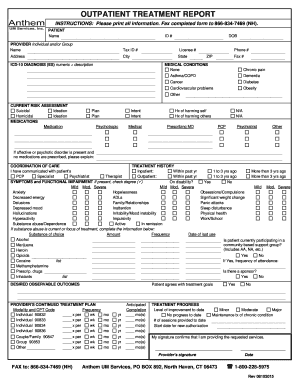
Outpatient treatment form
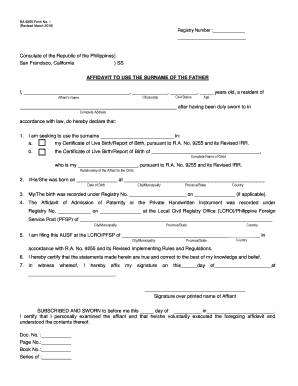
Affidavit to use the surname of the father
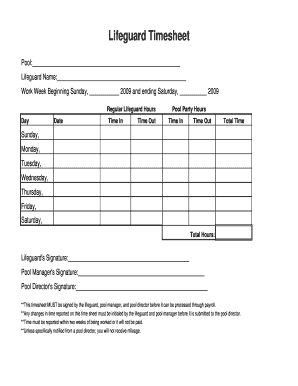
Lifeguard timesheet
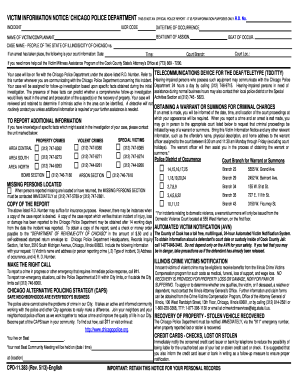
VICTIM INFORMATION NOTICE/ CHICAGO POLICE DEPARTMENT THIS IS NOT AN
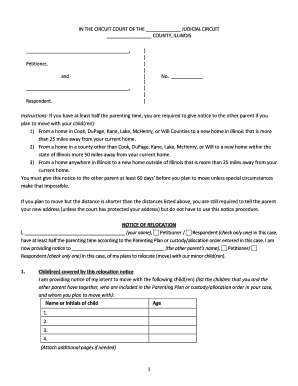
Illinois notice of relocation form
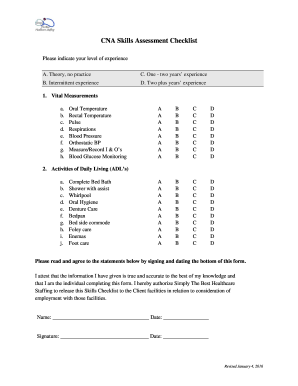
Cna rounds checklist
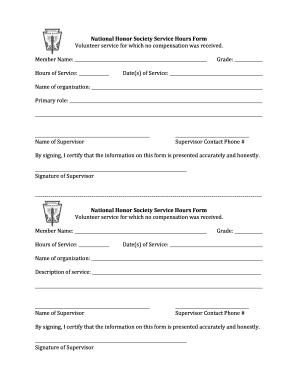
National honor society volunteer hours form 2021
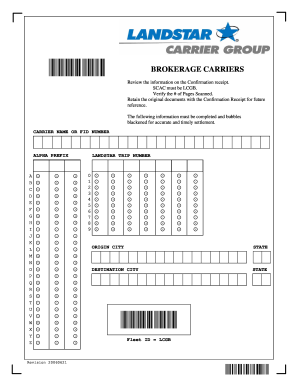
Landstar transflo code

Cec cf1r
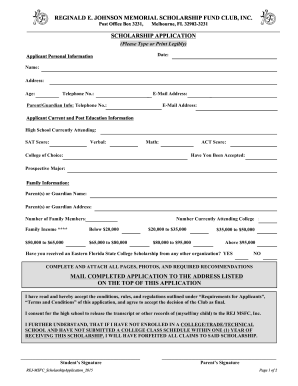
Application Form - Reginald E. Johnson Memorial Scholarship
Benefit from the DocHub online library of fillable PDF forms
Searching the PDF forms doesn't have to be a tedious and time-consuming process. With the DocHub online library, it has become easier to find the fillable PDF forms and modify them in your browser. The service allows you to adjust the document to your needs using powerful editing tools.
You can use online document editing features to modify almost any type of document with ease. You just need to find the template of your choice, open it in the editor, and use the toolbar to make the necessary corrections.
Follow this guide to get your document done with DocHub:
- Find the PDF template you need.
- Click the Get Form button to open the file in the editor.
- Use the toolbar to fill out and edit the document.
- Easily add and highlight text, insert images, checkmarks, and symbols.
- Drop new fillable fields, and rearrange or delete pages from your file.
- Save changes and download your record.
DocHub empowers everyone to streamline document editing, signing, and distribution, and form completion. Create an account and benefit from our well-organized PDF Forms library and comprehensive editor.