
Get any PDF form from the DocHub library of ready-made templates - Page 2035

Sponsor IMM 5771 - Citoyennet et Immigration Canada - cic gc

Suffolk County Community College. Transcript Request - sunysuffolk
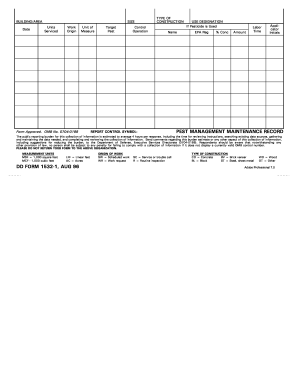
Dd form 1532 1
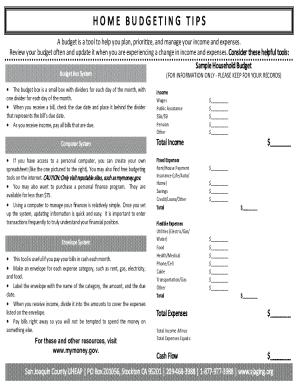
Heap san joaquin county

Form 20 2014
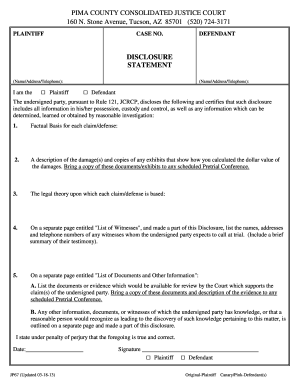
DISCLOSURE STATEMENT PUBLIC FORM - Pima County ... - jp pima
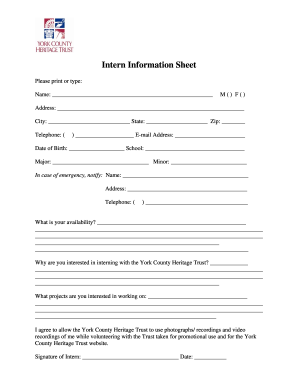
Fill out sheet
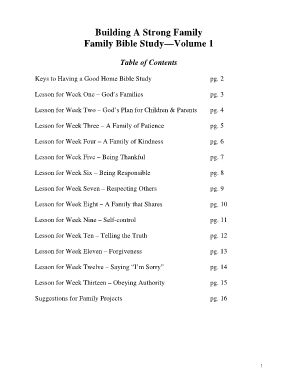
Weekly family bible study lessons pdf
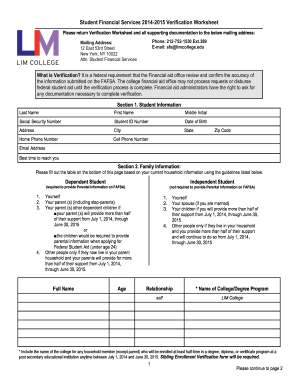
1098t
Merchant mariner medical certificate application third party authorization
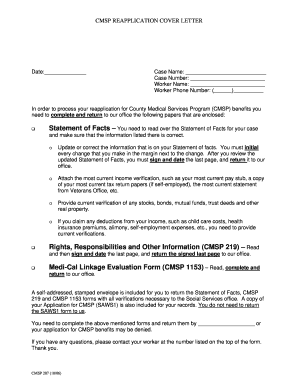
Cmsp form

Texas cosmetology reciprocity application
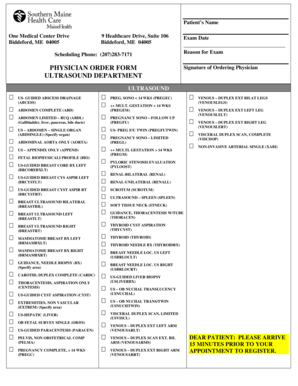
Ultrasound order form
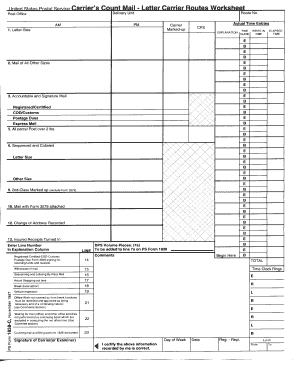
1838c
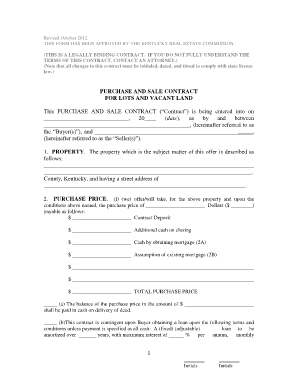
Krec forms
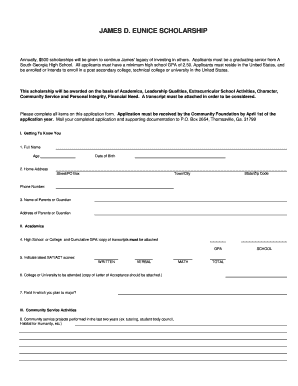
Eunice scholarship
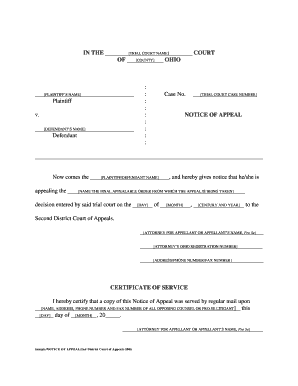
Sample/NOTICE OF APPEAL - Montgomery County, Ohio - mcohio
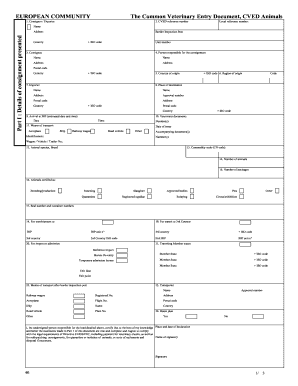
Cved document
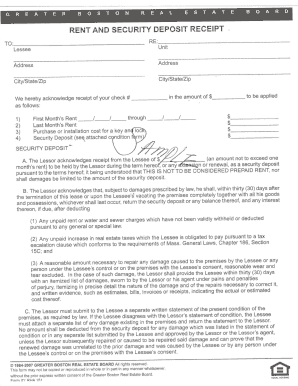
Greater boston real estate board rent and security deposit receipt
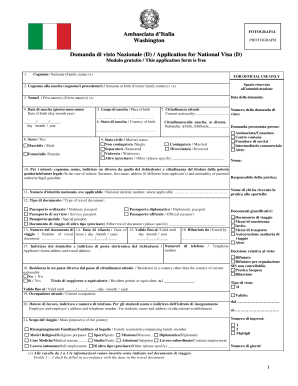
Dichiarazione garanzia e o alloggio
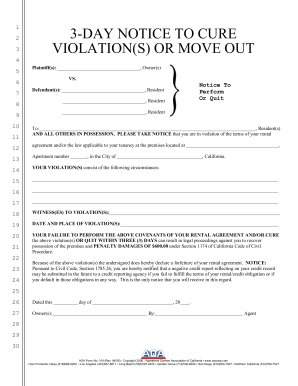
Aoa 3 day notice
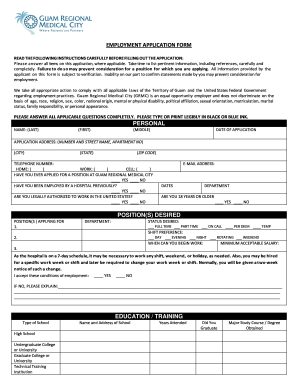
Guam city employment online
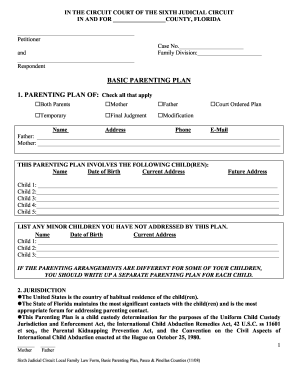
Parenting skills workbook pdf
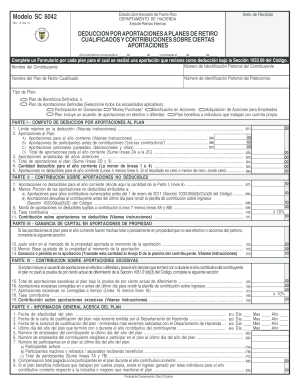
Modelo SC 6042 - Departamento de Hacienda de Puerto Rico - hacienda gobierno

Affidavit of citizenship sample
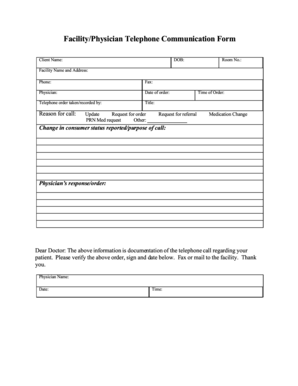
Facility/Physician Telephone Communication Form - altaregional
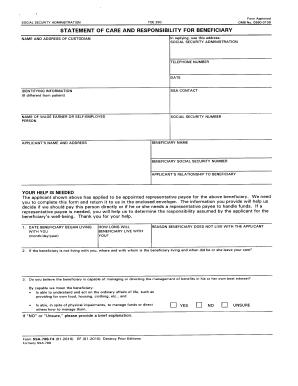
Ssa 788
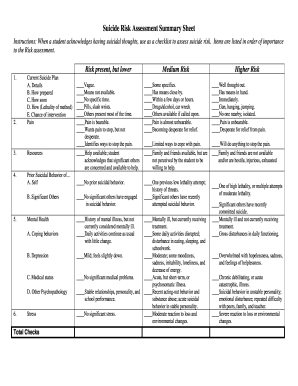
Suicide risk assessment form

Daylight bol

Pennsylvania rev fo revenue department
Baptism certificate template fillable
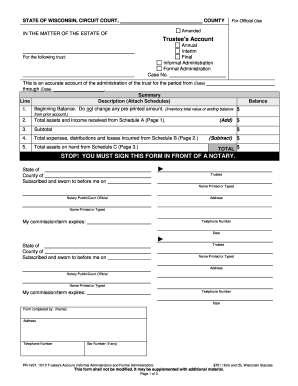
Form pr 1937

Maryland form admission
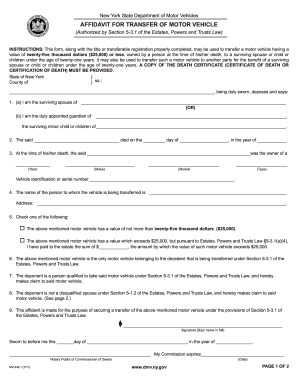
Mv 3491 2011 form

Form GRT-1 - GovGuamDocs.com

Fmcsa pre trip inspection checklist pdf

Rd 108
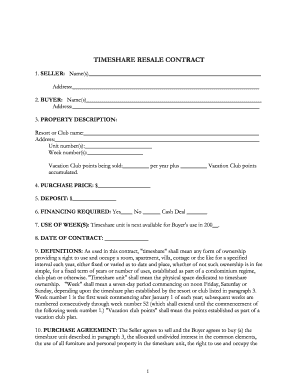
TIMESHARE RESALE CONTRACT - Closemytimeshare.com
Staggered payment letter
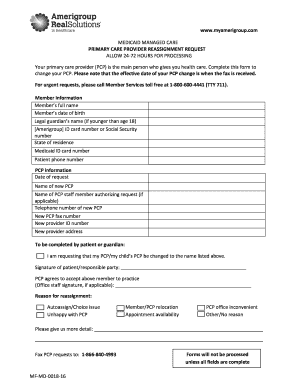
Amerigroup pcp change form
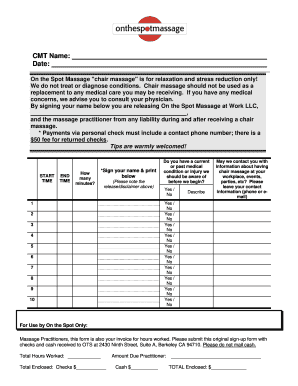
Sign up sheet
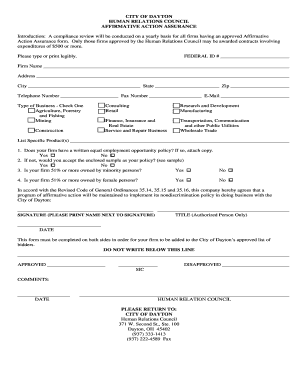
Affirmative action assurance sample

Pasco county clerk of court forms
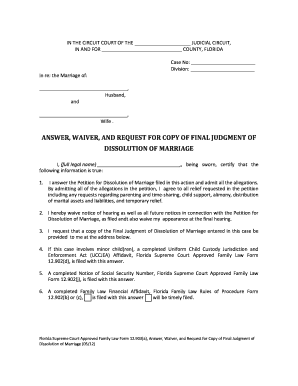
Form 12 903 2012
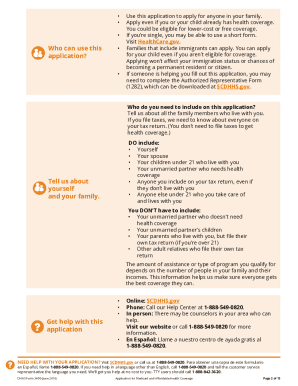
Dhhs form 3400 a
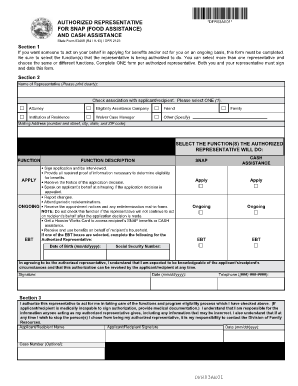
Food stamp authorized representative form
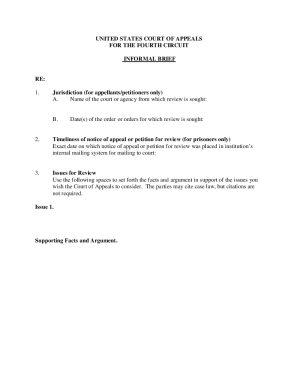
Appeal brief template
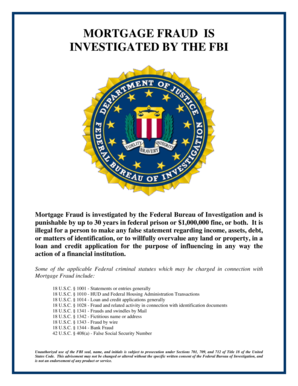
Fbi fraud complaint
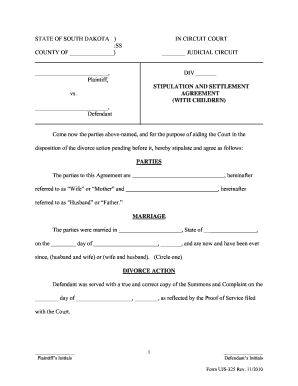
Ujs sd
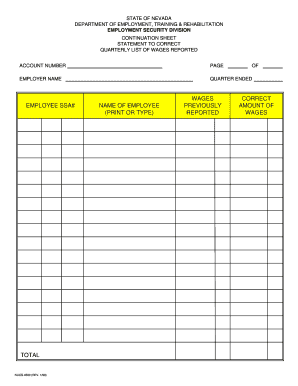
Uitax nvdetr
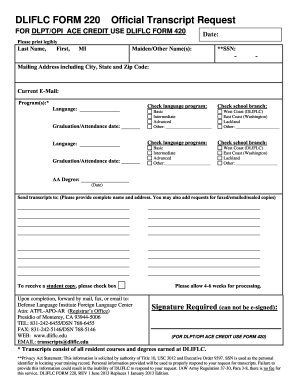
Dliflc form 220 2013

Olean ymca fillable online application for employment
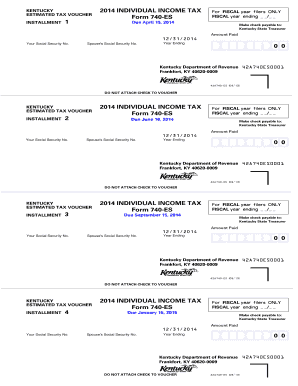
2014 form 740 es
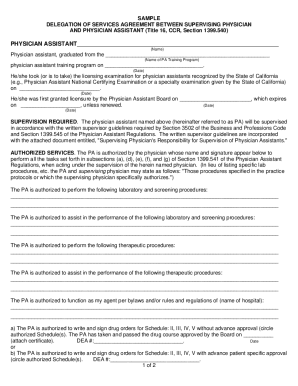
Delegation of Services Agreements - Physician Assistant Board - pac ca

Equity purchase agreement template
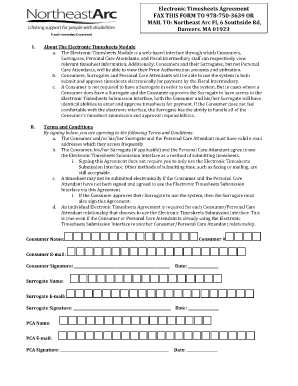
Northeast arc timesheet
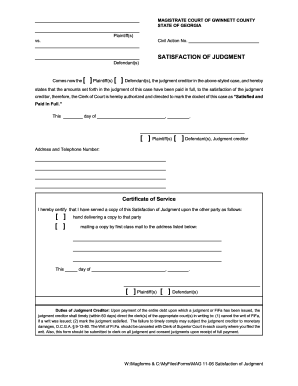
Satisfaction of judgment georgia

USFWS Form 3-177. Declaration for Importation or Exportation of Fish or Wildlife

Pds form
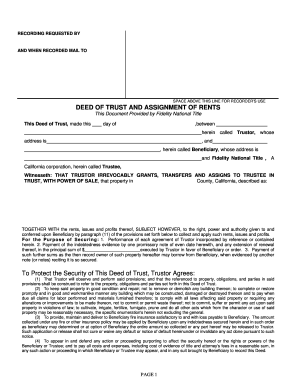
Deed of Trust and Assignment of Rents - Fidelity National Title - fidelitytitle

Rev 1500

Invoice-template-service-1tax-basic.xlsx
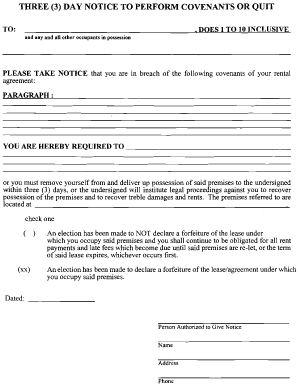
Notice to perform template

Real estate sales contract danbury bar

My family booklet pdf

Cibc pre authorized debit form pdf
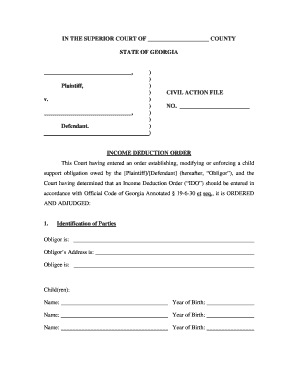
Income Deduction Order - georgiacourts
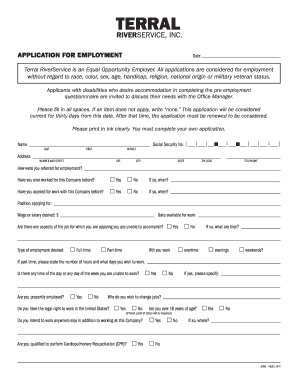
Terral river service application
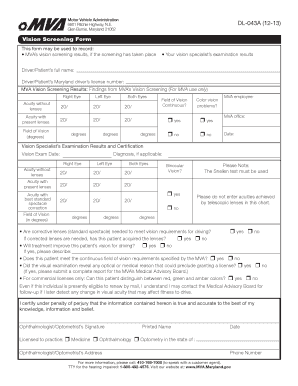
This form may be used to record: - mva maryland
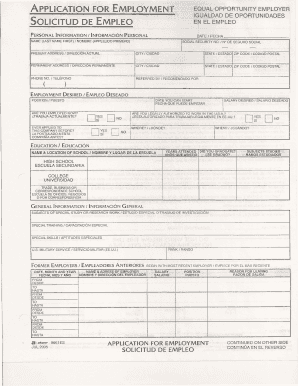
ApPLICATION FOR EMPLOYMENT SOLICITUD DE EMPLEO
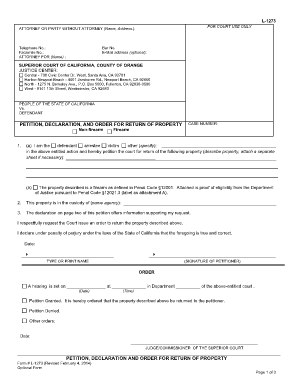
L-1273 - Orange County Superior Court - occourts
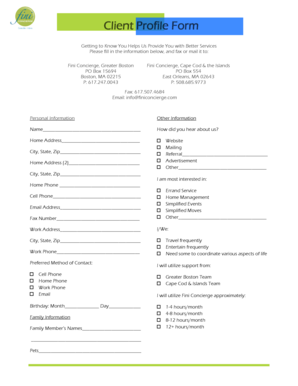
Client profile form
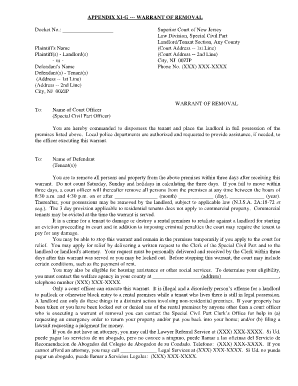
Nj warrant of removal form
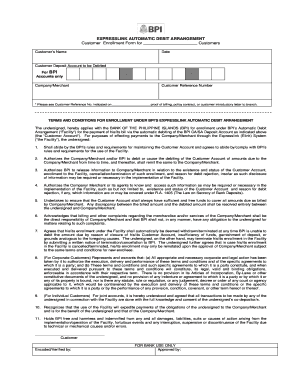
Automatic debit arrangement
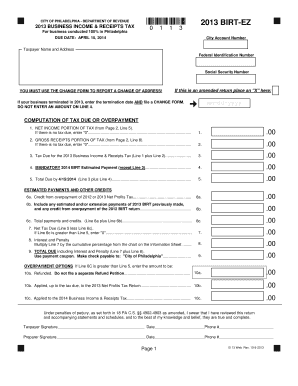
2013 philadelphia ez form
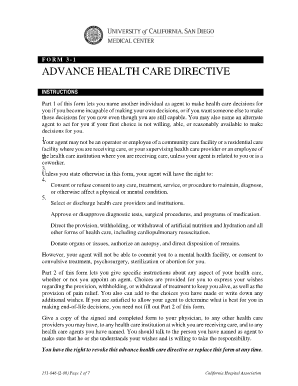
Advance health care directive california hospital association
Nys publication 145
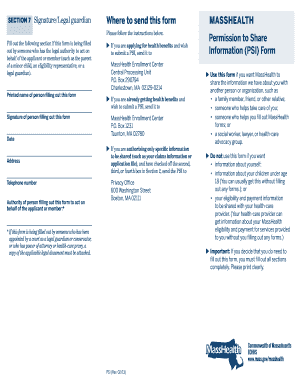
Psi form mass 2013
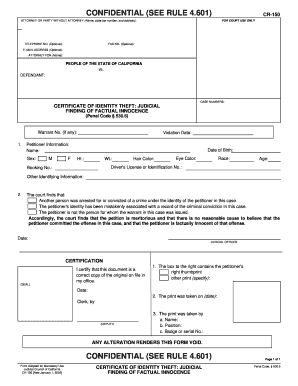
California identity factual form

Personal recommendation
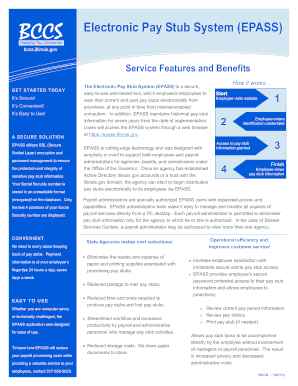
Illinois epass online
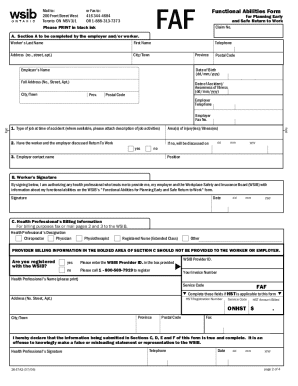
Faf form
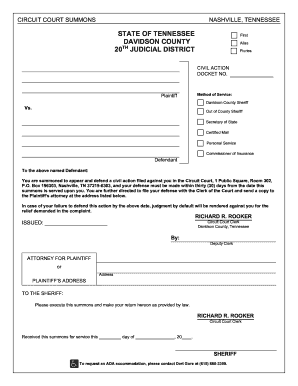
Summons - Civil - Davidson County Circuit Court Clerk - circuitclerk nashville
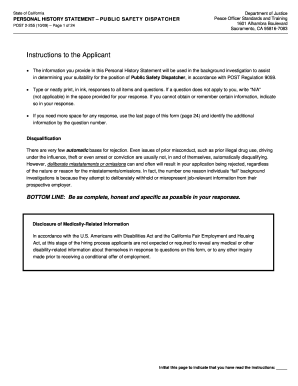
Post 2 255 form fill in 2009
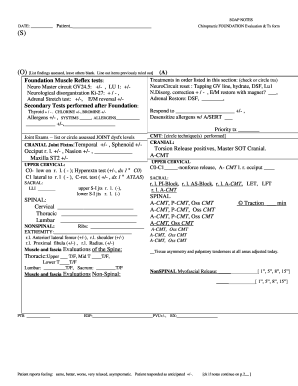
Chiropractic soap notes pdf
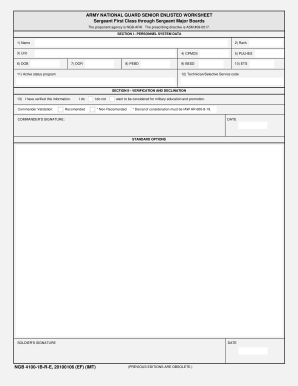
4100 1b form
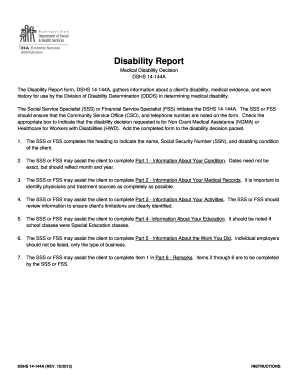
Form dshs14 144a
Cdcr form 22

Official receipt sample
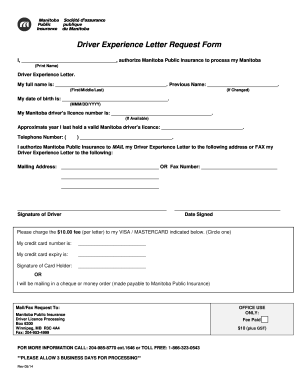
Driver experience certificate pdf 2014 form

Child support worksheet
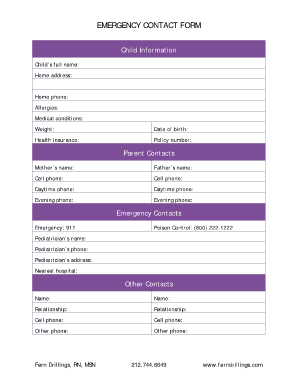
Fillable pdf emergency contact form
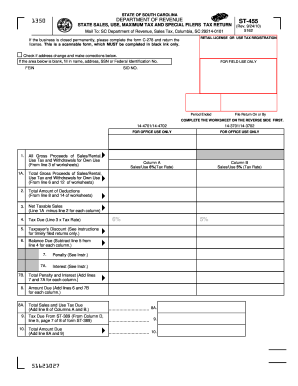
ST-455 6% 5% - the South Carolina Department of Revenue - sctax
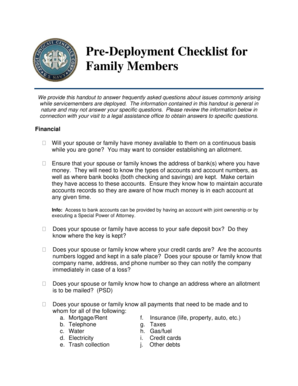
Deployment letter pdf
779002 form
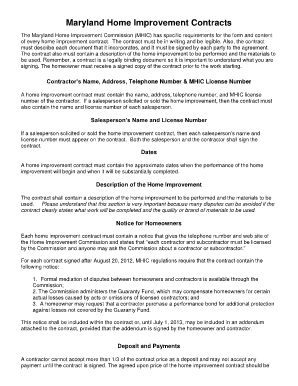
Maryland home improvement contract template

Sample car rental contract
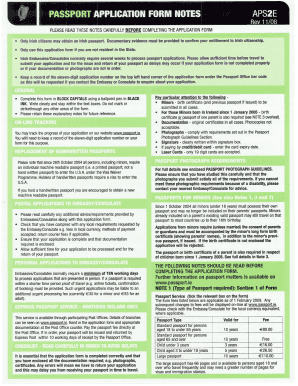
Aps2e application form 2008

Nstc 1533 117
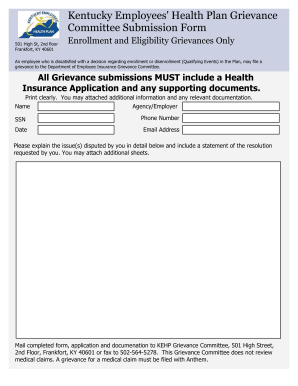
Ky grievance form
Benefit from the DocHub online library of fillable PDF forms
Searching the PDF forms doesn't have to be a tedious and time-consuming process. With the DocHub online library, it has become easier to find the fillable PDF forms and modify them in your browser. The service allows you to adjust the document to your needs using powerful editing tools.
You can use online document editing features to modify almost any type of document with ease. You just need to find the template of your choice, open it in the editor, and use the toolbar to make the necessary corrections.
Follow this guide to get your document done with DocHub:
- Find the PDF template you need.
- Click the Get Form button to open the file in the editor.
- Use the toolbar to fill out and edit the document.
- Easily add and highlight text, insert images, checkmarks, and symbols.
- Drop new fillable fields, and rearrange or delete pages from your file.
- Save changes and download your record.
DocHub empowers everyone to streamline document editing, signing, and distribution, and form completion. Create an account and benefit from our well-organized PDF Forms library and comprehensive editor.