




01. Edit your department of revenue harrisburg pa online
Type text, add images, blackout confidential details, add comments, highlights and more.

Type text, add images, blackout confidential details, add comments, highlights and more.

Draw your signature, type it, upload its image, or use your mobile device as a signature pad.

Send pa department of revenue letter via email, link, or fax. You can also download it, export it or print it out.

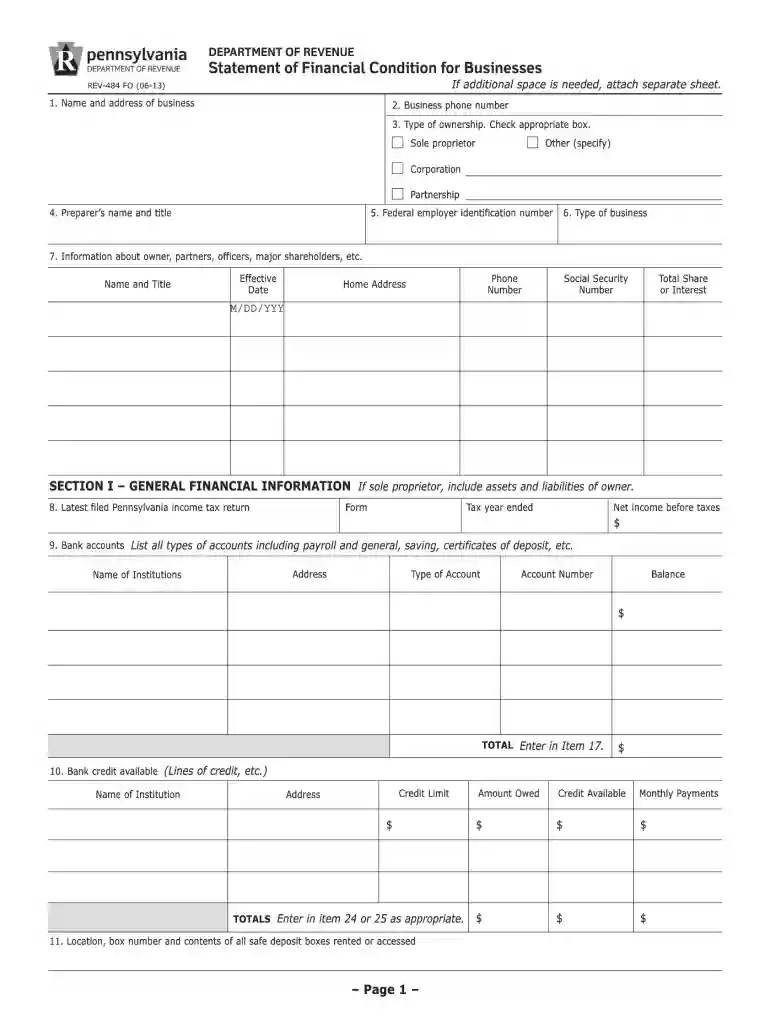
Start using our platform today to fill out your Pennsylvania REV-484 FO form quickly and efficiently!
We've got more versions of the department of revenue harrisburg pa form. Select the right department of revenue harrisburg pa version from the list and start editing it straight away!
At DocHub, your data security is our priority. We follow HIPAA, SOC2, GDPR, and other standards, so you can work on your documents with confidence.
In order to expedite your travel reimbursement, please return all original receipts for your expenses to the address on the BGS Reimbursement Request Form.Read more
Contacting the Department by Telephone ; Personal Income Tax, 717-787-8201 ; Property Tax/Rent Rebate Program, 1-888-222-9190 ; Business Taxes (corporation tax,Read more
Aug 1, 2012 NHTSA has been administering these standards since 1975. The Volpe National Transportation Systems Center (Volpe Center) provided technicalRead more


