
Get any PDF form from the DocHub library of ready-made templates - Page 1998
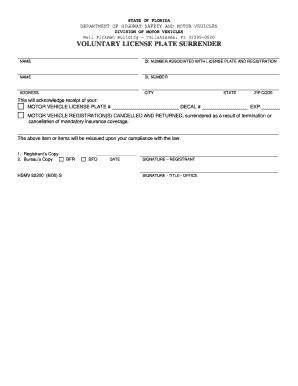
Fl highway safety motor
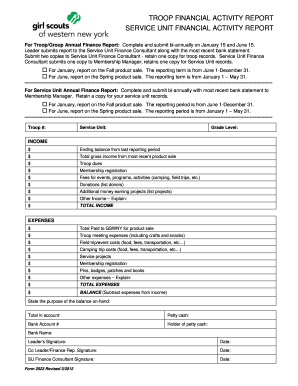
TROOP FINANCIAL ACTIVITY REPORT SERVICE UNIT FINANCIAL - gswny
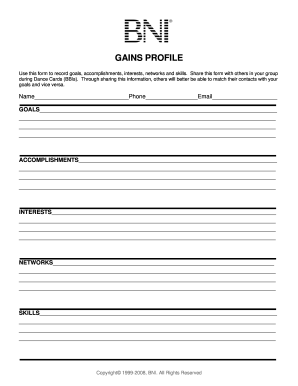
MSP final June 19th - BNI Networking Secrets
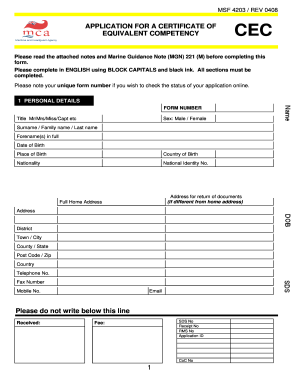
Msf 4203
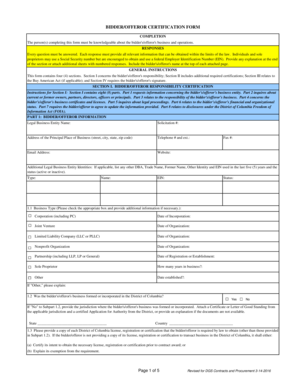
Offeror certification
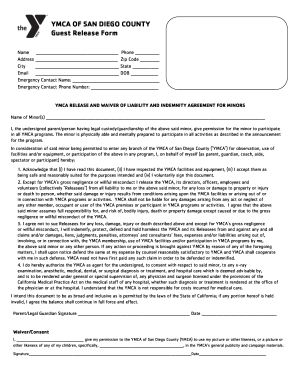
Ymca waiver

NOTICE OF TENTATIVE WRITING CREDITS - TELEVISION - wga
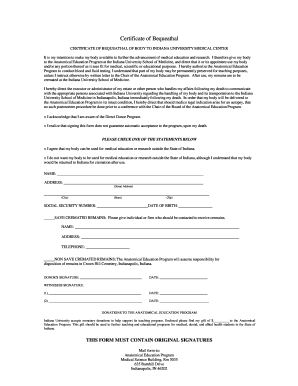
Certificate bequeathal indiana
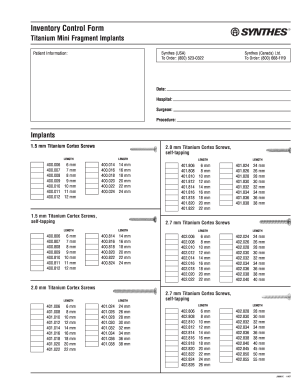
Synthes mini fragment set inventory sheet
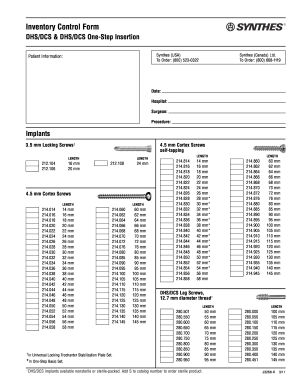
Synthes dhs inventory
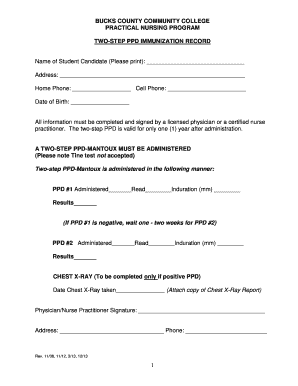
TWOSTEP PPD IMMUNIZATION RECORD - bucks
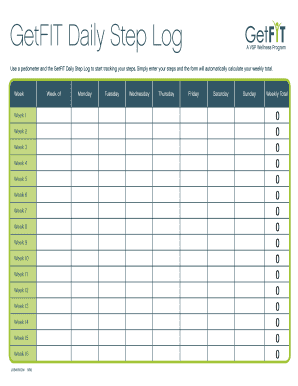
Steps log

Exposure record sheet
Acknowledgement sample
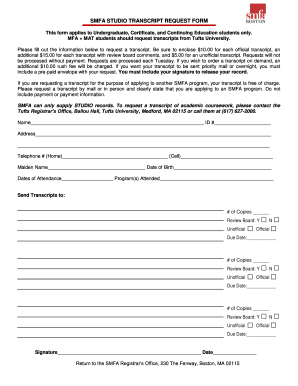
Smfa transcript request

Sample filled pf form 11 revised

Housing application form pdf
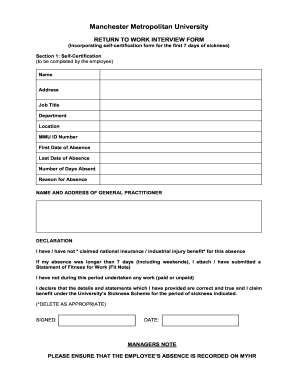
Editable templates

AFFIDAVIT OF PARENT AGREEING TO NAME CHANGEdoc - piercecountywa
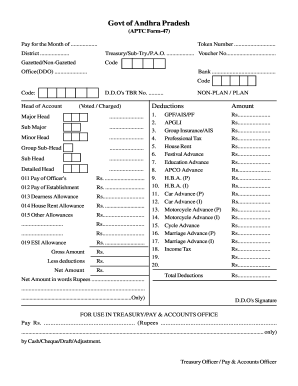
What is form 47
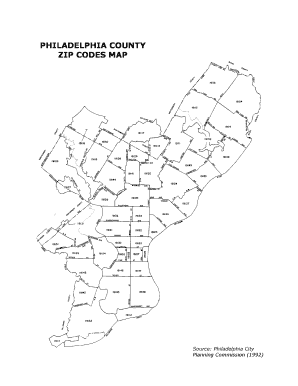
Pa zip codes map

Fa1b

Special power of attorney philippine embassy osaka

Sunlife drug exception form
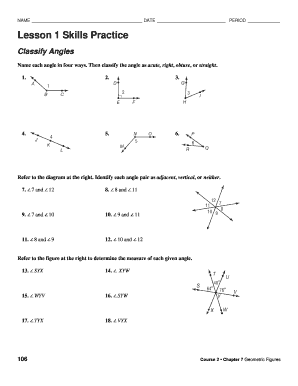
Lesson 1 skills practice classify angles answer key
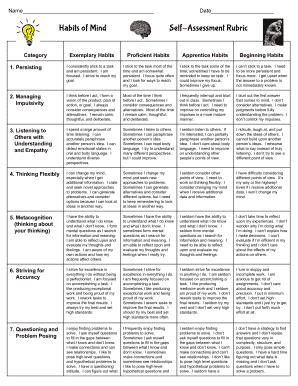
Habits of mind rubric
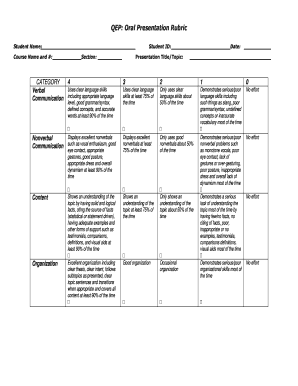
Presentation rubric college
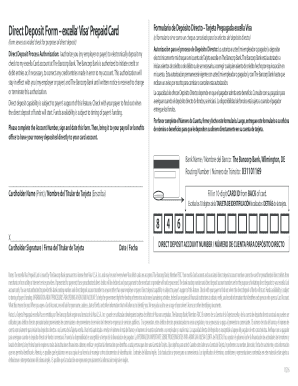
Excella card
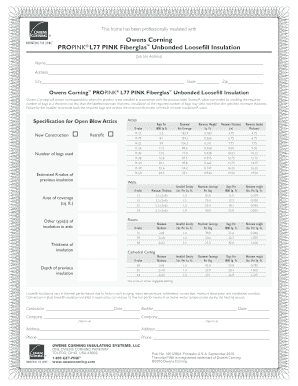
Propink l77

Peskygnants
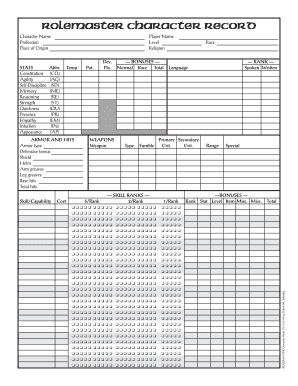
Rolemaster character sheet
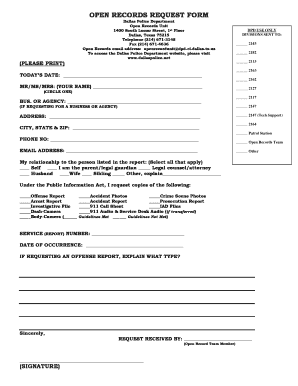
Dallas police department open records
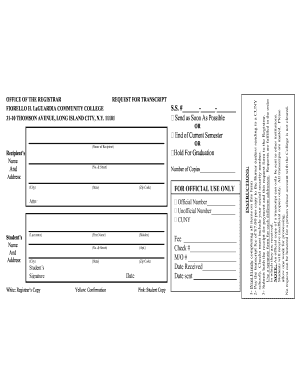
Lagcc transcripts
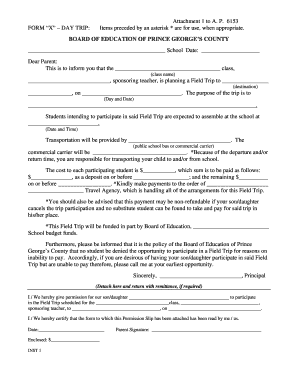
Pgcps field trip forms
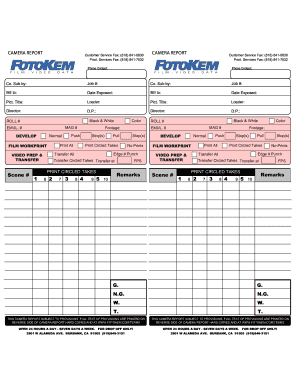
Camera Report 2 - FotoKem
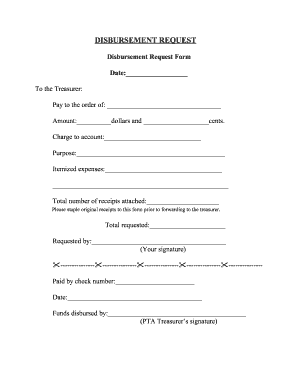
Disbursement request form

Inductive reasoning worksheet with answers pdf

Housing Act 1988 Section 21 - National Landlords Association
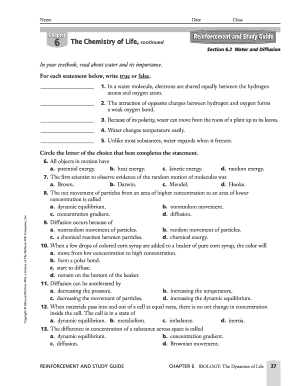
Chapter 6 the chemistry of life worksheet answer key

Note catcher template
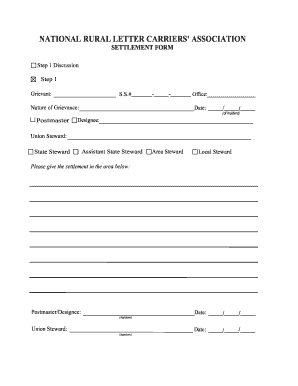
Wirlca
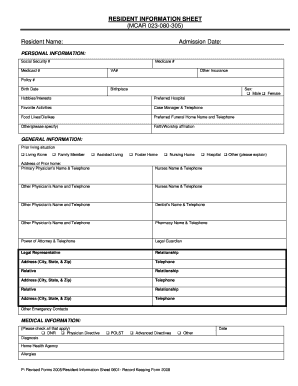
Resident information sheet template
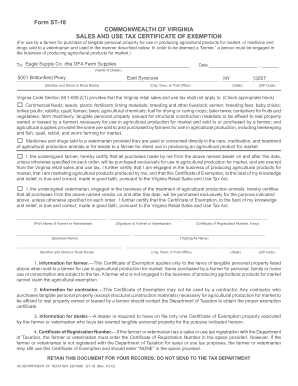
Form st 18
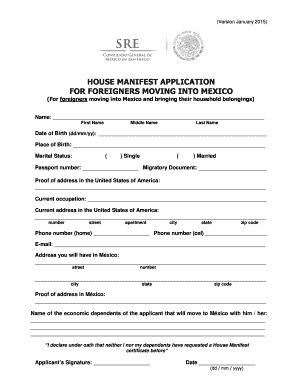
Manifest consulmex gob
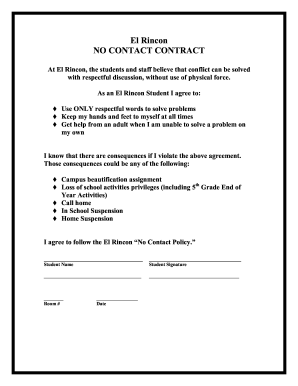
Redimbox

Grandchapteroftexasoes

Sample transportation forms
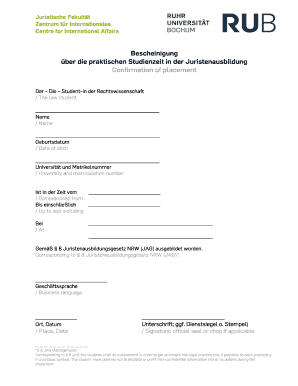
Praktikumsbescheinigung
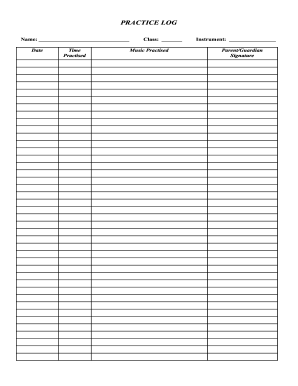
PRACTICE LOG - Halton District School Board - for hdsb
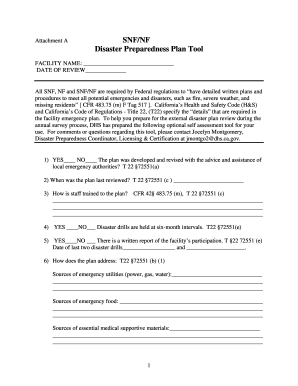
Snf disaster plan tool

Pastoral care plan template
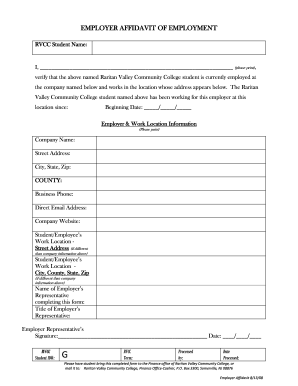
Employer Affidavit form - Raritan Valley Community College - raritanval
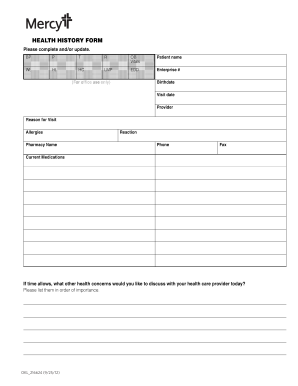
OKL 216624 92512 - Mercy
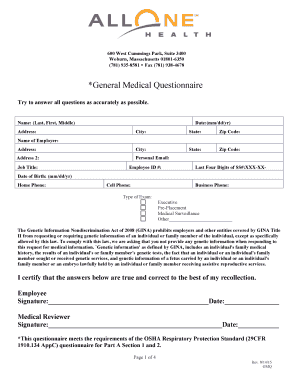
Medical questionnaire
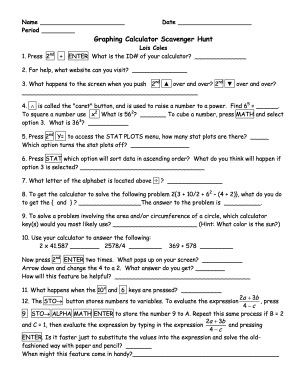
Graphing calculator scavenger hunt answer key
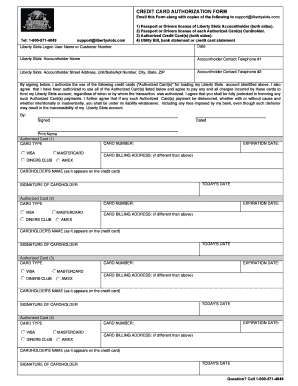
Liberty slots
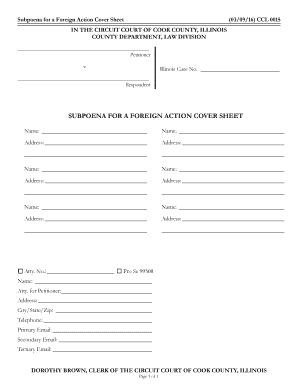
Ccl 0015
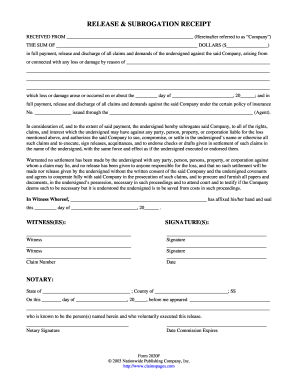
RELEASE SUBROGATION RECEIPT - Claims Pages
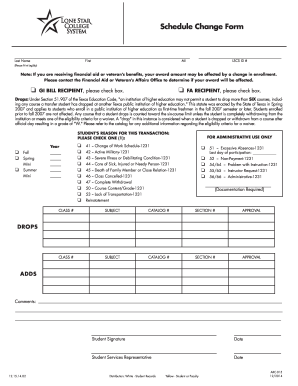
Lone star college schedule change form

Honsador bond
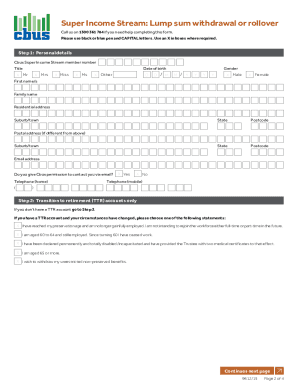
Cbus withdrawal form

1025 step
Ldeq municipal prevention create
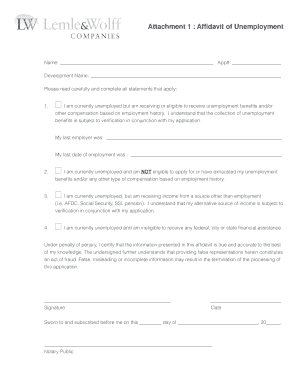
How to write an affidavit for unemployed parent
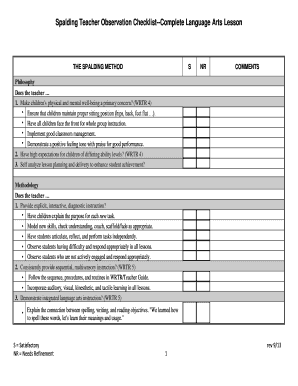
Spalding Teacher Observation Checklist--Complete Language Arts - spalding
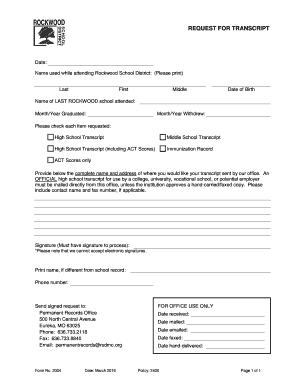
Rockwood school district transcript request

Lineofcredit reversedepartment
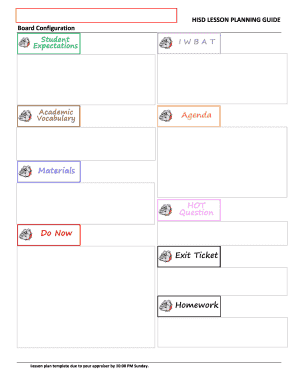
Hisd lesson plan template
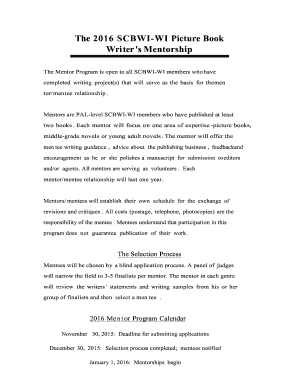
Scbwiwi program form
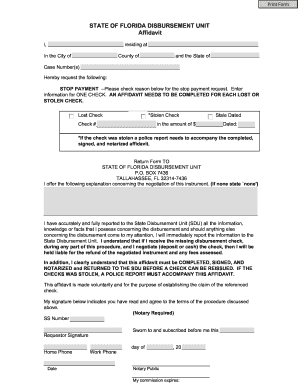
Florida state disbursement unit

32bj pension direct deposit
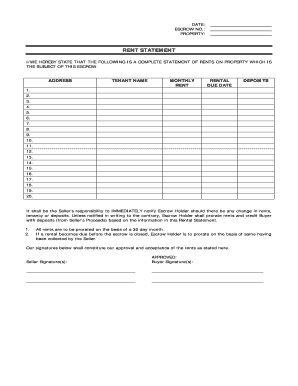
RENT STATEMENT - LeadMarketercom

Osh practitioner application form word format
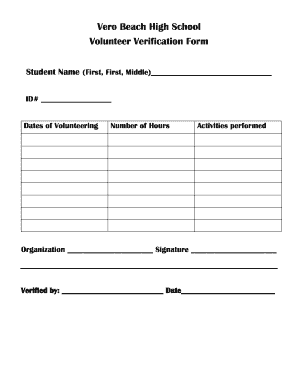
Volunteer verification form
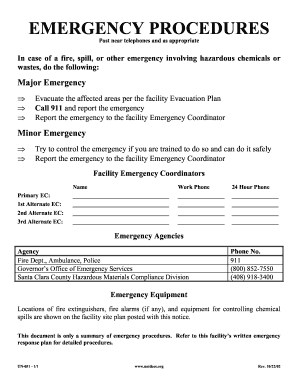
Emergency Procedures This version contains agency contact information for businesses located within Santa Clara County - unidocs
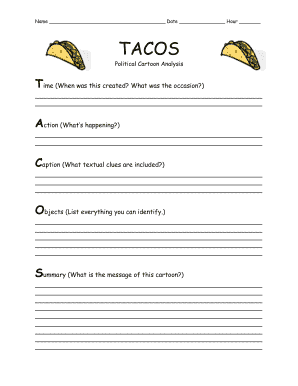
Political cartoon template pdf
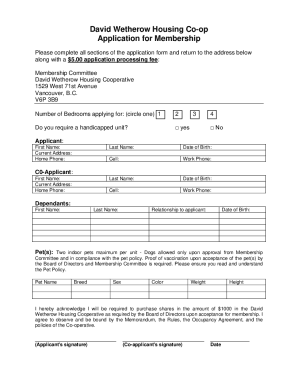
David wetherow housing co operative
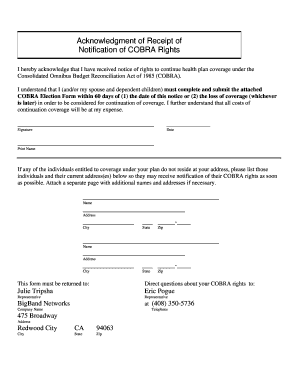
Receipt cobra
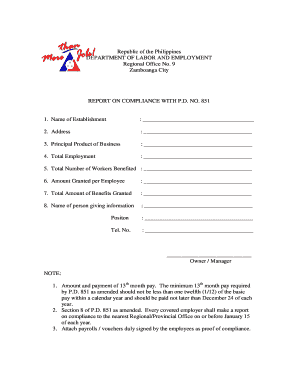
Report on compliance with p d no 851
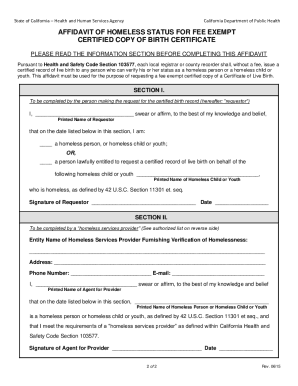
Affidavit of homeless status for fee exempt form
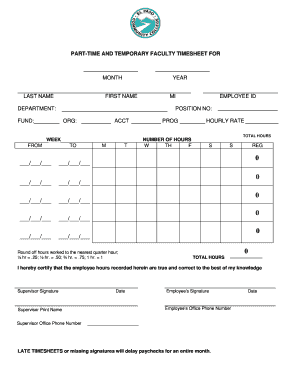
PART-TIME AND TEMPORARY FACULTY TIMESHEET FOR - epcc
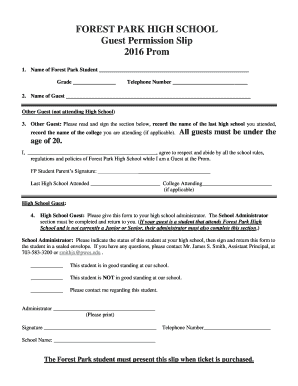
Forest guest permission slip form
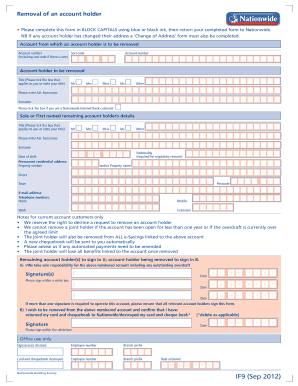
Nationwide removal of account holder form

Lax security badges

Trn supplemental form
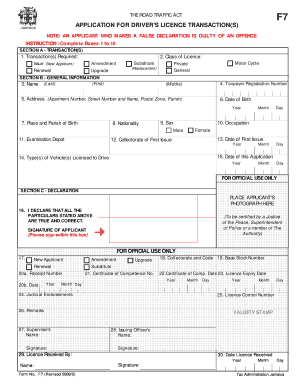
APPLICATION FOR DRIVERS LICENCE TRANSACTIONS

Duration data sheet
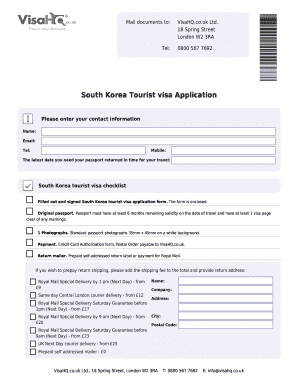
South korea visa application form pdf
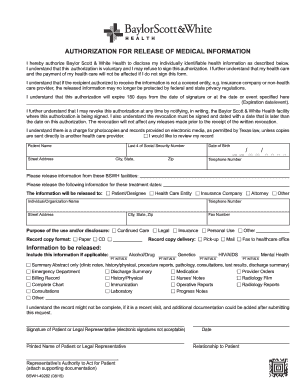
Baylor scott authorization to release
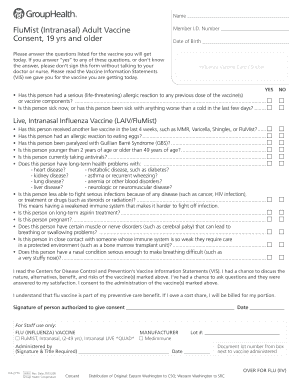
Kroger flu shot form
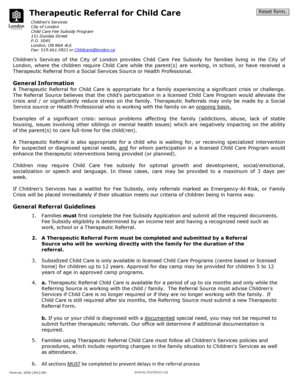
Therapeutic Referral for Child Care - London Ontario - london

Relay auction
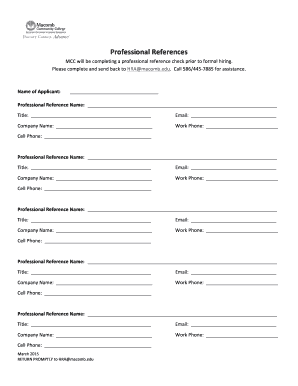
Macomb correctional facility visitation forms
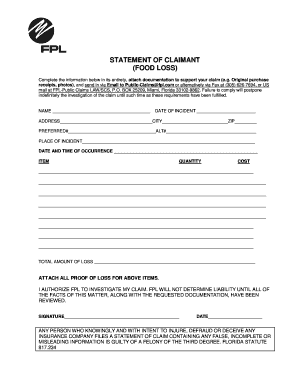
Fpl claim statement
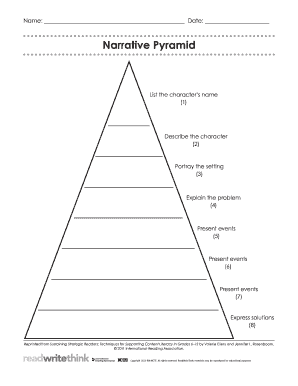
Story pyramid pdf
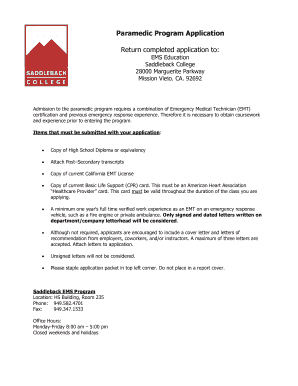
Paramedic Program Application - saddlebackedu
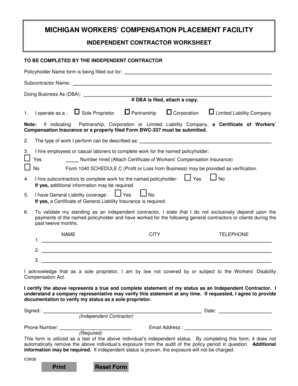
Facility 222.doc

Charge dispute form kotak mahindra bank
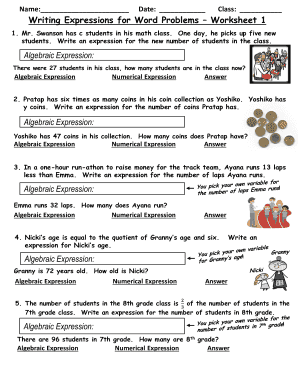
Writing algebraic expressions from word problems worksheet with answers pdf
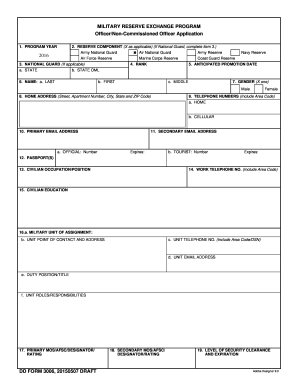
Dd form 3006
Benefit from the DocHub online library of fillable PDF forms
Searching the PDF forms doesn't have to be a tedious and time-consuming process. With the DocHub online library, it has become easier to find the fillable PDF forms and modify them in your browser. The service allows you to adjust the document to your needs using powerful editing tools.
You can use online document editing features to modify almost any type of document with ease. You just need to find the template of your choice, open it in the editor, and use the toolbar to make the necessary corrections.
Follow this guide to get your document done with DocHub:
- Find the PDF template you need.
- Click the Get Form button to open the file in the editor.
- Use the toolbar to fill out and edit the document.
- Easily add and highlight text, insert images, checkmarks, and symbols.
- Drop new fillable fields, and rearrange or delete pages from your file.
- Save changes and download your record.
DocHub empowers everyone to streamline document editing, signing, and distribution, and form completion. Create an account and benefit from our well-organized PDF Forms library and comprehensive editor.