
Get any PDF form from the DocHub library of ready-made templates - Page 1889
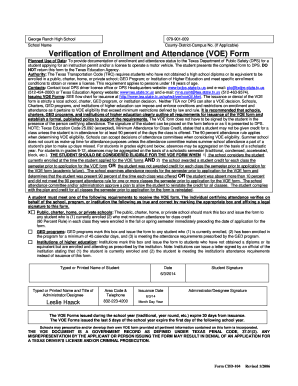
Voe form
Agility Shipper39s Letter of Instruction
2007 Form 1099-A - irs
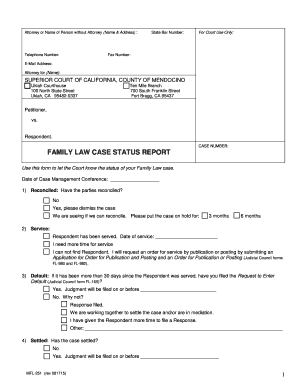
MFL-251 - FL Case Status Reportdoc - mendocino courts ca
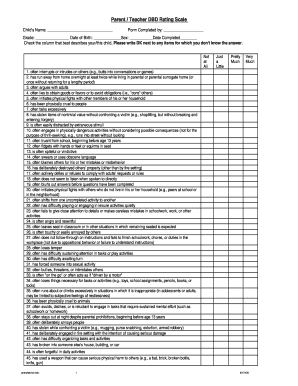
Dbd the teacher
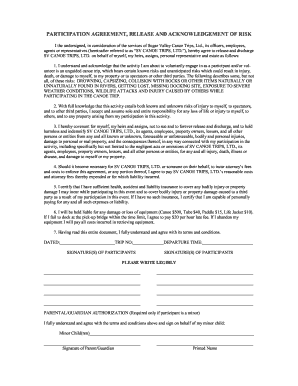
Liability Waiver - Sugar Valley Canoe Trips

Trampoline park waiver form
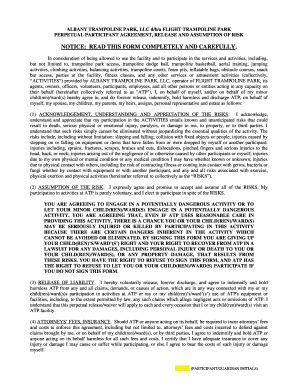
Flight waiver form
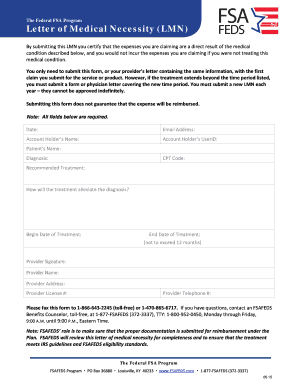
Fsafeds letter of medical necessity
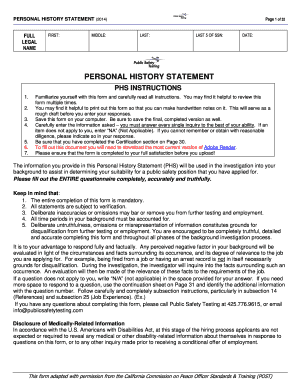
How to start a personal statement
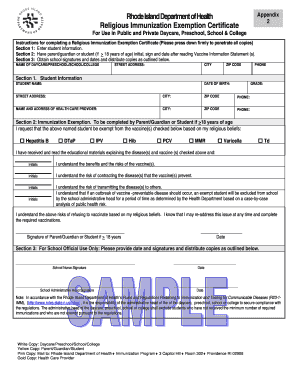
Rhode Island Sample Religious Immunization Exemption Form

South carolina sova disability
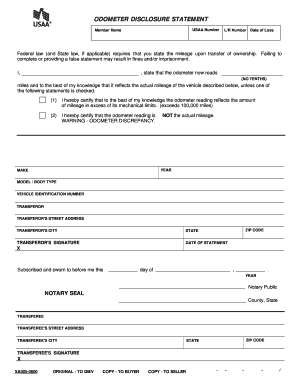
Odometer disclosure statement
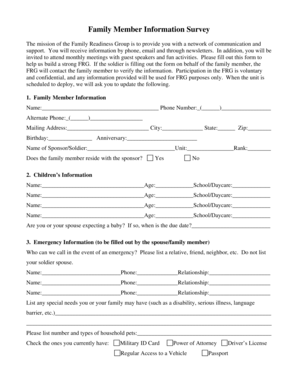
FRG Family Member Information Survey - Fort Bragg
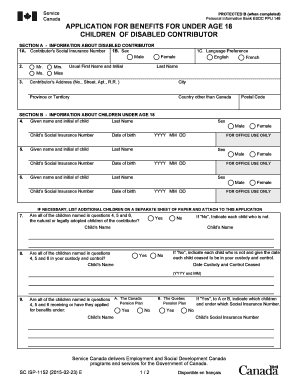
Application For Benefits For Under Age 18 Children of Disabled Contributor SC ISP-1152E - servicecanada gc
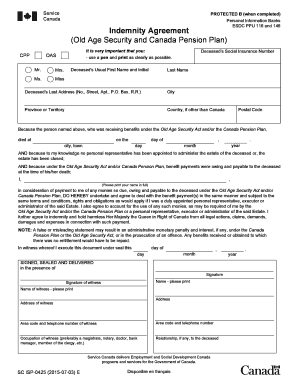
Isp0425

Akelius selbstauskunft
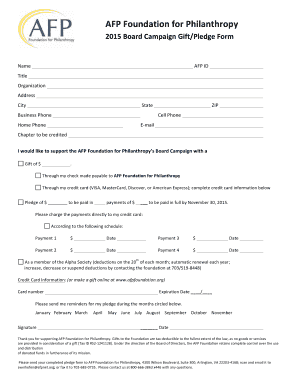
Board pledge form
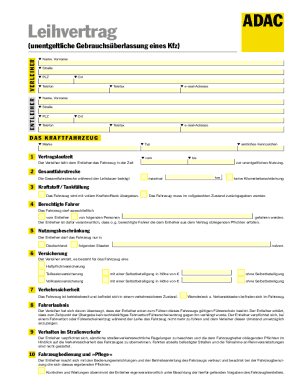
Leihvertrag adac
Imm 5877
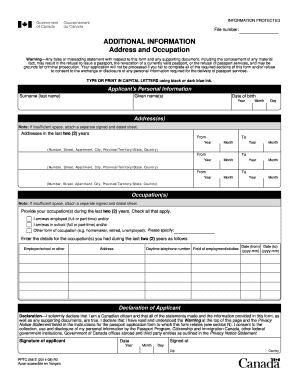
Pptc 056 additional information

Imm 5807
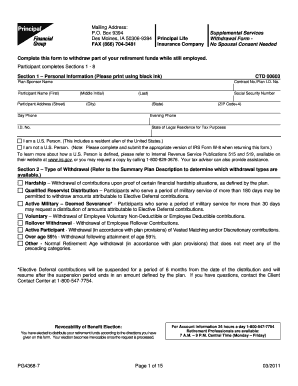
Principal form pg4368 15
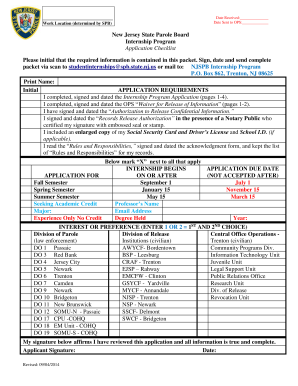
New Jersey State Parole Board Internship Program Application ...
Application for spay voucher
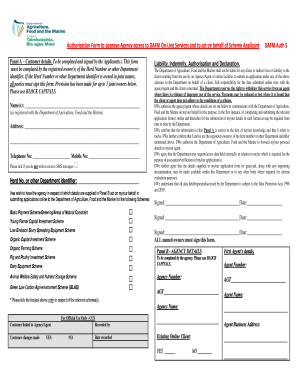
Auth 5 form
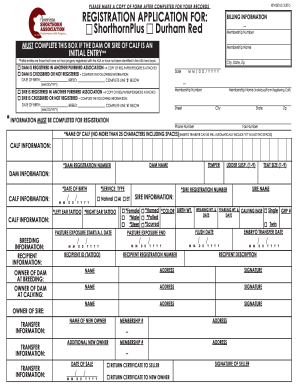
ShorthornPlus Registration Form
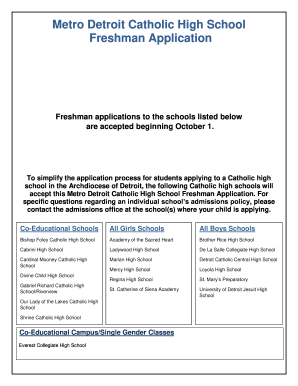
Catholic high application
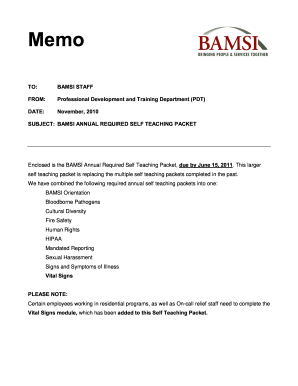
TO BAMSI STAFF FROM Professional Development and Training bb - bamsi
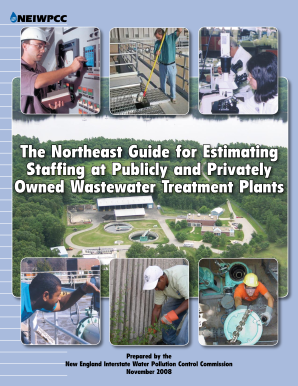
Northeast publicly privately neiwpcc
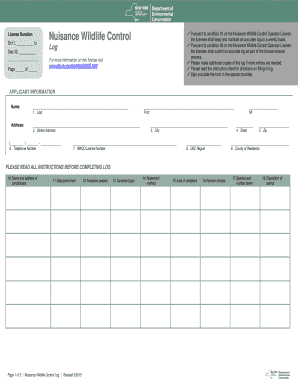
NYSDEC Nuisance Wildlife Control Log NYSDEC Nuisance Wildlife Control Log - dec ny
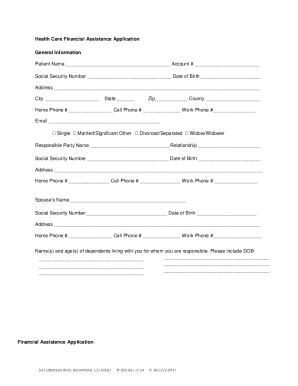
Download the Financial Assistance Application - SCL Health System - holyrosaryhealthcare
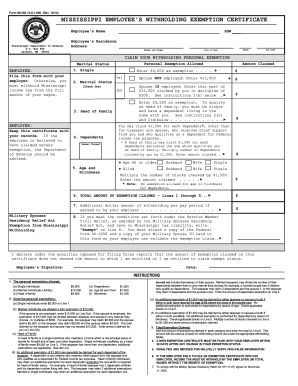
Ms state tax forms 2014
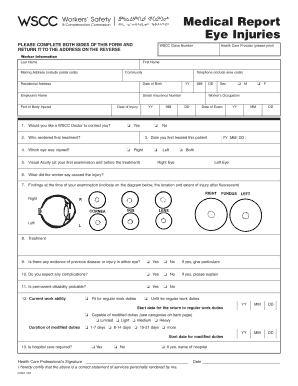
Eye medical report
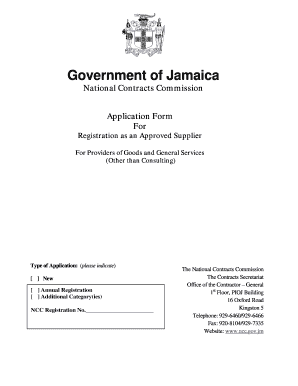
NCC Supplier Application for Registration - National Contracts
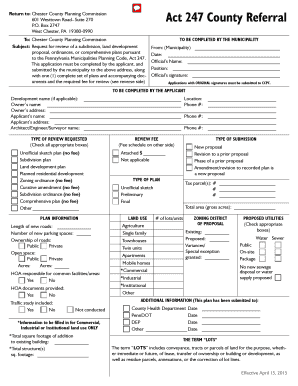
Act 247 Referral Application - Chester County
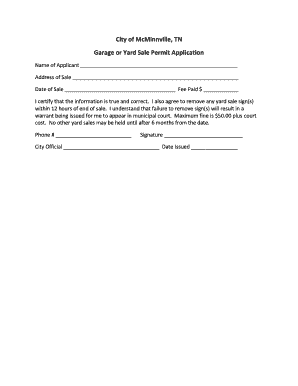
Mcminnville online yard sale
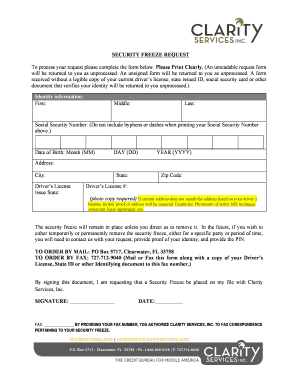
Clarity security ze
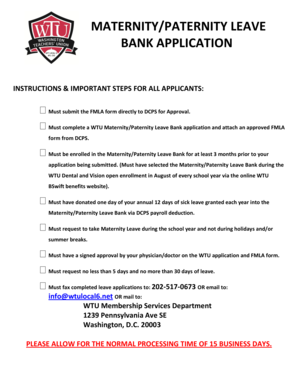
Wtu maternity leave bank

Arc westchester application

Wsfgc form fs128 revised 2018
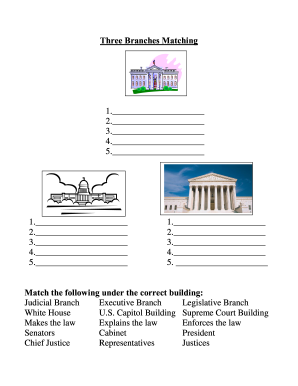
Branches matching
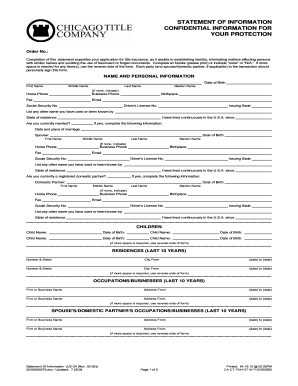
Statement information confidential
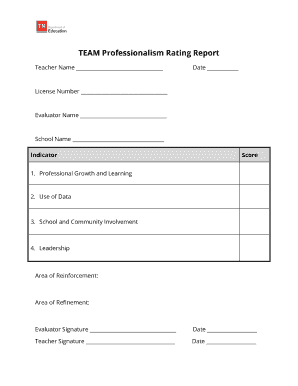
TEAM Professionalism Rating Report
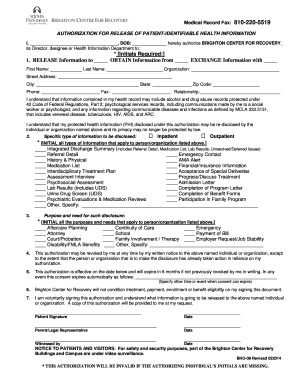
Release of Medical Records Authorization form - St John Providence - stjohnprovidence
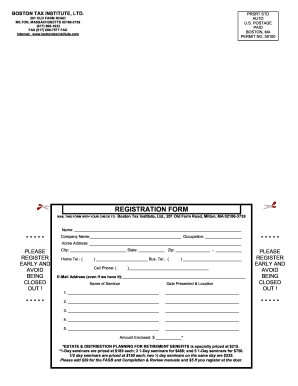
REGISTRATION FORM - Boston Tax Institute
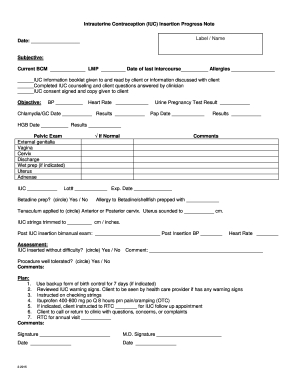
COPPER T 380 IUD INSERTION PROGRESS NOTES - colorado

Individual Provider Disclosure Form - Provider Express
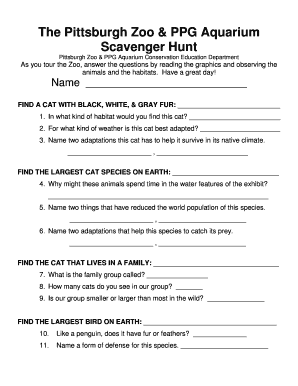
Pittsburgh zoo scavenger hunt
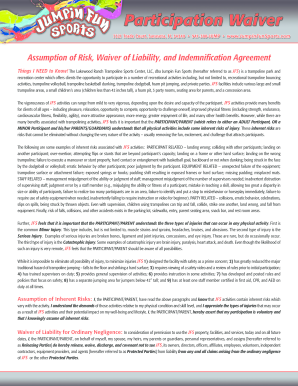
Jumpin fun waiver
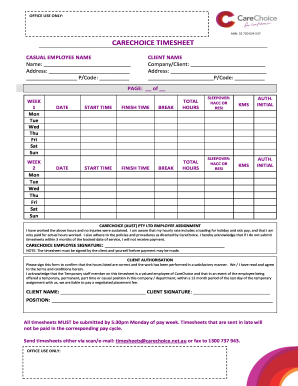
Carechoice
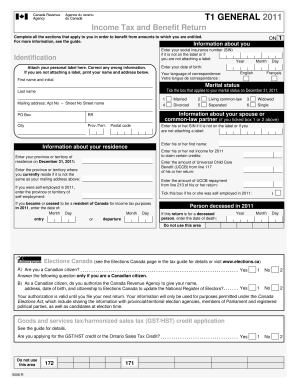
Income Tax and Benefit Return T1 GENERAL 2011 - All In One Index

Nutmeg state federal credit union routing number
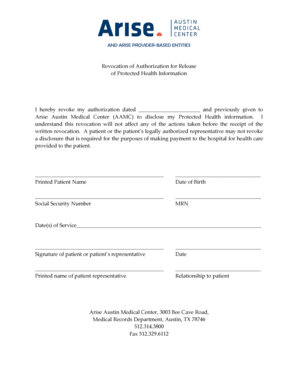
Revocation of Authorization to Release Medical Information

Nesrea permit
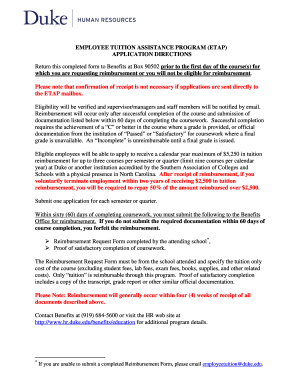
Employee Tuition Assistance bApplicationb - Duke University - hr duke
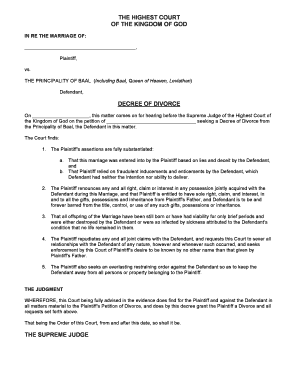
Divorce from baal
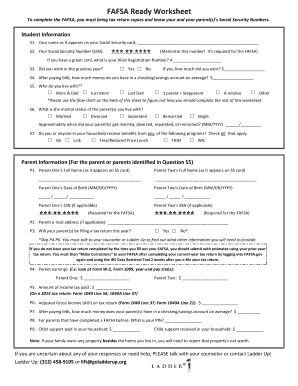
FAFSA Ready Worksheet - Ladder Up - goladderup
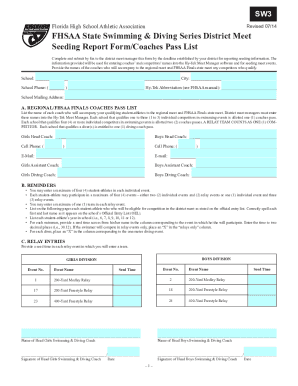
Sw03_pass.pdf (537 KB) - Florida High School Athletic Association
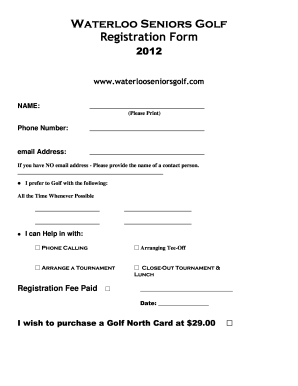
Waterloo seniors golf
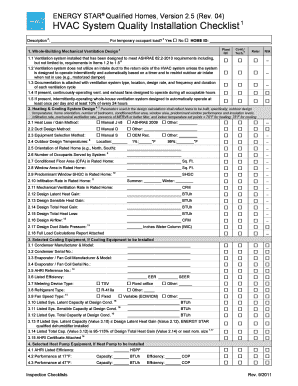
Hvac installation checklist pdf
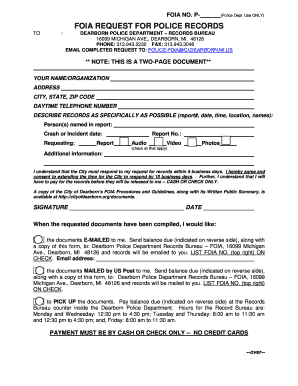
REQUEST FOR PUBLIC RECORDS (FOIA) - City of Dearborn - cityofdearborn
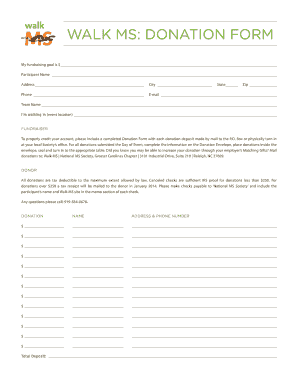
Ms donation form
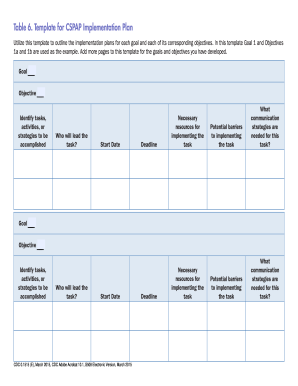
Table implementation plan template

Ckgs

VINTNERS WINE REPORT - Kentucky Department of - revenue ky
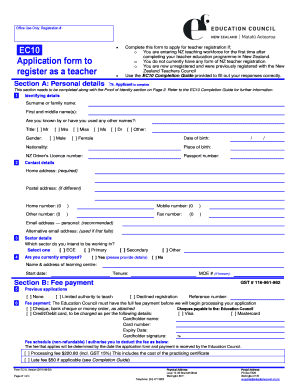
Ec10 form online

Pag ibig employer registration
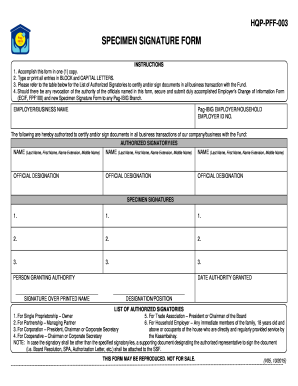
Specimen signature
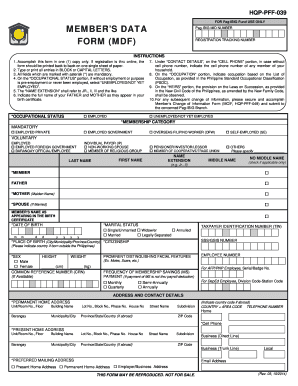
Pag ibig form mdf
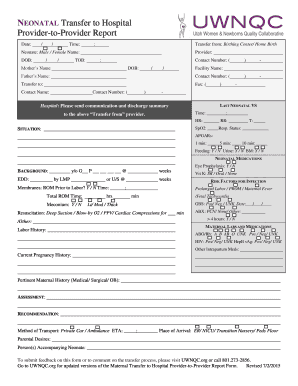
Neonatal transfer form

Event oriented counseling pdf
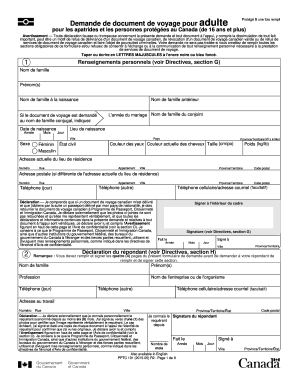
Demande de document de voyage pour adulte
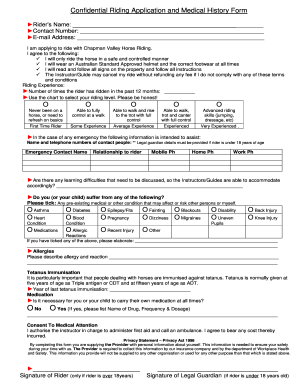
Confidential Riding Application and Medical History Form
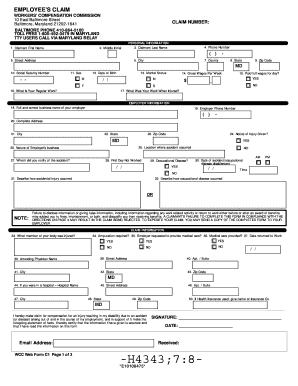
WCC Web Form C1
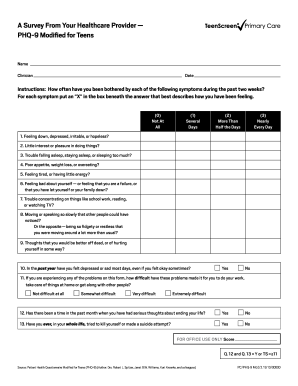
Phq 9

Independent Contractor Waiver of Workers Compensation Agreement
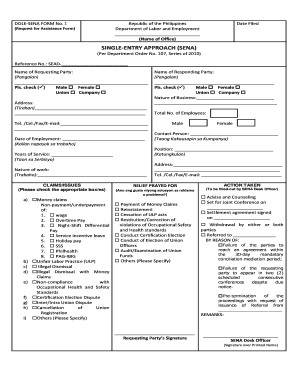
Sena form
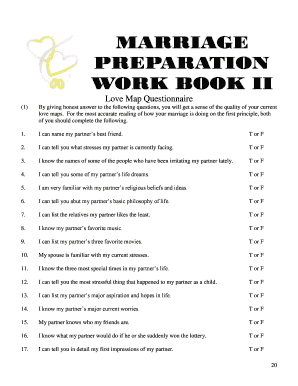
Love map questions
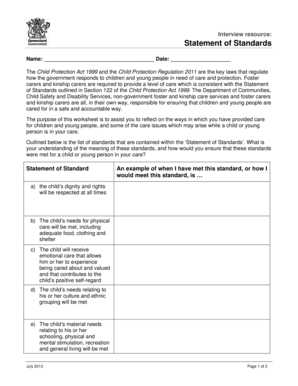
Interview resource statement of standards

Positive Interventions and Effective Strategies Riffel -b2005b - 1 bb
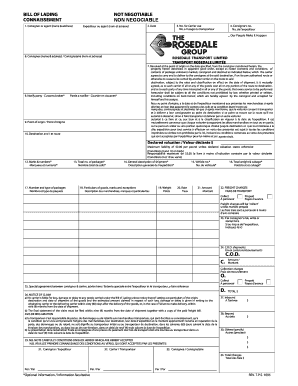
Rosedale bol
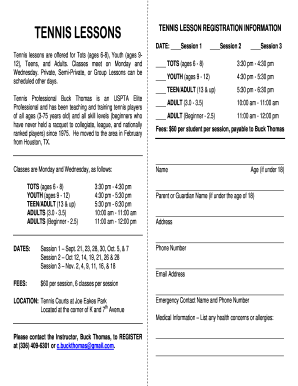
TENNIS LESSONS - Town of Kure Beach - townofkurebeach
Vi spdat for adults
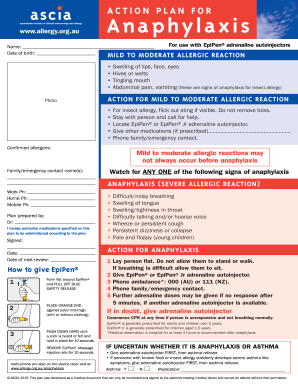
Ascia action plan

Queensland cover sheet
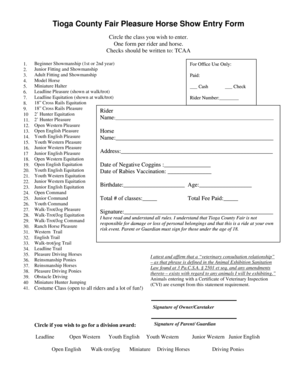
Tioga County Fair Pleasure Horse Show Entry Form

Ap01

Waldoboro Shellfish Harvesting bApplicationb - Town of Waldoboro
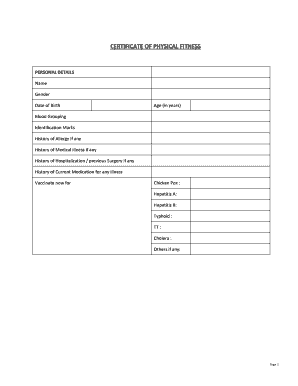
Medical fitness certificate online download
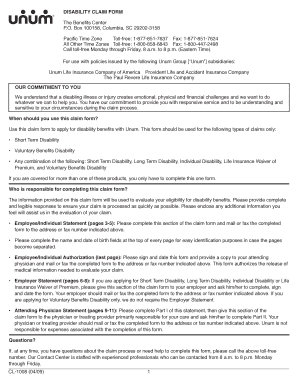
How to write a long term disability appeal letter
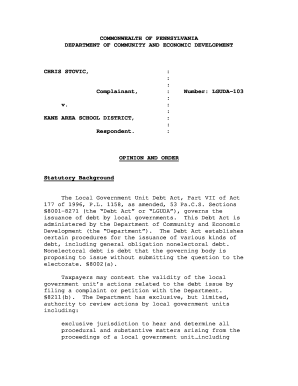
Lguda - 103 - PA Department of Community amp Economic bb
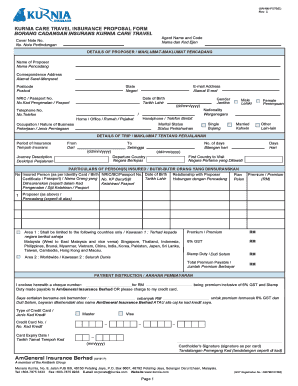
Download cover note insurance
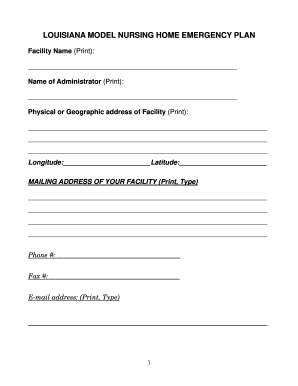
Louisiana model nursing home emergency plan - City of Baton ...
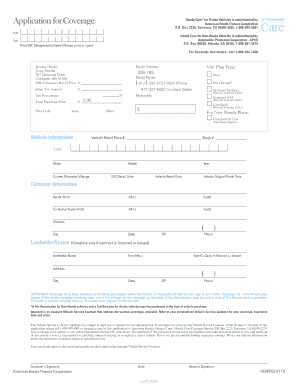
18009995901
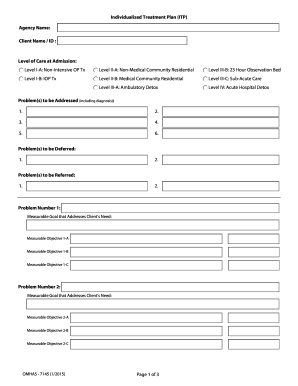
Ohio omhas 7145 plan get
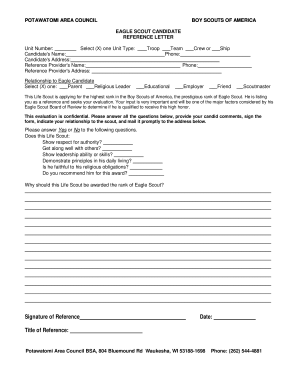
Potawatomi area council boy scouts of america - Doubleknot
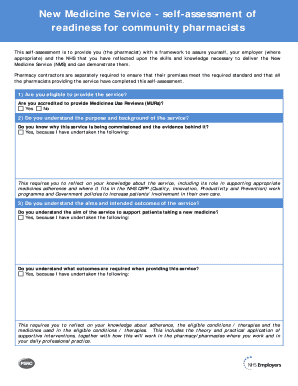
Nms self assessment form
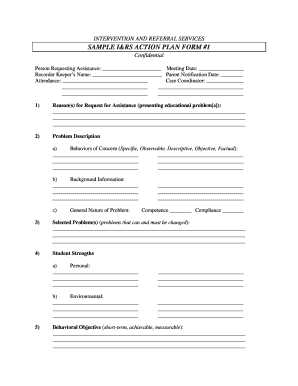
Sample action plans
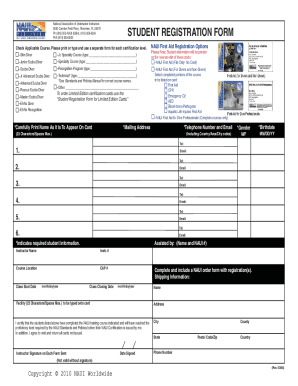
Student registration bformb - NAUI - naui
Benefit from the DocHub online library of fillable PDF forms
Searching the PDF forms doesn't have to be a tedious and time-consuming process. With the DocHub online library, it has become easier to find the fillable PDF forms and modify them in your browser. The service allows you to adjust the document to your needs using powerful editing tools.
You can use online document editing features to modify almost any type of document with ease. You just need to find the template of your choice, open it in the editor, and use the toolbar to make the necessary corrections.
Follow this guide to get your document done with DocHub:
- Find the PDF template you need.
- Click the Get Form button to open the file in the editor.
- Use the toolbar to fill out and edit the document.
- Easily add and highlight text, insert images, checkmarks, and symbols.
- Drop new fillable fields, and rearrange or delete pages from your file.
- Save changes and download your record.
DocHub empowers everyone to streamline document editing, signing, and distribution, and form completion. Create an account and benefit from our well-organized PDF Forms library and comprehensive editor.