




Here's how it works

01. Edit your metro high school application online
Type text, add images, blackout confidential details, add comments, highlights and more.

02. Sign it in a few clicks
Draw your signature, type it, upload its image, or use your mobile device as a signature pad.

03. Share your form with others
Send it via email, link, or fax. You can also download it, export it or print it out.
How to use or fill out the Catholic High Application with our platform

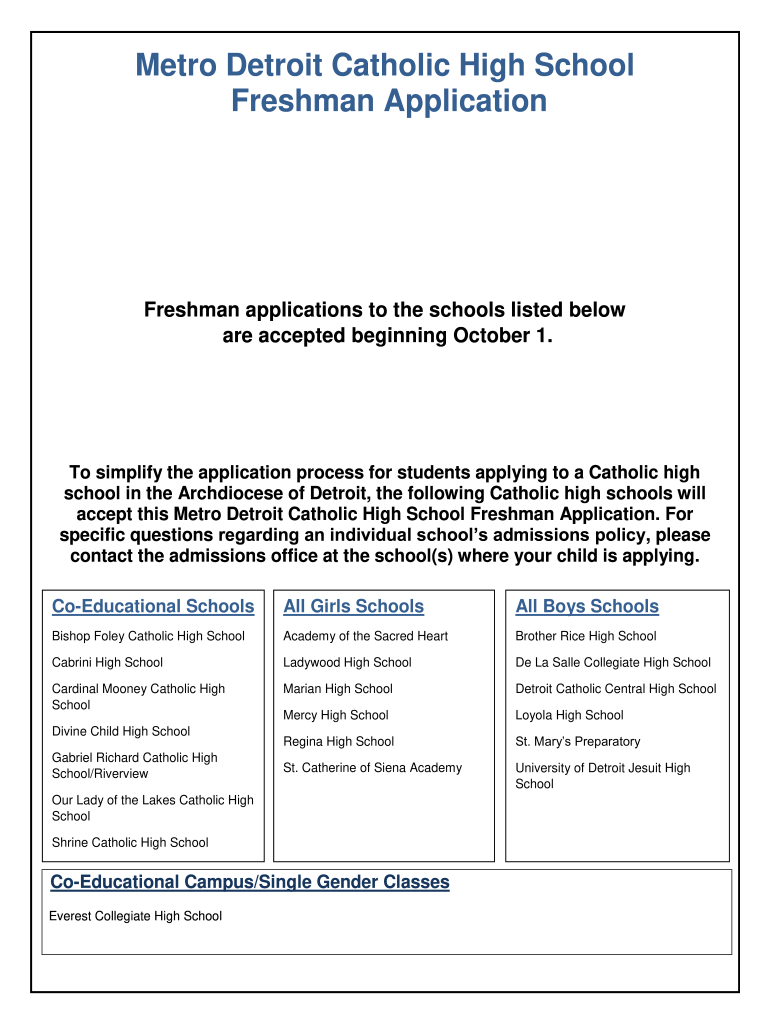
- Click ‘Get Form’ to open the Catholic High Application in the editor.
- Begin with Section I – Applicant Information. Fill in details such as the applicant's name, address, and contact information. Ensure all fields are completed accurately.
- Proceed to Section II – Student Application. Here, the student should describe their academic interests and achievements. Encourage them to be detailed and honest about any challenges faced.
- Move on to Section III – Supplement. This section is specific for each school; visit each school's admissions page for tailored instructions.
- Complete Sections IV and V, which require input from the current school. Ensure these forms are filled out by authorized personnel and sent directly to the schools.
- Finally, submit Section VI – Teacher Recommendation. Provide this form to a current teacher for completion, ensuring they understand its confidentiality.
Start your application process today using our platform for free!
Fill out catholic high application online
It's free
It's free
Security and compliance
At DocHub, your data security is our priority. We follow HIPAA, SOC2, GDPR, and other standards, so you can work on your documents with confidence.
Learn more




