




Here's how it works



How to use or fill out Liability Waiver - Sugar Valley Canoe Trips

- Click ‘Get Form’ to open it in the editor.
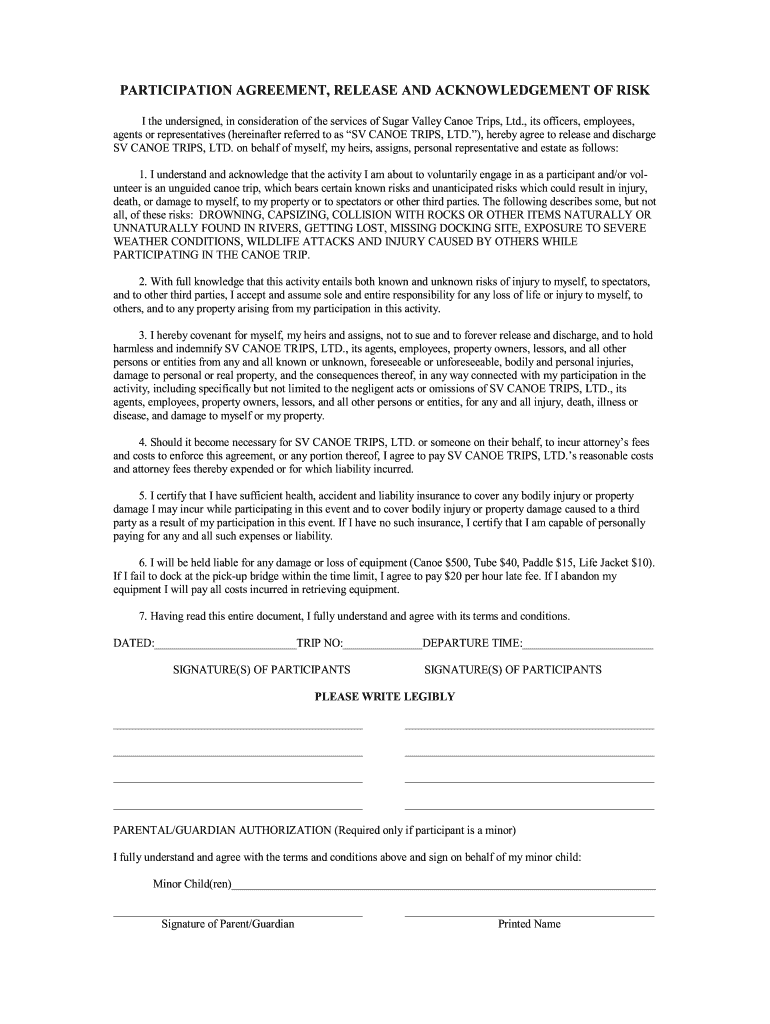
- Begin by entering the date, trip number, and departure time at the top of the form. This information is essential for record-keeping.
- In the signature section, ensure that all participants sign legibly. If a participant is a minor, a parent or guardian must also provide their signature and printed name in the designated area.
- Review the acknowledgment of risks carefully. Make sure you understand each risk mentioned before proceeding to accept responsibility.
- Fill out your insurance information in section five. If you do not have insurance, indicate your capability to cover any potential expenses.
- Lastly, read through the entire document to confirm your understanding and agreement with its terms before submitting.
Start filling out your Liability Waiver today for free using our platform!
It's free
See more Liability Waiver - Sugar Valley Canoe Trips versions
Got questions?
How can I sign my sugar valley canoes reviews online?
Log in to your DocHub account and add your sugar valley canoes reviews to our editor using one of its upload methods - from your device, cloud storage, protected URL, or your DocHub folders if you have already managed your document before. Open our editor, click the Sign button in the upper toolbar, and choose your signing method. You can use a picture of your handwritten signature, draw it, type in your name, or utilize a QR code as an alternative.
How do you edit turkey run tubing trips in Chrome?
If you use Chrome, there are two easy methods to edit your turkey run tubing trips online. First, go to the DocHub site, add your document, and edit it utilizing our toolbar. You may also install our Chrome extension and edit any document by dragging and dropping it in your web browser tab.
Security and compliance
At DocHub, your data security is our priority. We follow HIPAA, SOC2, GDPR, and other standards, so you can work on your documents with confidence.
Learn more


