
Get any PDF form from the DocHub library of ready-made templates - Page 1173

Pediatric massage therapy intake form - Alona S RMT
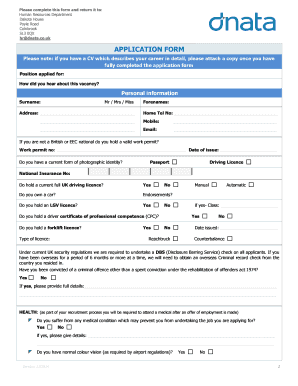
Emirates reimbursement form pdf

Fraud report form - WA Police
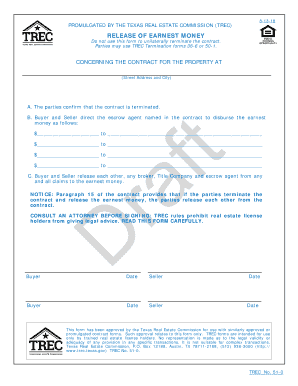
Trec 51 0
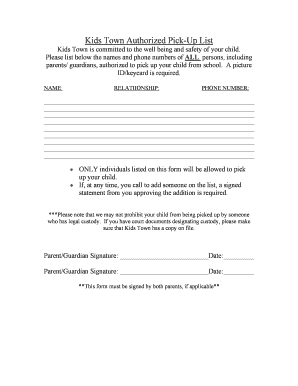
Kids Town Authorized Pick-Up List - Kids Town Child Development
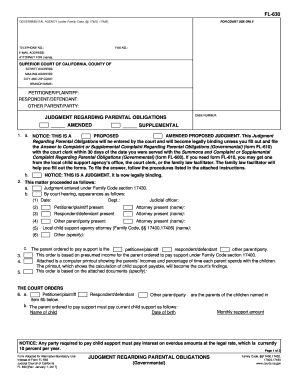
Fl 630

Franklin county job family services
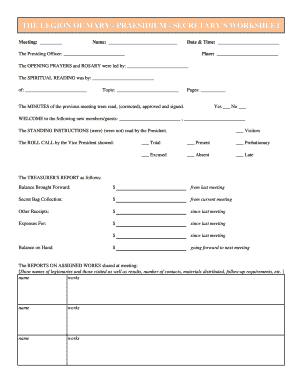
THE LEGION OF MARY - PRAESIDIUM - SECRETARY'S WORKSHEET

Faceing math lesson 8 answer key
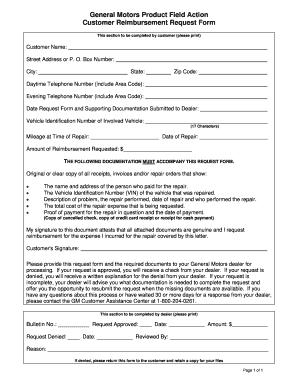
Gmc reimbursement claim form
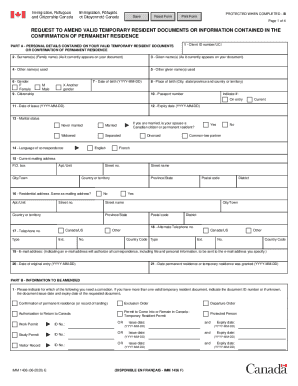
Imm1000

Undertaking of the employer form dubai

LOGISTICS CREDIT APPLICATION FORM
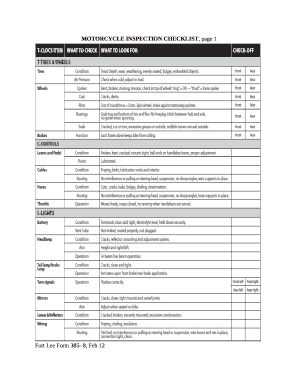
Motorcycle inspection checklist
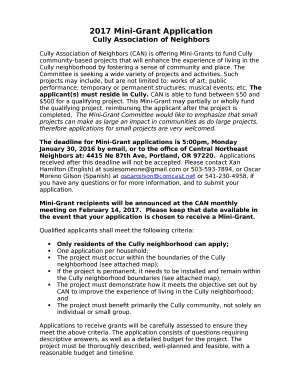
2017 Mini-Grant Application

Lifeguard contract template
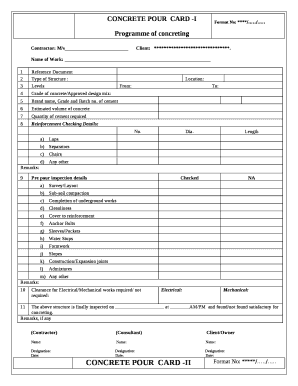
Pour card format
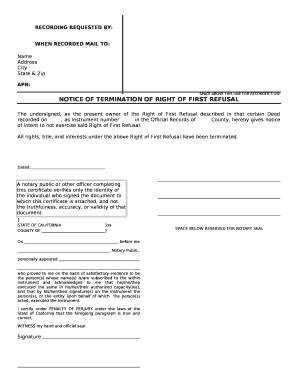
Termination of right of first refusal real estate
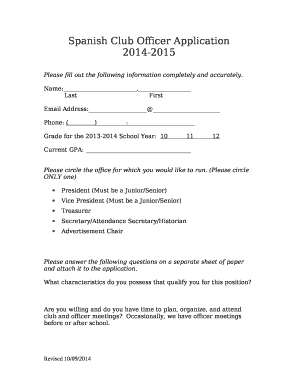
Club officer application example

Drawing slips
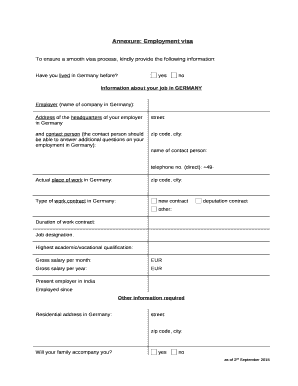
Annexure for employment visa germany
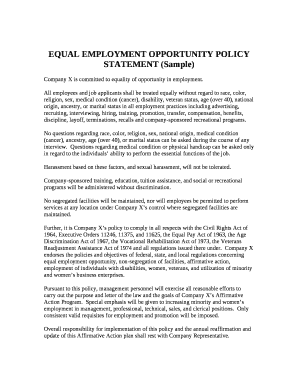
Eeo policy statement template

Iv competency checklist
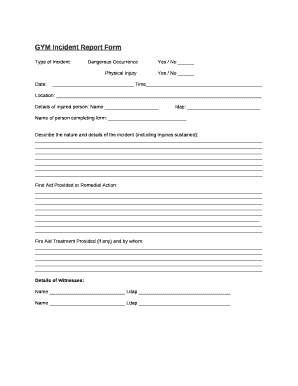
Gym incident report form
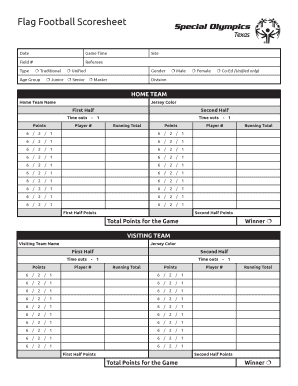
Flag football score sheet template

LOAN PROCESSING AGREEMENT

Fresh start program san diego
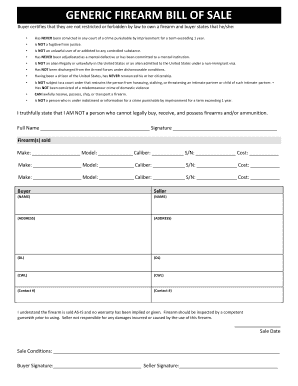
What is a cwl

Post gwr refunds
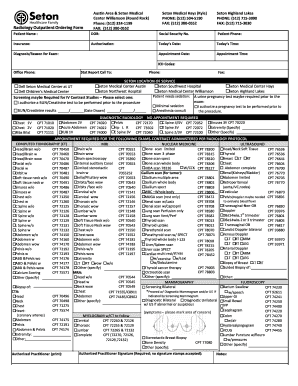
Adult Imaging Services Order Form (pdf)
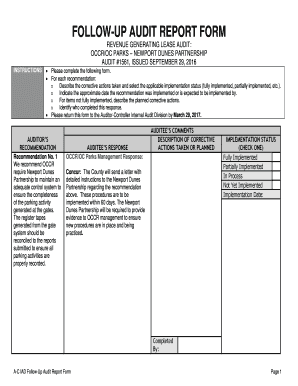
Follow up audit report template
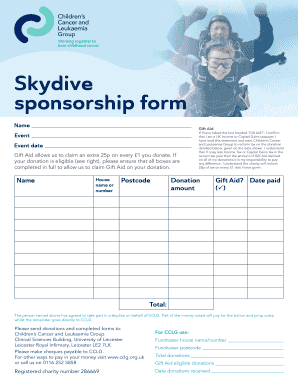
Skydive sponsorship form
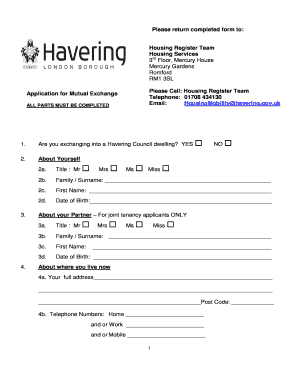
Mutual Exchange Application form - London Borough of Havering
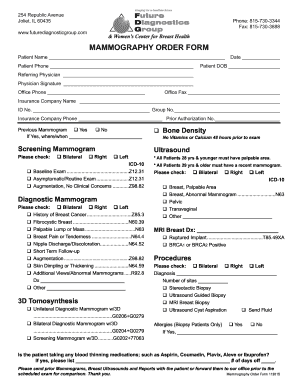
Mammogram order form
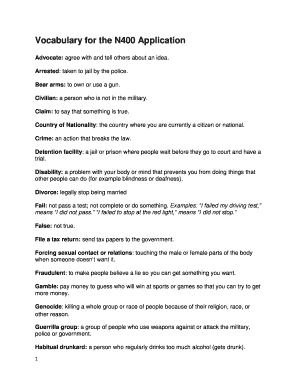
N 400 part 12 vocabulary pdf

Primary 2 english exercise pdf

Construction rfp template

50 William St South, Gananoque K7G 1S7 1-877-611-9611 Senior
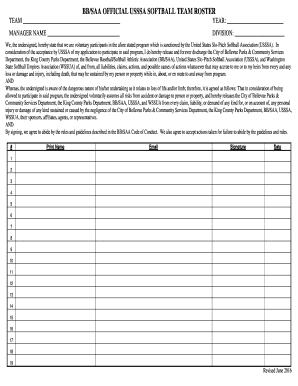
Usssa printable roster forms
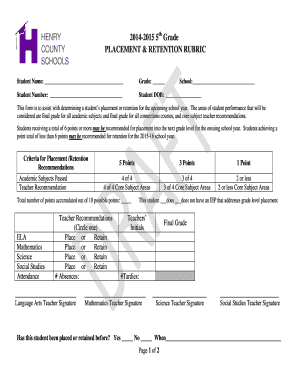
Retention rubric
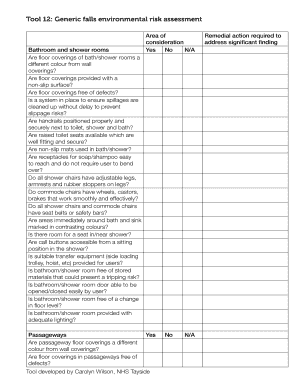
Tool 12: Generic falls environmental risk assessment
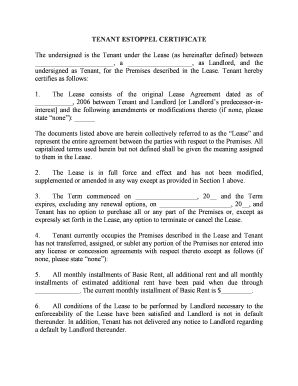
Landlord estoppel certificate

Michigan permit building
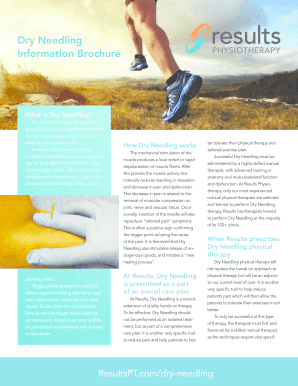
Dry needling documentation template
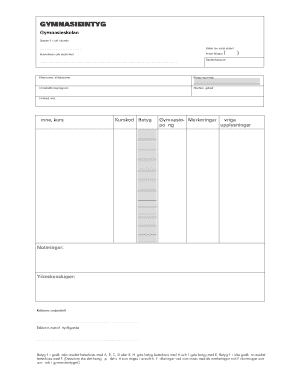
Gymnasieintyg
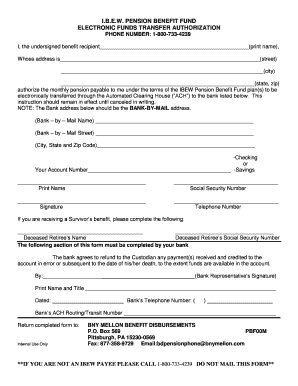
Bdpensionphonebnymellon com
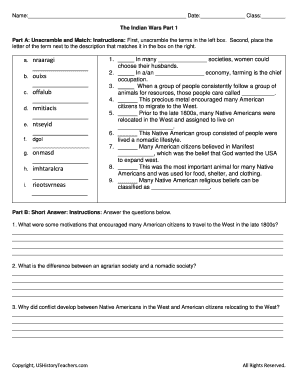
The indian wars part 1
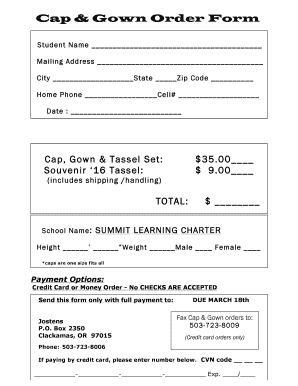
Cap & Gown Order Form - summitlearningcharter

Indemnity form for the trip to the water park

Hawke Tilt Price Sheet - kraftsman trailers - kraftsmantrailer
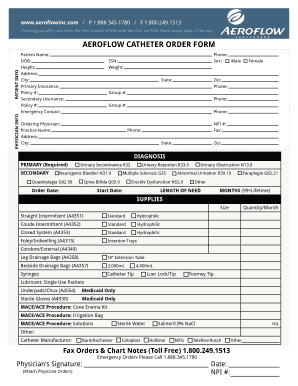
AEROFLOW CATHETER ORDER FORM
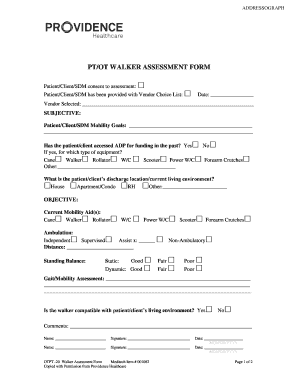
PTOT WALKER ASSESSMENT FORM - healthcareinnovations
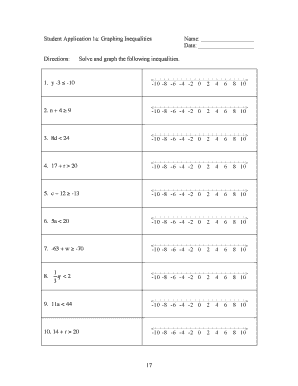
Student application 1a graphing inequalities
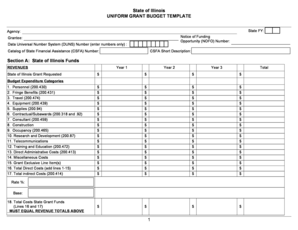
State of illinois uniform grant budget template section a

Weight Loss Program Consent Form Revised 02-2012

Ksd tvet college
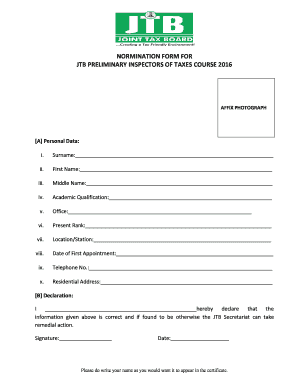
Jtb form

Bfaab hypertension bevaluationb worksheet - Pilots of America

DONATION REQUEST FORM - Di Bruno Bros
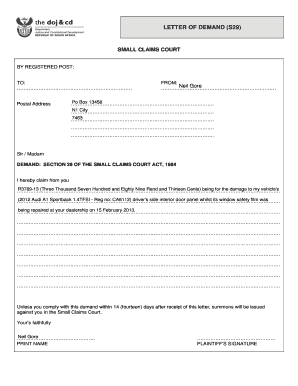
Small claims court template
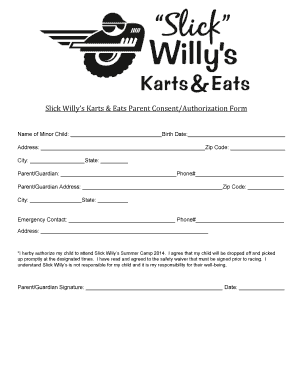
Slick Willys Karts amp Eats Parent ConsentAuthorization Form
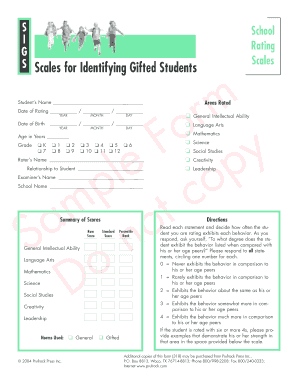
Sigs home rating scale forms

DATETIME Oral Desensitization Protocol DO NOT USE - ugotabug med miami
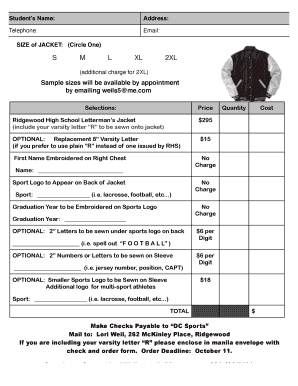
Letterman jacket order form
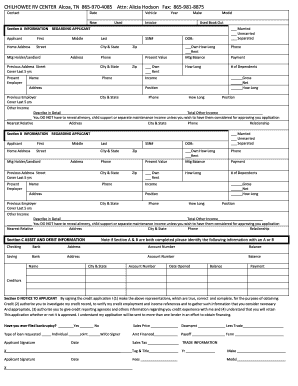
Rv credit application

Tumbling skills

End of shift report template excel
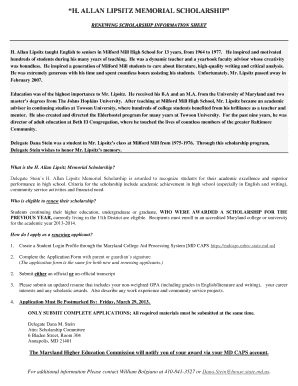
Dana stein scholarship
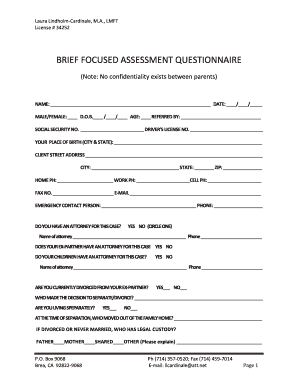
Brief focused assessment

Kiss a Senior goodbye fundraiser - Eagle Grove Community School - eagle-grove k12 ia
Mcas biology review packet
Schaudt csv 400 handleiding
We are updating our records letter
Epic registration form

Behavior reflection sheet

Sole Source andor Reasonableness of Price Form - business buffalo
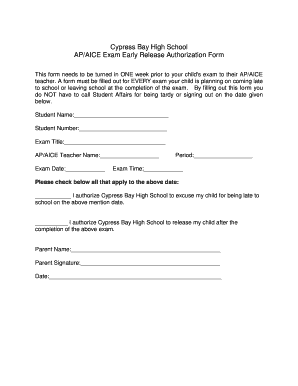
Cypress bay early release schedule
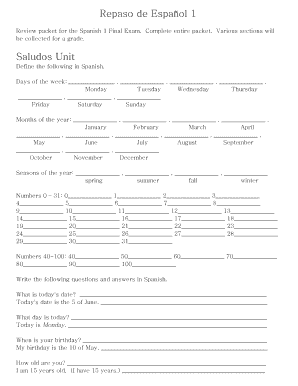
Spanish 1 final exam pdf

Shipping release form
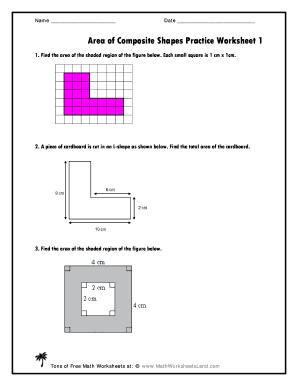
Area of composite figures worksheet pdf
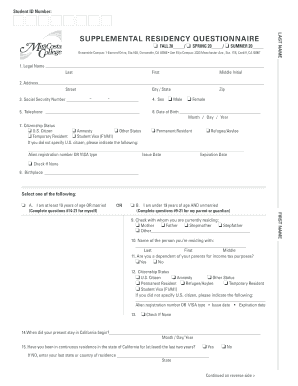
SUPPlemental ResIDenCY QUestIOnnaIRe - MiraCosta College - miracosta
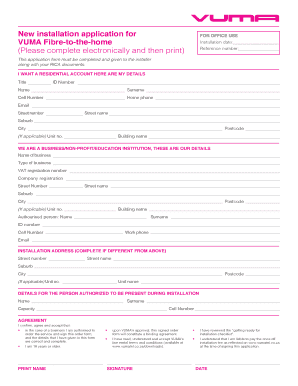
Vuma fibre application form

Boon chapman provider portal
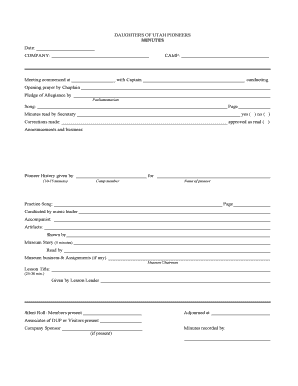
DAUGHTERS OF UTAH PIONEERS MINUTES Date
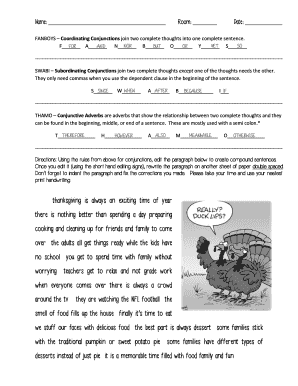
Swabi conjunctions
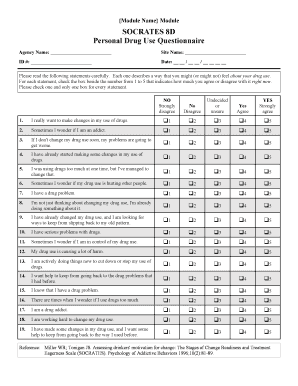
Module Name Module SOCRATES 8D Personal Drug Use
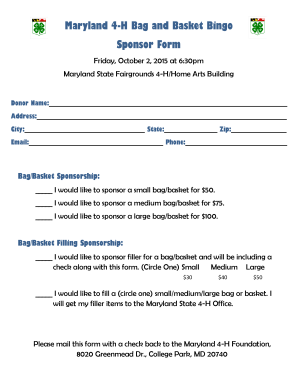
Maryland 4-H Bag and Basket Bingo Sponsor Form
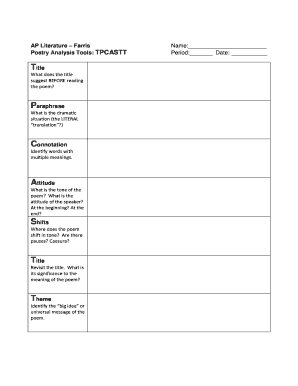
Tpcastt chart
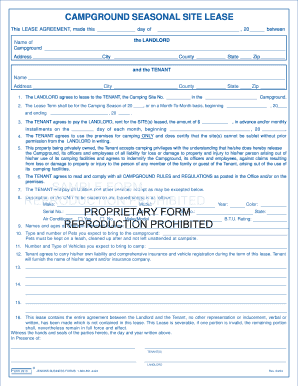
CAMPGROUND SEASONAL SITE LEASE
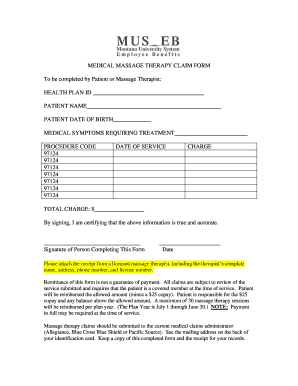
MEDICAL MASSAGE THERAPY CLAIM FORM To be completed by Patient or Massage Therapist: HEALTH PLAN ID P
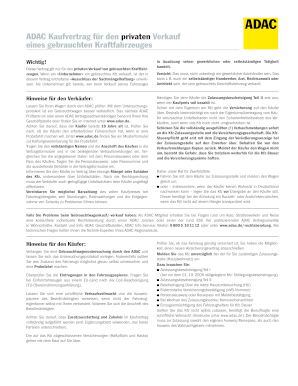
Adac kaufvertrag pdf
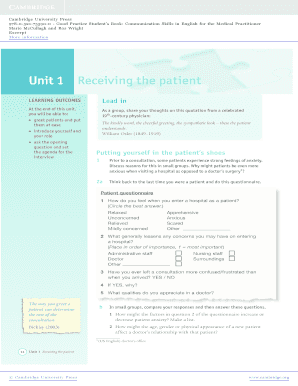
Good practice communication skills in english for the medical practitioner pdf
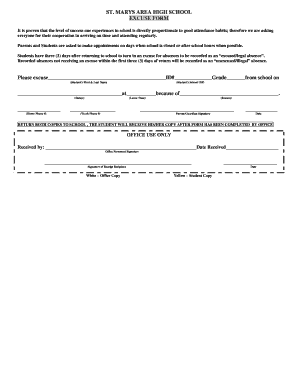
ST MARYS AREA HIGH SCHOOL EXCUSE FORM - smasd

Bpo forms to print

DIStrIbutIon rEquESt ForM Lincoln Life Group Fixed Annuity

Bio preg check form

Arkansas adult maltreatment check
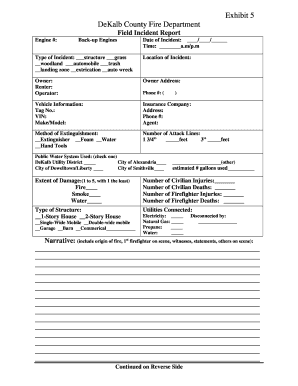
Exhibit 5 DeKalb County Fire Department Field Incident Report
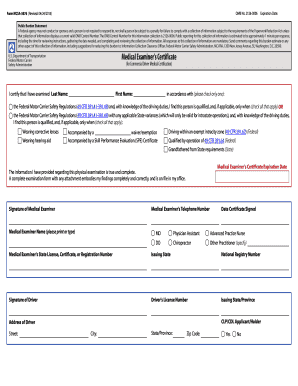
Form MCSA5876 (Revised: 04 24 2015) OMB No
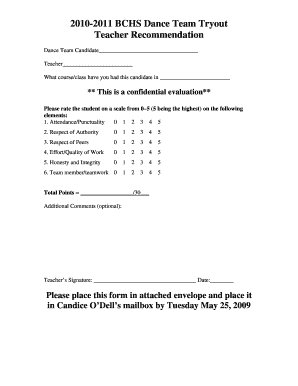
2010-2011 BCHS Dance Team Tryout Teacher Recommendation - barren kyschools
Benefit from the DocHub online library of fillable PDF forms
Searching the PDF forms doesn't have to be a tedious and time-consuming process. With the DocHub online library, it has become easier to find the fillable PDF forms and modify them in your browser. The service allows you to adjust the document to your needs using powerful editing tools.
You can use online document editing features to modify almost any type of document with ease. You just need to find the template of your choice, open it in the editor, and use the toolbar to make the necessary corrections.
Follow this guide to get your document done with DocHub:
- Find the PDF template you need.
- Click the Get Form button to open the file in the editor.
- Use the toolbar to fill out and edit the document.
- Easily add and highlight text, insert images, checkmarks, and symbols.
- Drop new fillable fields, and rearrange or delete pages from your file.
- Save changes and download your record.
DocHub empowers everyone to streamline document editing, signing, and distribution, and form completion. Create an account and benefit from our well-organized PDF Forms library and comprehensive editor.