




01. Edit your requesting officer online
Type text, add images, blackout confidential details, add comments, highlights and more.

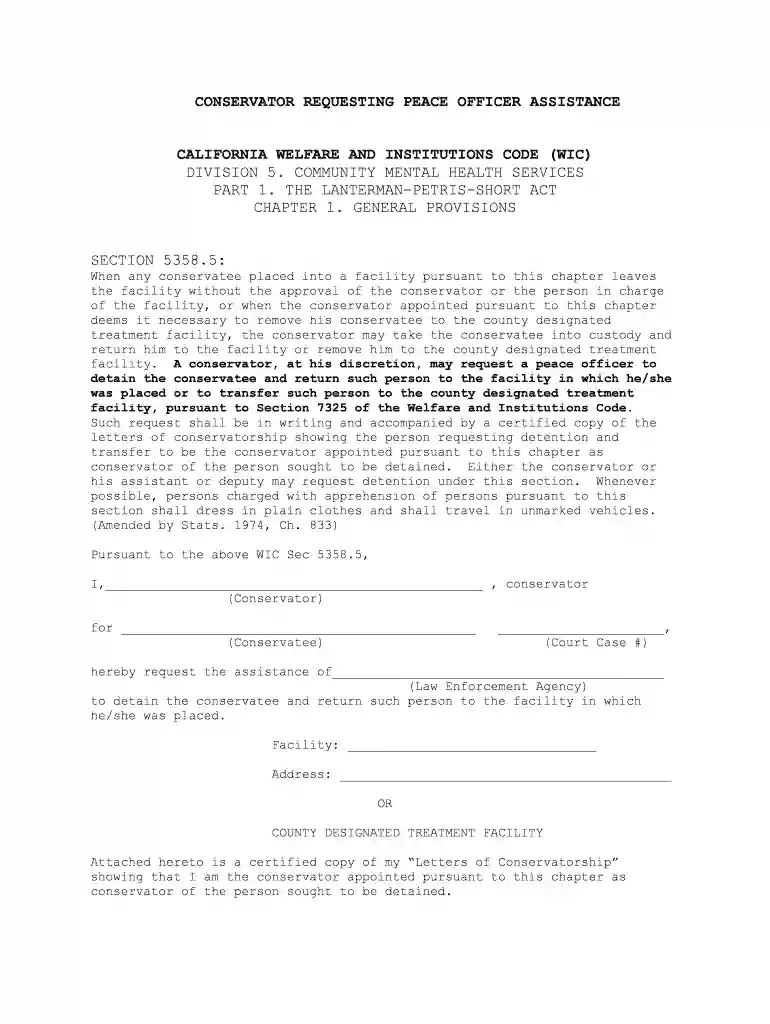
Type text, add images, blackout confidential details, add comments, highlights and more.

Draw your signature, type it, upload its image, or use your mobile device as a signature pad.

Send ca officer assistance via email, link, or fax. You can also download it, export it or print it out.

Start using our platform today to streamline your document editing and signing process for free!
At DocHub, your data security is our priority. We follow HIPAA, SOC2, GDPR, and other standards, so you can work on your documents with confidence.
There are two kinds of limited conservatorships: 1. A limited conservatorship of the person is a court arrangement where a conservator cares for and protects aRead more
Feb 2, 2012 3:30 p.m., Feb. 2, 2012--From archaeological digs in Guatemala and Turkey, to earthquake-devastated museums in Haiti, to universities inRead more
Aug 9, 2011 The Act should not be allowed to be misused or abused, to become a tool to obstruct the national development and integration, or to destroy theRead more


