




Here's how it works



How to use or fill out Florida supreme court approved family law form 12902j fillable 2015 with our platform

- Click ‘Get Form’ to open it in the editor.
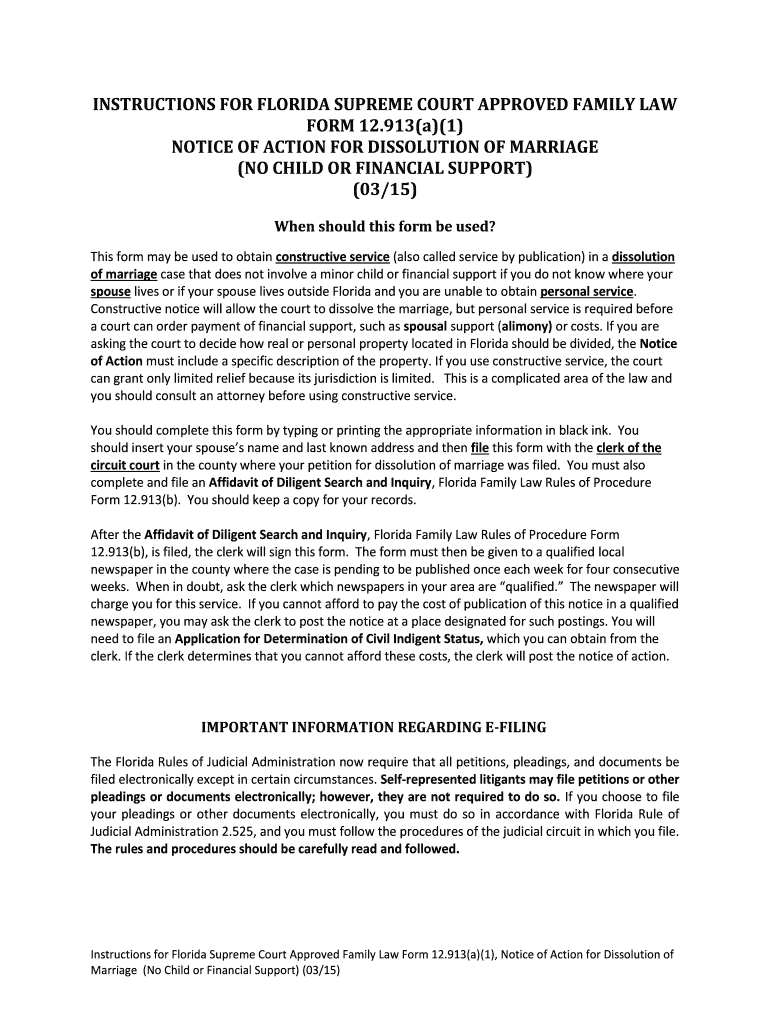
- Begin by entering your name and contact information in the designated fields at the top of the form. Ensure accuracy as this information is crucial for court communications.
- Next, input your spouse’s name and last known address in the specified sections. This is essential for proper notification regarding the dissolution of marriage.
- In the property section, clearly describe any real or personal property involved. If there is none, simply state 'none' to avoid confusion.
- Review all entries for completeness and accuracy. Utilize our platform's editing features to make any necessary adjustments before finalizing.
- Once completed, save your document and follow the e-filing instructions provided by your local circuit court for submission.
Start using our platform today to easily fill out and manage your legal documents online for free!
It's free
See more Florida supreme court approved family law form 12902j fillable 2015 versions
Got questions?
How can I eSign my Florida supreme court approved family law form 12902j fillable 2015 from Gmail?
With DocHub, it’s quite simple. The platform offers users an add-on called DocHub for Gmail, which you can locate in the Google Workspace Marketplace free of charge. Set it up and grant it access to your Google account. Open your email with your Florida supreme court approved family law form 12902j fillable 2015 attached and click on the add-on button in the right-side panel. Log in to your DocHub account, and upload the file to our editor, where you can fill it out and sign.
How do you fill out Florida supreme court approved family law form 12902j fillable 2015 online?
You may get and modify your Florida supreme court approved family law form 12902j fillable 2015 online with the help of DocHub. Its straightforward yet feature-rich design enables you to start productive work immediately after you sign up your account. Create your profile and add your document, and then our interface will guide you through our stress-free form completion experience.
Security and compliance
At DocHub, your data security is our priority. We follow HIPAA, SOC2, GDPR, and other standards, so you can work on your documents with confidence.
Learn more


