Parenting conference form pdf 2026

Get Form
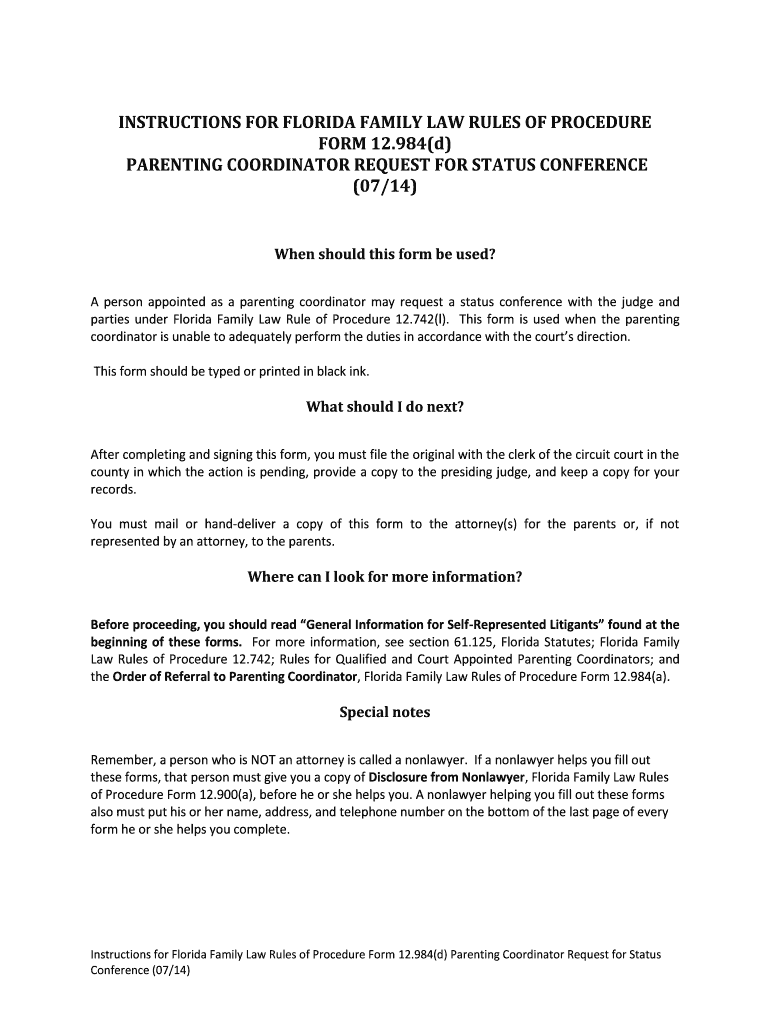
florida request status form Preview on Page 1

Here's how it works

01. Edit your florida request status form online
Type text, add images, blackout confidential details, add comments, highlights and more.
02. Sign it in a few clicks
Draw your signature, type it, upload its image, or use your mobile device as a signature pad.
03. Share your form with others
Send florida status conference via email, link, or fax. You can also download it, export it or print it out.

How to use or fill out parenting conference form pdf with our platform

Form edit decoration
9.5
Ease of Setup
DocHub User Ratings on G2
9.0
Ease of Use
DocHub User Ratings on G2
  1. Click ‘Get Form’ to open the Parenting Coordinator Request for Status Conference in the editor.
  2. Begin by entering the case details at the top of the form, including the judicial circuit and county, case number, and division.
  3. In the section where you request a status conference, select all applicable reasons by checking the boxes provided. Be specific in your requests for direction or resolution from the court.
  4. Fill in your personal information as the Parenting Coordinator, including your signature, printed name, address, telephone number, and any professional license or certification numbers if applicable.
  5. Ensure that you check off all necessary copies to be sent to relevant parties such as the presiding judge and attorneys involved.
  6. If a nonlawyer assisted you in completing this form, make sure they fill in their details at the bottom of the last page.

Start using our platform today to easily complete your parenting conference form online for free!

See more parenting conference form pdf versions

We've got more versions of the parenting conference form pdf form. Select the right parenting conference form pdf version from the list and start editing it straight away!
Versions Form popularity Fillable & printable
2014 4.8 Satisfied (139 Votes)
be ready to get more

Complete this form in 5 minutes or less

Get form

Got questions?

We have answers to the most popular questions from our customers. If you can't find an answer to your question, please contact us.
Contact us

Microsoft Word doesn’t have signing tools to generate legitimate electronic signatures and enforceable forms. Fortunately, DocHub is an online eSignature-compliant editor that supports different file formats, such as .doc files. Sign in to your account and upload the Word version of your parenting conference form pdf from your device and cloud, or URL - our editor will automatically turn it into an editable PDF. Make all essential changes in your form and click Sign to generate your own legally-binding electronic signature. There are four signing options from which to choose.

As a comprehensive document editing service, DocHub is available on mobile phones. Open DocHub in your choice of mobile browser and employ our intelligent mobile-friendly toolset to complete your parenting conference form pdf.

Here are five reasons why parent-teacher conferences are essential: Understanding the childs strengths and weaknesses. Building a positive relationship between families and teachers. Encouraging parent involvement. Addressing concerns and issues. Developing a plan for academic success.
Conferences focus on learning, although behavior and social concerns might be discussed. The teacher will review your childs progress, including strengths and areas in need of improvement. You also might talk about standardized test results, individualized education plans (IEP), and 504 education plans.
Once again, a warm welcome to Distinguished Parents and Guardians. Thank you for your constant support, trust, and belief in our institution. We look forward to working together hand-in-hand to make this academic session a memorable and enriching one for all our students. Thank you and best regards.

Security and compliance

At DocHub, your data security is our priority. We follow HIPAA, SOC2, GDPR, and other standards, so you can work on your documents with confidence.

Learn more

People also ask

Before the Conference Get informed. Prepare your materials. Send informative invitations. Create a welcoming environment. Open with positives. Discuss progress and growth. Avoid teacher-talk. Ask questions and listen.
Always try to start and end with a positive. Listen to the concerns that your parents bring to the table. Have resources ready to share with them on the spot.
Be Prepared. Parents want to see that the teacher knows their child and has a plan for their success. Review your students grades and portfolios before the conferences. Jot down notes about each student, anticipate questions or parental concerns, and reread any prior parent communication so you dont miss a beat.
The completed Family Conference Form will include the descriptions of the childs current knowledge, skills, and abilities (1); the plan for the childs development and learning (2); and teacher and family member signature lines (3).
Conferences focus on learning, although behavior and social concerns might be discussed. The teacher will review your childs progress, including strengths and areas in need of improvement. You also might talk about standardized test results, individualized education plans (IEP), and 504 education plans.

Related links