
Get any PDF form from the DocHub library of ready-made templates - Page 993
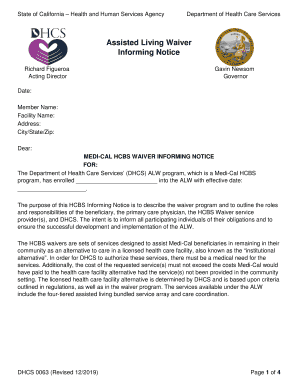
California assisted living waiver
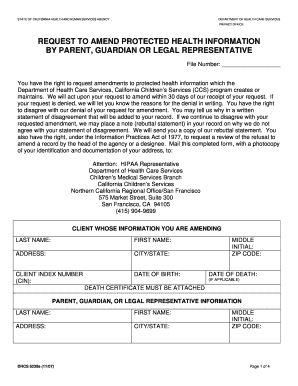
REQUEST TO AMEND PROTECTED HEALTH INFORMATION BY PARENT, GUARDIAN OR LEGAL REPRESENTATIVE DHCS 6239a

Real and Personal Property--Supplement to Medi-Cal Mail-In Application MC 322

Credit Card Authorization Form - Southland Urology
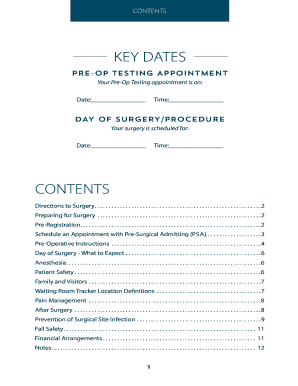
Pre-Admission Testing Surgical Care At Good SamaritanUK
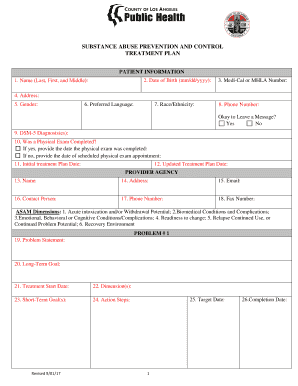
Substance abuse treatment plans pdf

COVID-19 Specimen Intake Form - wp sbcounty

Personnel complaint form

1033 and 1034
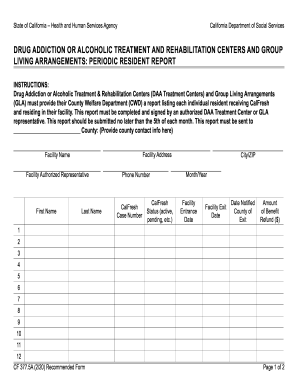
Substance Abuse Counselor - Human Services Edu
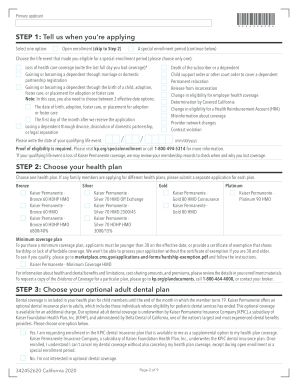
Employee Dependent Change form - Kaiser Permanente Brokers
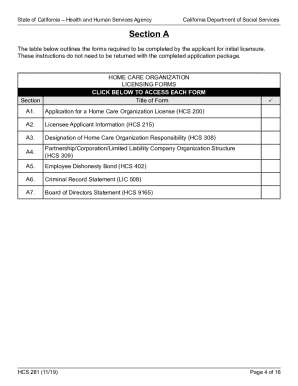
Cdss System And Application Access Form - California
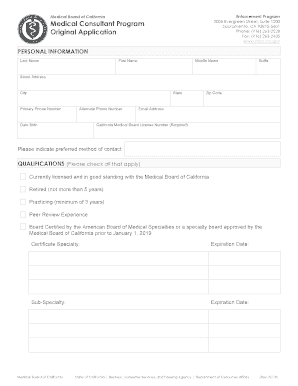
Medical Consultant Program Original Application Medical Consultant Program Original Application
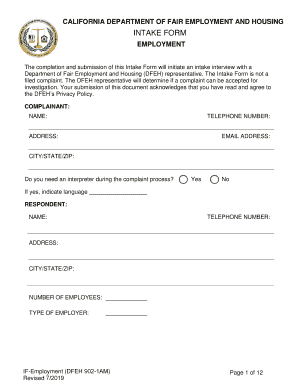
IF Employment Intake Form - DFEH - State of California
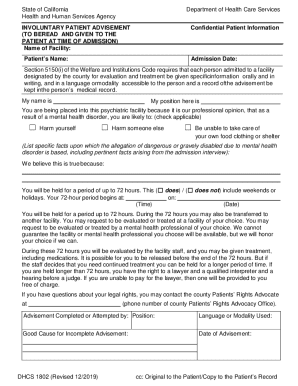
California involuntary
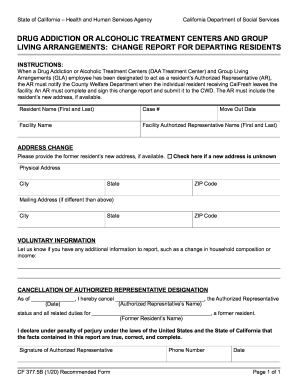
Importance of Aftercare Programs for Drug Addiction Recovery
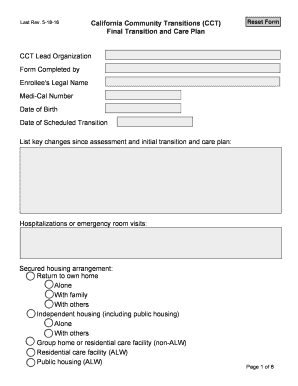
CCT Final Transition and Care Plan - dhcs ca
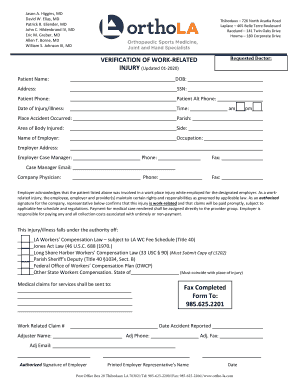
PDF Work-Related Injury
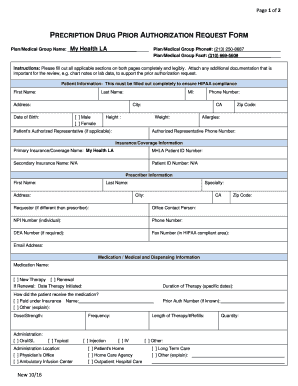
California prior authorization form
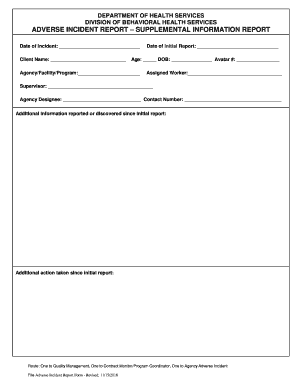
Division of Behavioral Health Services Adverse Incident Report - Supplemental

Nature Area Tour Request Form
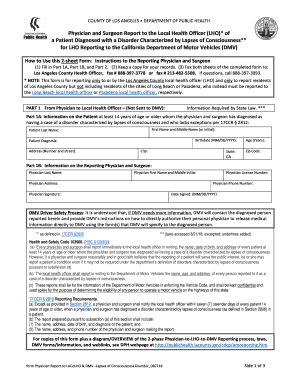
Hepatitis A - Los Angeles County Department of Public Health

To determine whether a breach has occurred

MediPace of Beverly Hills, Inc
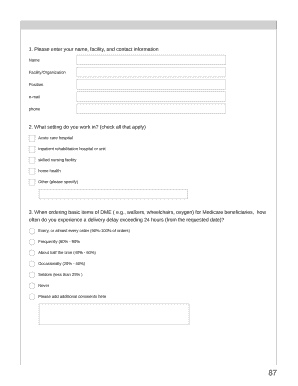
St Joseph Health, Home Care Services - 18 Reviews - Home
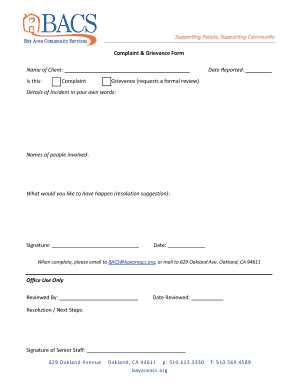
Patient rights grievance forms

Blue shield form authorization
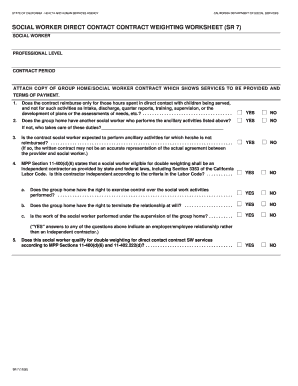
Sr7
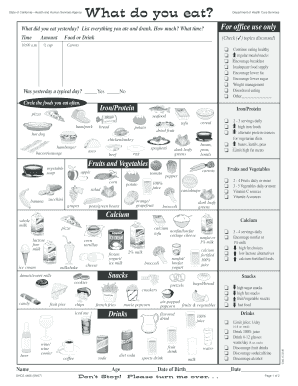
Dhcs nutrition form
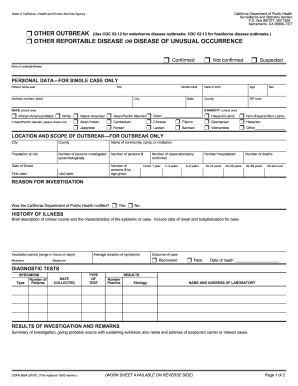
8554 reportable form
Lic 999

Mc 306 sp form

Ihss supervision form

Icpc 100b

Lic 9040

Generator registration form online

California icpc interstate compact
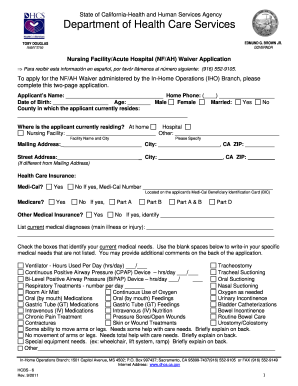
Nursing ah application form
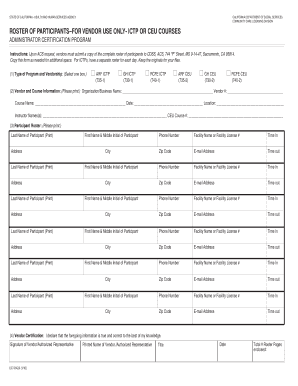
California participants ceu

RABIES RISK ASSESSMENT & LABORATORY SUBMISSION FORM
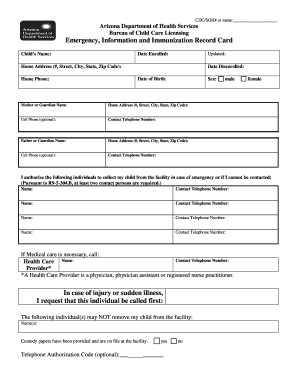
Emergency Card FINAL Form 10-09 doc Manuscript submitted to SIMAX - liberty k12 az
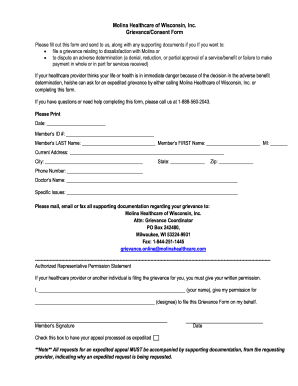
Wi healthcare
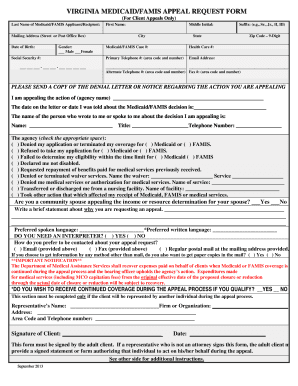
Medicaid FAMIS Appeal Request Form - dmas virginia
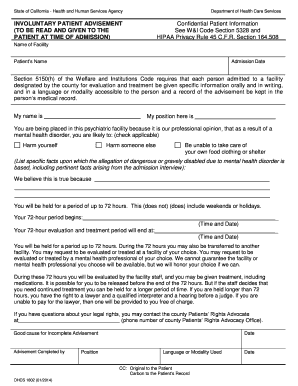
Dhcs 1802
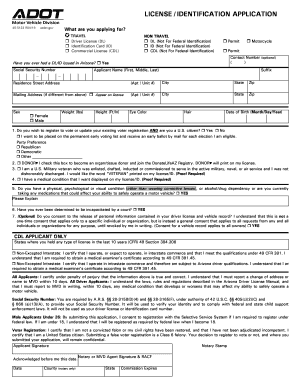
LICENSE IDENTIFICATION APPLICATION
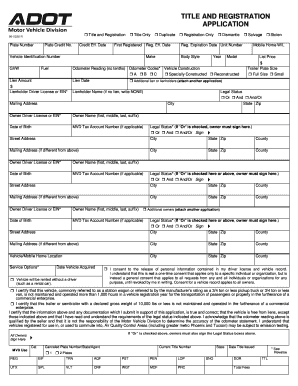
Arizona 96 0236 title

Rules of the Road - Illinois Secretary of State
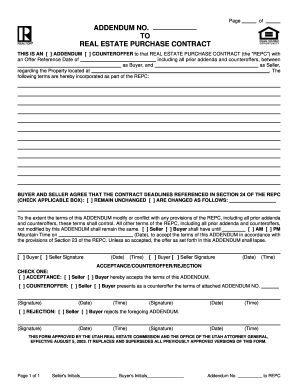
Utah repc blank
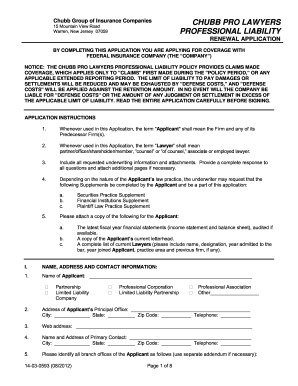
Liability damages

STATE OF VERMONT PROBATE COURT DISTRICT OF , SS DOCKET NO
State v JackiewieczSUPERIOR COURT CRIMINAL ACTION
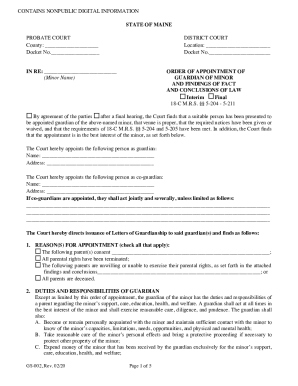
Maien probate court
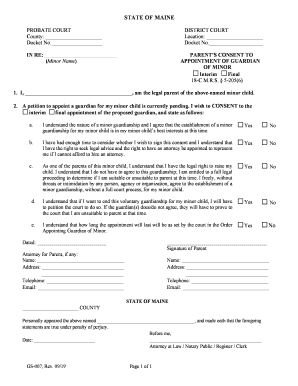
Court of Appeals No 76201-0-I IN THE SUPREME COURT

Inmate from Portland dies at Maine State Prison - Portland

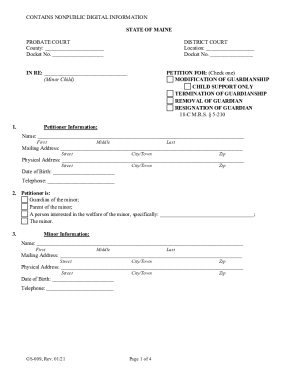
Maine form county probate
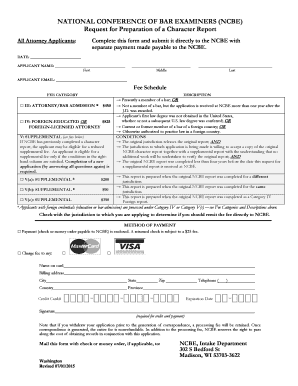
National conference bar examiners
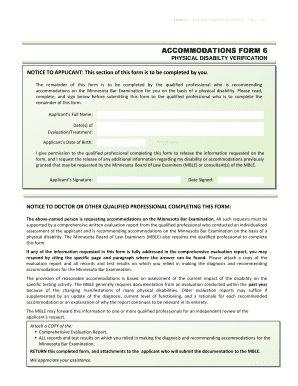
Accommodation form ble
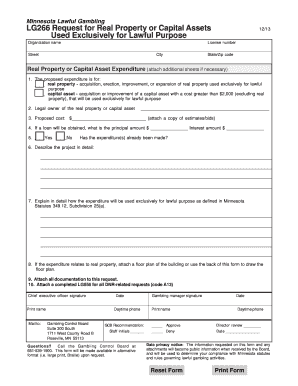
Lg266

CASE 0:09-cv-01963-JRT-AJB Document 98 Filed 09 30 10 Page 1 of 29
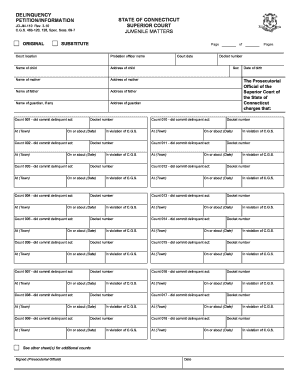
Connecticut delinquency petition form

Colp frp template
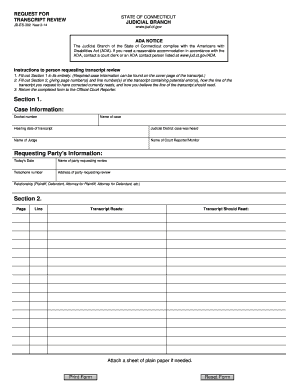
Transcript connecticut jud

Connecticut motion possession

Custody affidavit template

Connecticut proceeds
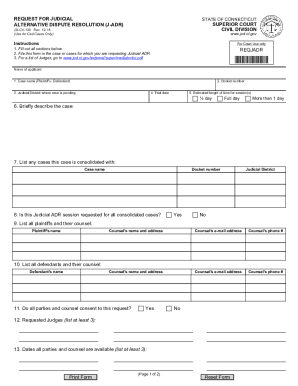
Ct superior court civil

Case 3:05-cv-00596-RNC Document 50 Filed 12 22 05 Page 1 of 22
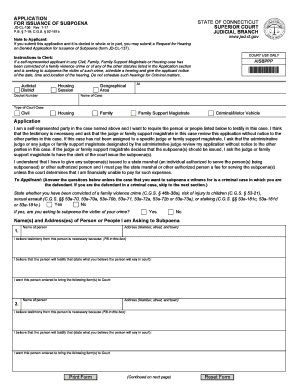
Connecticut subpoena

Connecticut juris judicial
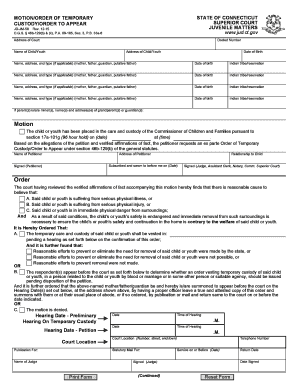
Connecticut 58 motion download

Order guardian jud online
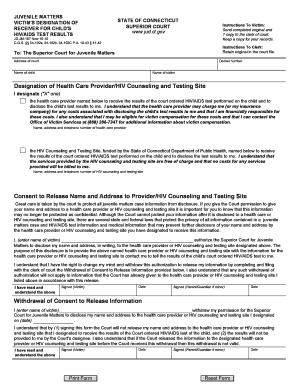
Designation receiver form
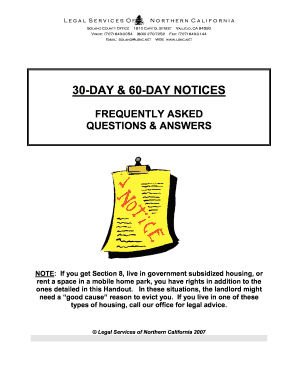
60 day vacate notice to tenant

Free Idaho Quit Claim Deed Form - WordPDFeFormsFree

Utah parental
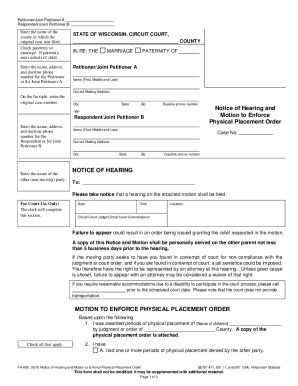
Financial Disclosure Statement of Petitioner Joint Petitioner A
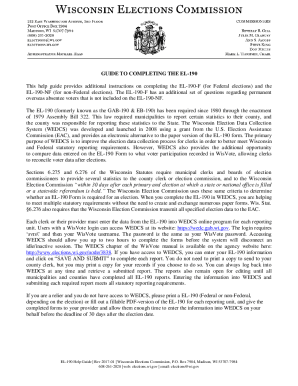
DocHub form-library 524366- Get api28 ilovepdf v1 download - US Legal Forms

Wisconsin General Warranty Deed Form
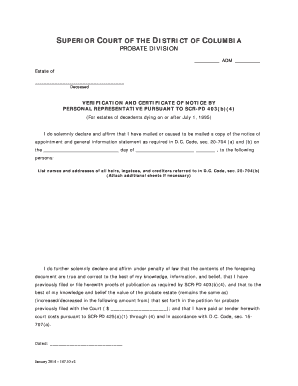
Certificate notice
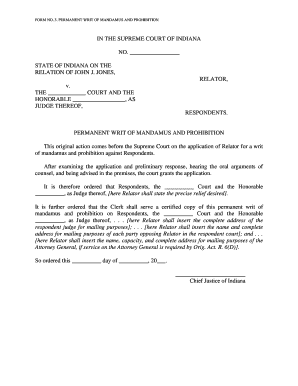
Permanent of mandamus make
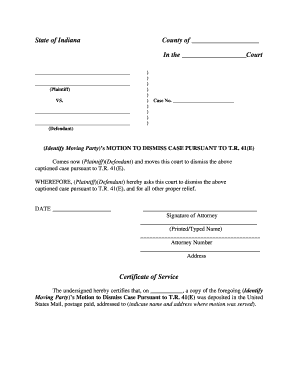
Case pursuant

Order dismissing protection
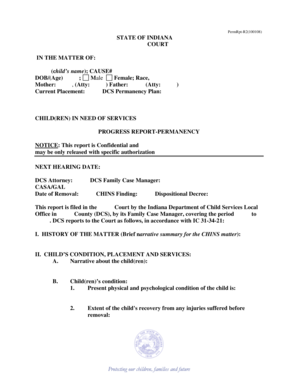
June 2 2005 spacing petition

Indiana bail form

Verification of Creditor List

Indiana form 402b
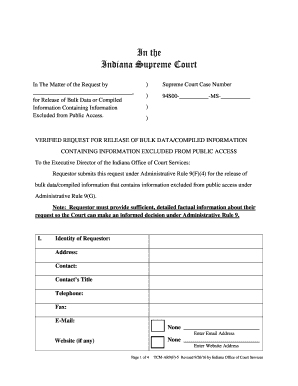
Indiana requestor request online
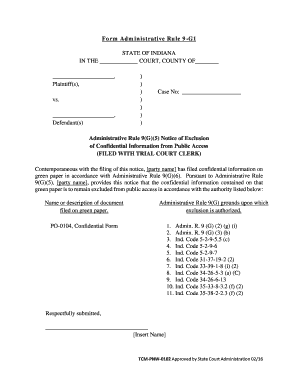
Form administrative indiana
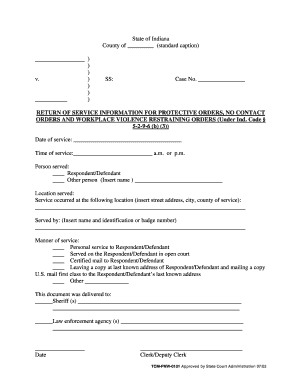
Service contact order
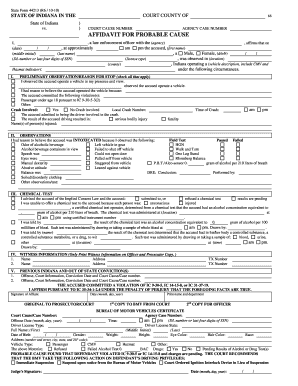
Indiana probable cause
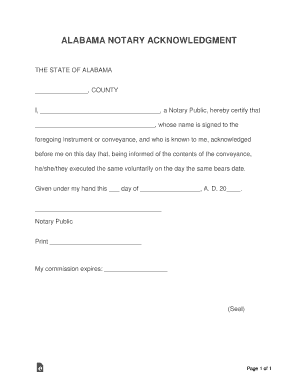
Alabama notary public application form
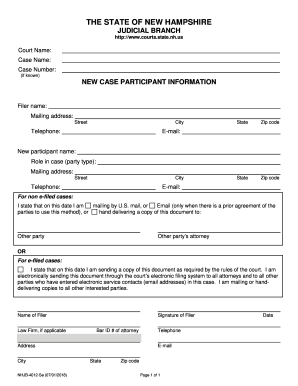
New Case Participant Information

Nhjb 2144 Pe - Fill and Sign Printable Template Online
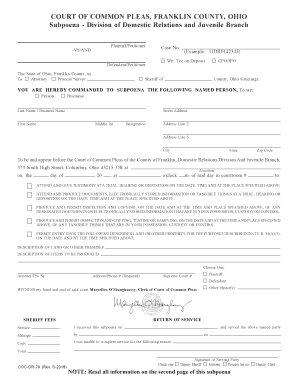
COURT OF COMMON PLEAS, FRANKLIN COUNTY, OHIO
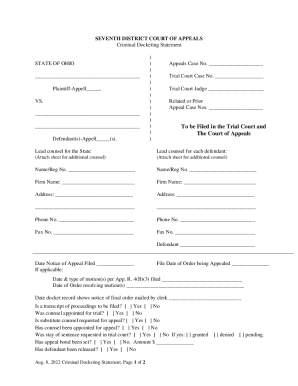
Rules & Forms032315

Ohio statement expert evaluation
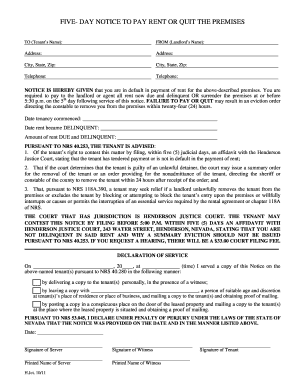
Nevada notice pay quit

New jersey court

Nj form qualification environmental

Adp llc third
Benefit from the DocHub online library of fillable PDF forms
Searching the PDF forms doesn't have to be a tedious and time-consuming process. With the DocHub online library, it has become easier to find the fillable PDF forms and modify them in your browser. The service allows you to adjust the document to your needs using powerful editing tools.
You can use online document editing features to modify almost any type of document with ease. You just need to find the template of your choice, open it in the editor, and use the toolbar to make the necessary corrections.
Follow this guide to get your document done with DocHub:
- Find the PDF template you need.
- Click the Get Form button to open the file in the editor.
- Use the toolbar to fill out and edit the document.
- Easily add and highlight text, insert images, checkmarks, and symbols.
- Drop new fillable fields, and rearrange or delete pages from your file.
- Save changes and download your record.
DocHub empowers everyone to streamline document editing, signing, and distribution, and form completion. Create an account and benefit from our well-organized PDF Forms library and comprehensive editor.