
Get any PDF form from the DocHub library of ready-made templates - Page 651

Florida High School Athletic Association Preparticipation

Maryland District Court Form
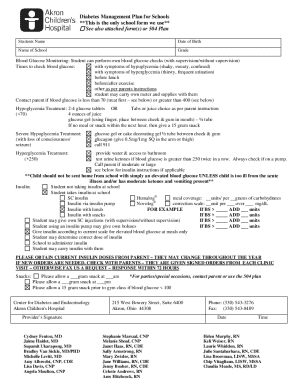
Diabetes Management Plan for Schools - Akron Children's Hospital - akronchildrens
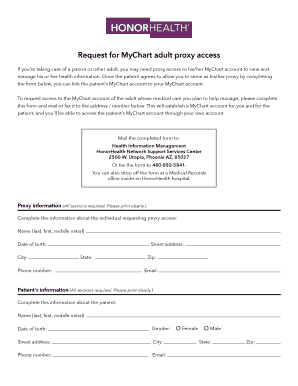
Access honorhealth com

Bcba supervision contract

Regular Lien Waiver Form - Summit Developers, Inc

Medicare Advantage Agent Agreement

MAINTENANCE CONTRACT

Sponsorship commitment form

OSWEGO HOSPITAL LIFELINE APPLICATION - Oswego Health - oswegohealth
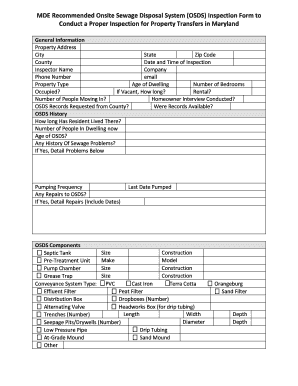
Recommended Onsite Sewage Disposal System OSDS Inspection Form Recommended Onsite Sewage Disposal Sy

Default Judgment (form 1007)

7 Day Notice with Cure - Clay County Clerk of the Circuit Court

Lidl hauliers

Nychhc timesheet

World hope academy

Maseno university ethics review committee

Modelo 874f2

Certificate of arrival erasmus

Federal Post Card Application (FPCA) - ChicagoElections

Fast lane vsc contract form

4 QUADRANT TO-DO LIST

Tangerine beneficiary form

Read Only Access Request Form - asafm army
Crosby Tugs, LLC

PARENT CONSENT FORM WORK EXPERIENCE

Disbursers notice

AFFIDAVIT OF UNAUTHORIZED FRAUDULENT USE

Family Law Trial Selection Form - King County

Authorization to Close Account form - South Shore Bank

Does electronic authorization for payroll deduction massachusetts form

Custom Scupper Order Form 2021 indd

Dog Medical Intake Form - maddiesfund

Cash ISA transfer history form - hmrc gov

Golf Registration Form (PDF) - ceaescrow

Cerfa 11530 remplissable
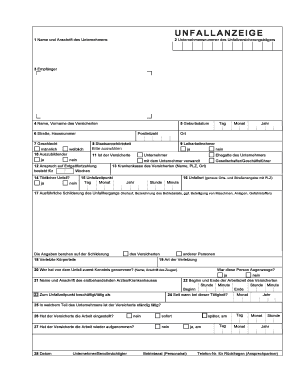
Unfallanzeige - Neufassung ab 01082002 - Version 10 - LUK Hamburg

Lis61 Form - Fill and Sign Printable Template Online - US Legal Forms

Value drug hub

Author illustrator contract template

DPS CCH Verification Form - Columbusisd - columbusisd

Housing complaint form
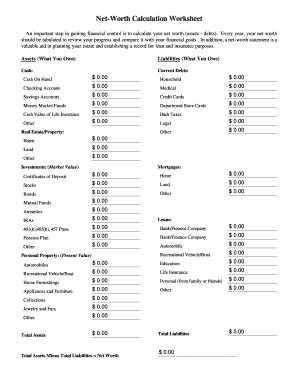
Net worth worksheet pdf

Banana Boat Waiver - Express Watersports

Form 14653 statement example

Colorado Master Angler Program Brochure Colorado Master Angler Program Brochure

ORDER OF REPOSSESSION

Trust Certification - Lutheran Church Extension Fund LCEF - lcef

VENDOR ACH FORM - Johns Hopkins University

New vehicle information statement template: Fill out and sign
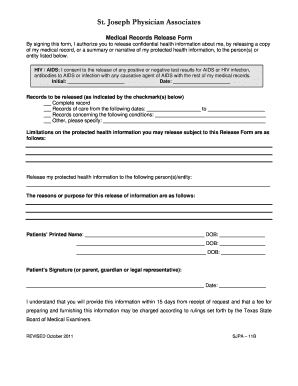
St joseph hospital discharge papers

ERIE COUNTY EARLY INTERVENTION INTAKE FAX FORM

MSP Client Onboarding Form

Chiropractic physical exam form pdf
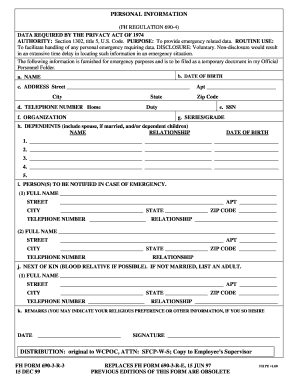
Personal Information Form - army

Metro mobility standing order

Rider registration form

Fda blood bank inspection checklist

Authority to Control Wildlife Application Form

Pta check request form

800 551 5258
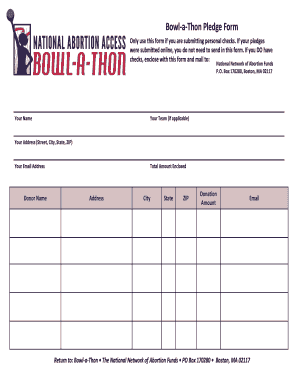
Bowl a thon pledge sheet
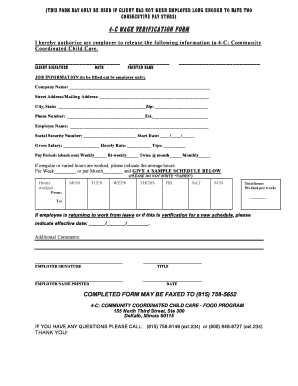
Daycare verification form
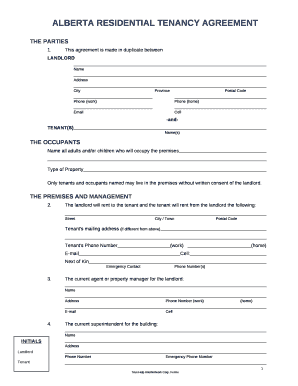
ALBERTA RESIDENTIAL TENANCY AGREEMENT

Dhhs form 3291me

No-Call-No-Show-Write-Up-Template docx

DICLMSTMT1218 FINAL indd

C M Russell High School Transcript Request Form

Rmv psychiatric evaluation form

Adult general passport application
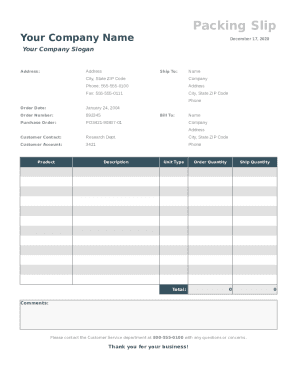
Packing slip sheet

ATTENDING PHYSICIANS STATEMENT - Pru Life UK

Jus 8715
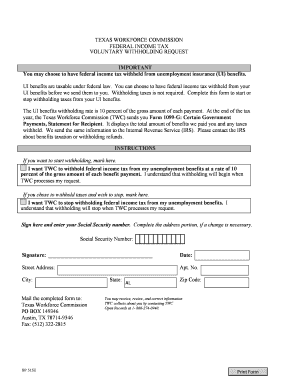
How long does texas unemployment take

Bill name change form

????????Application Form for Notarization Attestation - fmprc gov

Family Friends Records Release Form

Beneficiary Information Form 7-17-2017

Hhs interview questions

Referral Form - Windsong Radiology Group

DeclarationChange of Plan (Major) - unr

Postmortem Specimen Identification Form - dnares

STRATEGIC PLAN WORKSHEET VISION STATEMENT

Labourer Application Form

Cgr 2a form

Patient Name Date TMD Disability Index Questionnaire

Canadian direct assured Tax Report (Form C-FET01)

Seafarer medical certificate form
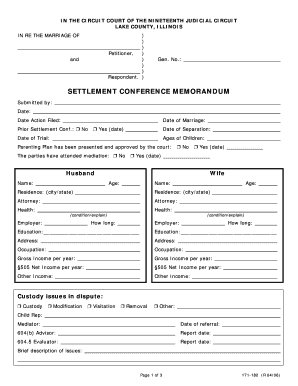
Settlement conference memorandum

Management action plan for children with coeliac disease

Sample letter revoking consent
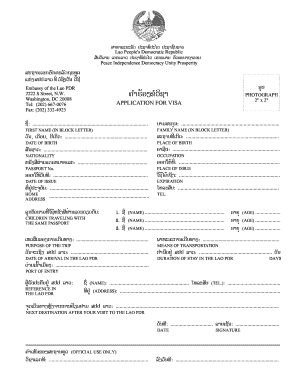
Laos visa application form pdf

Va doc commissary list
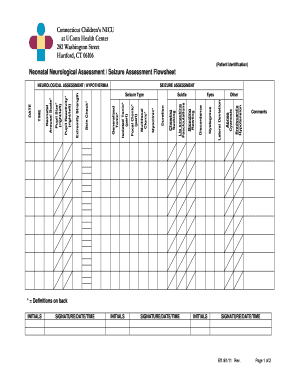
72 hour neurocheck

Cheer coach application form

Blind pension application form
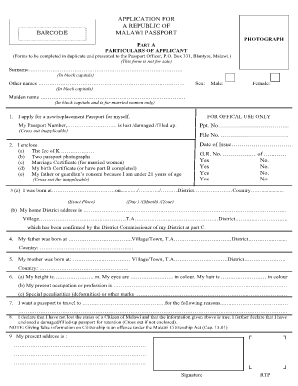
APPLICATION FOR A REPUBLIC OF MALAWI PASSPORT

Procedure log template
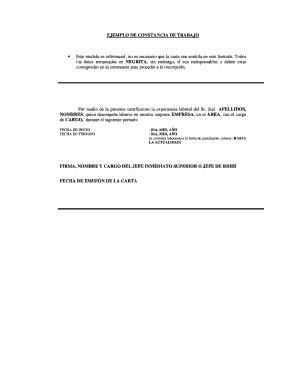
Constancia de trabajo pdf

Aon claim form
Benefit from the DocHub online library of fillable PDF forms
Searching the PDF forms doesn't have to be a tedious and time-consuming process. With the DocHub online library, it has become easier to find the fillable PDF forms and modify them in your browser. The service allows you to adjust the document to your needs using powerful editing tools.
You can use online document editing features to modify almost any type of document with ease. You just need to find the template of your choice, open it in the editor, and use the toolbar to make the necessary corrections.
Follow this guide to get your document done with DocHub:
- Find the PDF template you need.
- Click the Get Form button to open the file in the editor.
- Use the toolbar to fill out and edit the document.
- Easily add and highlight text, insert images, checkmarks, and symbols.
- Drop new fillable fields, and rearrange or delete pages from your file.
- Save changes and download your record.
DocHub empowers everyone to streamline document editing, signing, and distribution, and form completion. Create an account and benefit from our well-organized PDF Forms library and comprehensive editor.