
Get any PDF form from the DocHub library of ready-made templates - Page 644

M30 application form

Waterproofing Certificate of Compliance

Imm 5349

Shift preference form

Dc power of attorney dmv

Tshwane dispute form

Waste profile sheet

Quran class registration form

Caregiver Skills Checklist - local homehelpershomecare

Medical Clearance to Race Form - bausapbabbcombau

Symbiotic Relationships Among Living Things - Humble ISD

VERIFICATION OF RENTAL HISTORY
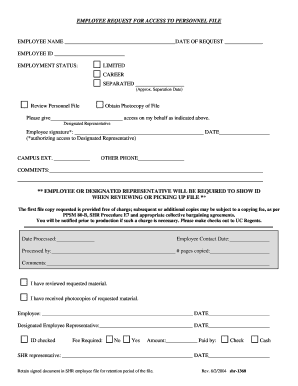
Request for personnel file forms

Pharmacy incident report template

Nj mbe application form

Kentucky irp apportioned operational lease agreement
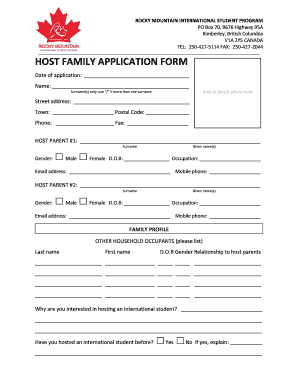
Host family application form - Rocky Mountain School District 6

Credit Card Debit Cancellation Form

Bsf386
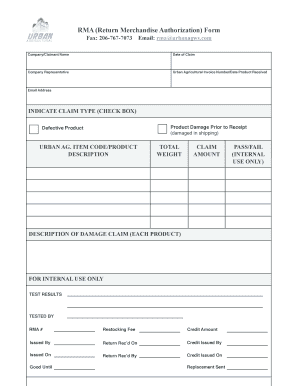
RMA (Return Merchandise Authorization) Form - Urban Ag

Receptacle Testing Form #1 - IN

A Tax Exempt 501(c)(3) Organization

Paramount theater donation request

RE-16A Broker Agreement Addendum
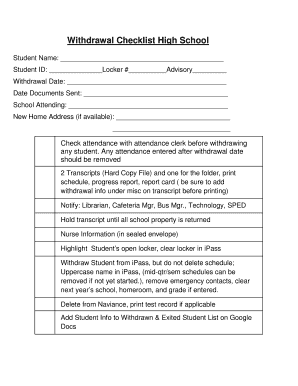
Withdrawal checklist
FCAT SEATING CHART - browardk12flus - broward k12 fl

ENROLLMENT APPLICATION - Big Blue Marble Academy

Dog board and train contract template

Silk bank reward points catalogue 2023

Request for Posting on Bulletin Board

Contractor License and Registration form - Eddystone Borough - eddystoneboro
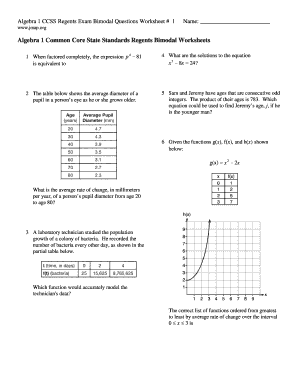
Algebra 1 regents practice pdf with answers

Vordruck r0811

North York General Hospital - Home
International student application form

PA Homeschool Affidavit
Report card template

Colleague questionnaire - gmc-uk

Conditional Power Application - Holly Springs, NC

Loading dock inspection checklist

VMBS Withdrawal request form
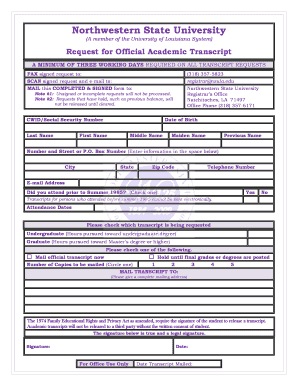
Nsula transcript
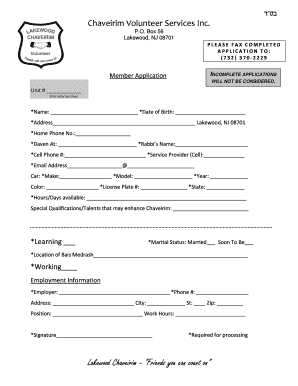
Lakewood chaveirim
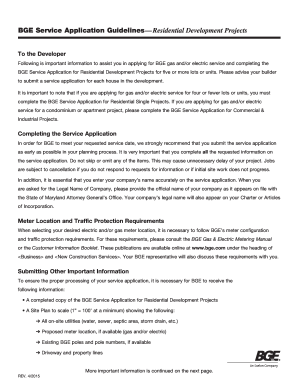
Bge service application

Utilization review template

Treatment consent form minor template
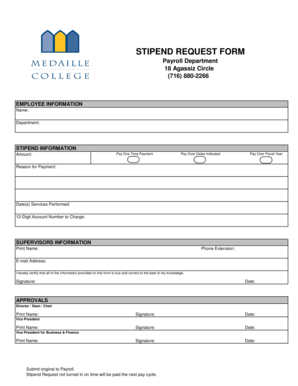
Bought note purchase format

U S DOD Form dod-da-4985 - Usa-federal-forms

Maryland state inspection checklist pdf
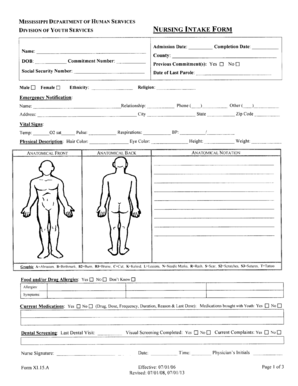
XI 15 A Nursing Intake Assessment Form

Public School Verification Form

Year 4: Medical Student Excused Absence Request Form - ttuhsc
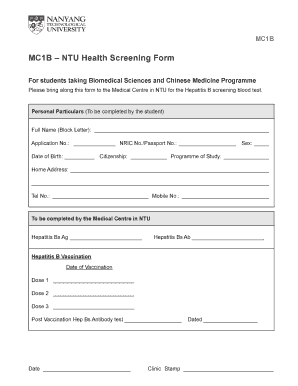
Health screening template

Bridgeway Rehabilitation Services Referral Form
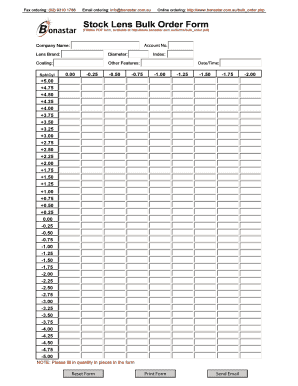
Contact lens order form template

Nc scrap tire form

Group Benefits Dental Care Expense N A - LiUNA Local 527

Living expenses template

Learn to swim level 4 skills checklist

Loco parentis document

Volunteer intake form

Sharp doctors note

Dental Record Release Form Dental Record Release Template

Stress Log
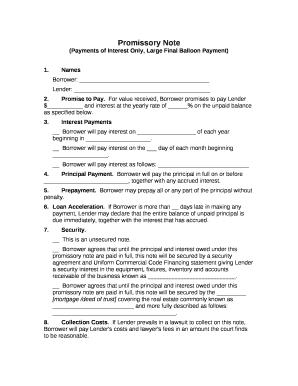
Promissory note with balloon payment template

Credit Application Form - Cairns Hardware

Psychiatry referral form

Leave of absence request
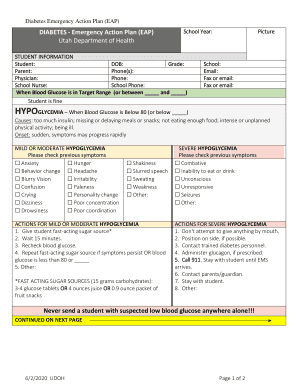
Diabetes Emergency Action Plan Diabetes Emergency Action Plan

Mobicash agent
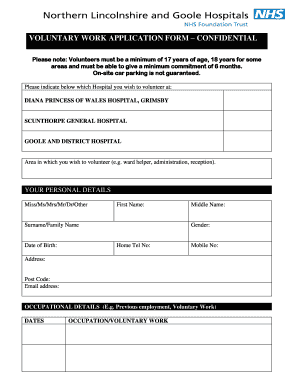
Nhs application

Wv durable power of attorney

Wendy's job application pdf

Student health center utk
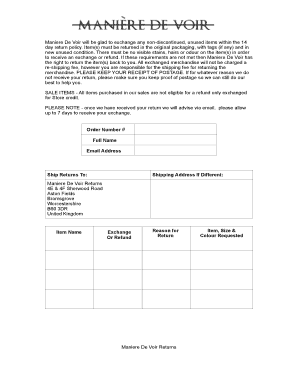
Maniere de voir returns

Warrantywise claim form

Ct pardon application pdf

ONTARIO Form 13: Financial Statement - Ruppert McCarthy
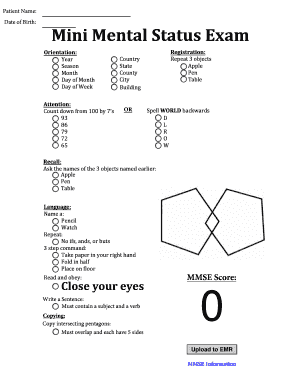
Mmse example
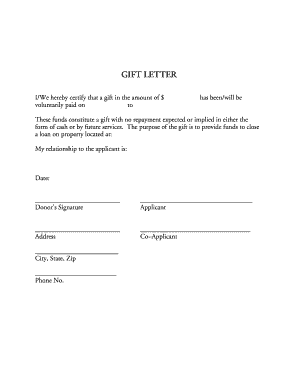
Financial gift letter

Rv lot rental agreement pdf

Loan Application - SchoolsFirst Federal Credit Union Retirement - retirement schoolsfirstfcu

Label template avery 8160 Label template avery 8160 Address label template avery 8160 andnbsp;Templa
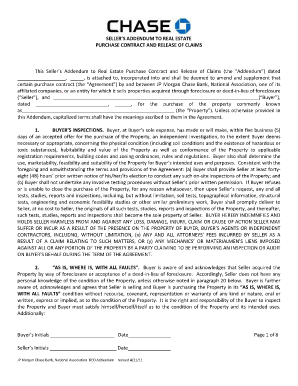
Lien release customer research jpmchase
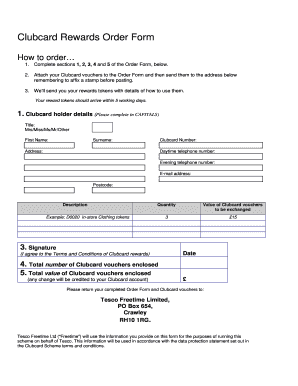
Tesco clubcard application form
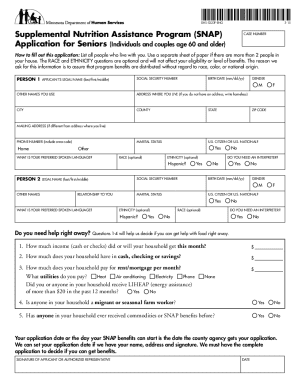
Printable snap application
Njmvc universal title application

Same name affidavit
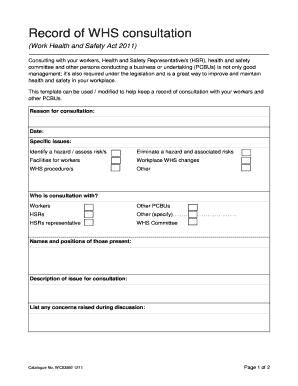
Record of WHS consultation

Sole proprietorship certificate format

PDF Golf Club Rental Reservation Form - AAMGA - aamga
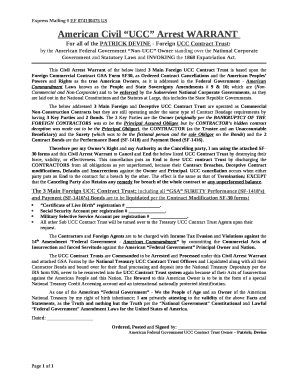
Patrick devine documents pdf

WINDOW DOOR OPENING INFORMATION - Tamarac

Snot 22 score
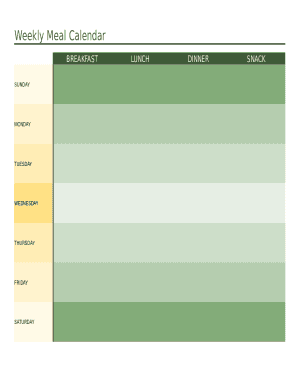
Weekly meal text fillable template

INFORMED CONSENT FORM - Boutique Whitening

Cameroon, Republic of - Corporate - Tax administration

Steve robinson photography
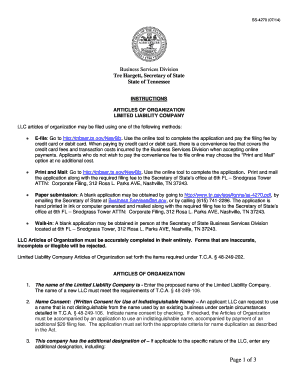
Articles Of Organization And Certificate Of Conversion - Dhis2

Weight loss intake form
Benefit from the DocHub online library of fillable PDF forms
Searching the PDF forms doesn't have to be a tedious and time-consuming process. With the DocHub online library, it has become easier to find the fillable PDF forms and modify them in your browser. The service allows you to adjust the document to your needs using powerful editing tools.
You can use online document editing features to modify almost any type of document with ease. You just need to find the template of your choice, open it in the editor, and use the toolbar to make the necessary corrections.
Follow this guide to get your document done with DocHub:
- Find the PDF template you need.
- Click the Get Form button to open the file in the editor.
- Use the toolbar to fill out and edit the document.
- Easily add and highlight text, insert images, checkmarks, and symbols.
- Drop new fillable fields, and rearrange or delete pages from your file.
- Save changes and download your record.
DocHub empowers everyone to streamline document editing, signing, and distribution, and form completion. Create an account and benefit from our well-organized PDF Forms library and comprehensive editor.