




Here's how it works

01. Edit your bge application form online
Type text, add images, blackout confidential details, add comments, highlights and more.

02. Sign it in a few clicks
Draw your signature, type it, upload its image, or use your mobile device as a signature pad.

03. Share your form with others
Send bge service application pdf via email, link, or fax. You can also download it, export it or print it out.
How to use or fill out bge service application with our platform

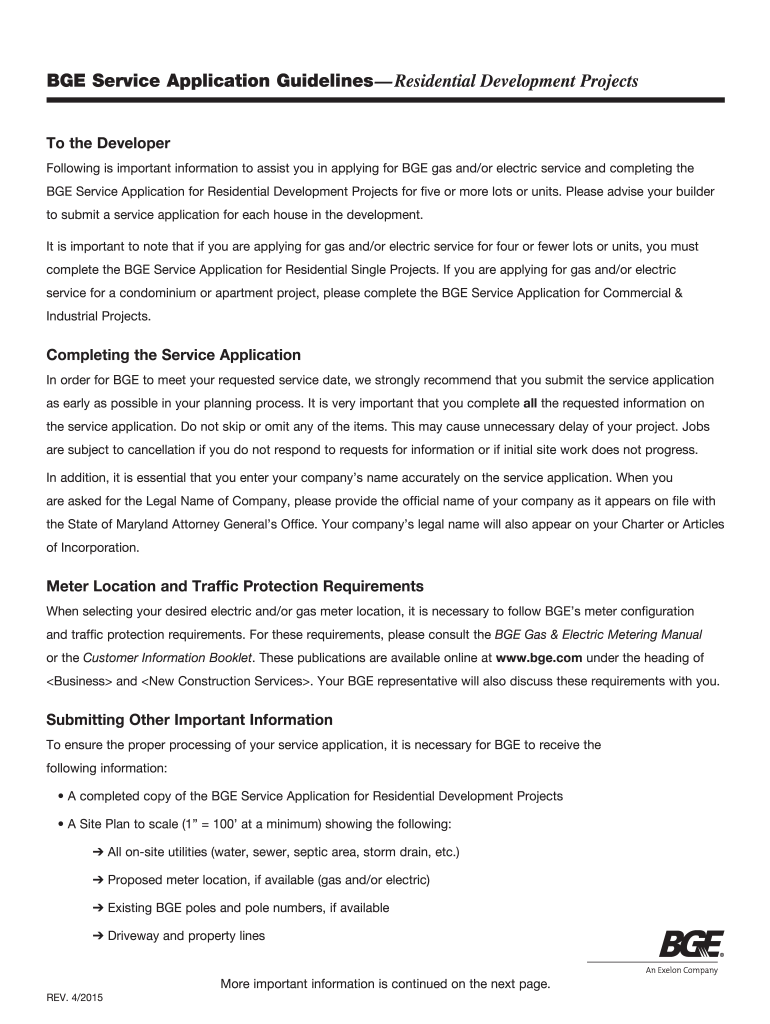
- Click ‘Get Form’ to open the BGE Service Application in the editor.
- Begin by entering the 'Today's Date' and 'Requested Permanent Service Date' at the top of the form. Ensure these dates are accurate to avoid processing delays.
- In the 'Development Information' section, provide details such as 'Subdivision Name', 'Number of Lots/Units', and 'Main Entrance Street Name'. Be thorough to ensure clarity.
- Fill out the 'Developer Information' section with your company's legal name, address, and contact details. Accuracy here is crucial for official records.
- Complete sections regarding service needs, including whether you require natural gas service or temporary power during construction. Check all applicable boxes.
- Attach a site plan that meets BGE's specifications. You can upload this directly through our platform for convenience.
Start filling out your BGE Service Application today using our platform for free!
Fill out bge service application online
It's free
It's free
See more bge service application versions
We've got more versions of the bge service application form. Select the right bge service application version from the list and start editing it straight away!
Got questions?
We have answers to the most popular questions from our customers. If you can't find an answer to your question, please contact us.
Contact us
Why is my BGE bill so expensive?
The multi-year plan rate increases were approved by the Maryland Public Service Commission. Tax credits were used to offset the rate increase in 2021. Effective February 1, 2022, customers will begin to see a rate increase on their bills. And there will be a third rate increase in 2023.
Does BGE require security deposit?
Sometimes we require a security deposit to open or maintain an account. For residential customers, this deposit is based on your payment history or Equifax credit rating.
Why is my BGE bill so high in 2024?
Rates in 2024 include a reconciliation adjustment, an aspect of the MRP that allows BGE to charge ratepayers for spending in 2021 and 2022 that exceeded the originally approved rates.
How much does it cost to start BGE service?
A service application charge is a non-refundable fee that covers initial administrative start-up costs and is assessed when service is started or transferred for each account. Customers are charged $20 if meters are already on the premises, and $40 if a gas or electric meter has to be installed.
What number is 1 800 685 0123?
For urgent situations such as smelling natural gas or encountering downed power lines, leave the area immediately and contact the BGE hotline at 1-877-778-7798 or 1-800-685-0123. Representatives are available 24/72.
Security and compliance
At DocHub, your data security is our priority. We follow HIPAA, SOC2, GDPR, and other standards, so you can work on your documents with confidence.
Learn more


