
Get any PDF form from the DocHub library of ready-made templates - Page 639

Flathead county jury duty
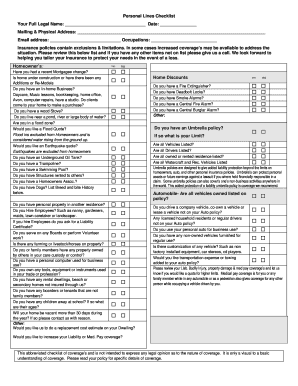
Personal Lines Checklist - Moving Beyond Insurance

Form #OEL-EXPV 05-2018 - The Mississippi Department of Education

Employee Information Form - Macalester College

Pae certification form

ALTCS Miller Trust and POA Order From - Arizona Care Alliance

Nurse Form 3

Controlled Substance Transfer Request Form

Special Inspection Existing Building Form

Model Written Silica Exposure Control Plan for General

Food Code Variance Request
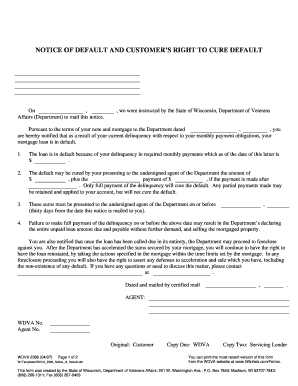
Right to cure letter sample

OWCP-957A - Medical Travel Refund RequestMileage

Correction Formxlsx

Exclusive agency agreement

Laptop repair form
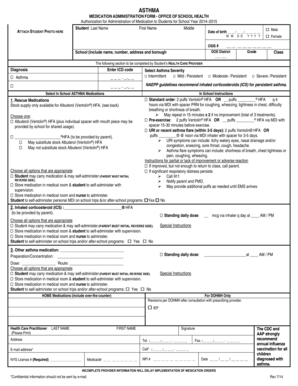
Medication administration form pdf

New Student Enrollment Form - Warrick County School Corporation

Pacific power landlord agreement

Loan Request - 401k - Fidelity
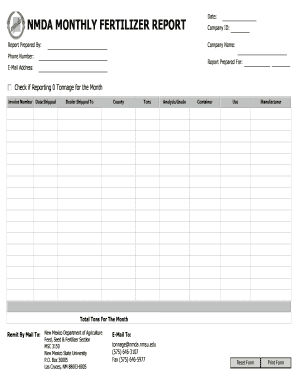
Monthly Tonnage Reporting Form - New Mexico Department of - nmda nmsu

New Client Form - Highland Lakes Veterinary

Alta bates medical records

Aps affidavit of residency
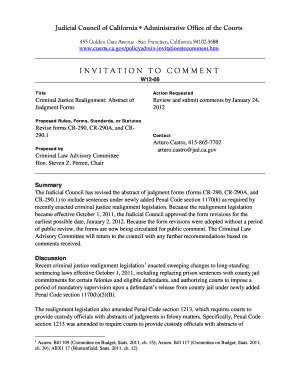
Cr 290

Proxy vote template

PISTOL PERMIT APPLICATION - Madison County - madisoncountyal
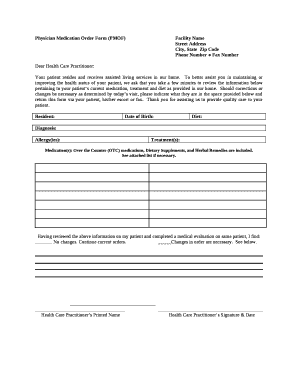
Pmof form

IRA-Distribution-Letter-Template docx

2024 COBRA Enrollment Form 2024 COBRA Enrollment Form

Bcbs of michigan prior authorization form pdf

Sa800 form

Form 1734
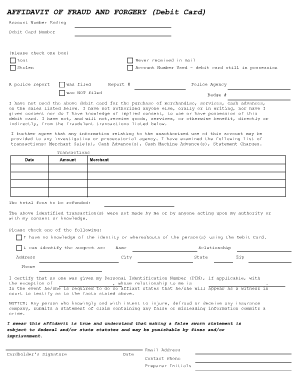
Affidavit of fraud

Wells fargo mediation request form

FAR-BAR AS-IS Residential Contract For Sale And Purchase Florida Real Estate AS IS Contract
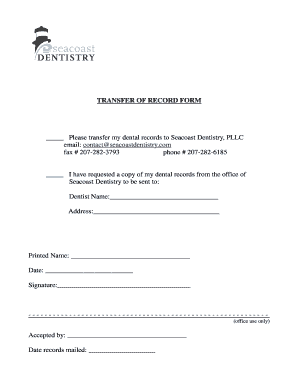
Dental records release form

Linley and simpson application form
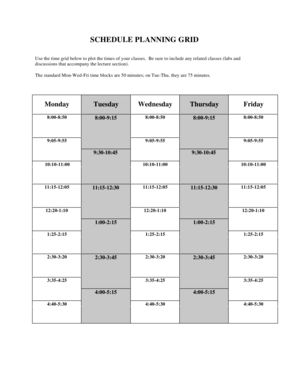
Umass calendar

ROOT PLANING INFORMED CONSENT: PERIODONTAL SCALING AND

4-H County Awardrobe Clothing Event Report Form for

Servsafe Certification: The Complete Guide to Passing

Collaborative Practice Agreement for NP - bnelaphobbcomb

Dir 11

Patient InformationInformed Consent for all patients - iPLEDGE

PHYSICAL MEDICAL SOURCE STATEMENT - Attorney at Law

DONATION REQUEST FORM - Thorntons Inc
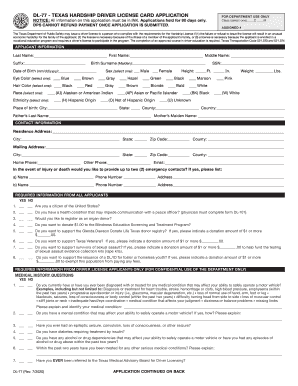
Dl77

Drie application

Capital campaign pledge form

CDP-701 Rev01 - Ship Security Plandoc
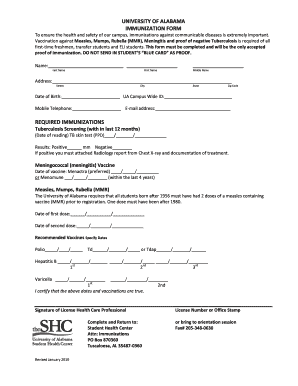
University of alabama immunization form
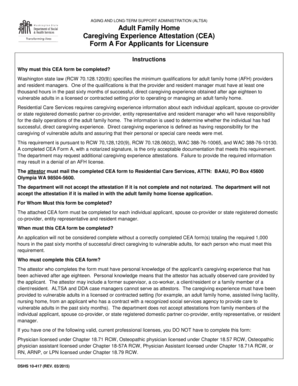
Adult Family Home Caregiving Experience Attestation (CEA) Form A - dshs wa

How to fill infosys application form pdf

Jet ski rental agreement template

Pennsylvania Homeschool Affidavit and Declaration

Staff salary ledger pdf

Aok einkommensanfrage pdf
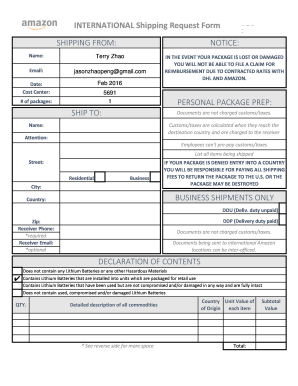
Shipping request form

Emotional Support Animal Letter Pdf - Fill Online, Printable

Application Form For Registration - The Government of

Affidavit of residency form for school

NHS Health Check template form

Coogan account

Missoula county jury duty
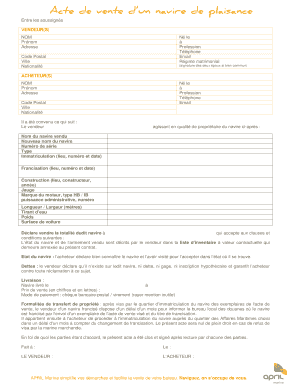
Acte de vente d 39 un navire de plaisance

Fidelity check writing form
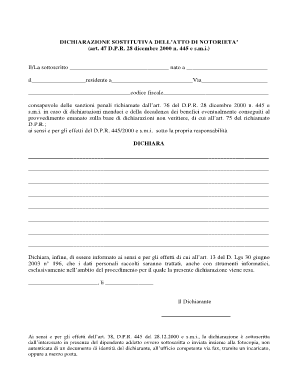
Atto notorio pdf
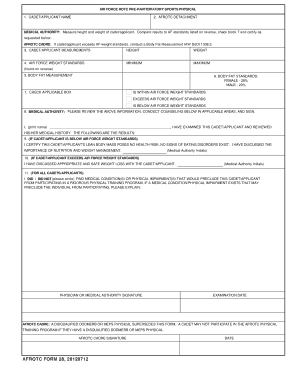
Afrotc form 28

Mtss referral form

OXFORD HOUSE BUSINESS MEETING REPORT - wa oxfordhouse

Direct dispensing log veterinary use only

American income life surrender form
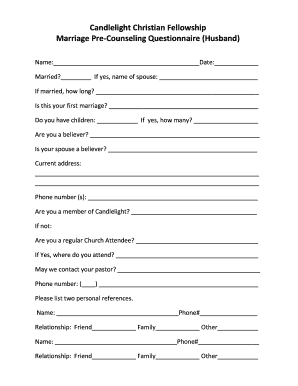
Marriage questionnaire pdf

Hall of fame nomination letter example
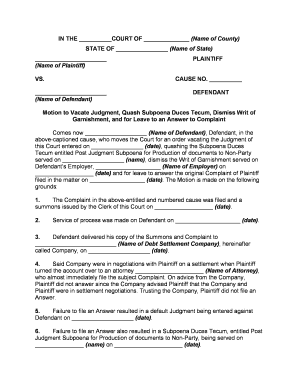
Motion to vacate
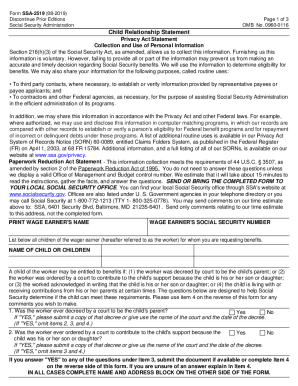
Ssa 2519

Maldives departure form

Marriage application

Texas living trust
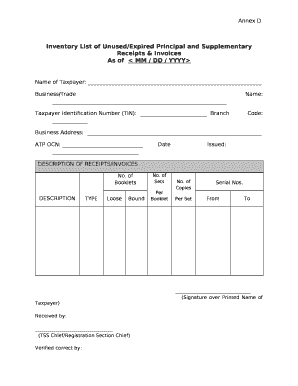
Inventory list of unused receipts

E mail alice it

Pro2 form
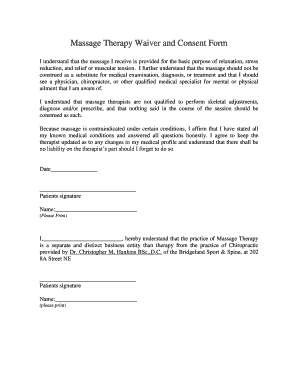
Massage therapy waiver and consent form

Question paper format in word

Pattayam application form

Marriage certificate punjab pdf

Emergency ex parte order of custody form arkansas

Child support affidavit example

RYANAIR FLIGHT DELAY CONFIRMATION - INSURANCE PURPOSES
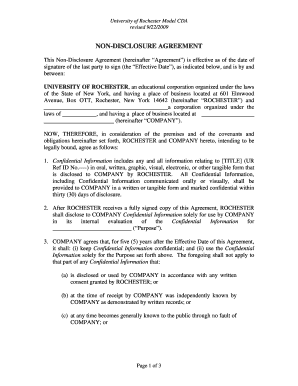
Auto broker agreement pdf
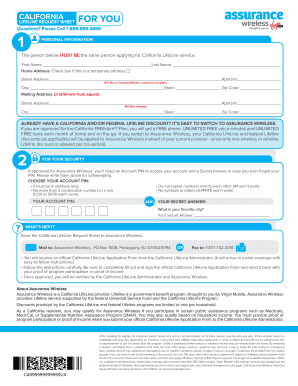
Assurance wireless application form

DuPage Juvenile Data Sheet hand written format

Pa application mail ballot
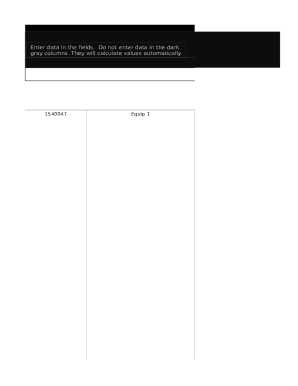
Inventory template sheet

Permanent handicap placard maryland
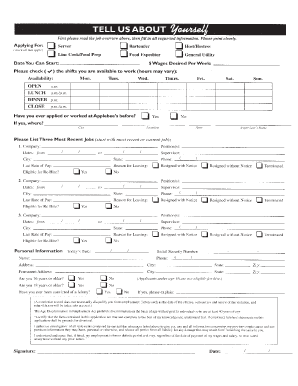
Applebee's application pdf

University of phoenix degree verification

DHCS 6204 Rev 208 - denti-cal ca

Redevelopment offer letter format
Benefit from the DocHub online library of fillable PDF forms
Searching the PDF forms doesn't have to be a tedious and time-consuming process. With the DocHub online library, it has become easier to find the fillable PDF forms and modify them in your browser. The service allows you to adjust the document to your needs using powerful editing tools.
You can use online document editing features to modify almost any type of document with ease. You just need to find the template of your choice, open it in the editor, and use the toolbar to make the necessary corrections.
Follow this guide to get your document done with DocHub:
- Find the PDF template you need.
- Click the Get Form button to open the file in the editor.
- Use the toolbar to fill out and edit the document.
- Easily add and highlight text, insert images, checkmarks, and symbols.
- Drop new fillable fields, and rearrange or delete pages from your file.
- Save changes and download your record.
DocHub empowers everyone to streamline document editing, signing, and distribution, and form completion. Create an account and benefit from our well-organized PDF Forms library and comprehensive editor.