
Get any PDF form from the DocHub library of ready-made templates - Page 630

Bounced check letter

Training agreement sample pdf

CDC Dog Import Permit Application Instructions

Application for National Visa - Ambasciata d'Italia - Kampala

Hbl challan form

Cemis login

Mrea chart of accounts

Hnb bank statement template
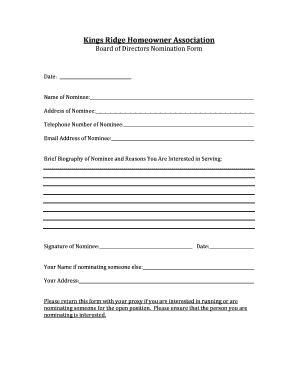
Hoa nomination form

Pickleball skills assessment worksheet

VA Form 21P-0517-1

Microneedling consent form pdf

Contact, medical, and emergency form - Marion County Public Schools - marion k12 fl
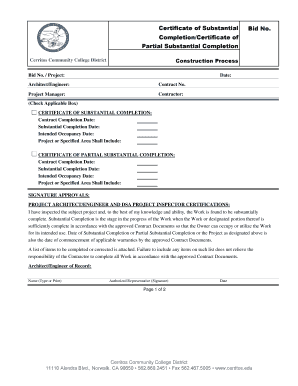
Certificate of Substantial Bid No Completion Certificate of - CMS - cms cerritos

Editable homeschool high school transcript template

Motion to Vacate D6 Less than 180 Motion to Vacate D6 Less than 180

Safety Determination Request Form - State of Tennessee - tn

Equipment purchase request form

Sag sign in sheet

Employee Register of all Interests - declaration form

Rental Property Fact Sheet - Best Online Reports

Wins 1239
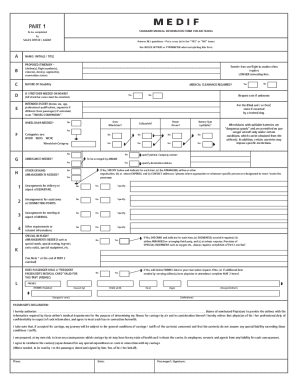
Medical Information Form for Air Travel (MEDIF) - Virgin Atlantic

Meningococcal Vaccine Declination Form doc

BUREAU OF VITAL STATISTICS INFORMATION FORM

2013-2014 SPES PTA Yearbook Consent Form - REQUIRED

Barbados water authority application form
Carson dellosa answer key

Online biopsychosocial assessment form

Personal details questionnaire
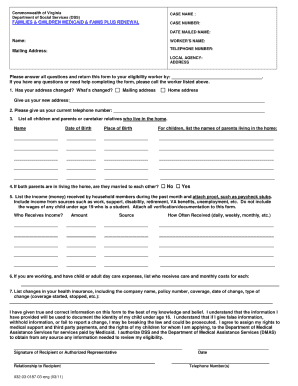
Medicaid application va pdf

Secret sister guidelines

Quality of well being scale pdf
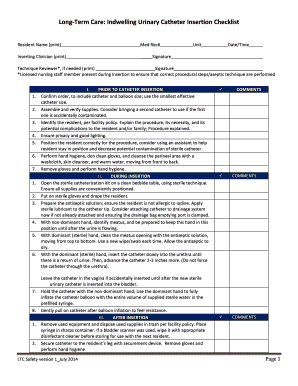
Urinary catheter care checklist

Allied Release Waiver - Allied Bull Riders

B2560
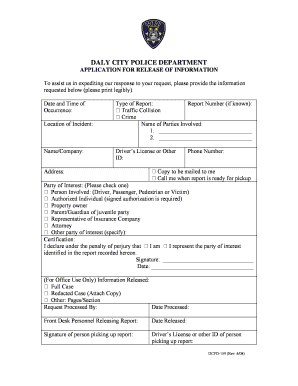
DALY CITY POLICE DEPARTMENT APPLICATION FOR RELEASE OF - dalycity
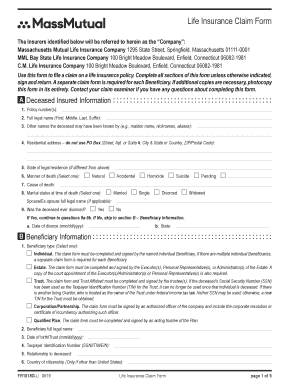
Massmutual life insurance claim form

2024 Form W-4P

Statutory demand form sd1 example
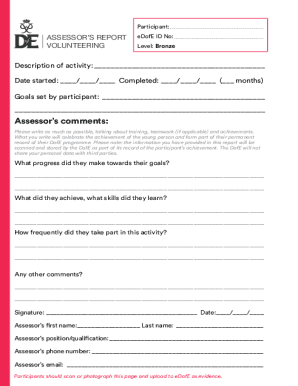
Assessor-cards-silver-english-copy

ATO Tax file number declaration form docx - ORIGINAL

PBC BC Life Application for Group Benefits

Va form 0024
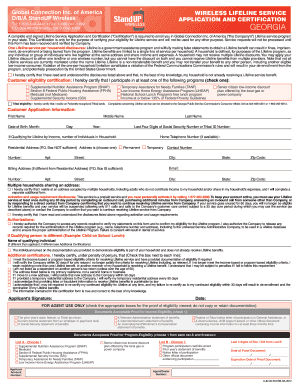
Standup wireless application online

Sf-50 form fillable pdf Sf-50 form fillable pdf How to fill out sf-50 andnbsp;What is an sf 52 form

Softball player questionnaire

Homeowners Association OWNERTENANT INFORMATION SHEET

Covid vaccine exemption form texas pdf

Philippine employment contract

Nigerian visa application form pdf

Wyoming llc operating agreement

Ampath mpumalanga

Utah heat program online application
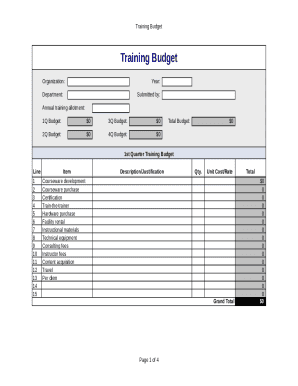
Training budget template excel download

Lecture evaluation form
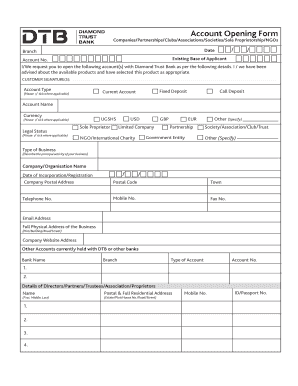
Diamond trust bank login

Nehu degree certificate

Coca cola fridge application form
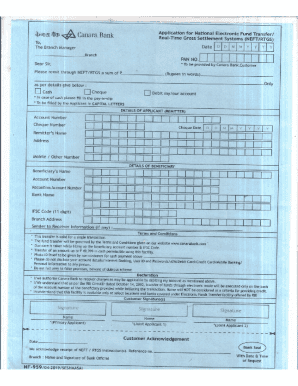
Canara bank rtgs form
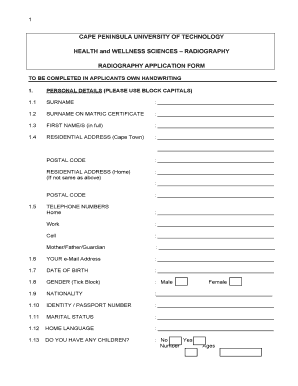
Cput minor declaration form

PROVIDENCE HEALTH CENTER TB SKIN TEST RECORD
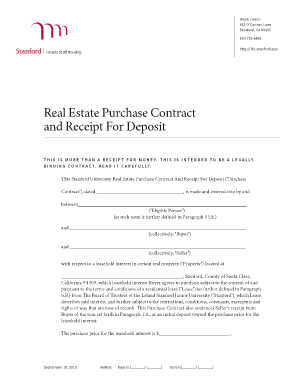
Real estate receipt template
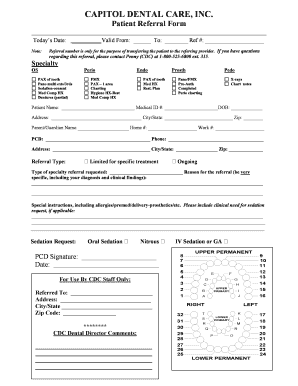
Printable dental referral form california
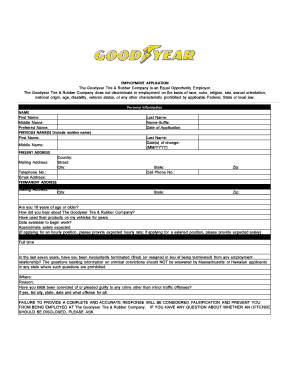
Download Goodyear Job Application Form Fillable Adobe PDF

Basic Phonics Skills Test III - Learning Resources for

New Jersey Department of Banking and Insurance - INSURANCE COMPLAINT FORM

Wandsworth trade parking

Lodger Application

Consent Form - Carnival Cruise Lines
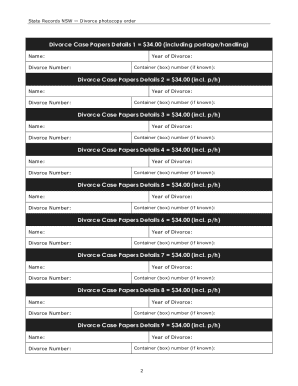
Divorce application form nsw pdf
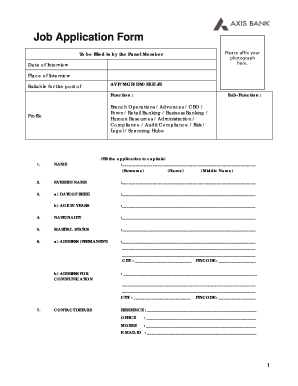
Axis bank job application form pdf
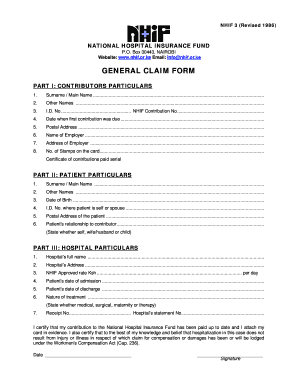
Nhif certificate download pdf download

BCN Behavioral Health Continuing OTR Form

US Department of Labor Medical Travel Refund Request Form

UNITED STATES COURT OF APPEALS FOR THE FOURTH CIRCUIT

Division of Vehicles Checklist - DE56A Division of Vehicles Checklist - DE56A

Connecticut UCC-3 Financing Statement Amendment

Withdrawal Request Form

Scholarship Application - Kiwanis Club of Saginaw - saginawkiwanisclub

Moral character reference form

Supplier Certification Letter (Corporate)

Self certification letter

Individual Self-Certification Form for FATCA and CRS

MRI Order Form

Form 04AD003E Request for Background Check

Rist general referral form

Division of Food and Lodging, ND Department of Health

Adams county public defender application

COMPLAINT FORM - in

DCS Ombudsman Complaint Form: IDOA Public

Density worksheet grade 8 pdf

NC Commerce: Homepage

TITLE INSURANCE AGENCY APPLICATION - tennessee

Borough of Seaside Heights, NJ Certificates of Occupancy

Title Transfer Application - Seaside Heights - seaside-heightsnj

Blank alphabet chart pdf

Antrag auf Nachentrichtung der Maut (Selbstanzeige)
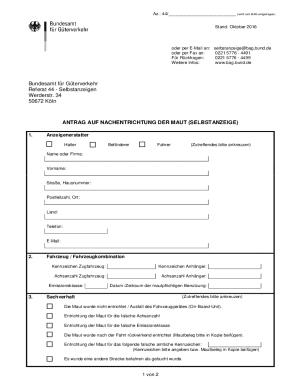
Antrag auf nachentrichtung der maut

Rentner (KVdR) nach201 Absatz 1 SGB V
Benefit from the DocHub online library of fillable PDF forms
Searching the PDF forms doesn't have to be a tedious and time-consuming process. With the DocHub online library, it has become easier to find the fillable PDF forms and modify them in your browser. The service allows you to adjust the document to your needs using powerful editing tools.
You can use online document editing features to modify almost any type of document with ease. You just need to find the template of your choice, open it in the editor, and use the toolbar to make the necessary corrections.
Follow this guide to get your document done with DocHub:
- Find the PDF template you need.
- Click the Get Form button to open the file in the editor.
- Use the toolbar to fill out and edit the document.
- Easily add and highlight text, insert images, checkmarks, and symbols.
- Drop new fillable fields, and rearrange or delete pages from your file.
- Save changes and download your record.
DocHub empowers everyone to streamline document editing, signing, and distribution, and form completion. Create an account and benefit from our well-organized PDF Forms library and comprehensive editor.