
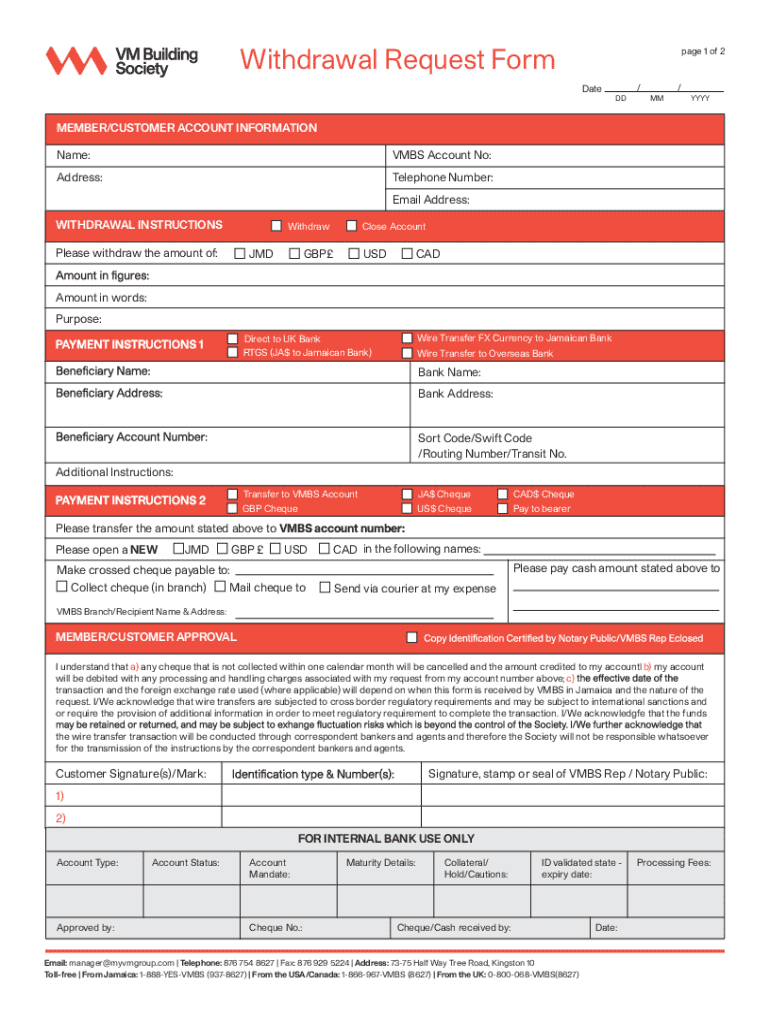







Definition & Meaning
A "form online" refers to any document template or questionnaire accessible via the internet, allowing users to input information and submit data electronically. These online forms can range from simple contact forms on websites to complex documents used for official applications, legal agreements, or data collection processes. Utilizing a form online offers convenience and efficiency, eliminating the need for physical paperwork and enabling real-time data transmission.
Online forms can be used in various contexts, such as applying for a job, submitting tax information, or providing customer feedback. They are often designed to be user-friendly, guiding users through the filling process and ensuring that all necessary data is captured accurately.
How to Use the Form Online
To effectively use a form online, follow these general steps:
-
Access the Form: Locate the form on the relevant website or platform. This might involve navigating through specific webpages or entering a direct link provided to you.
-
Review the Instructions: Before filling out the form, review any accompanying instructions to understand requirements and expectations. Pay attention to any mandatory fields and submission guidelines.
-
Complete the Form: Input the required information into the designated fields. Ensure accuracy and completeness, especially for sections marked as mandatory.
-
Upload Supporting Documents: If the form requires additional documentation, such as proof of identity or financial statements, ensure you have digital copies ready to upload.
-
Review Your Entries: Before submitting, review all the provided information to catch any errors or omissions. Some platforms offer a summary page for final checks.
-
Submit the Form: Once satisfied with your entries, submit the form via the designated submission button. Many systems provide a confirmation message or email after submission.
Why Should You Form Online
Online forms offer several advantages over their paper counterparts, making them a preferred choice for both individuals and organizations:
- Convenience: Fill out and submit forms from anywhere, at any time, without the need for physical presence or postage fees.
- Speed: Instantaneous submission and processing help reduce waiting times significantly compared to traditional mail methods.
- Accuracy: Built-in validation ensures that required fields are completed and information is correctly formatted, reducing errors.
- Environmental Impact: Reduces paper usage and waste, contributing to eco-friendly practices.
- Tracking and Updates: Easily track submission status or receive updates regarding the processing of your form.
Steps to Complete the Form Online
Filling out an online form typically involves the following steps:
-
Find the Form: Access the relevant webpage or email link to open the form.
-
Read the Requirements: Briefly check outlined instructions or guidelines associated with the form.
-
Start Filling Information: Begin with basic details, often including name, contact information, and identification numbers.
-
Proceed to Detailed Sections: Address specific questions or sections pertinent to the form’s purpose, such as employment history for job applications or income details for tax submissions.
-
Upload Required Documents: Attach any necessary documents, ensuring they meet prescribed formats and size limits.
-
Review Content: Carefully review all entered data, as errors can delay processing times.
-
Submit: Send the completed form once satisfied with its accuracy and completeness. Confirmation of receipt usually follows.
Important Terms Related to Form Online
Understanding some of the key terms associated with online forms can enhance your experience:
- Mandatory Fields: Essential areas of the form that must be completed to proceed with submission.
- Captcha: A security measure used to verify that a form is being filled out by a human.
- Digital Signature: An electronic proof of identity used to confirm the author's authenticity in a legal context.
- Attachment: Files or documents uploaded alongside the form to support the information submitted.
- Validation: The process of checking data accuracy before allowing submission.
Legal Use of the Form Online
Submitting forms online often includes a legal component, ensuring data authenticity and compliance:
- Authentication: Systems may require login credentials or digital signatures to confirm the identity of the individual submitting the form.
- Data Protection: Online forms must follow regulations like GDPR for European users or the California Consumer Privacy Act in the U.S. to ensure data privacy and protection.
- Electronic Signature Laws: In the U.S., the ESIGN Act and UETA provide the legal framework for using electronic signatures, making them as valid legally as handwritten ones.
Examples of Using the Form Online
Online forms are versatile and used across various industries:
- Government Applications: Forms for social security benefits, tax filings, vehicle registration, or voter registration.
- Business Operations: Employee onboarding documents, client agreements, or supplier contracts.
- Healthcare: Patient intake forms, medical history logs, and insurance claims.
- Education: Enrollment forms, consent forms, and scholarship applications.
These examples demonstrate the adaptability of online forms across different fields, each customized to meet specific requirements.
Form Submission Methods (Online / Mail / In-Person)
There are several methods available for submitting forms, each with its advantages:
- Online: The most efficient method, allowing for rapid submission and immediate feedback.
- Mail: Some forms may still be required to be printed and mailed, especially if originals or notarized copies are needed.
- In-Person: Certain applications may require physical presence for identity verification or for forms needing certified copies.
Each submission method varies in terms of convenience, speed, and necessity, depending on the specific form being used and its requirements.




