
Get any PDF form from the DocHub library of ready-made templates - Page 531

APPLICATION FOR EMPLOYMENT - Boerne Napa Auto and Truck
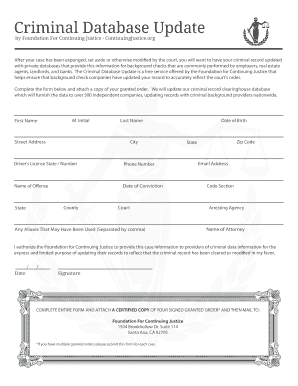
CDU-Form - continuingjustice

Reg b notice of intent to apply for joint credit

Extended Day Registration Packet - PDF
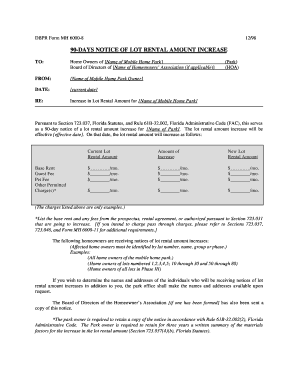
90 Day Notice of Lot Rental Increase - MyFloridaLicense

Lawnmower Bill of Sale

School Emergency Evacuation Plan Template

Free Veterinary New Client Form Template

APPLICATION FORM FOR INSTALLATION OF ROOFTOP SOLAR PHOTOVOLTAIC

Ecfmg air bill

Patient telephone reminder service opt-out form - uclh nhs uk

OLLERTON FOOTBALL CLUB Photo and Video Consent Form

MATTED DOG RELEASE FORM

125 Cafeteria Plan Election Form doc

Account upgrade form idfc
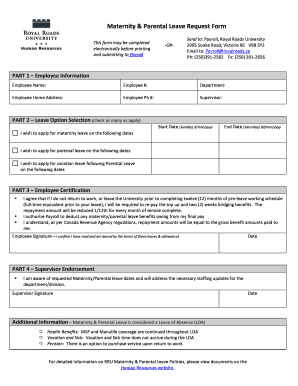
Form for maternity leave

Samsung authorization letter

Continuity of Care Request Form 2 6 - Laureate Medical Group

Wellnet healthcare prior authorization form

Payroll advance agreement
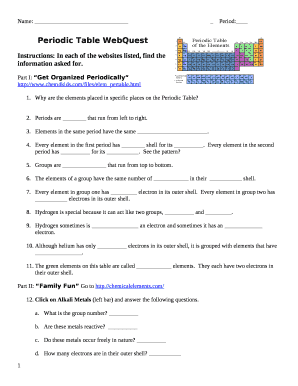
Periodic table webquest answer key

SSA-1199-OP107 Direct Deposit Sign-Up Form (Thailand)
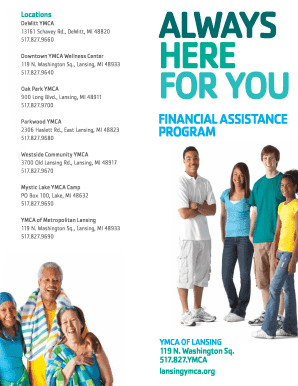
Ymca scholarship application

Can i get into spelman with a 3 0 gpa

Acknowledgement Of Independent Contractor

POST CLOSING OCCUPANCY AGREEMENT No Daily Rent

Sc satisfaction mortgage
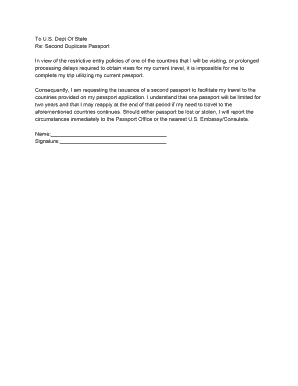
Second Duplicate Passport Request Letter - PassportsOnline

Form F88 (Rule 21-4(1))

Lease VRLTA- K1354

Santa Monica College International Financial Statement - smc

Consent to search form

Seaman application form download

Crossover application form - City of Canning

Download Self-Storage Claim Form - TracRisk

National school lunch program approval letter

IBEW LOCAL 613 and CONTRIBUTING EMPLOYERS
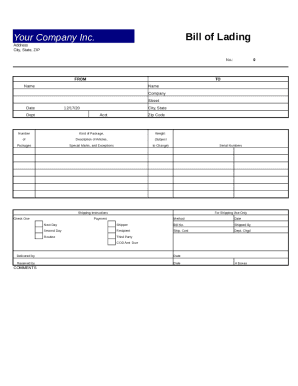
Bill lading form

Renewal Application for Concealed Firearm Permit - Utah - publicsafety utah

Academic summary example pdf

Notice to reader template

Special Event Insurance Application - Sports Program Insurance
Membership Registration - Pag Ibig Fund - pagibigfund gov
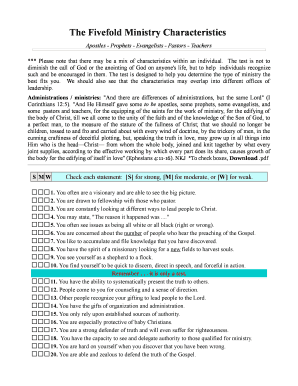
Apest test pdf
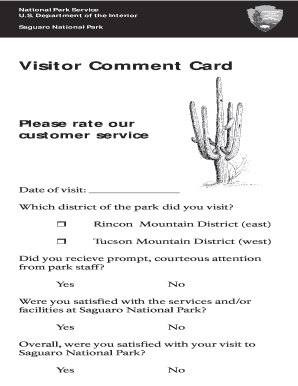
Printable comment cards
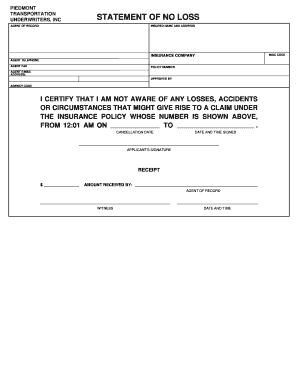
Printable no loss statement

Skills worksheet study guide answer key

Missed Meal Period Form

Corsage template

VA Central IRB Reviewer Checklist for PI SC New Project Application
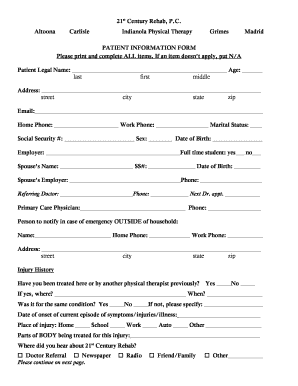
Medical release form texas

Item 510A - Toastmasters International - toastmasters org

ASC 26 5lbs fact sheet Draft

My Many Colored Days coloring pages, PDF, free - Wise Owl Factory

Printing specifications sheet

BULK SAMPLE CHAIN OF CUSTODY FORM

Oversized Load Permit - City of Timmins

Formulaire de demande de prime Reward request form

Stop bang questionnaire printable

Piping-Hydrostatic-Test-Log-Quality-Control-and-Inspection-Report-Form

Payoff request letter sample
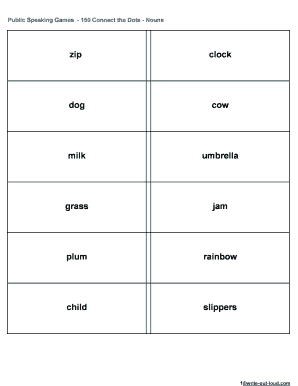
Public Speaking Games - 150 Connect the Dots - Nouns

Science a z worksheet observation or inference answer key

Free Complaint For Divorce Form Arkansas clefs Free Complaint For Divorce Form Arkansas hookah

Sample letter request for further assessment for a child who
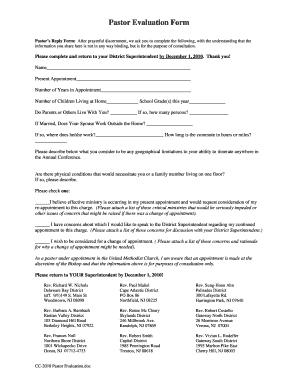
Pastor evaluation form

Usps customer agreement form

Gloss recording sheet

Drawing list template
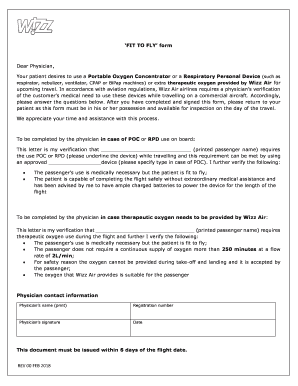
Fit to fly pregnancy wizz air

ING Service request form final curve 090309 cdr - ING Vysya Bank
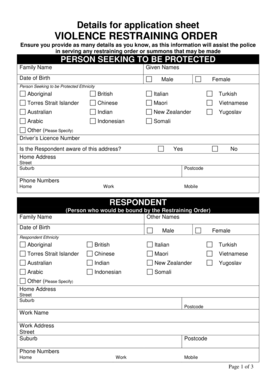
Restraining order wa

Alone letter for school
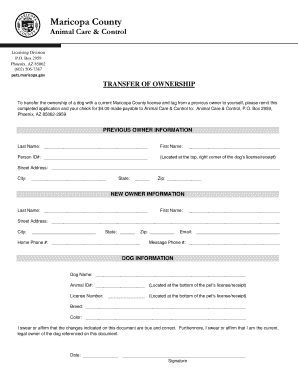
Transfer of Ownership - Maricopa County - maricopa

Staples order form

Account Termination Request Form - SIMBA

Typical CEO Employment Agreement

Select blinds measuring worksheet

Life estate deed kentucky
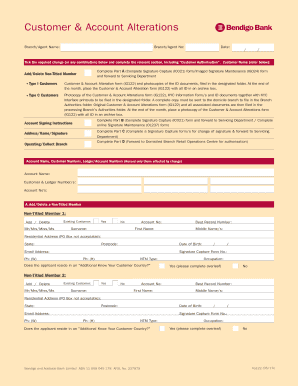
Bendigo bank signatory forms

Affidavit of death form missouri

Dual citizenship application form philippines
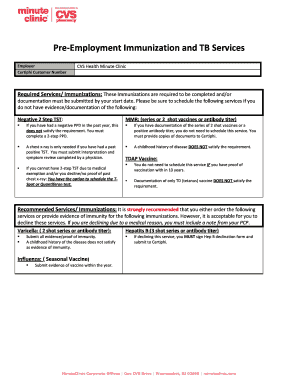
Certiphi cvs

Kansas form k 120s

Permission to occupy tribal land letter

Future 1 student book pdf

Highly structured parenting plan florida

Application for a walmart credit card pdf

Ucaf form

Investigation data form
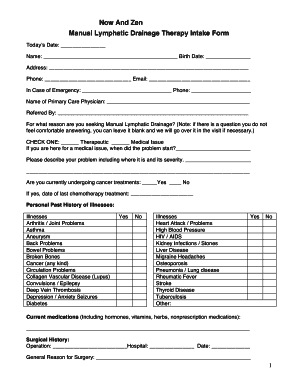
Lymphatic drainage massage intake form

Uti minor to major form

Accident medical certificate
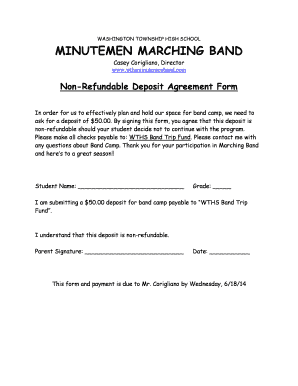
Non refundable deposit agreement pdf

Tor application form esic

How to fill drf form angel broking

Discount tire receipt pdf
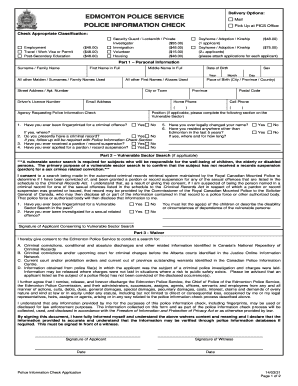
Police information check section

Verification Form for Deaf and Hard of Hearing Impairments 1

Township Annual Report Instructions and Annual Report Form
Benefit from the DocHub online library of fillable PDF forms
Searching the PDF forms doesn't have to be a tedious and time-consuming process. With the DocHub online library, it has become easier to find the fillable PDF forms and modify them in your browser. The service allows you to adjust the document to your needs using powerful editing tools.
You can use online document editing features to modify almost any type of document with ease. You just need to find the template of your choice, open it in the editor, and use the toolbar to make the necessary corrections.
Follow this guide to get your document done with DocHub:
- Find the PDF template you need.
- Click the Get Form button to open the file in the editor.
- Use the toolbar to fill out and edit the document.
- Easily add and highlight text, insert images, checkmarks, and symbols.
- Drop new fillable fields, and rearrange or delete pages from your file.
- Save changes and download your record.
DocHub empowers everyone to streamline document editing, signing, and distribution, and form completion. Create an account and benefit from our well-organized PDF Forms library and comprehensive editor.