
Get any PDF form from the DocHub library of ready-made templates - Page 321

Consumers Automotive Information Complaint Kit ( SOS -197) - michigan
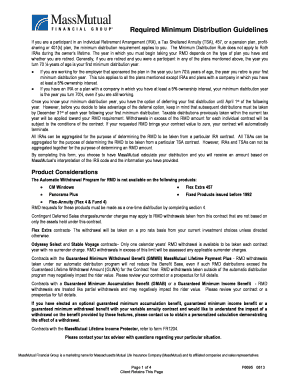
Mass mutual rmd request form
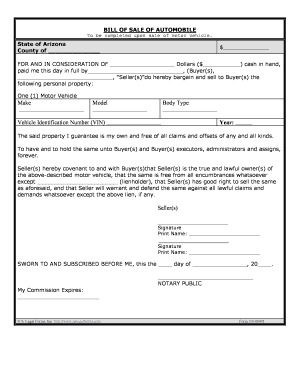
Az odometer statement
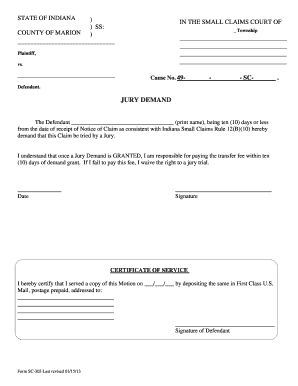
Warren Township Small Claims Court - indy
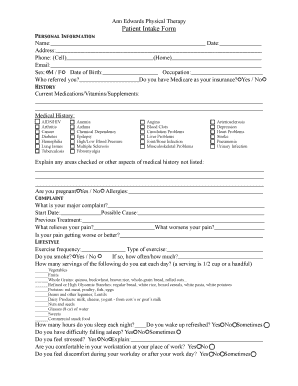
Ann Edwards Physical Therapy Patient Intake Form

NJHS Service Hours Form - Monument Academy - monumentacademy

Toolbox safety talks
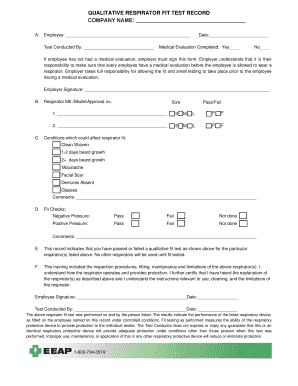
QUALITATIVE RESPIRATOR FIT TEST RECORD COMPANY NAME: - eeap
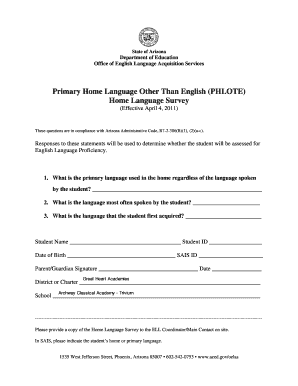
Phlote
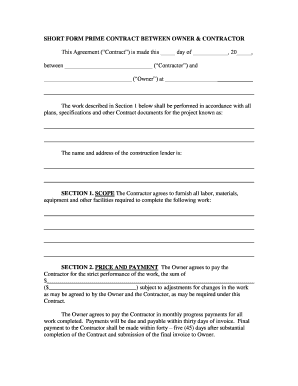
SHORT FORM PRIME CONTRACT BETWEEN OWNER and CONTRACTOR - ccneca
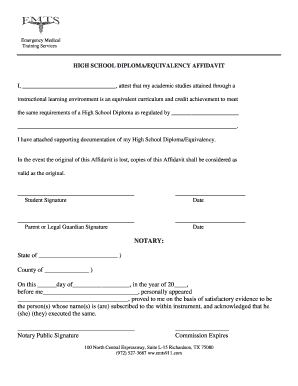
High School Diploma-Equivalency Affidavit
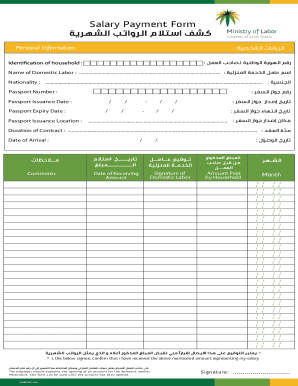
Salary Payment Form

APPLICATION FORM FOR DIPLOMA EXAMINATION - npmcn ng - npmcn edu
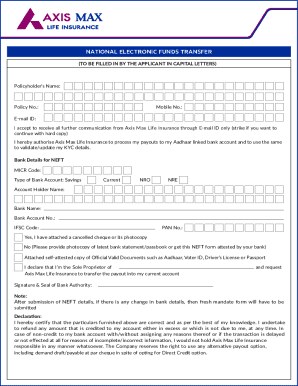
National Electronic Funds Transfer

Richland county board of zoning appeals application checklist

Pediatric Intake Form - Invigorate Acupuncture
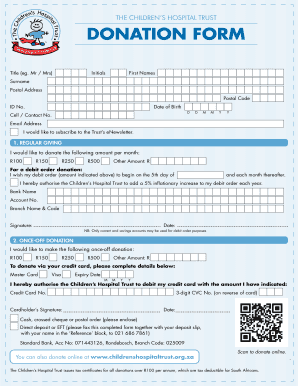
THE CHILDRENS HOSPITAL TRUST DONATION FORM - childrenshospitaltrust org

SHIPPER CREDIT APPLICATION - bfreightbrokerdirectbbcomb
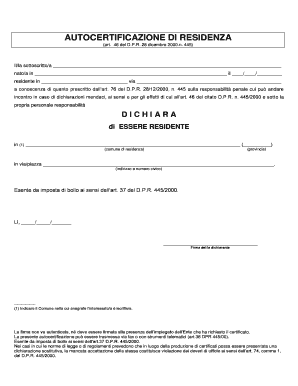
Autocertificazione residenza

Fmla tracking spreadsheet template
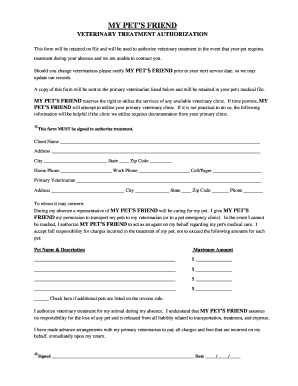
Veterinary treatment authorization - My Pet's Friend
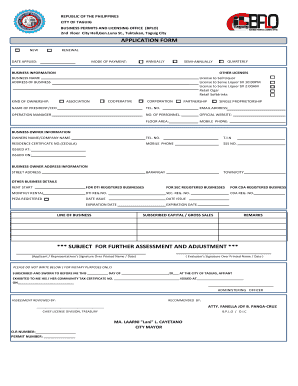
Taguig business permit application form 2023

Parent-Child Behavior Contract - Understood
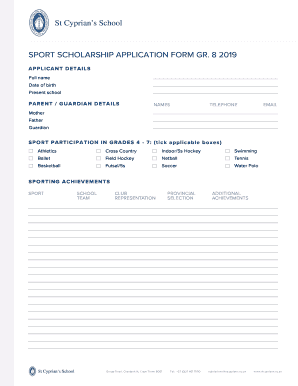
Sport Scholarship Application Form 2019
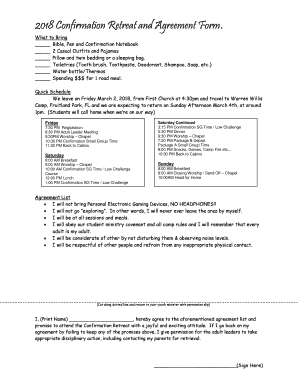
2018 Confirmation Retreat and Agreement Form
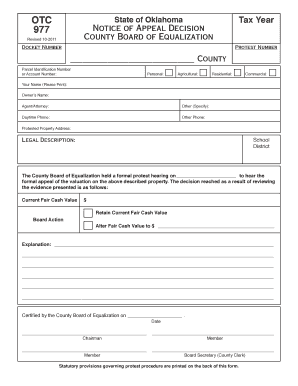
Otc 977

Mta cleaner application
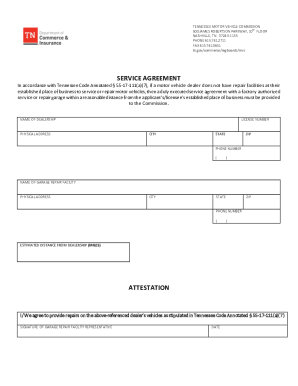
Garage Service Agreement Form
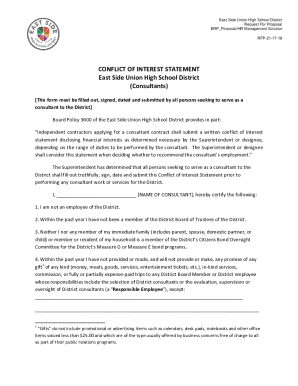
CONFLICT OF INTEREST STATEMENT
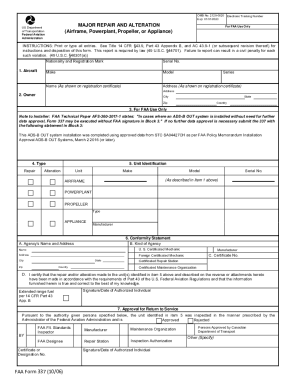
TailBeacon Sample 337

Low back oswestry form
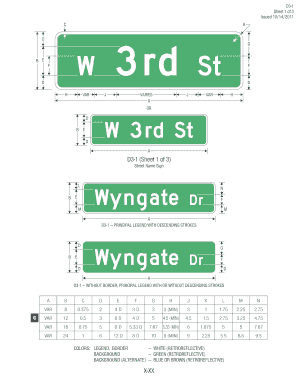
D03-01 STREET NAME SIGN - mutcd fhwa dot
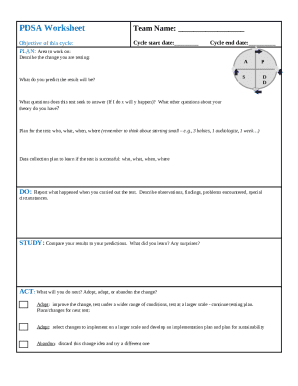
5 2 docx - PDSA Worksheet The Plan-Do-Study-Act PDSA

STANDARD SHORT FORM AGREEMENT BETWEEN CONSTRUCTOR AND SUBCONTRACTOR
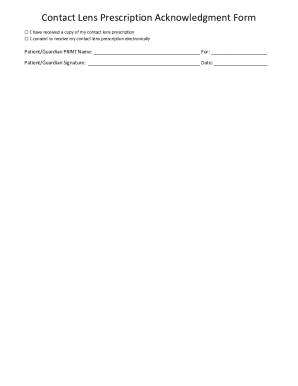
Contact Lens Prescription Acknowledgment Form

Print liquor license oklahoma
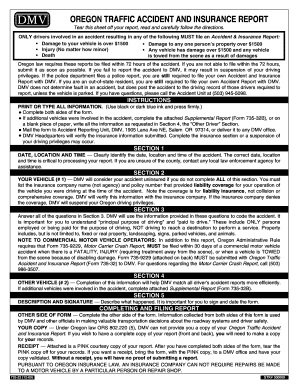
735-32 OREGON TRAFFIC ACCIDENT AND INSURANCE REPORT
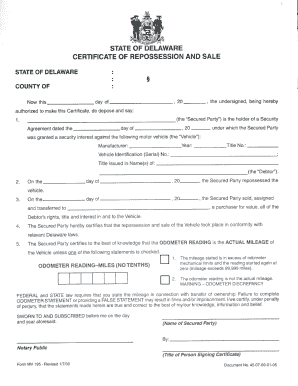
Certificate of Repossession and Sale - MV195 - dmv de
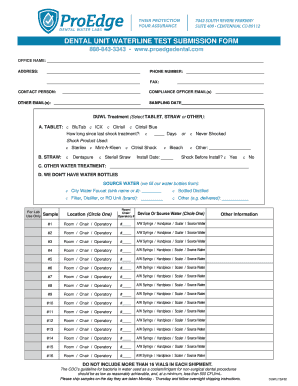
Dental unit waterline test submission form - ProEdge Dental
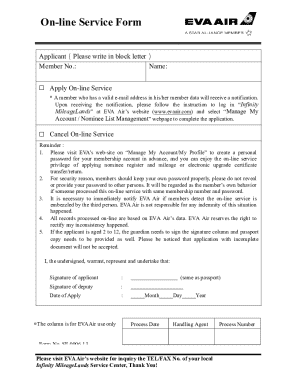
Evaair-member-online-service-form-en-2022tcm68-1521 doc

Blue badge application
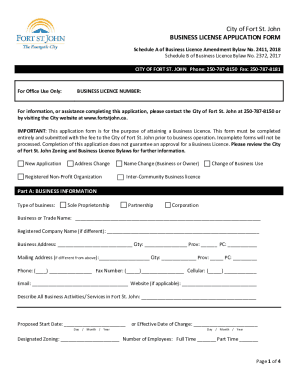
Business Licence Application ProcessCity of Fort St John
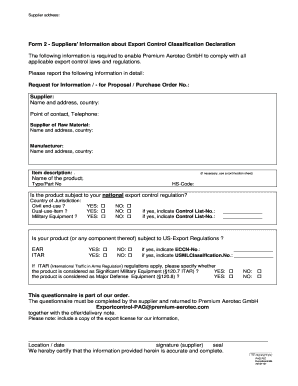
Export control classification declaration
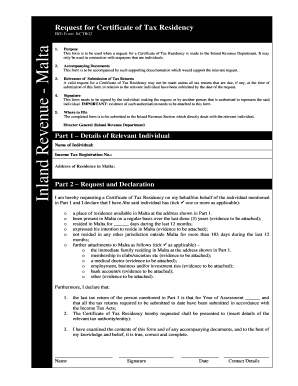
Tax residence certificate malta

Elevator Test Report Form - Montana DLI - Business Standards - bsd dli mt
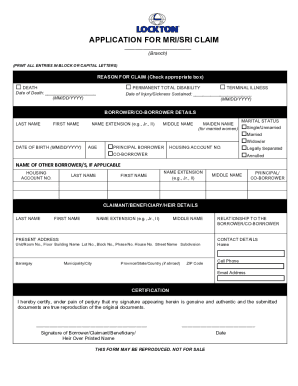
APPLICATION FOR MRI SRI CLAIM - Pag-IBIG Fund

Ucla health org chart
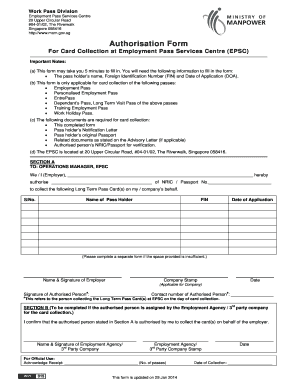
Mom authorisation form
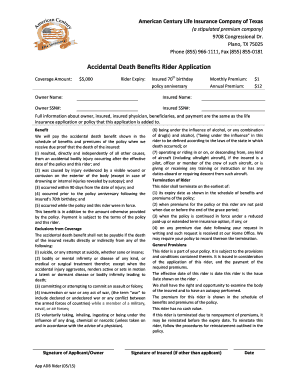
Accidental Death Benefits Rider Application
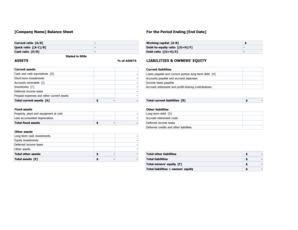
Balance sheet with financial ratios template xls
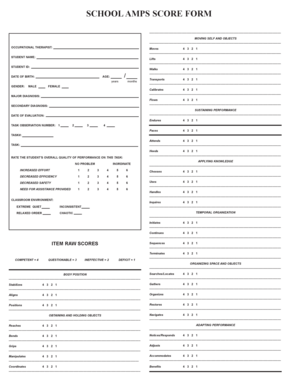
School amps pdf

REQUEST FOR VERIFICATION OF ENROLLMENT and AUTHORIZATION TO RELEASE - pccc

Printable parent teen contracts
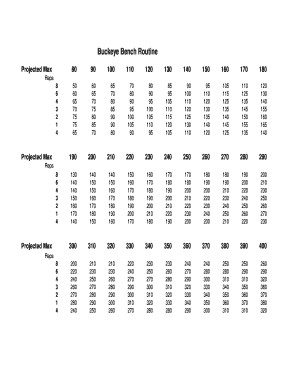
Buckeye bench
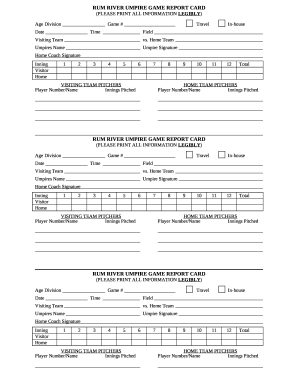
Umpire report card
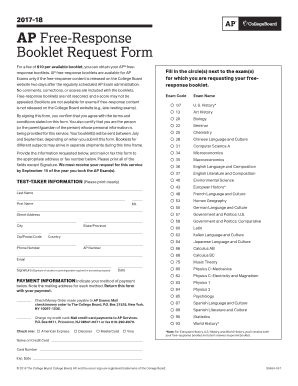
Ap response booklet pdf
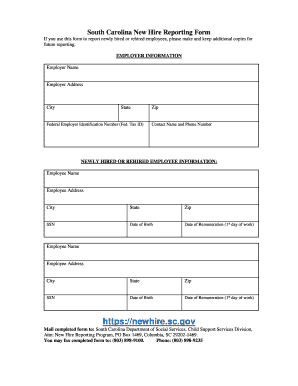
Sc new hire forms

Formulaire unaccompanied minor
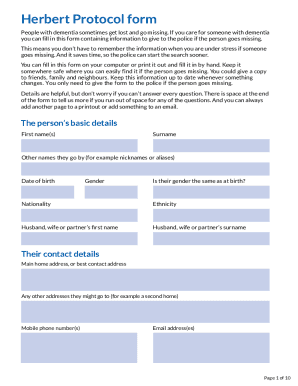
Herbert Protocol form - Metropolitan Police
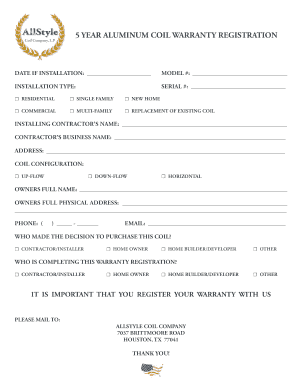
Allstyle warranty lookup
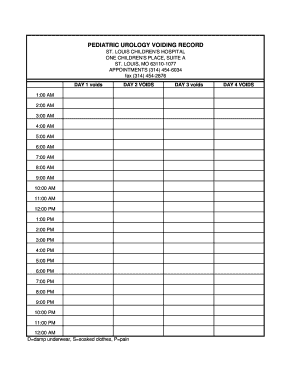
PEDIATRIC UROLOGY VOIDING RECORD
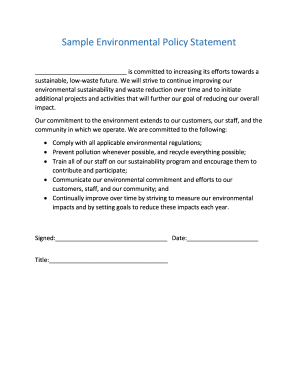
Sample Environmental Policy Statement
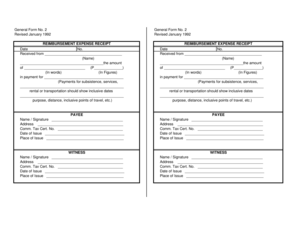
Reimbursement expense receipt revised january 1992

Red cross disaster training
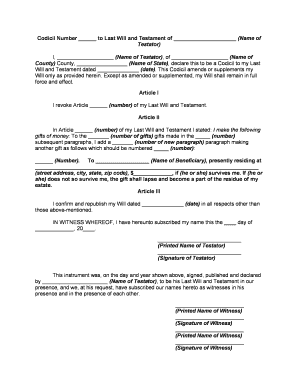
Sample codicil to change executor
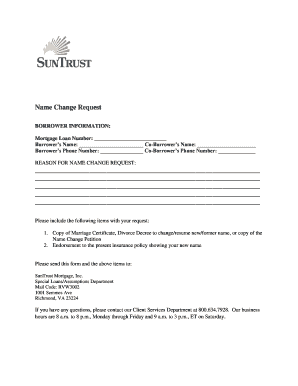
Truist name change marriage
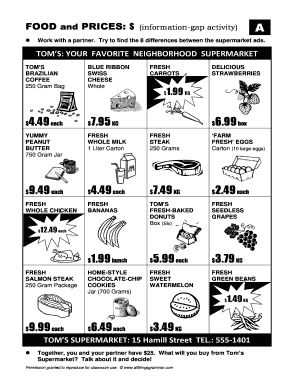
TOM S YOUR FAVORITE NEIGHBORHOOD SUPERMARKET

Form ME UC-1
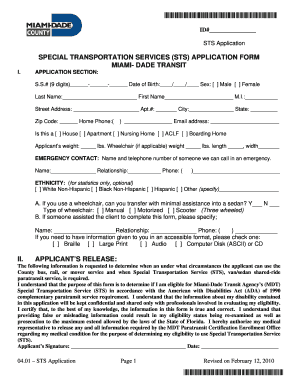
Sts application form

Ui2 2 form
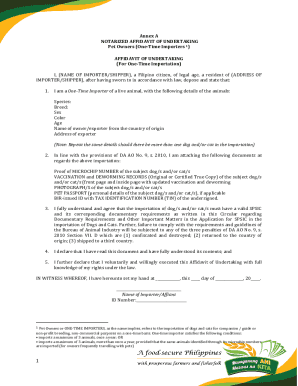
Annex A NOTARIZED AFFIDAVIT OF UNDERTAKING Pet Owners
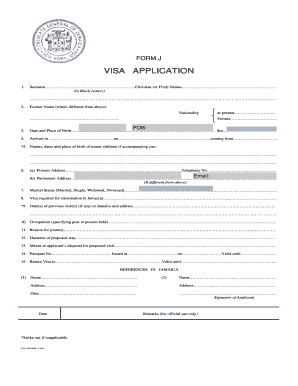
Visa application form

Fahrradpass word vorlage
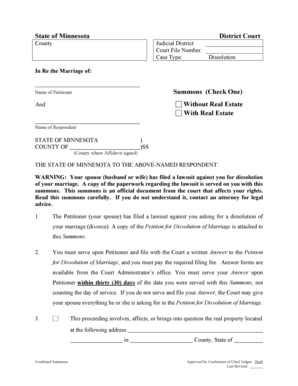
Mn divorce decree sample
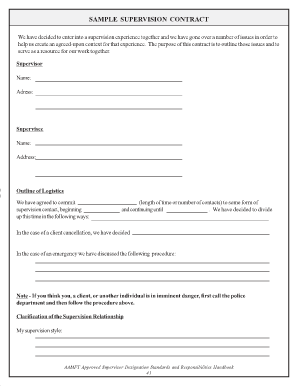
Supervision agreement template
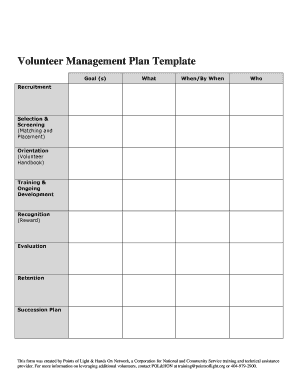
Volunteer recruitment plan template
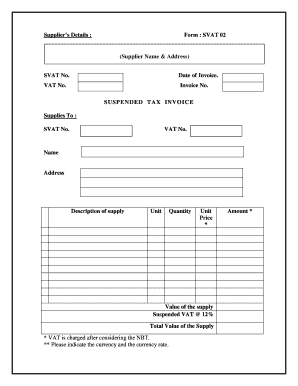
Vat invoice format sri lanka
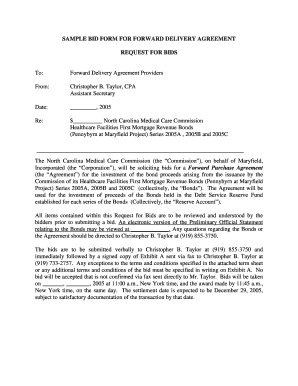
Delivery contract template

DIRECTOR'S GUARANTEE

Blank hipaa authorization form

Adhd verification form
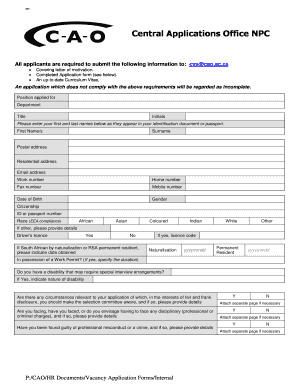
Cao application
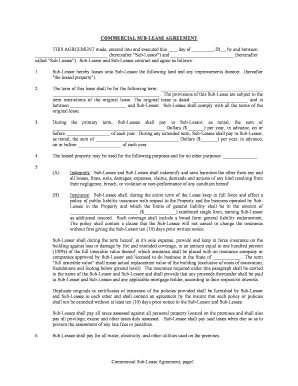
Texas Commercial Sublease
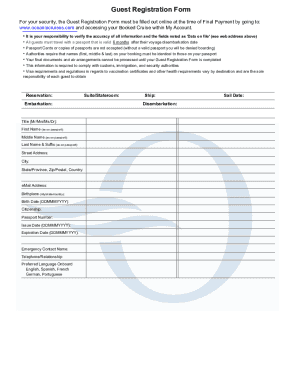
Guest registration form - Oceania Cruises
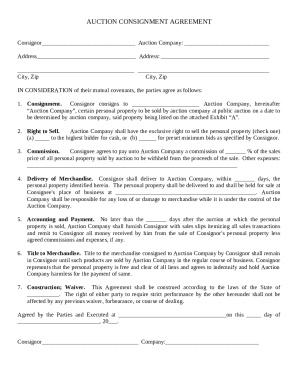
Auction Consignment Agreement
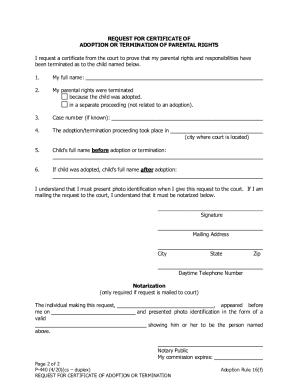
P-440 Request for Certificate

MC-600 Application for Emergency Commitment
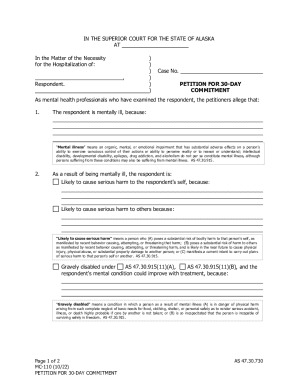
MC-110 Petition For 30-Day Commitment
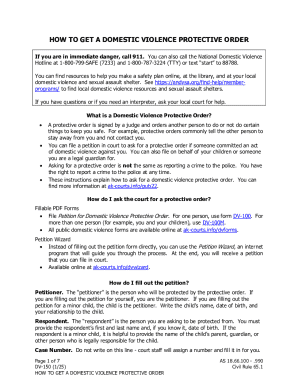
DV-150 Instructions for Requesting a Protective Order
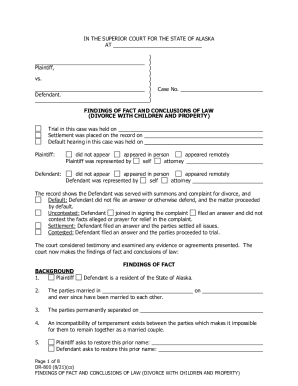
DR-800 and DR-805, Divorce FFCL and Decree (10-15)
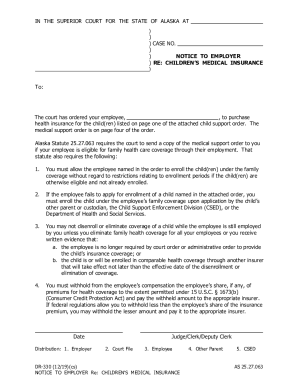
DR-330 Notice to Employer Re Children's Medical Insurance
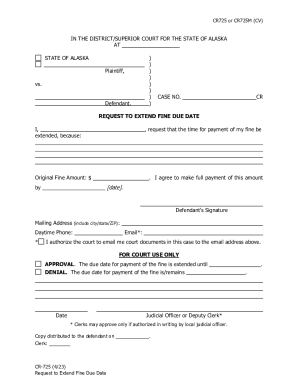
CR-725
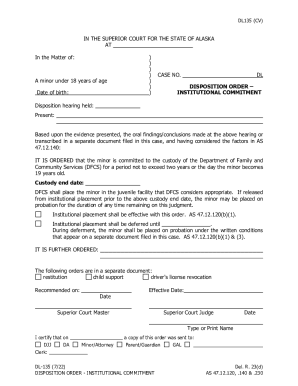
DL-135 Disposition Order - Institutional Commitment
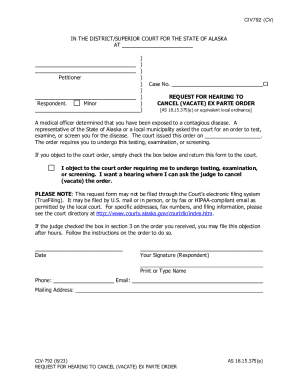
CIV-792 Request for Hearing to Vacate Ex Parte Order
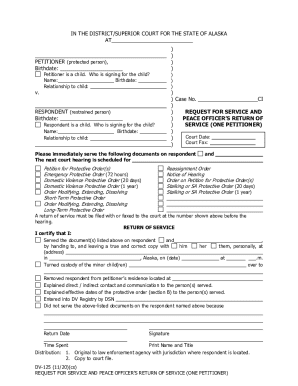
DV-125 Request for Service of Protective Order Douments - one petitioner
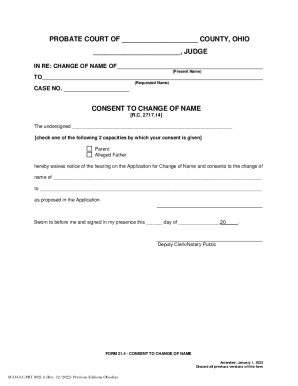
SCO-CLC-PBT 21 4 - Consent To Change Name Consent To Change Name
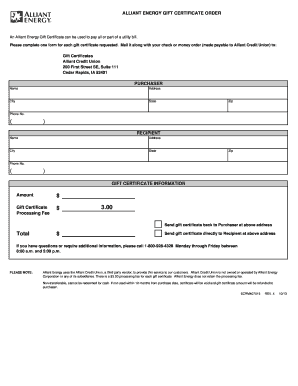
Online order form - Alliant Energy
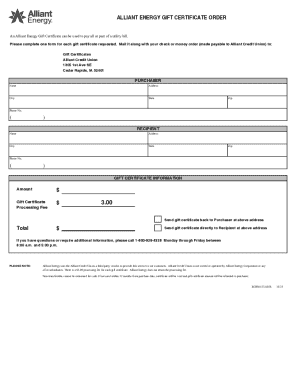
Alliant Energy Gift Certificate Order

QUALITY ASSURANCE LOG

Hedge fund alert top 200
Benefit from the DocHub online library of fillable PDF forms
Searching the PDF forms doesn't have to be a tedious and time-consuming process. With the DocHub online library, it has become easier to find the fillable PDF forms and modify them in your browser. The service allows you to adjust the document to your needs using powerful editing tools.
You can use online document editing features to modify almost any type of document with ease. You just need to find the template of your choice, open it in the editor, and use the toolbar to make the necessary corrections.
Follow this guide to get your document done with DocHub:
- Find the PDF template you need.
- Click the Get Form button to open the file in the editor.
- Use the toolbar to fill out and edit the document.
- Easily add and highlight text, insert images, checkmarks, and symbols.
- Drop new fillable fields, and rearrange or delete pages from your file.
- Save changes and download your record.
DocHub empowers everyone to streamline document editing, signing, and distribution, and form completion. Create an account and benefit from our well-organized PDF Forms library and comprehensive editor.