




01. Edit your notice of safety violation ctio online
Type text, add images, blackout confidential details, add comments, highlights and more.

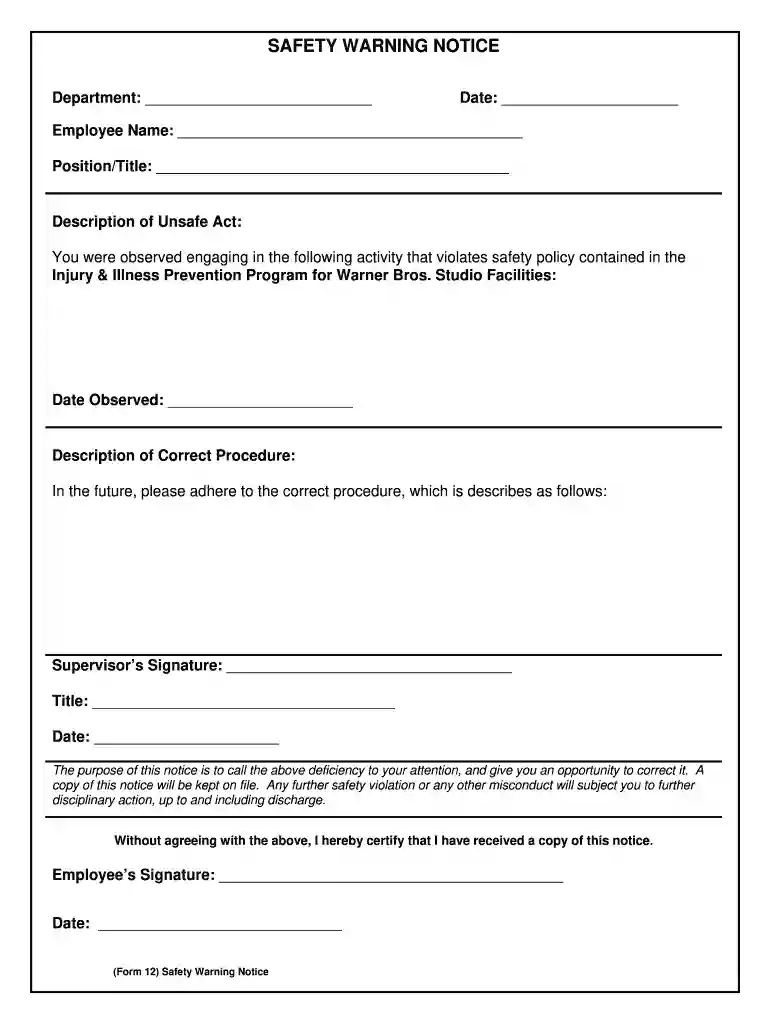
Type text, add images, blackout confidential details, add comments, highlights and more.

Draw your signature, type it, upload its image, or use your mobile device as a signature pad.

Send ctio safety violation via email, link, or fax. You can also download it, export it or print it out.

Start using our platform today for free to streamline your document editing and ensure safety compliance!
At DocHub, your data security is our priority. We follow HIPAA, SOC2, GDPR, and other standards, so you can work on your documents with confidence.
These specifications are intended to cover all safety signs except those designed for streets, highways, and railroads.Read more
Dec 6, 2022 Safety warnings are required by federal law to be distributed when certain crimes present a serious or a continuing threat to the campus community.Read more
Warning notice system. This manual contains notices you have to observe in order to ensure your personal safety, as well as to prevent damage to property.Read more


