
Get any PDF form from the DocHub library of ready-made templates - Page 1711
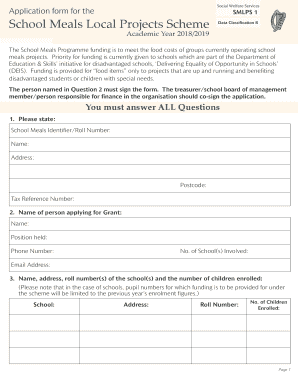
Smlps 1
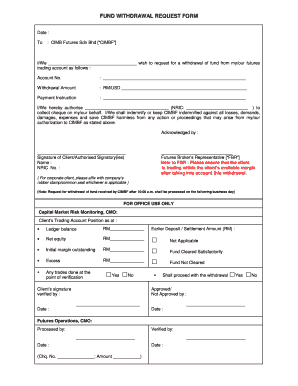
Fund Withdrawal Request Form.doc
Vccalps
Deep cleaning consent form
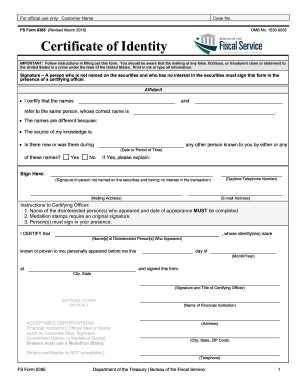
Form 0385

Form DEQ 50-12 Waste Motor Oil Burning Equipment Certification

Notarized release form

Missouri revenue

Rnlic application cda
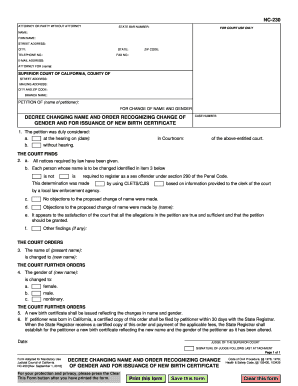
Nc 230
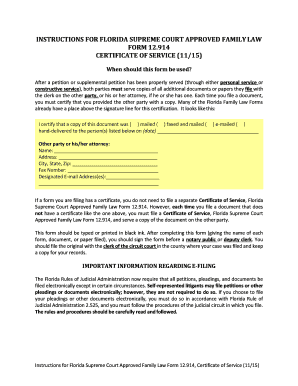
Family Law Form 12.914 - Certificate of Service. Family Law Forms, Certificate of Service

Form TF-920 - Alaska Court Records - State of Alaska
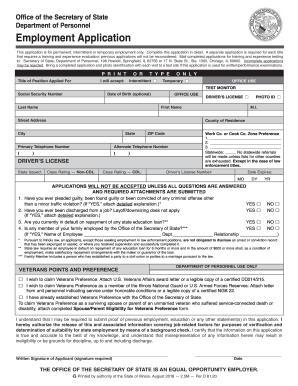
State of illinois employment application forms
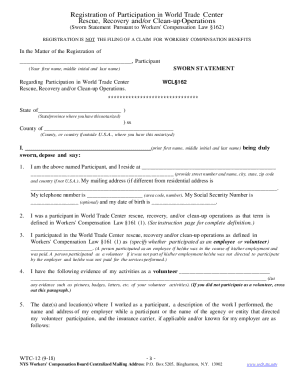
Wtc 12 form
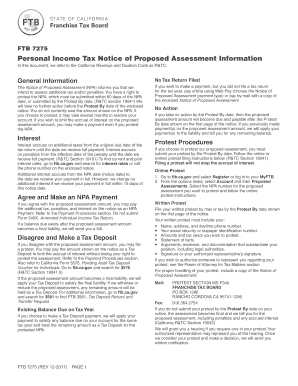
Ftb 7275
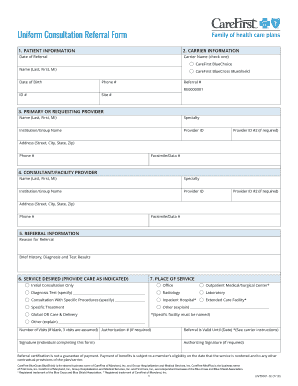
Primary care physician referral form
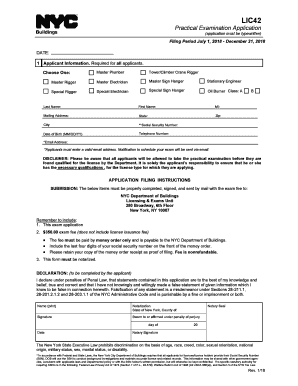
Lic42
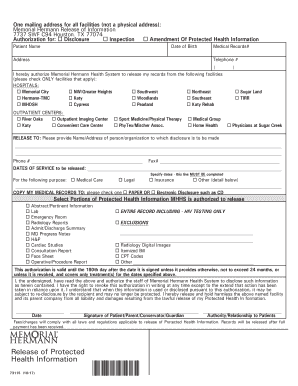
Memorial hermann release
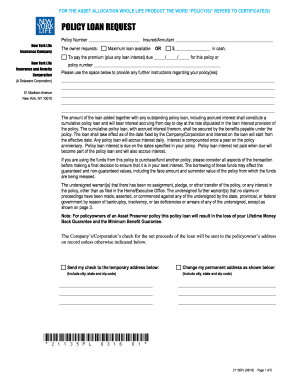
New york life 21135pl
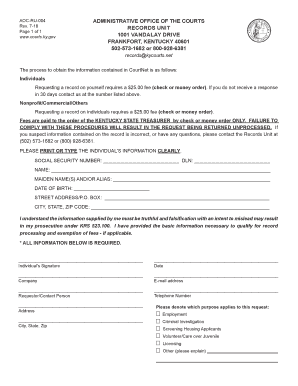
Ky form unit
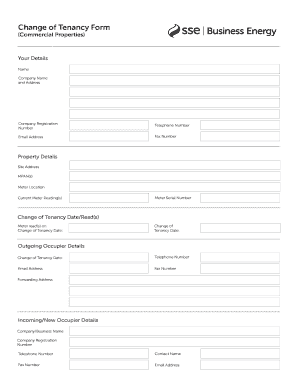
Sse cot form
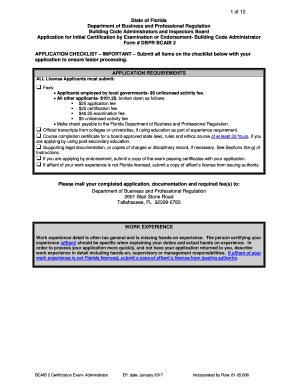
DBPR BCAIB 2 - Certification by Exam-Administrator - Florida ...

Initial Interview Form - NVLSP Online Basic Training Course
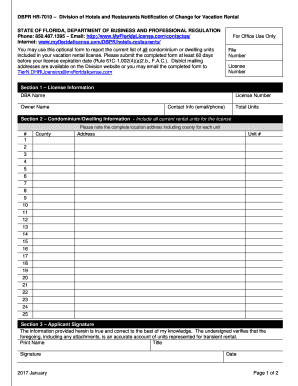
Dbpr hr 7010
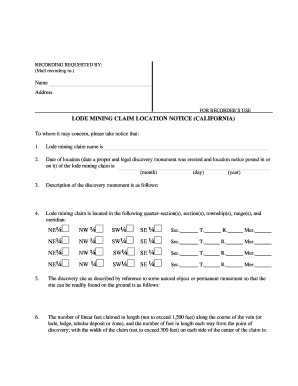
CA Form 3800-04. LODE MINING CLAIM LOCATION NOTICE (CALIFORNIA)
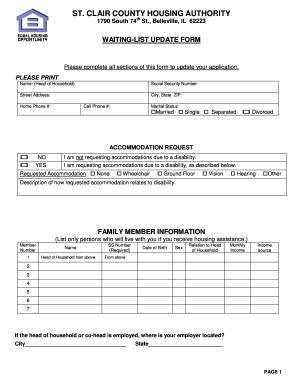
Belleville housing authority
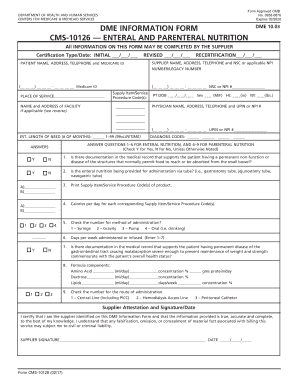
Cms 10126 form

Natf 85 form
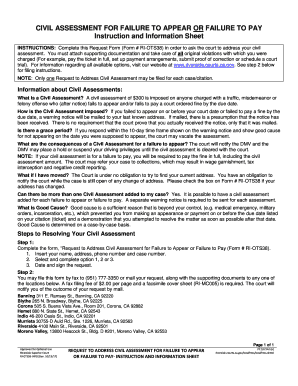
INSTRUCTIONS: Complete this Request Form (Form # RI-OTS38) in order to ask the court to address your civil
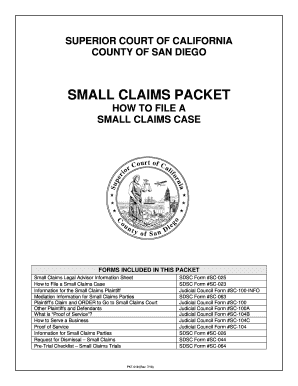
San diego small claims court forms
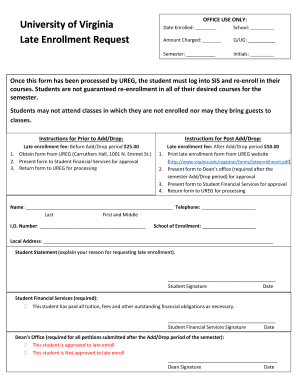
Late enrollment form
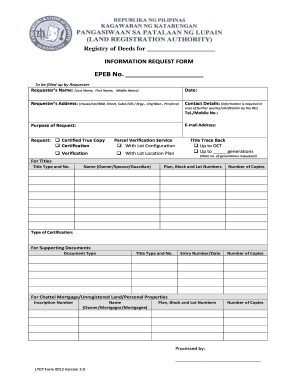
Registry of Deeds for
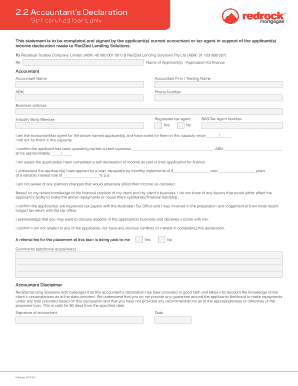
2.2 Accountant's Declaration - Red Rock Mortgages
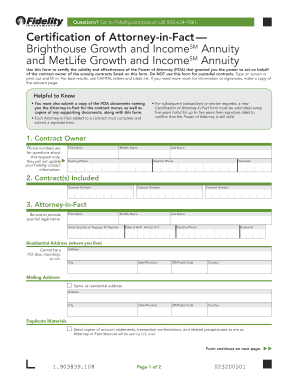
Certification fact form
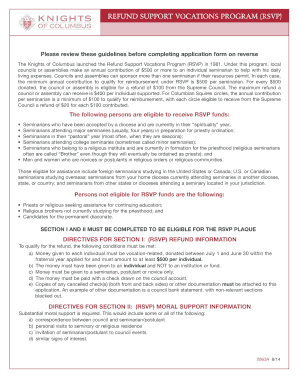
Knights columbus rsvp
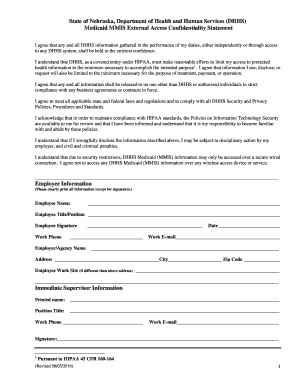
DHHS Medicaid MMIS External Access Confidentiality Statement

Mv 278

Smou singapore
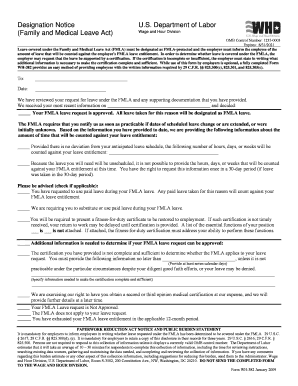
382 form

Form 1879

Swmhp corporatoin form ce

IATAN Joint Notice of Change Form - CAT 1 (Doc 204).docx
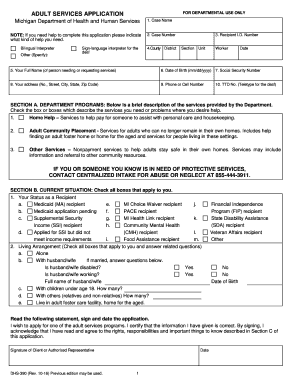
Dhs 390 form
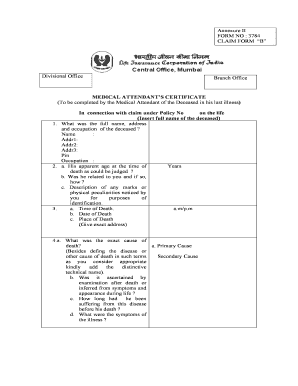
Lic form no 3784 hindi pdf
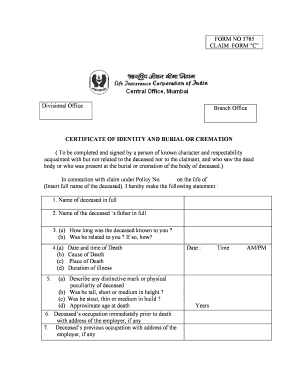
FORM NO 3785

LI-231 - PROFESSIONAL CORPORATION (PC) OR PROFESSIONAL LIMITED LIABILITY COMPANY (PLLC)

National Provider Identifier N.P.I. Application Update Form. National Provider Identifier N.P.I. Application/Update FormCMS-10114
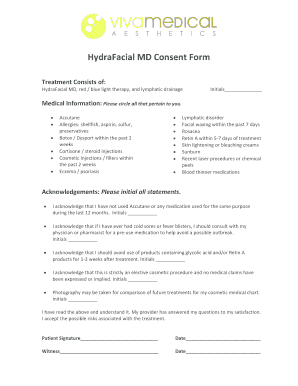
Hydrafacial md consent form
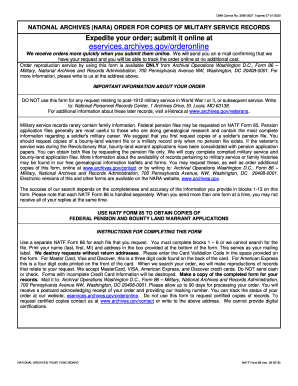
86 records
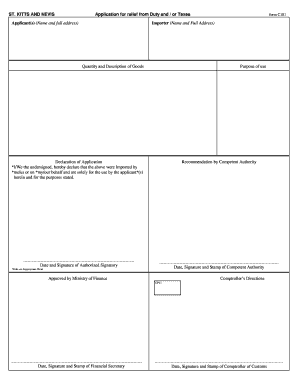
C101 form

De1326e
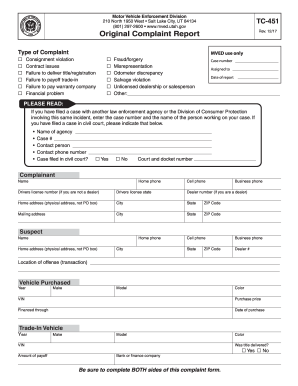
Report vehicle
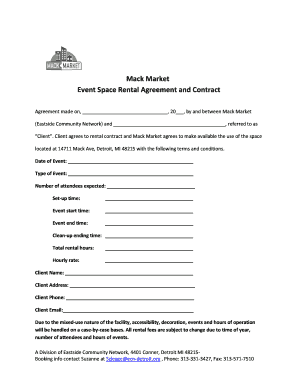
Mack Market Event Space Rental Agreement and Contract
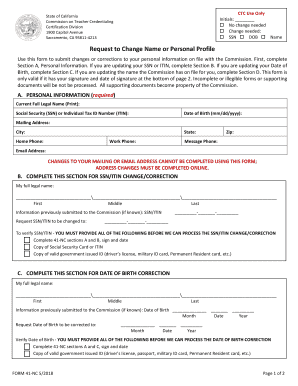
41 nc

Wa state dol disabled parking application
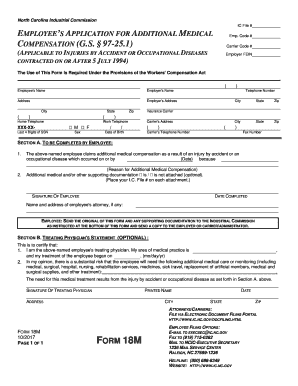
North carolina 18m form
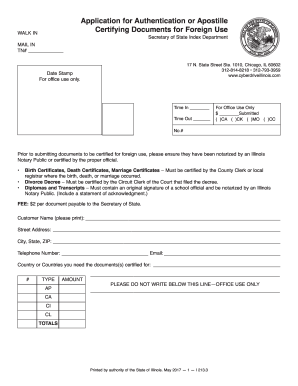
Illinois Application for Authentication or Apostille Certifying Documents for Foreign Use
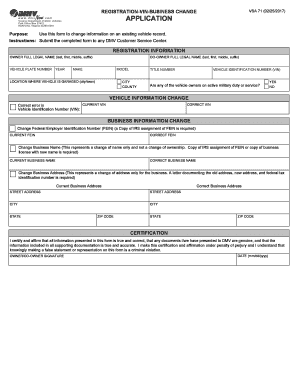
VSA 71 - Virginia DMV
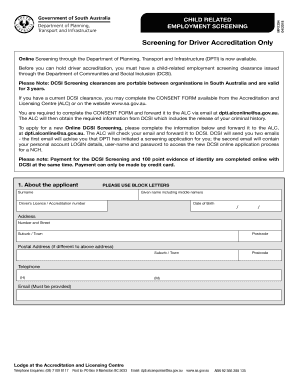
Au mr

Camsnet engineered floors llc

DOG PROFILE/BIO -- PLEASE ANSWER AND/OR CIRCLE THE ...

William v macgill

Canada bank
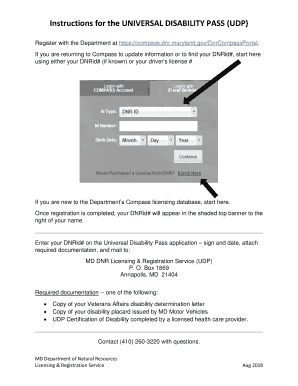
Md dnr universal disability pass

Vanderburgh county death records 2021
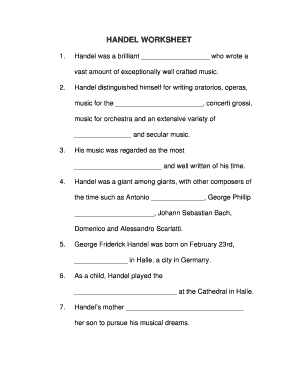
HANDEL WORKSHEET
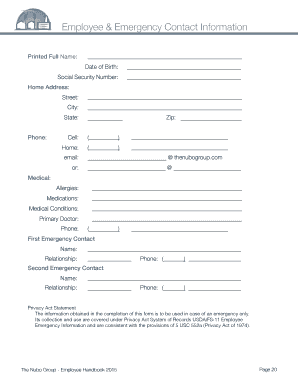
Free Employee Emergency Contact Form - PDF Word eForms ...
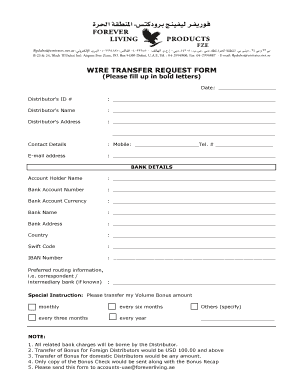
Forever Aloe Vera Gel - Forever Living Products
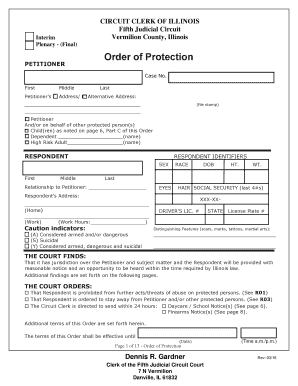
Order of protection illinois
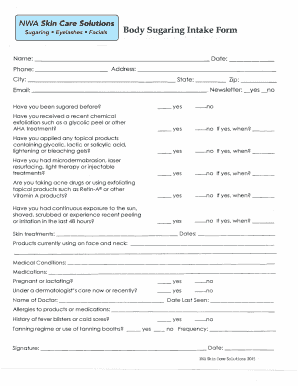
Body Sugaring Intake Form - NWA Skin Care Solutions
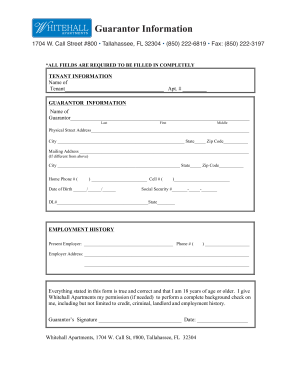
Security guarantor form
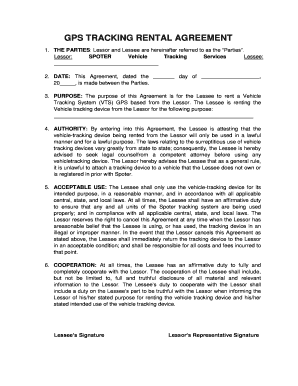
Spoter
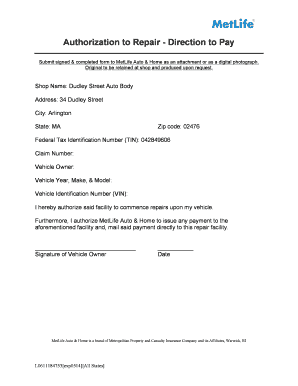
MetLife Auto & Home DTP.doc.pdf
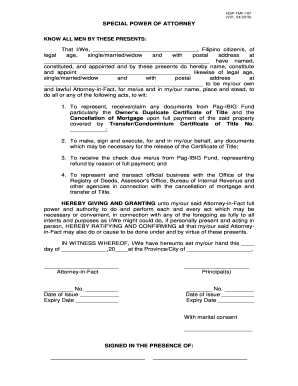
Hqp tmf 187
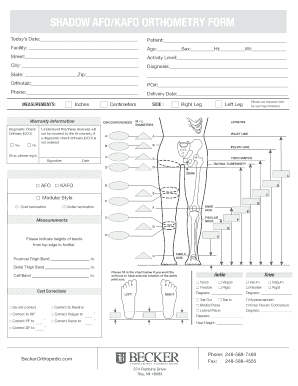
SHADOW AFO/KAFO ORTHOMETRY FORM

Driver Training Student Contract - Deerfield-Windsor School
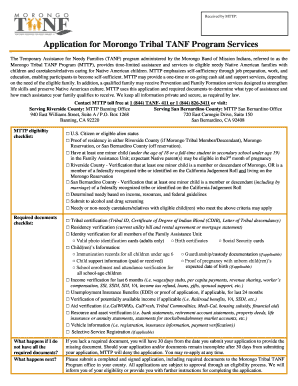
Application tribal tanf program
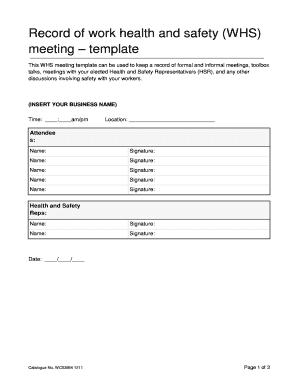
2011 work health safety
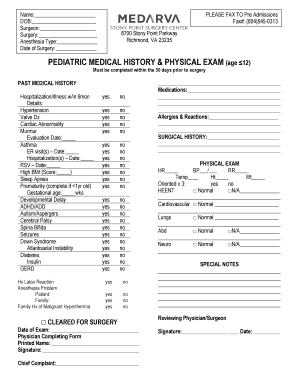
Pediatric history and physical template
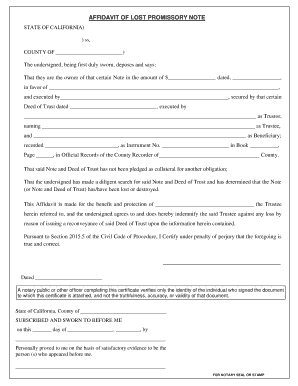
Lost note affidavit california
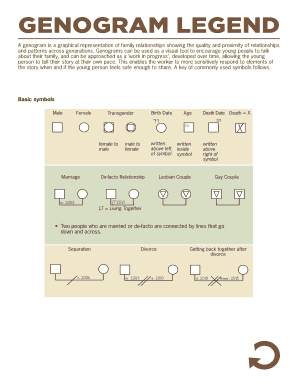
Dovetail genogram
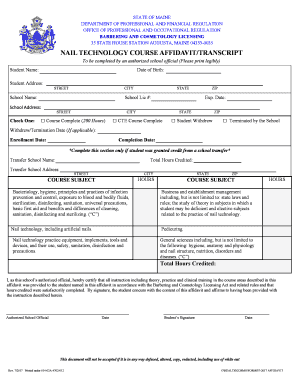
NAIL TECHNOLOGY COURSE AFFIDAVIT/TRANSCRIPT
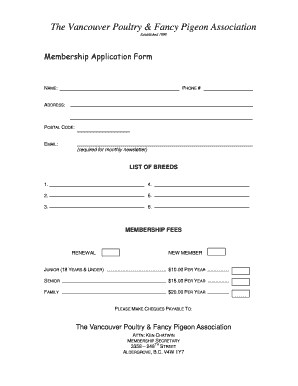
Here - The Vancouver Poultry & Fancy Pigeon Association ...

CROAK BOOK After I'm gone - L3 Organization
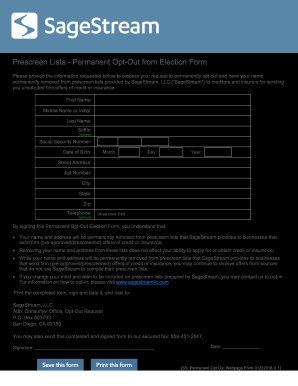
Sagestream form
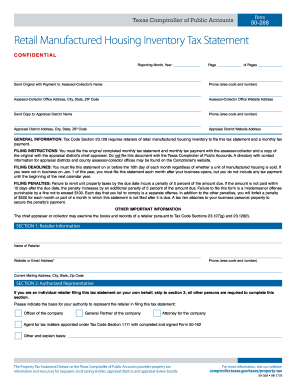
50 268

Trade record deal sheet
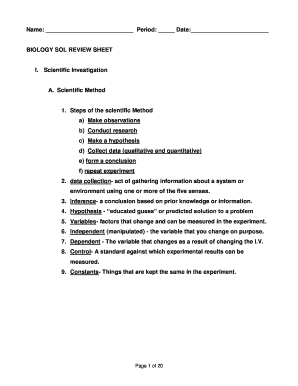
Loudoun county public schools
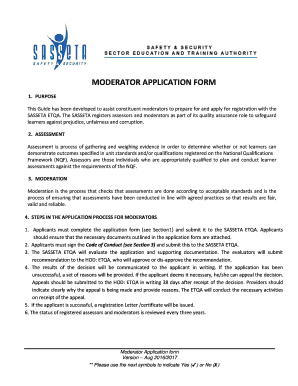
Sasseta assessor application form

Consent to Use Tax Return Information - tandttaxes.com
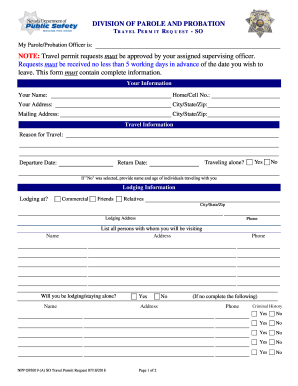
Travel Permit Request SO - npp.dps.nv.gov
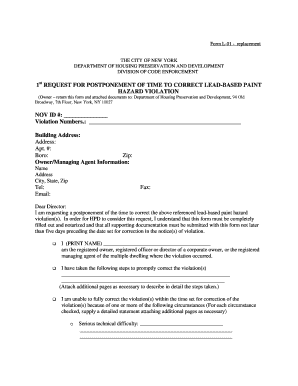
Bedbug annual filing form
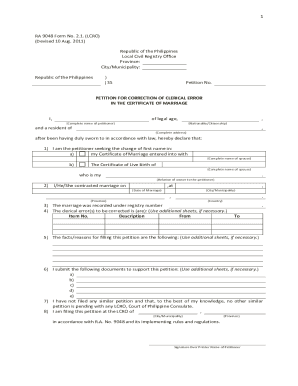
Ra 9048

Surgery scheduling request form

Love freightways
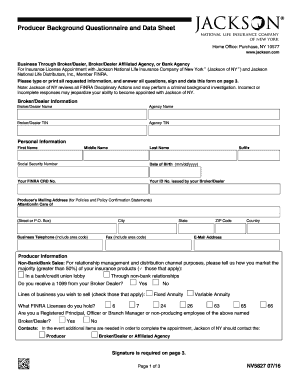
Producer Background Questionnaire and Data Sheet

EyeScreen Photographic Examination - Vision Source Mandan
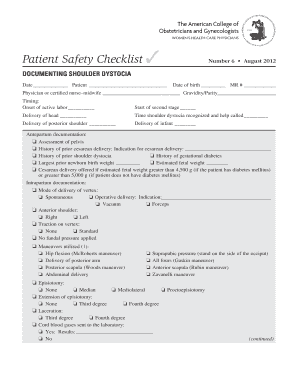
Safety checklist for shoulder dystocia
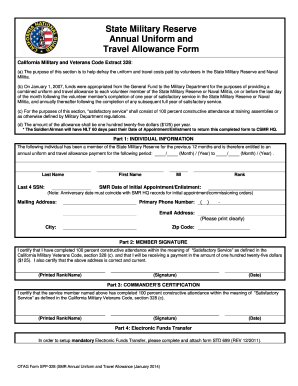
OTAG Form SPP 328 Blank CSMR Uniform Travel Allowance Form

Niagara city lofts
Benefit from the DocHub online library of fillable PDF forms
Searching the PDF forms doesn't have to be a tedious and time-consuming process. With the DocHub online library, it has become easier to find the fillable PDF forms and modify them in your browser. The service allows you to adjust the document to your needs using powerful editing tools.
You can use online document editing features to modify almost any type of document with ease. You just need to find the template of your choice, open it in the editor, and use the toolbar to make the necessary corrections.
Follow this guide to get your document done with DocHub:
- Find the PDF template you need.
- Click the Get Form button to open the file in the editor.
- Use the toolbar to fill out and edit the document.
- Easily add and highlight text, insert images, checkmarks, and symbols.
- Drop new fillable fields, and rearrange or delete pages from your file.
- Save changes and download your record.
DocHub empowers everyone to streamline document editing, signing, and distribution, and form completion. Create an account and benefit from our well-organized PDF Forms library and comprehensive editor.