
Get any PDF form from the DocHub library of ready-made templates - Page 1709
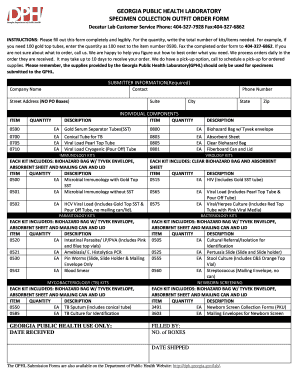
Georgia public health laboratory specimen collection outfit order form
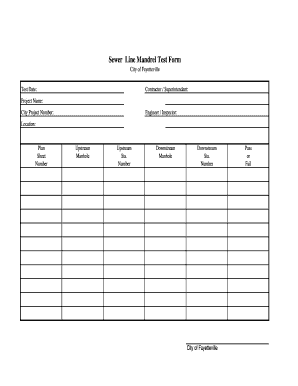
Mandrel form

Bill nye cells worksheet answers

Bill nye respiration
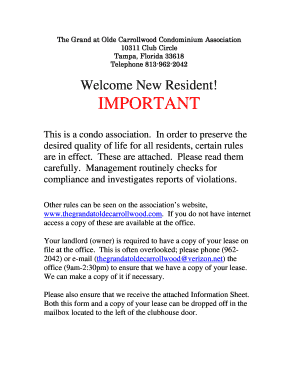
Important - The Grand at Olde Carrollwood

Dhs1179a

Hipaa consent form

Pst form download

NSLP Policy & ARM - Square Meals

Payday loan application
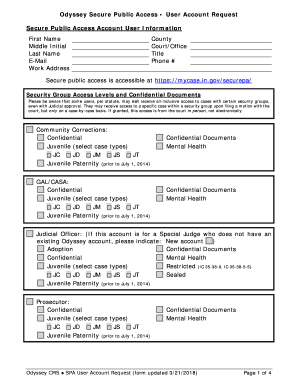
Mycase securepa
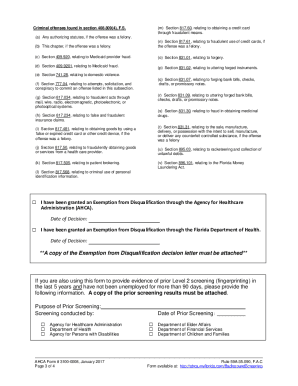
Ahca form 3100 0008
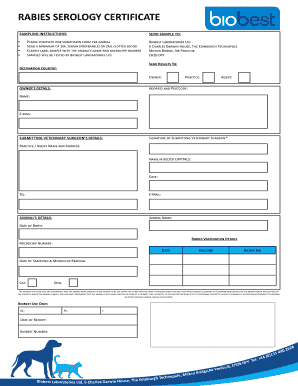
Uk payment
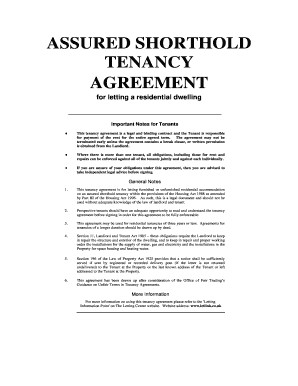
Is obtained from the Landlord
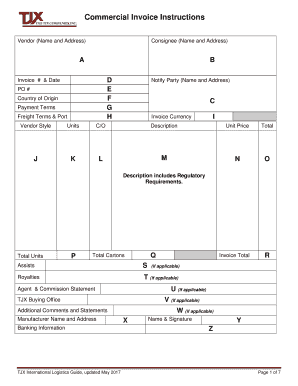
Tjxlogistics
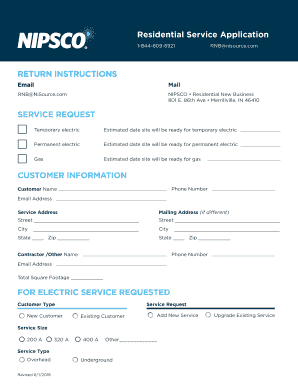
State of indiana indiana utility regulatory commission petition...
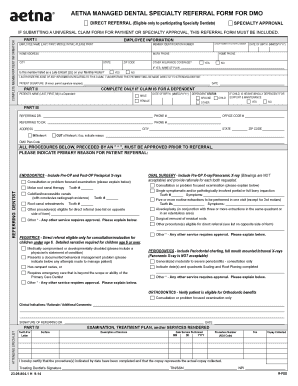
Aetna referral form

Inspector examiner

Agreement private impounds form
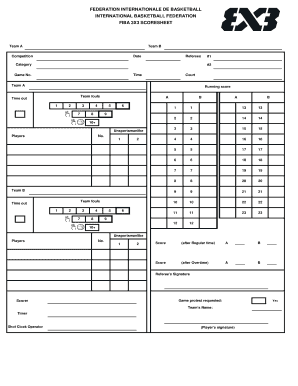
3 on 3 basketball score sheet
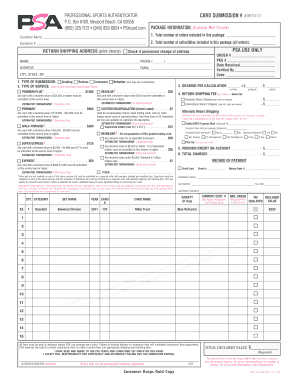
Trading card grading services
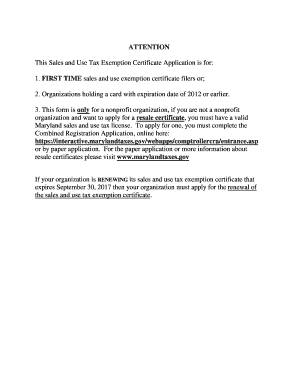
Maryland sutec application
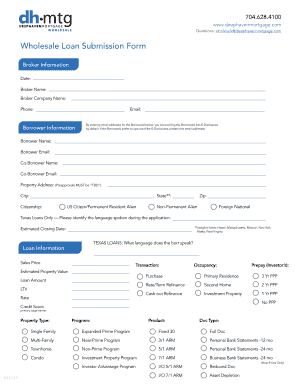
Deephaven mortgage
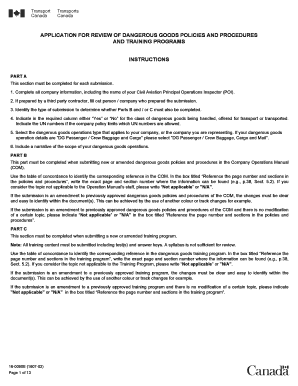
APPLICATION FOR REVIEW OF DANGEROUS GOODS POLICIES AND PROCEDURESAND TRAINING PROGRAMS

Mv 83sal
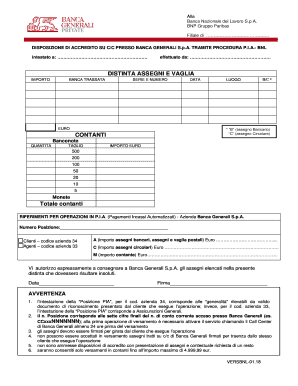
Distinta versamento contanti
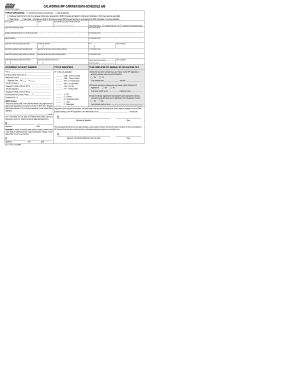
Mc 2117 form
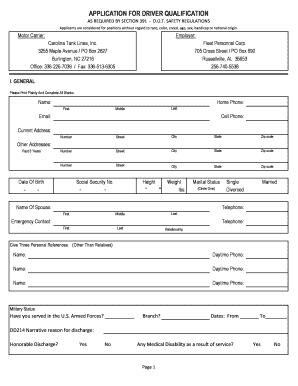
Lines driver qualification form
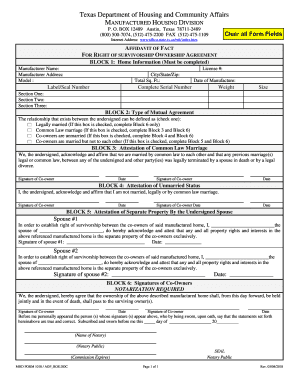
Texas affidavit survivorship form
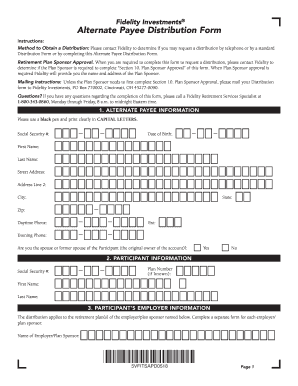
Method to Obtain a Distribution: Please contact Fidelity to determine if you may request a distribution by telephone or by a standard
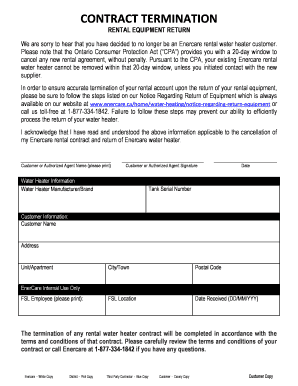
Enercare cancellation
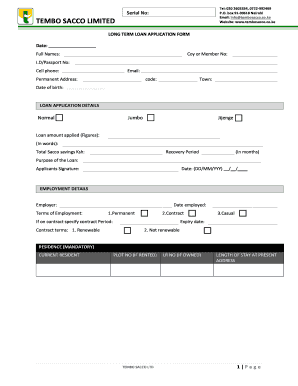
Tembo sacco
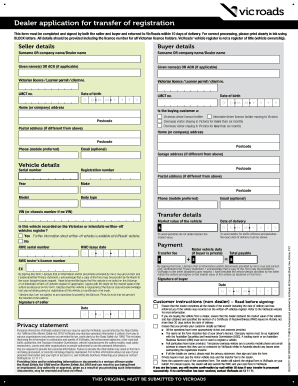
Dealer application for transfer of registration
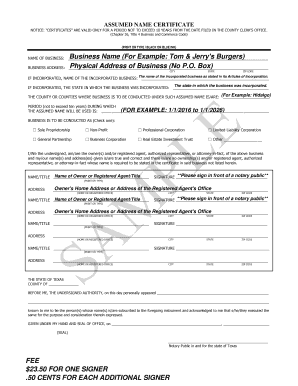
Hidalgo county assumed name certificate pdf

Hospital agreement form
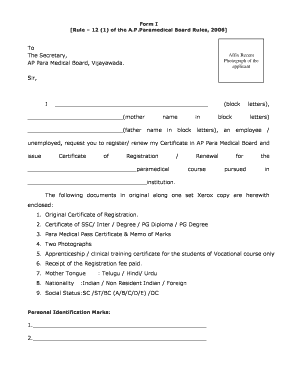
FORMI See rule-12 (1)
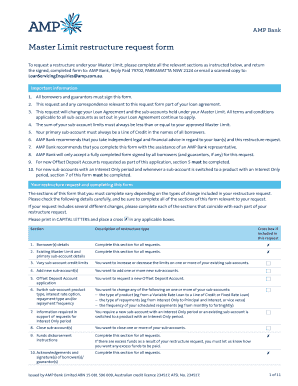
393815 1017 AMPB1044 v3 final. Master Limit Restructure Request Form
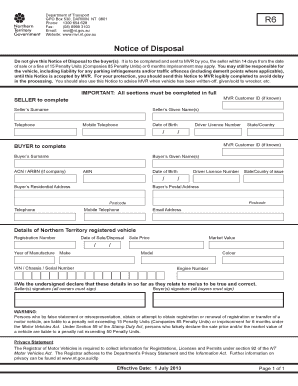
Notice of disposal nt

Harness inspections
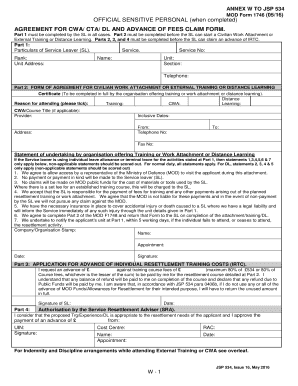
ANNEX W TO JSP 534

Insulation certificate form
Spmp polipd

Shop now pay plan
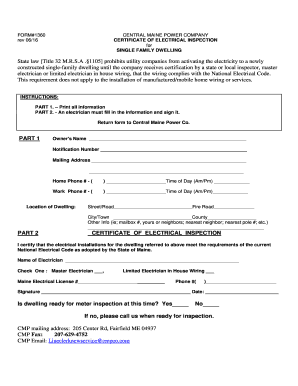
Cmp 1360 form
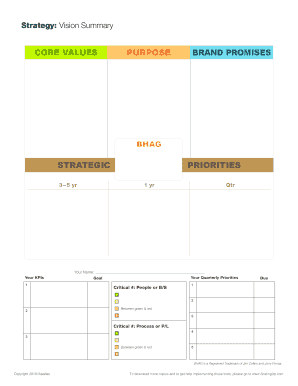
Strategy: Vision Summary
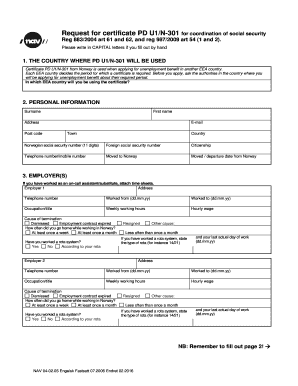
Nav 04 02 05
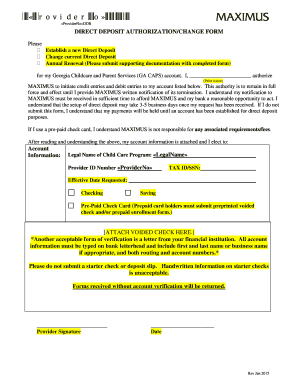
Gacaps

Court clinic referral order
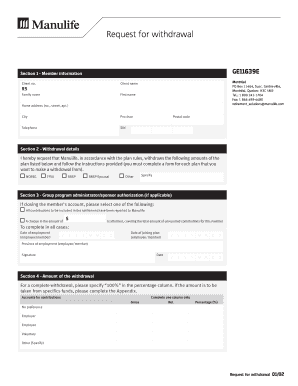
Request for withdrawal (PC GE11639)
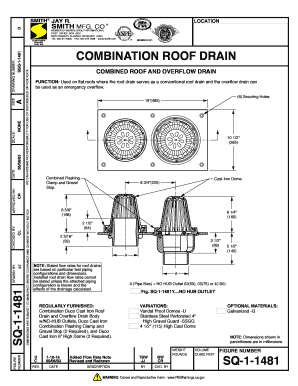
Fillable sq 1 1481 combination roof and overflow
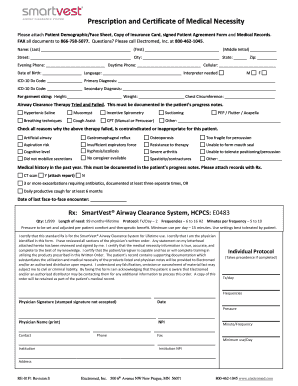
Demographic face sheet
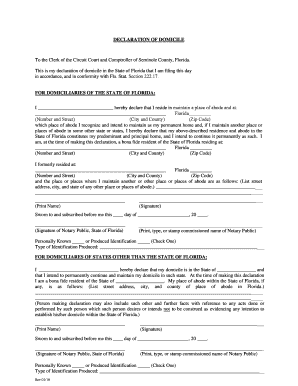
Declaration of domicile seminole county florida
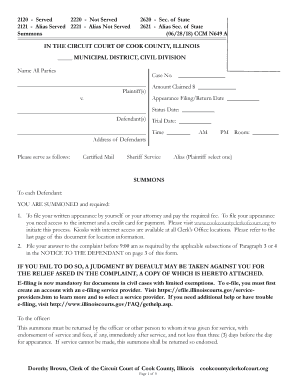
In the circuit court of cook county, illinois dorothy brown, clerk of the ...
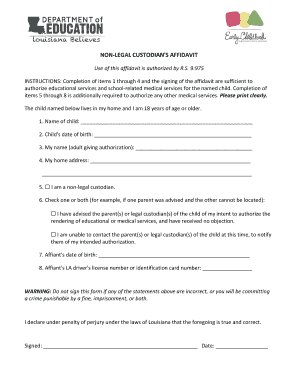
Non legal custodians affidavit

Orthodontic Referral Form

Form 7242
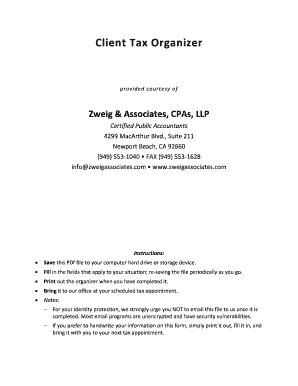
Zweig associates form
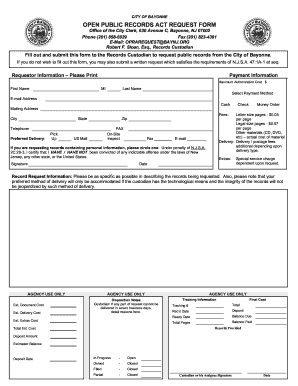
Bayonne OPRA request form 2018 forward JFCII Edit.doc
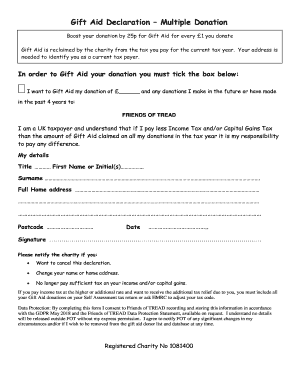
Joint declaration form for epf
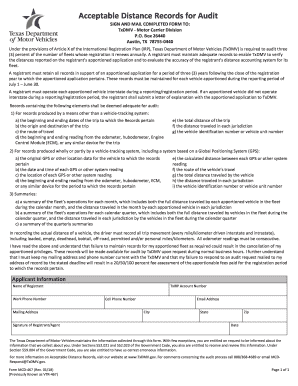
Mcd 467
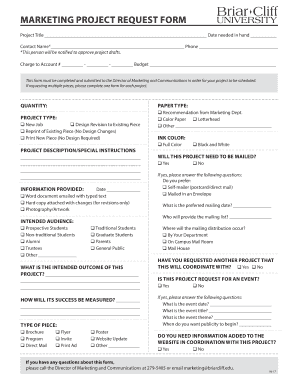
Marketing project request form
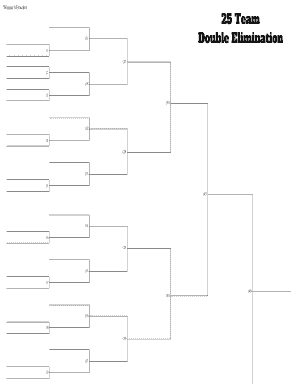
25 team double elimination bracket
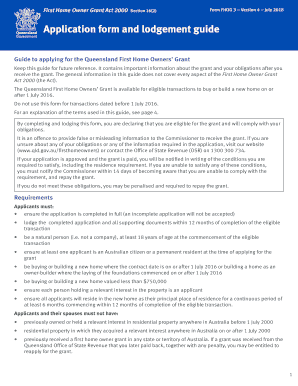
Application form for the Queensland First Home Owners' Grant
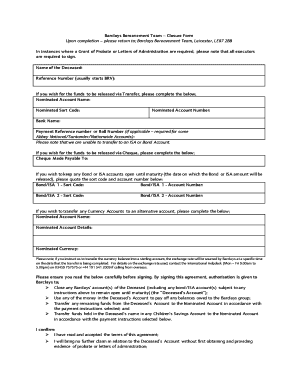
Uk bereavement closure form
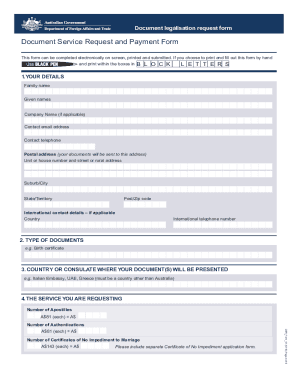
Document legalisation request form effective 1 january 2022
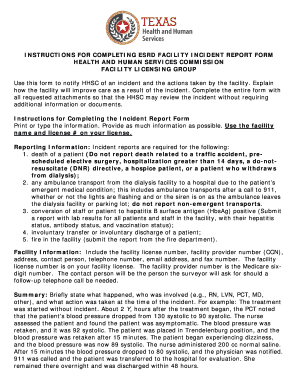
Esrd facility

Va conditions disability questionnaire
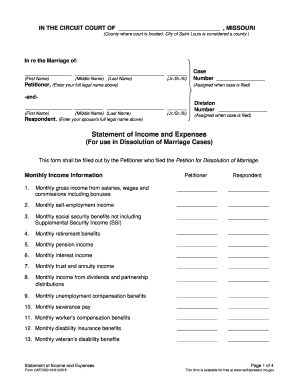
Cafc050 income
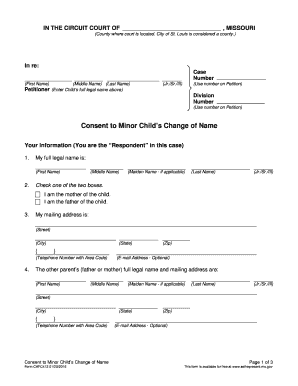
Change of name form
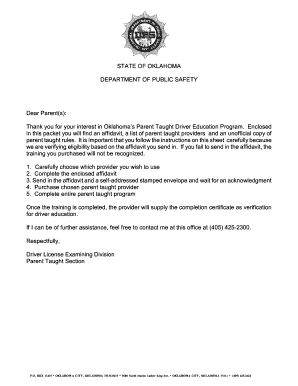
Parent taught drivers ed affidavit oklahoma

2018 signing authority pdf

Form bas 1
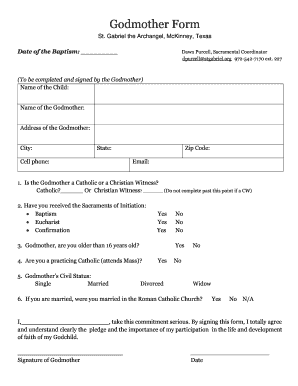
Godmother form
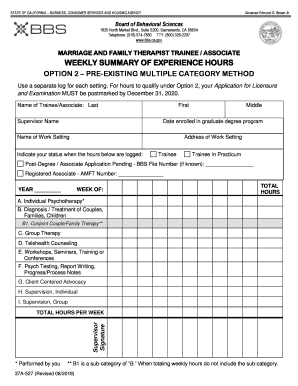
Bbs weekly hours form

Form 3502
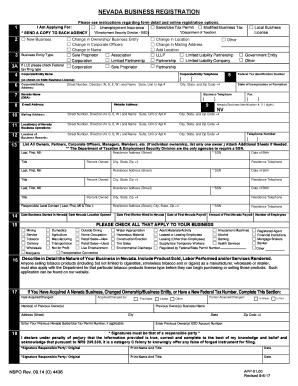
Nevada business registration
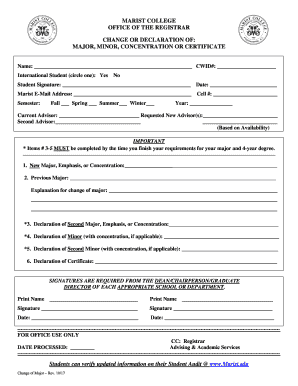
Change of Major Form - Marist College

Ca fppc form

X Zutreffendes bitte ankreuzen

Adult family home disclosure of charges
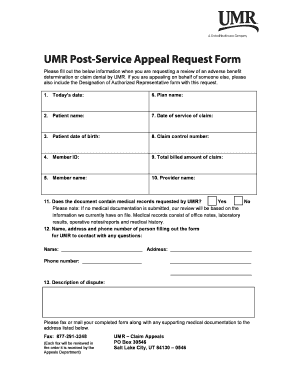
Construction work order form
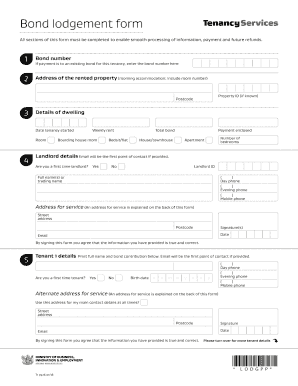
Bond lodgement form

Self-Evaluation Questionnaire - Missouri Department of Labor - MO ...
Lettera fideiussione findomestic
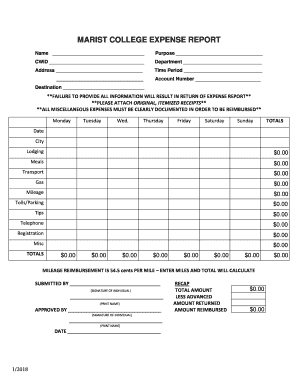
MARIST COLLEGE EXPENSE REPORT.docx
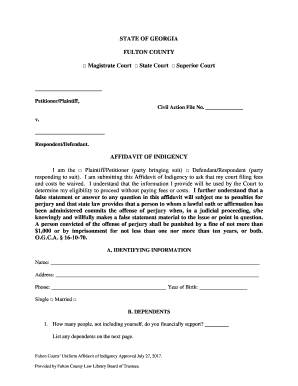
Poverty Affidavit - Superior Court of Fulton County

Security clearance application form
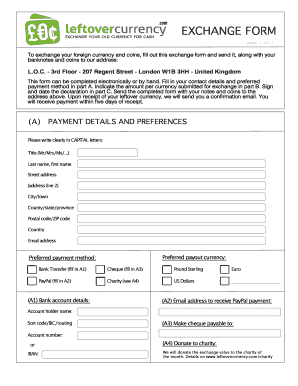
Leftover Currency - convert your foreign coins and notes to cash
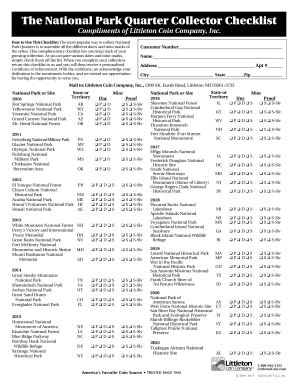
State quarters checklist pdf
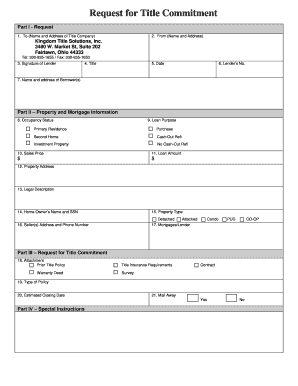
Request for Title Commitment - Blank doc

Harris health support form

Dc338
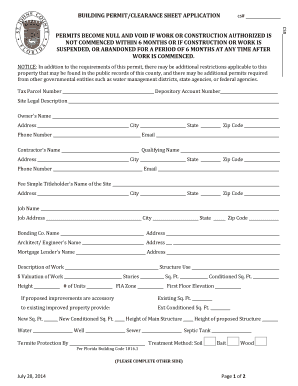
St johns county building department
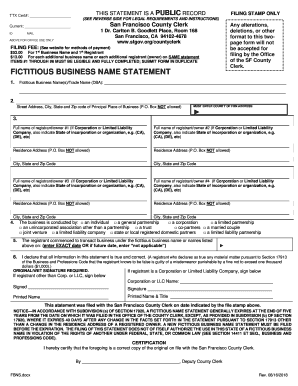
San francisco statement amount

Goalkeeper evaluation form
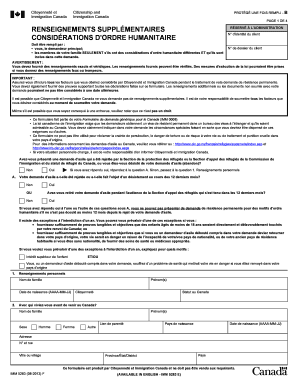
Canada humanitaire

Community Service Permission Slip.indd
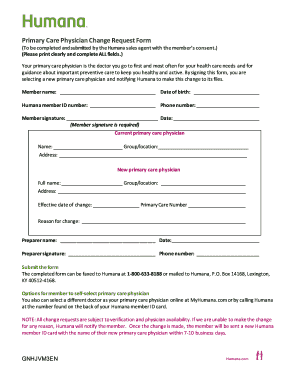
Physician change
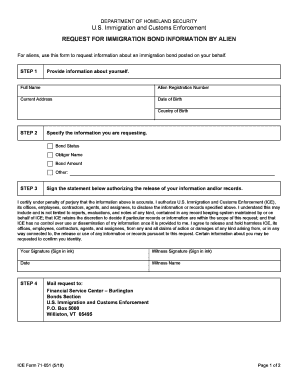
Homeland security immigration

Ny request registration
Benefit from the DocHub online library of fillable PDF forms
Searching the PDF forms doesn't have to be a tedious and time-consuming process. With the DocHub online library, it has become easier to find the fillable PDF forms and modify them in your browser. The service allows you to adjust the document to your needs using powerful editing tools.
You can use online document editing features to modify almost any type of document with ease. You just need to find the template of your choice, open it in the editor, and use the toolbar to make the necessary corrections.
Follow this guide to get your document done with DocHub:
- Find the PDF template you need.
- Click the Get Form button to open the file in the editor.
- Use the toolbar to fill out and edit the document.
- Easily add and highlight text, insert images, checkmarks, and symbols.
- Drop new fillable fields, and rearrange or delete pages from your file.
- Save changes and download your record.
DocHub empowers everyone to streamline document editing, signing, and distribution, and form completion. Create an account and benefit from our well-organized PDF Forms library and comprehensive editor.