
Get any PDF form from the DocHub library of ready-made templates - Page 1710

Ebd health information

SMOKTECH Service Request Form Phone: (704) 696-8900 ...
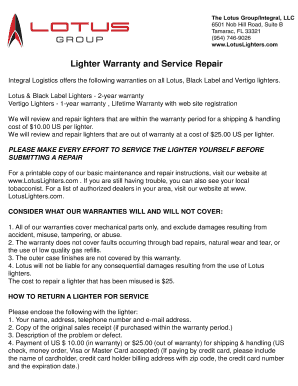
Vertigo lighter warranty

Brighthouse non erisa forms
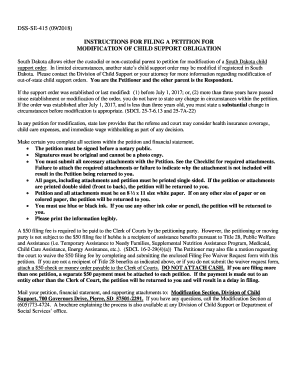
South dakota modification child
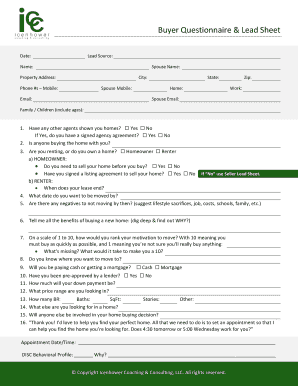
Real estate lead sheet template

Queensland residency declaration

Interstate intrafamilial transfer

California dcss benefits
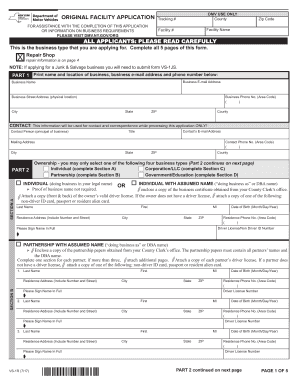
Original facility application
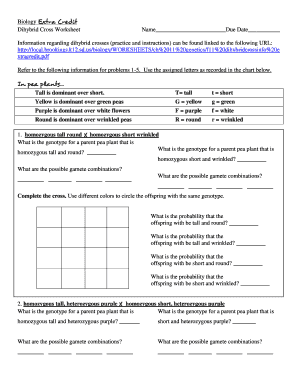
Biology dihybrid cross worksheet

7476 erdc

Formulare Konto + Depot verwalten Service + Beratung - ING-...

Esl wire transfer
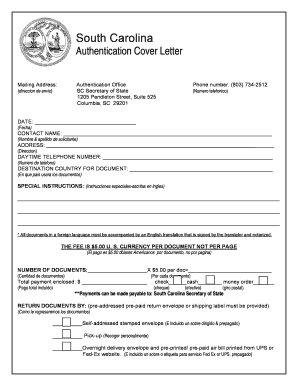
Authentications Cover Letter for Website (updated July 2018).docx
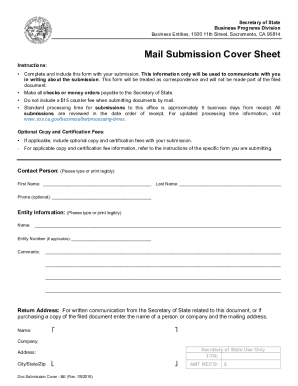
Certificate of Conversion (Form CONV-1A)

Abandoned Vehicle Affidavit of Sale - DOL.WA.gov
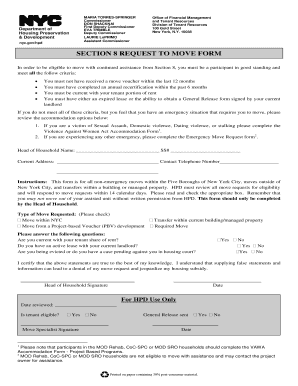
Hpd move request
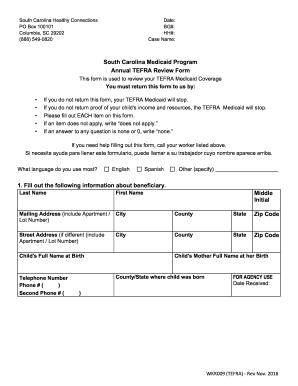
South carolina tefra medicaid
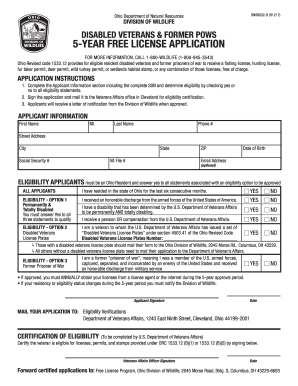
License ohio

Pc 213
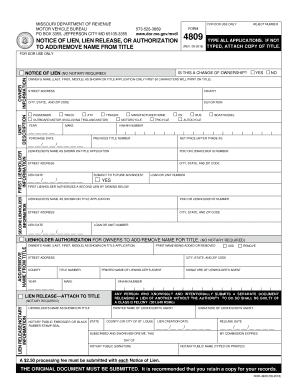
Form 4809

Gnc registration
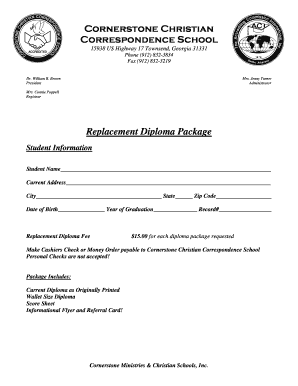
Cornerstone christian school replacement diploma

Banker's Confirmation Request Form - Skrill
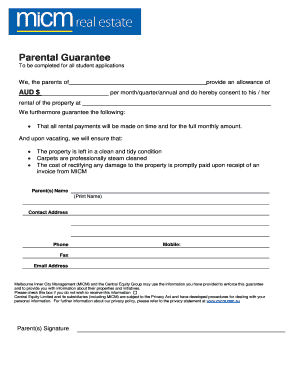
Parental guarantee form
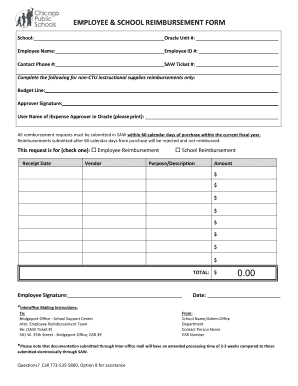
Cps reimbursement form

Licence canada

Edu 1 form 2021

MLC Navigator Retirement Plan Series 2 - Supplementary Product Disclosure Statement

South orange certificate of occupancy
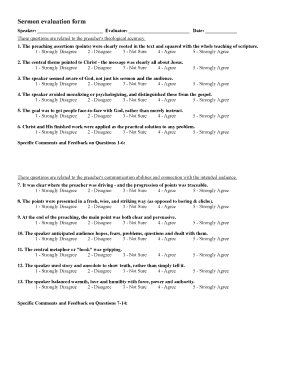
Sermon evaluation form

Illinois Secretary of State Driver Services Reinstatement Locations
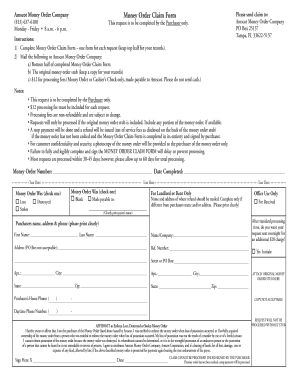
Amscot money order
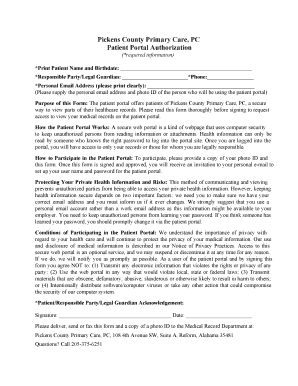
Pickens county primary care
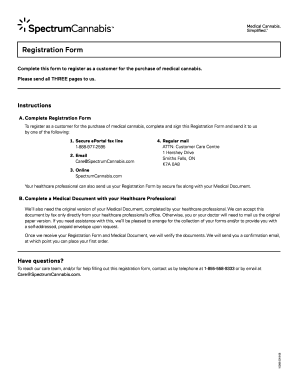
Spectrum registration form
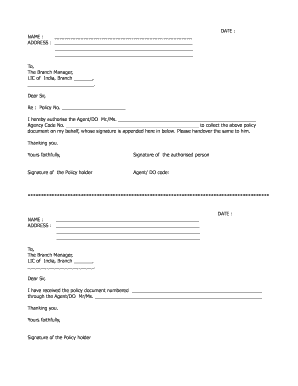
Lic authorisation letter
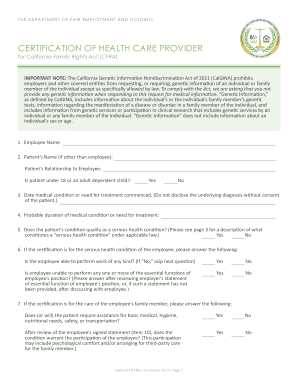
Dfeh eng health online
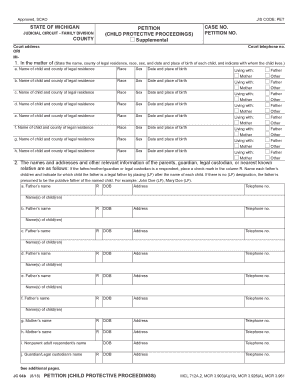
Child protective
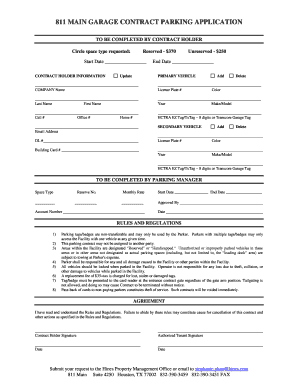
811 main parking garage
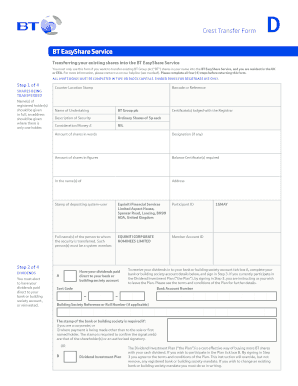
BT EasyShare Service Crest Transfer Form - BT Plc
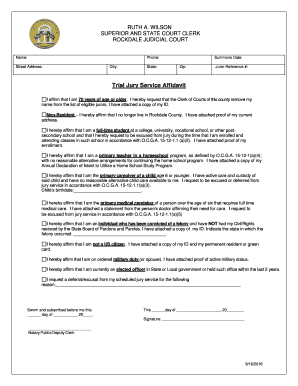
Ga jury service affidavit
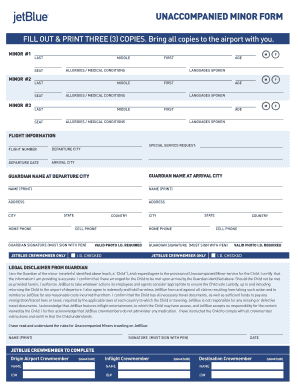
Jetblue unaccompanied minor form pdf
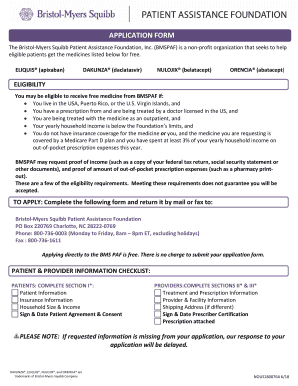
Bristol myers squibb application

Sars emp101e
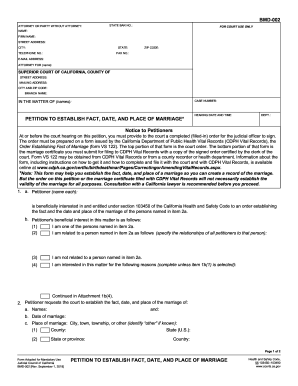
Bmd 002
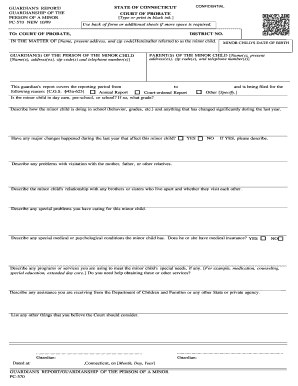
PC-570 - Connecticut Probate Courts
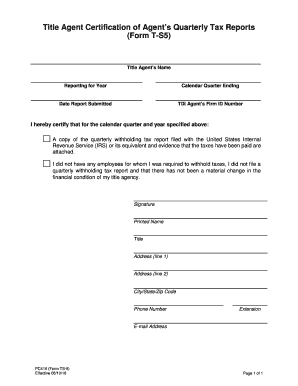
Ts5 form

Pcm 218
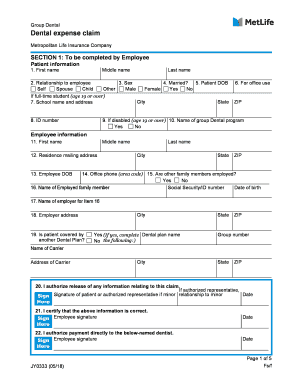
Metlife claim
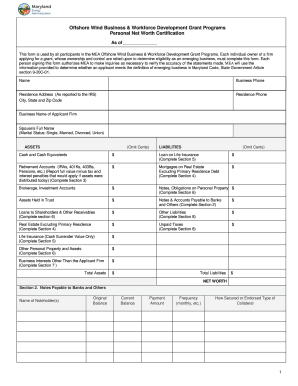
Personal net worth statement
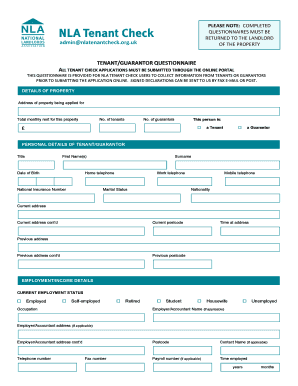
Nla tenant
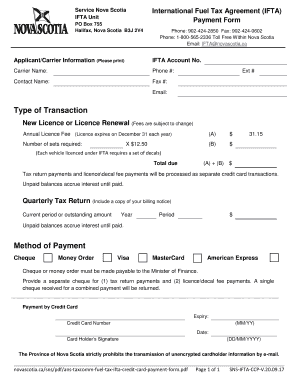
Ifta payment form
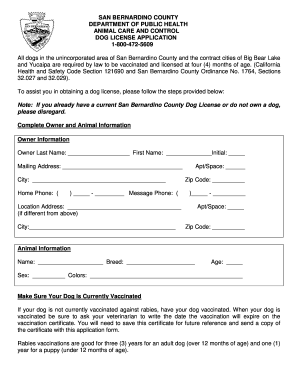
Dog license california online
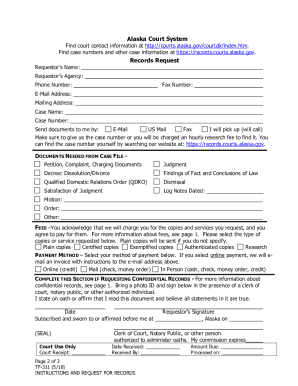
TF-311 Instructions for Requesting Records - State of Alaska

Dupage county contractor registration
Sendero plans eft
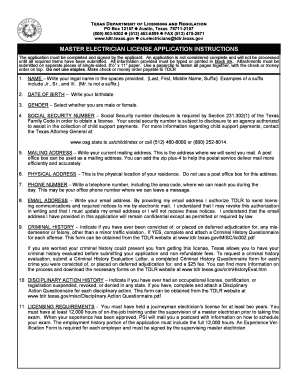
Tdlr money order
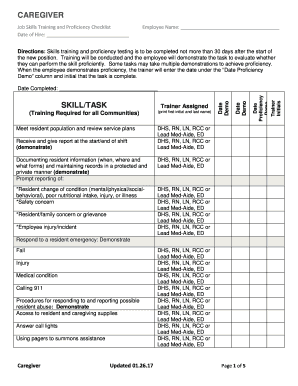
CAREGIVER. Job Skills Training and Proficiency ChecklistEmployee Name
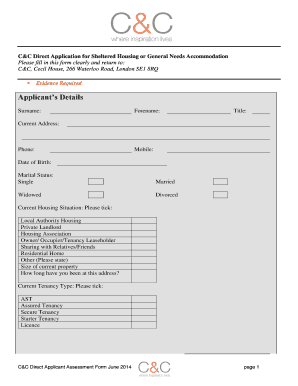
C c housing application form
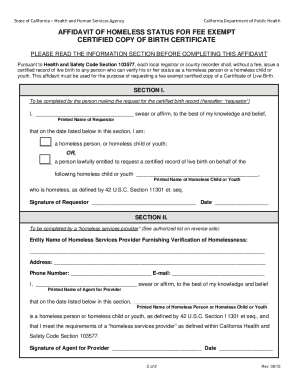
Affidavit of homeless status for fee exempt
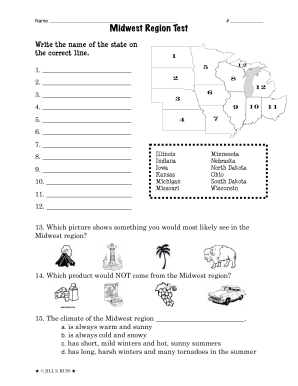
Midwest region test
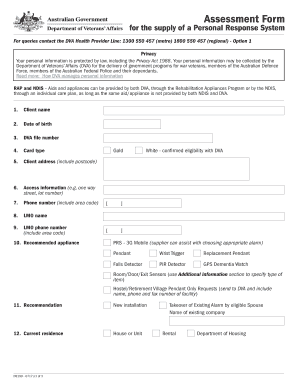
D9199
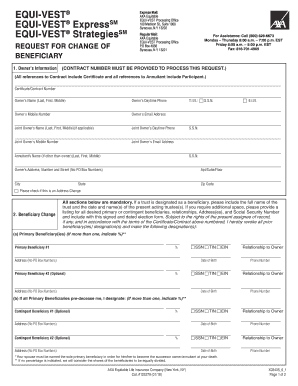
Equi vest form request
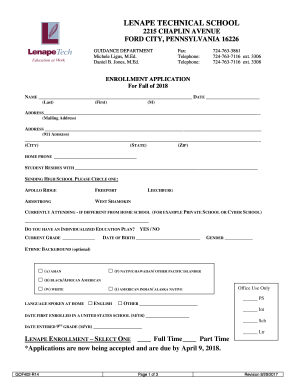
Enrollment application - Lenape Technical School
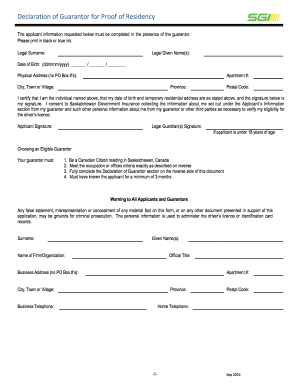
Wsib ontario guarantor form
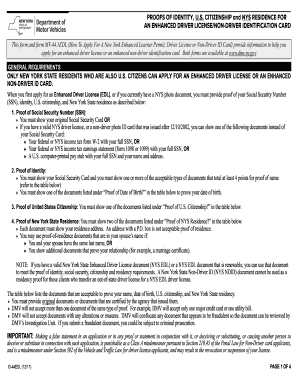
New york dmv driver license application

Voc3

ACKNOWLEDGMENT OF HEARING NOTICE (PASADENA)
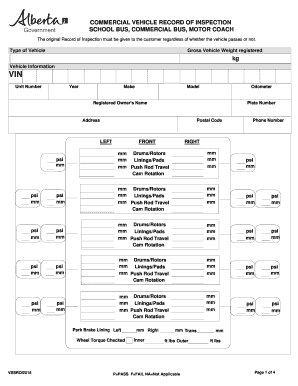
Alberta rebuilt vehicle work plan
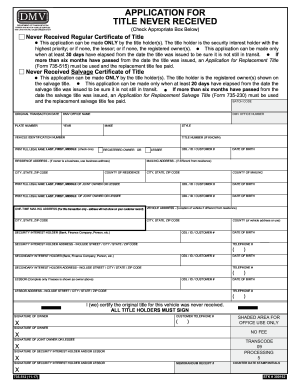
Title never received oregon dmv fillable
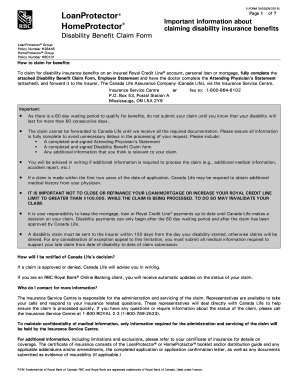
Your Disability Benefit Claim Long Term Disability Benefits Claim ...
Special Inspector Application - City of Boca Raton

HEALTH FORM XXXV FIRENZE MARATHON 25 NOVEMBER 2018
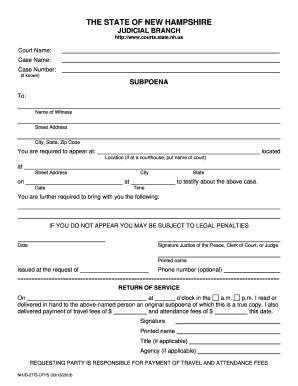
NHJB-2775-DFPS - New Hampshire Judicial Branch
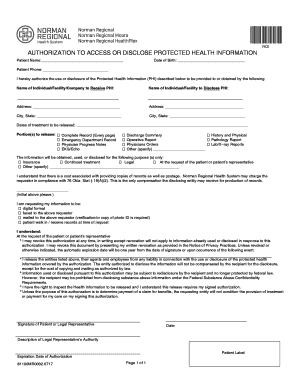
Norman regional hospital medical records
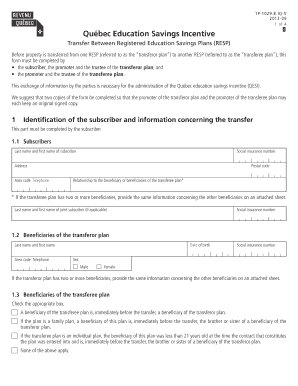
Tp 1029 8 iq fillable
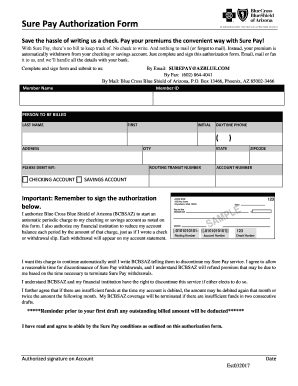
Save the hassle of writing us a check

Employment application (2-pp.) - Solid Comfort

Ecose online corner
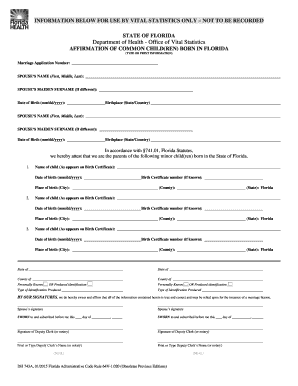
AFFIRMATION OF COMMON CHILD(REN) BORN IN FLORIDA

Tripod inspection checklist

Sd duplicate title application
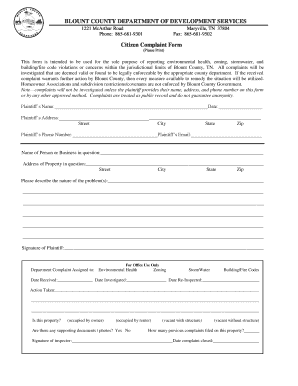
Citizen Complaint Form - Blount County

Mco 3571 2
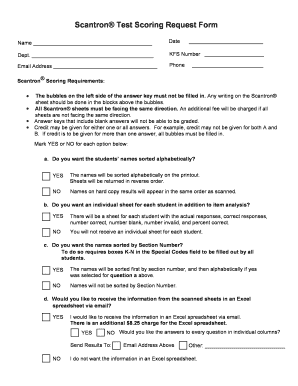
Scantron sheet pdf

Equipment Lease Application - PEMF8000Pro

Assignment of the beneficial interest - Chicago Title Land Trust
Badge Return/Replacement Form - Neisd

Independent circumstances allowance
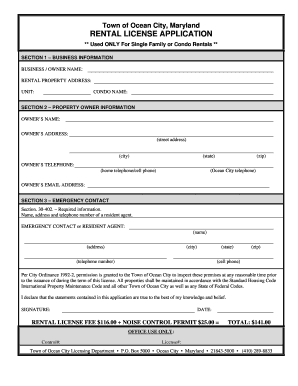
Maryland rental license application city
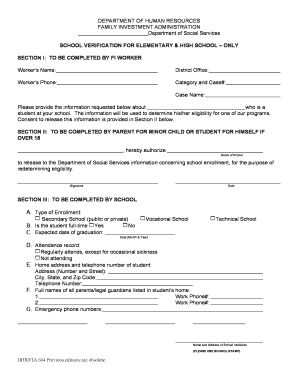
SCHOOL VERIFICATION FOR ELEMENTARY & HIGH SCHOOL ONLY

Caregiver authority
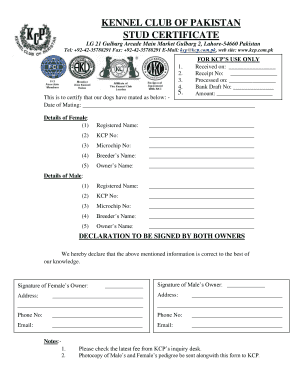
Stud certificate
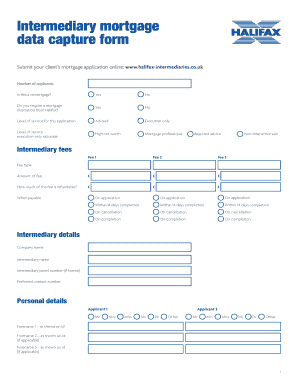
1/50051-11 Data capture form - Halifax Intermediaries
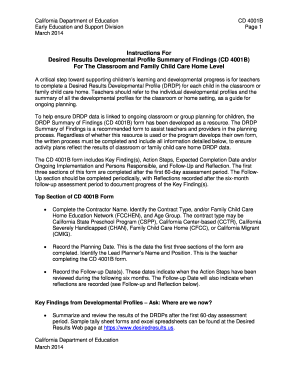
Desired developmental findings
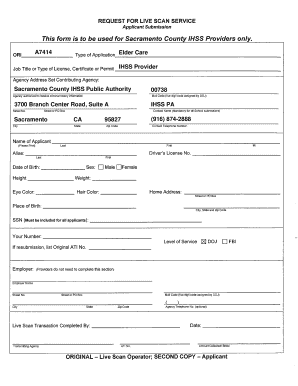
Inhome support
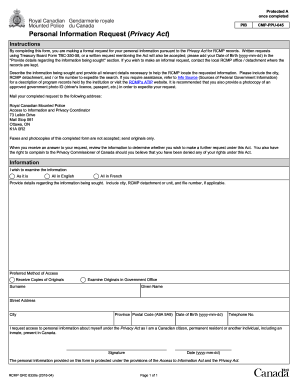
Rcmp privacy act
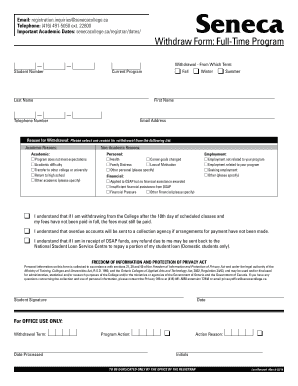
Seneca withdrawal
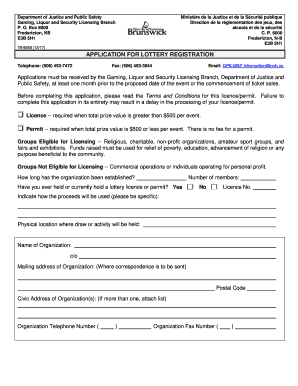
78-9258 Lottery Licence Application (Eng)
Benefit from the DocHub online library of fillable PDF forms
Searching the PDF forms doesn't have to be a tedious and time-consuming process. With the DocHub online library, it has become easier to find the fillable PDF forms and modify them in your browser. The service allows you to adjust the document to your needs using powerful editing tools.
You can use online document editing features to modify almost any type of document with ease. You just need to find the template of your choice, open it in the editor, and use the toolbar to make the necessary corrections.
Follow this guide to get your document done with DocHub:
- Find the PDF template you need.
- Click the Get Form button to open the file in the editor.
- Use the toolbar to fill out and edit the document.
- Easily add and highlight text, insert images, checkmarks, and symbols.
- Drop new fillable fields, and rearrange or delete pages from your file.
- Save changes and download your record.
DocHub empowers everyone to streamline document editing, signing, and distribution, and form completion. Create an account and benefit from our well-organized PDF Forms library and comprehensive editor.