




Here's how it works



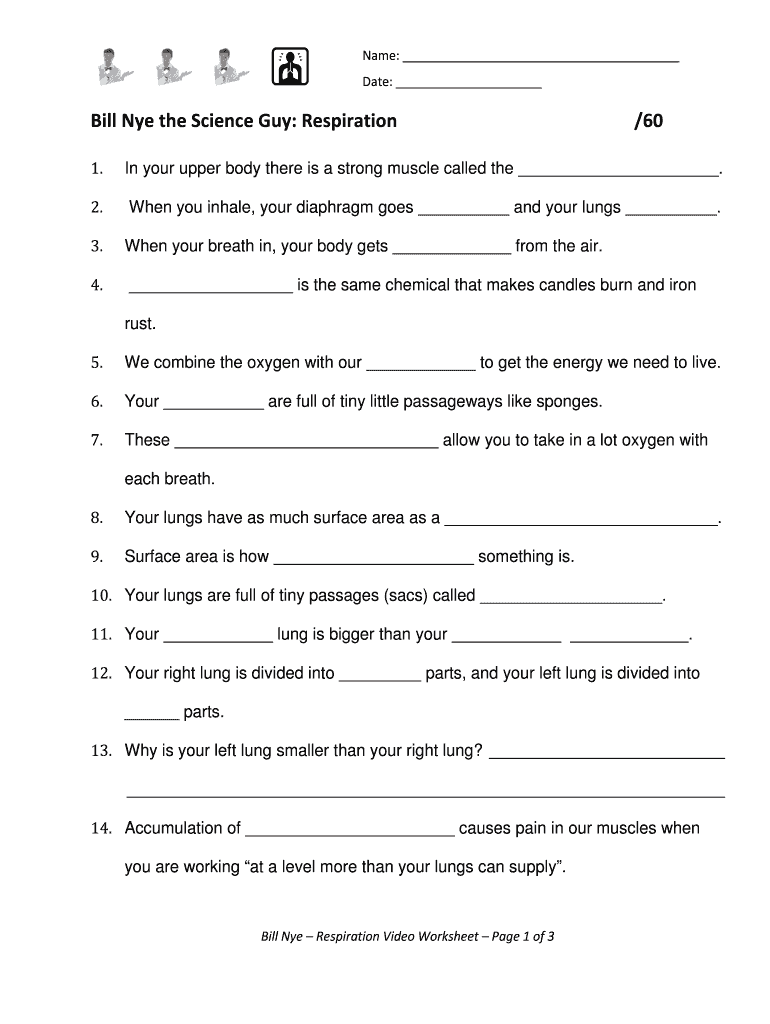
How to use or fill out Bill Nye Respiration with DocHub

- Click ‘Get Form’ to open it in the editor.
- Begin by entering your name and date at the top of the form. This personalizes your worksheet.
- Proceed to the first question about the strong muscle in your upper body. Type your answer directly into the provided field.
- Continue through each question, filling in the blanks as you watch the Bill Nye video on respiration. Use our platform's text tools for easy editing.
- For questions requiring longer responses, such as explanations or comparisons, ensure you provide detailed answers in the designated areas.
- Once completed, review your answers for accuracy and clarity before saving or sharing your document.
Start using our platform today to easily fill out educational forms like this one for free!
It's free
Got questions?
How can I sign my bill nye circulatory system worksheet online?
Sign in to your DocHub account and import your bill nye circulatory system worksheet to our editor using one of its upload options - from your device, cloud storage, protected URL, or your DocHub folders if you have already managed your document before. Open our editor, click the Sign key in the upper toolbar, and decide on your signing method. You can upload a picture of your handwritten signature, draw it, enter your name, or utilize a QR code as an alternative.
How do you complete bill nye respiratory system online?
You may complete and sign your bill nye respiratory system online, even on a tight deadline. All you need to access high quality editing instruments on any device is a DocHub profile, which you can sign up in just a couple of moments. After you register, upload your file or find what you are searching for in our catalog, complete it utilizing the editing instruments you need, and put your electronic signature on it at the end.
Security and compliance
At DocHub, your data security is our priority. We follow HIPAA, SOC2, GDPR, and other standards, so you can work on your documents with confidence.
Learn more


