




01. Edit your ssa payees online
Type text, add images, blackout confidential details, add comments, highlights and more.

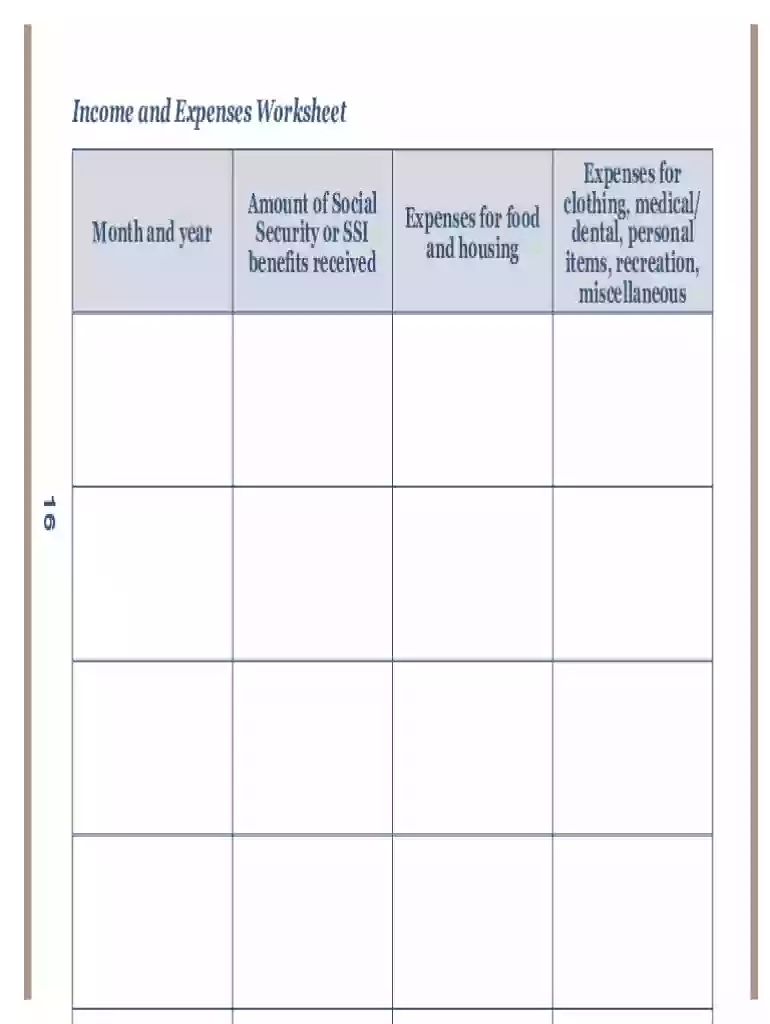
Type text, add images, blackout confidential details, add comments, highlights and more.

Draw your signature, type it, upload its image, or use your mobile device as a signature pad.

Send guide representative via email, link, or fax. You can also download it, export it or print it out.

Start using our platform today to streamline your SSA Payees form completion for free!
We've got more versions of the ssa payees form. Select the right ssa payees version from the list and start editing it straight away!
Most eSignature services require users to have a paid subscription. With DocHub, there are two ways for you to add an electronic signature to your 05 10076 without being charged:
The second option, though, has restrictions on the number of signatures, sign requests, emails, and forms for editing available per month. You can check for full details here.
If your go-to email service is Gmail, it is simple to incorporate your DocHub editor in your work. Edit your ssa payees with DocHub tools and connect it to your drafts in Gmail. See how straightforward it is to exchange documents and collaborate with a swift PDF editing solution at hand.
At DocHub, your data security is our priority. We follow HIPAA, SOC2, GDPR, and other standards, so you can work on your documents with confidence.
A representative payee is an individual or organization appointed by SSA that receives Social Security and/or SSI payments for someone who cannot manage or ...
We mail an annual Representative Payee Report to the payees who are required to complete the report. Payees who are under 18 must complete the paper version.


