




01. Edit your new york second extension online
Type text, add images, blackout confidential details, add comments, highlights and more.

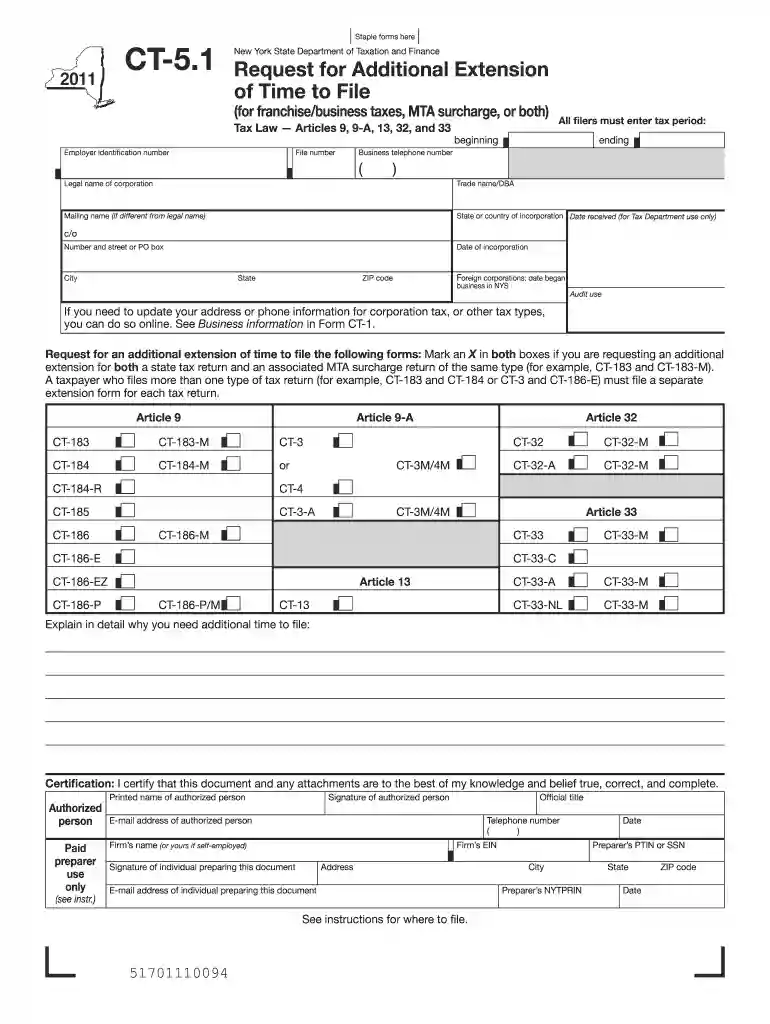
Type text, add images, blackout confidential details, add comments, highlights and more.

Draw your signature, type it, upload its image, or use your mobile device as a signature pad.

Send new york second extension due date via email, link, or fax. You can also download it, export it or print it out.

Start using our platform today to easily complete your New York State Request for Additional Extension form online for free!
We've got more versions of the new york second extension form. Select the right new york second extension version from the list and start editing it straight away!
| Versions | Form popularity | Fillable & printable |
|---|---|---|
| 2025 | 4.1 Satisfied (40 Votes) | |
| 2024 | 4.7 Satisfied (23 Votes) | |
| 2023 | 4.7 Satisfied (55 Votes) | |
| 2022 | 4.3 Satisfied (34 Votes) | |
| 2021 | 4.9 Satisfied (42 Votes) | |
| 2020 | 4.3 Satisfied (114 Votes) | |
| 2019 | 4.3 Satisfied (189 Votes) | |
| 2018 | 4.3 Satisfied (139 Votes) | |
| 2017 | 4.3 Satisfied (43 Votes) | |
| 2015 | 4.4 Satisfied (114 Votes) | |
| 2014 | 4 Satisfied (35 Votes) | |
| 2013 | 4.1 Satisfied (28 Votes) | |
| 2012 | 4.2 Satisfied (61 Votes) | |
| 2011 | 4.4 Satisfied (137 Votes) |
At DocHub, your data security is our priority. We follow HIPAA, SOC2, GDPR, and other standards, so you can work on your documents with confidence.
All attending physician who participates in resident supervision must have a current and valid license in the State of New York. All attending physicians whoRead more
Dec 25, 2019 Application to the department for a flare approval, extension of an approved flaring period or for an extension of the time periodsRead more
File Form CT-5.1 on or before the expiration of your current extension. Where to file. Mail this form to: NYS CORPORATION TAX. PROCESSING UNIT. PO BOX 22102.Read more


