




01. Edit your form online
Type text, add images, blackout confidential details, add comments, highlights and more.

Type text, add images, blackout confidential details, add comments, highlights and more.

Draw your signature, type it, upload its image, or use your mobile device as a signature pad.

Send it via email, link, or fax. You can also download it, export it or print it out.

Start using our platform today for free to streamline your real transfer tax return process!
At DocHub, your data security is our priority. We follow HIPAA, SOC2, GDPR, and other standards, so you can work on your documents with confidence.
The minimum estate tax rate is 18% and the maximum estate tax rate is 40% of the amount in excess of the exemption. The tax is paid by the estate prior toRead more
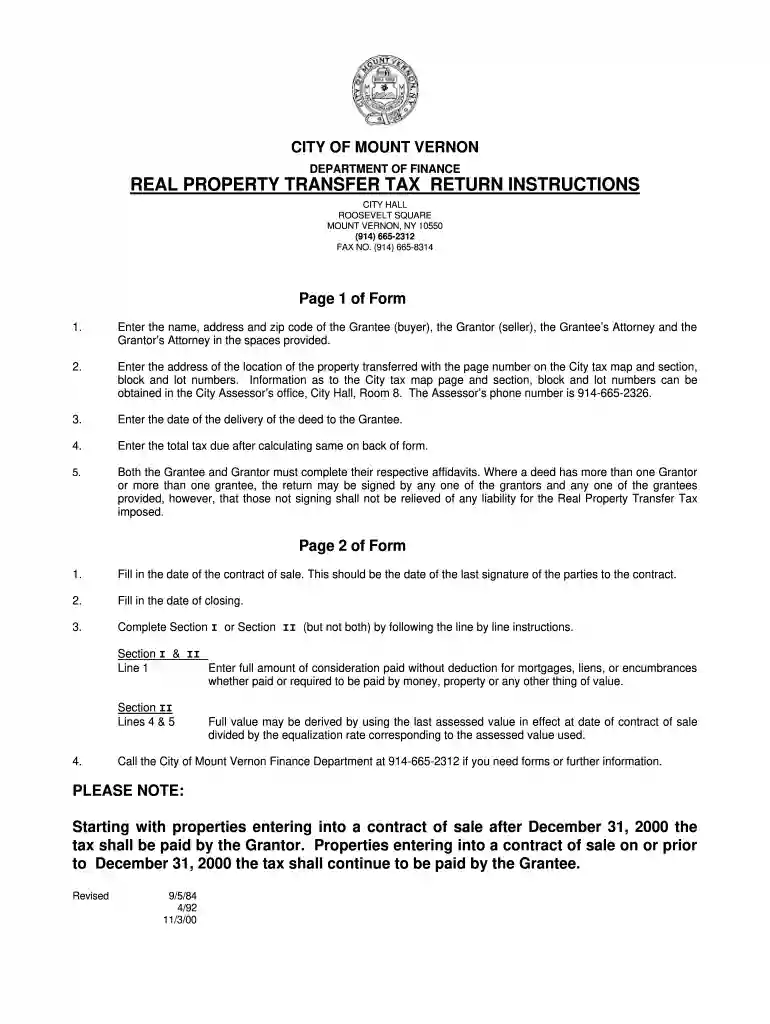
You must pay the RPTT tax and file the return within thirty days after the transfer of the property. Even if the transfer is not subject to tax, or the tax isRead more
These transfers are not gifts including an election out of the automatic any transfer by gift of real or personal as that term is used on Form 709 and its.Read more


