




Here's how it works
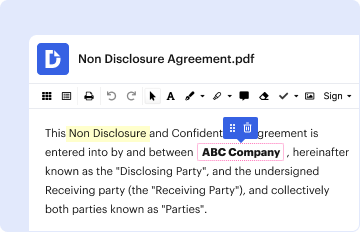
01. Edit your form online
Type text, add images, blackout confidential details, add comments, highlights and more.
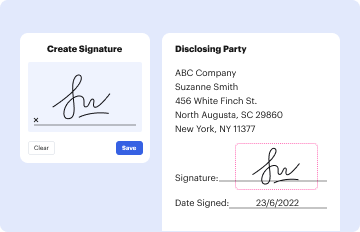
02. Sign it in a few clicks
Draw your signature, type it, upload its image, or use your mobile device as a signature pad.
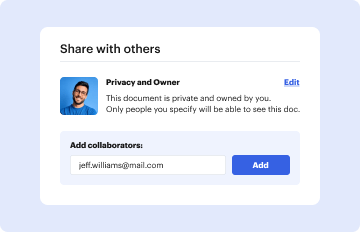
03. Share your form with others
Send it via email, link, or fax. You can also download it, export it or print it out.
How to use or fill out LOST INSTRUMENT BOND APPLICATION - Globex Transfer, LLC with our platform

- Click ‘Get Form’ to open the LOST INSTRUMENT BOND APPLICATION in the editor.
- Begin by entering the Agency Name or Code and Producer Name at the top of the form. Ensure these are accurate as they will be referenced throughout the application.
- Fill in your Bond Number, Applicant’s Name, and contact information including Phone, Fax, and Email. This section is crucial for identification purposes.
- Indicate your business structure by selecting Sole Ownership, Corporation, Partnership, or LLC. Provide your complete address including Street Address, City, State, and Zip Code.
- Complete the financial details such as Social Security Number, Amount of bond requested, Fair market value of primary residence, and Balance of mortgage.
- Answer all questions regarding past legal issues honestly. If any answers are 'Yes', provide additional details on a separate page as instructed.
- In the Indemnity Agreement section, ensure all signatures are obtained from both the Applicant and Indemnitors. This confirms that all information provided is truthful.
Start filling out your application online for free today using our platform!
Fill out LOST INSTRUMENT BOND APPLICATION - Globex Transfer, LLC online
It's free
It's free
Security and compliance
At DocHub, your data security is our priority. We follow HIPAA, SOC2, GDPR, and other standards, so you can work on your documents with confidence.
Learn more


