Start using our platform today to fill out your form easily and efficiently!
| Versions | Form popularity | Fillable & printable |
|---|---|---|
| 2025 | 4.6 Satisfied (44 Votes) | |
| 2024 | 4.8 Satisfied (51 Votes) | |
| 2023 | 4.3 Satisfied (34 Votes) | |
| 2022 | 4.2 Satisfied (28 Votes) | |
| 2021 | 4.8 Satisfied (104 Votes) | |
| 2020 | 4.3 Satisfied (102 Votes) | |
| 2019 | 4.4 Satisfied (97 Votes) | |
| 2018 | 4 Satisfied (45 Votes) | |
| 2017 | 4.2 Satisfied (66 Votes) | |
| 2015 | 4.4 Satisfied (456 Votes) | |
| 2014 | 4.1 Satisfied (30 Votes) | |
| 2013 | 4 Satisfied (30 Votes) | |
| 2012 | 4 Satisfied (53 Votes) | |
| 2011 | 4 Satisfied (58 Votes) |
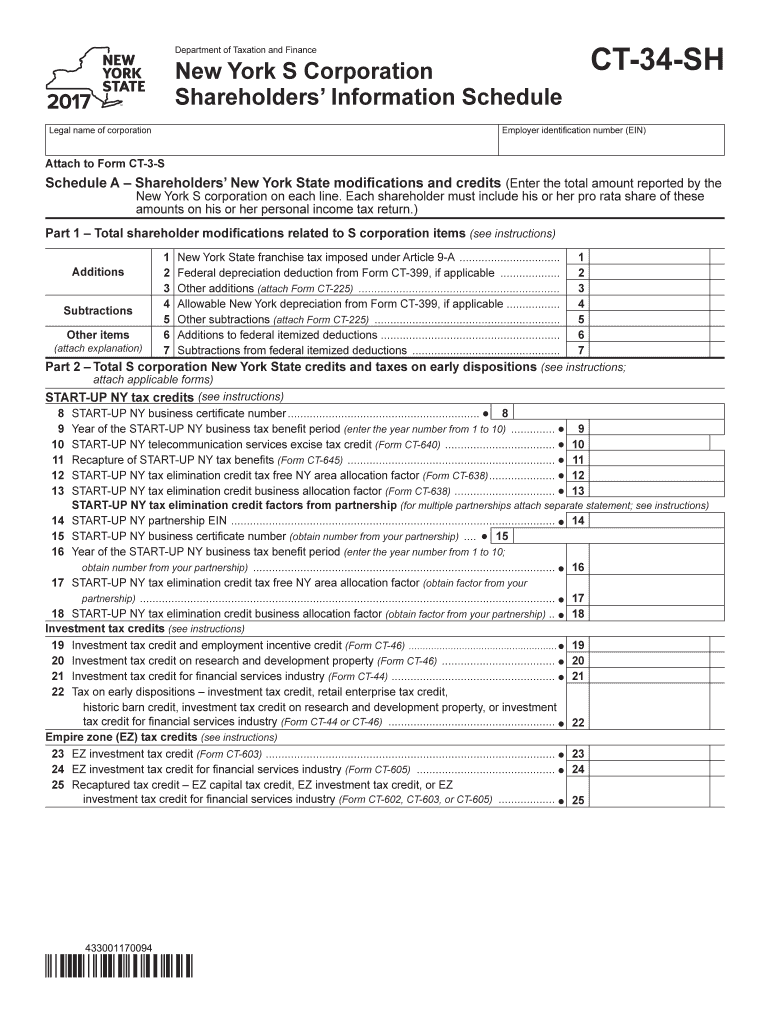
You need to use only reliable software solutions with strong data protection compliance to approve your documents electronically. DocHub is just the type of software you need! It stores data on Amazon Web Servers and complies with all essential security criteria and eSignature laws, so it’s a trusted way to eSign your Form CT-34-SH:2016:New York S Corporation Shareholders' Information Schedule:ct34sh or other documents with this tool.
You can easily complete, modify, and even eSign your Form CT-34-SH:2016:New York S Corporation Shareholders' Information Schedule:ct34sh using DocHub. Create a new account and begin your free trial. After that, you may add the file with the form and simply make all the needed edits. No need to print on paper or use a third-party application to sign it, as you can put your electronic signature on your document quicker via DocHub.
At DocHub, your data security is our priority. We follow HIPAA, SOC2, GDPR, and other standards, so you can work on your documents with confidence.
Learn more