




Here's how it works

01. Edit your chet login online
Type text, add images, blackout confidential details, add comments, highlights and more.

02. Sign it in a few clicks
Draw your signature, type it, upload its image, or use your mobile device as a signature pad.

03. Share your form with others
Send chet 529 login via email, link, or fax. You can also download it, export it or print it out.
How to use or fill out chetadvisor com with DocHub

- Click ‘Get Form’ to open the CHET Advisor application in our platform.
- Begin by selecting the Account type. Choose between Individual, UGMA/UTMA, or Business Entity/Trust Account. Ensure you understand the implications of each choice.
- Fill in the Account Owner information. This includes legal name, Social Security Number, date of birth, and contact details. Make sure all entries are accurate and complete.
- Provide Designated Beneficiary information. Enter their legal name, Social Security Number, and date of birth. If their address differs from the Account Owner's, include that as well.
- Complete any optional sections such as Successor Account Owner information if desired. This ensures continuity in account management.
- Select your Investment Option(s) in Section 7. Allocate percentages carefully to total 100% across chosen options.
- Review your entries for accuracy before printing or saving the completed application for submission via mail or fax.
Start using our platform today to simplify your document editing and form completion process!
Fill out chetadvisor com online
It's free
It's free
See more chetadvisor com versions
We've got more versions of the chetadvisor com form. Select the right chetadvisor com version from the list and start editing it straight away!
Security and compliance
At DocHub, your data security is our priority. We follow HIPAA, SOC2, GDPR, and other standards, so you can work on your documents with confidence.
Learn more


Related forms
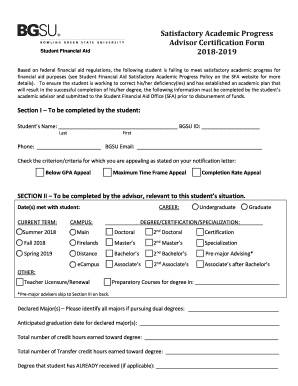
Satisfactory Academic Progress Advisor Certification Form 2018-2019
The document is a Satisfactory Academic Progress Advisor Certification Form for the 2018-2019 academic year at Bowling G ...
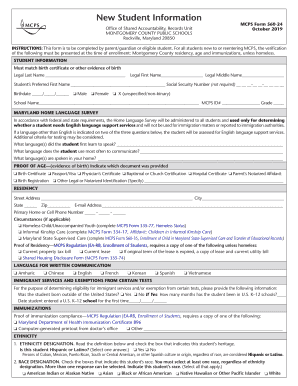
New Student Information Form - Montgomery County Public
The document is a New Student Information form from the Office of Shared Accountability, Records Unit of Montgomery Coun ...
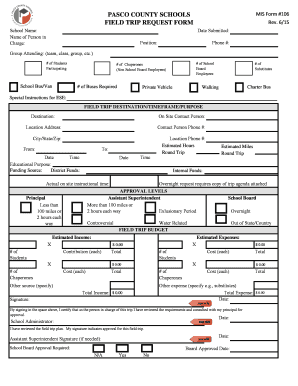
Trip request
The document is a Field Trip Request Form for Pasco County Schools, designed to collect essential information regarding ...
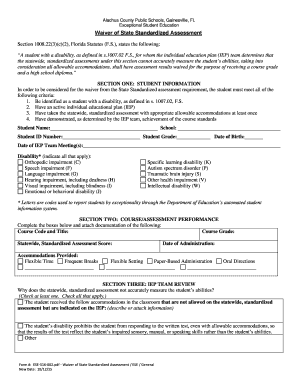
Alachua County Public Schools, Gainesville, FL
The document outlines the process for waiving state standardized assessment requirements for students with disabilities ...

Health Information Form (pdf) - Fairfax County Public Schools - fcps
The document is a health information form for parents or guardians to complete each school year, detailing their child's ...

DATE(S)OFSERVICEREQUESTED:
The document is a Genetic Testing Prior Authorization Request Form, intended for healthcare providers to request approva ...

Forms and DocumentsWashington State Department of
The document is a Child Care Injury/Incident Report that requires early learning providers to report incidents and injur ...

State and Federal Systems - School Technology Leadership
The document is a CBEDS School Information Form for local use, intended to collect data on classified staff, kindergarte ...